
Veilige en snelle APK Downloads op APKPure
APKPure gebruikt handtekeningverificatie om virusvrije LockScreen Timer (with Tasker) APK downloads voor u te garanderen.

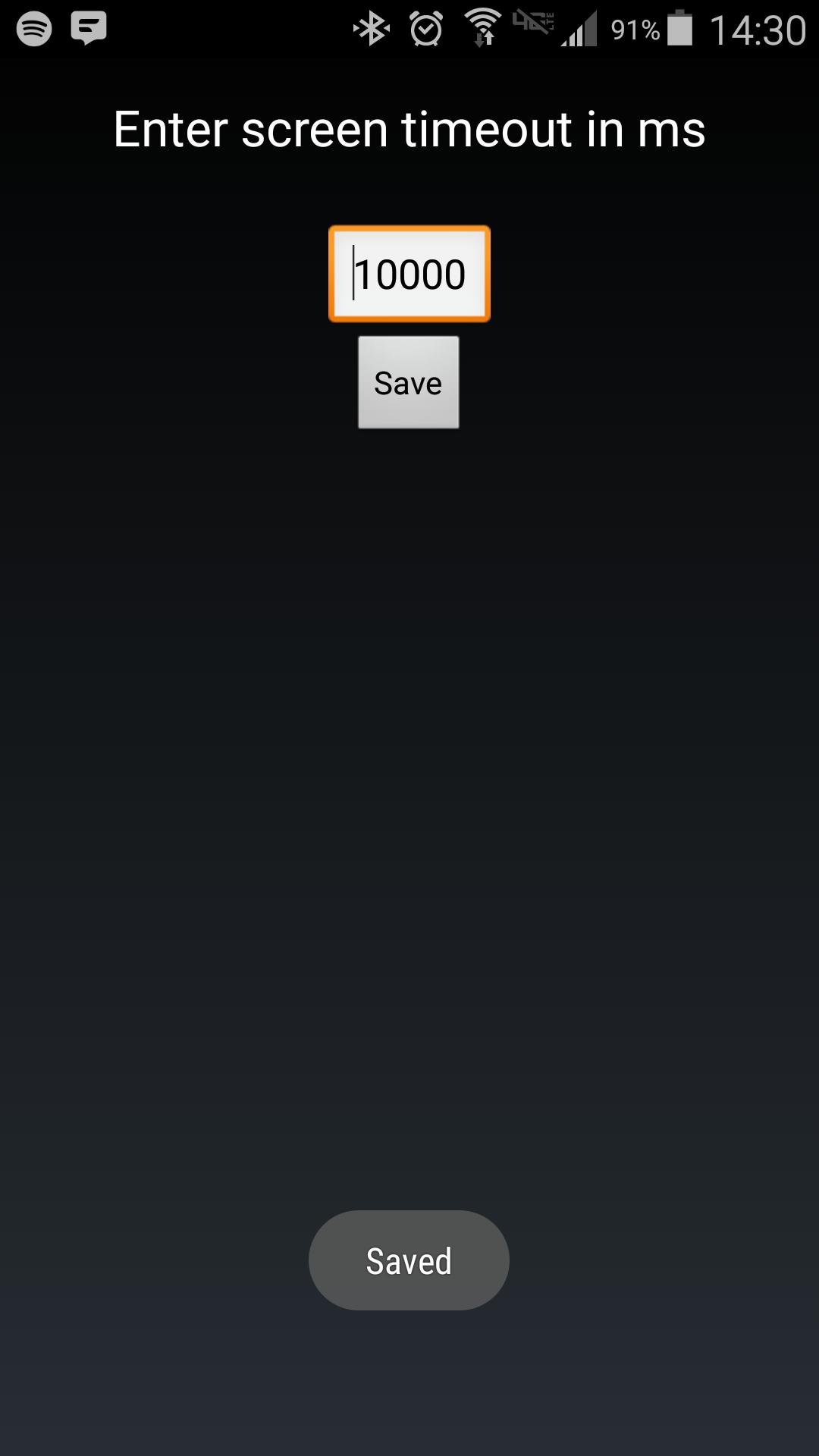
Change the duration of your lockscreen timeout by launching this with Tasker
Android makes it somewhat difficult to receive the Screen On intent from the system (in order to protect your phone from being overrun with services). Instead of adding another long service to your phone, use Tasker to launch this simple service to hold your lockscreen on for however long you want.
After choosing your time in the UI, in your Tasker task, run this shell command:
am startservice -n com.binarybombtech.lockscreentimeout/.ScreenIntentService


Eén klik om XAPK/APK-bestanden op Android te installeren!

Bedankt voor je beoordeling en feedback!
Je hebt al beoordeeld.







