
APKPure에서 안전하고 빠른 APK 다운로드
APKPure는 바이러스 없는 LockScreen Timer (with Tasker) APK 다운로드를 위해 서명 확인을 사용합니다.

Change the duration of your lockscreen timeout by launching this with Tasker
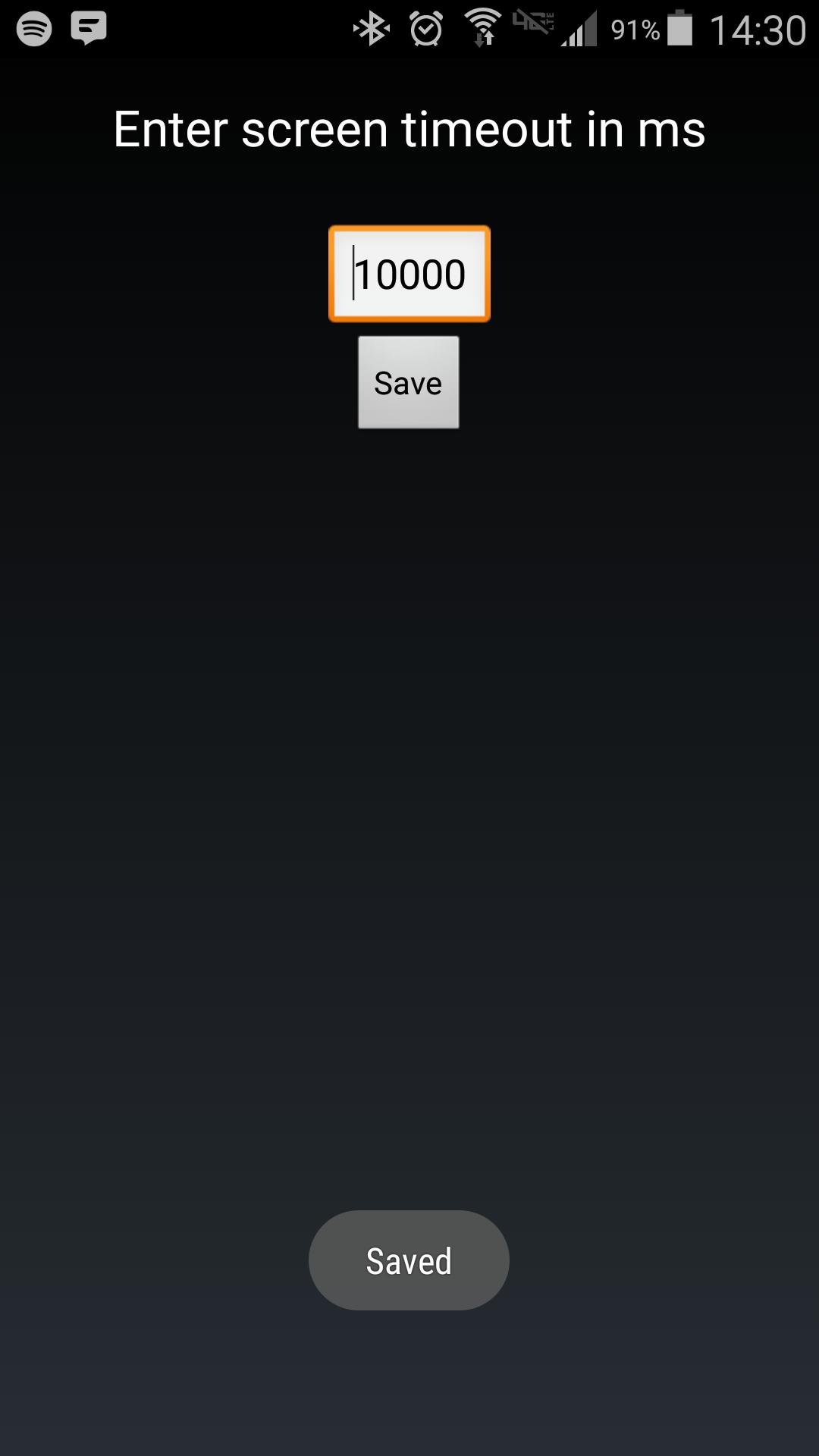
Android makes it somewhat difficult to receive the Screen On intent from the system (in order to protect your phone from being overrun with services). Instead of adding another long service to your phone, use Tasker to launch this simple service to hold your lockscreen on for however long you want.
After choosing your time in the UI, in your Tasker task, run this shell command:
am startservice -n com.binarybombtech.lockscreentimeout/.ScreenIntentService


등급과 피드백에 감사드립니다!
당신은 이미 평가했습니다.








