LockScreen Timer (with Tasker)

LockScreen Timer (with Tasker)

Cowhey
Sep 15, 2016
  • 1.2 MB

    File Size

  • Everyone

  • Android 4.1+

    Android OS

About LockScreen Timer (with Tasker)

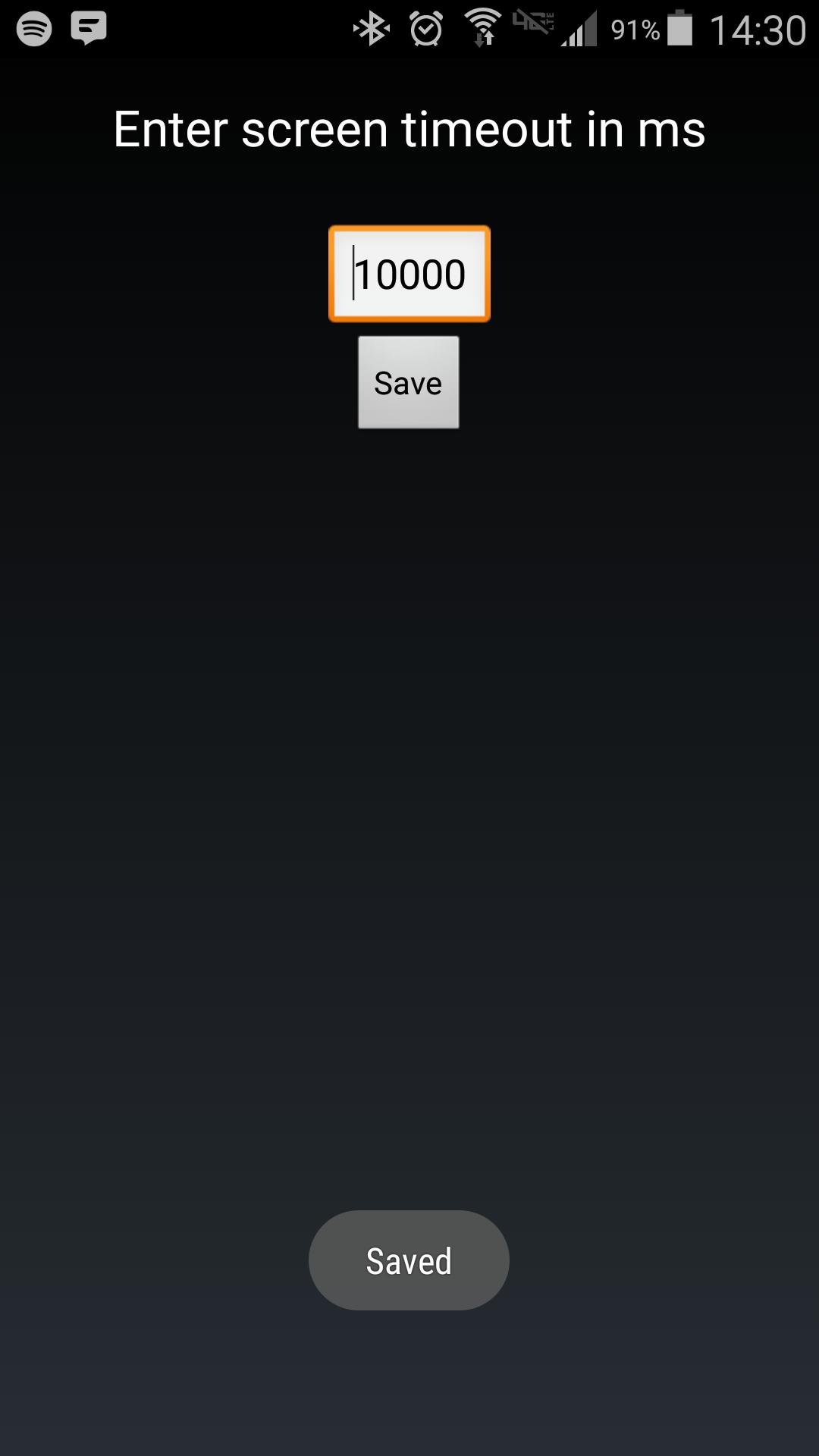
Change the duration of your lockscreen timeout by launching this with Tasker

Android makes it somewhat difficult to receive the Screen On intent from the system (in order to protect your phone from being overrun with services). Instead of adding another long service to your phone, use Tasker to launch this simple service to hold your lockscreen on for however long you want.

After choosing your time in the UI, in your Tasker task, run this shell command:

am startservice -n com.binarybombtech.lockscreentimeout/.ScreenIntentService

Show More

What's new in the latest 1.0

Last updated on Sep 15, 2016
Minor bug fixes and improvements. Install or update to the newest version to check it out!
Show More

Videos and Screenshots

  • LockScreen Timer (with Tasker) poster
  • LockScreen Timer (with Tasker) screenshot 1

LockScreen Timer (with Tasker) APK Information

Latest Version
1.0
Android OS
Android 4.1+
File Size
1.2 MB
Developer
Cowhey
Content Rating
Everyone
Safe & Fast APK Downloads on APKPure
APKPure uses signature verification to ensure virus-free LockScreen Timer (with Tasker) APK downloads for you.

Old Versions of LockScreen Timer (with Tasker)

APKPure icon

Super Fast and Safe Downloading via APKPure App

One-click to install XAPK/APK files on Android!

Download APKPure
thank icon
We use cookies and other technologies on this website to enhance your user experience.
By clicking any link on this page you are giving your consent to our Privacy Policy and Cookies Policy.
Learn More about Policies