












Thanks for your rating and feedback!
You have already rated.

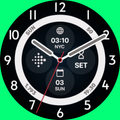
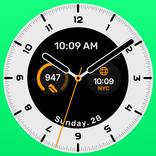
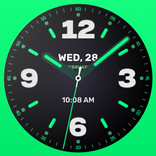
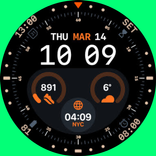
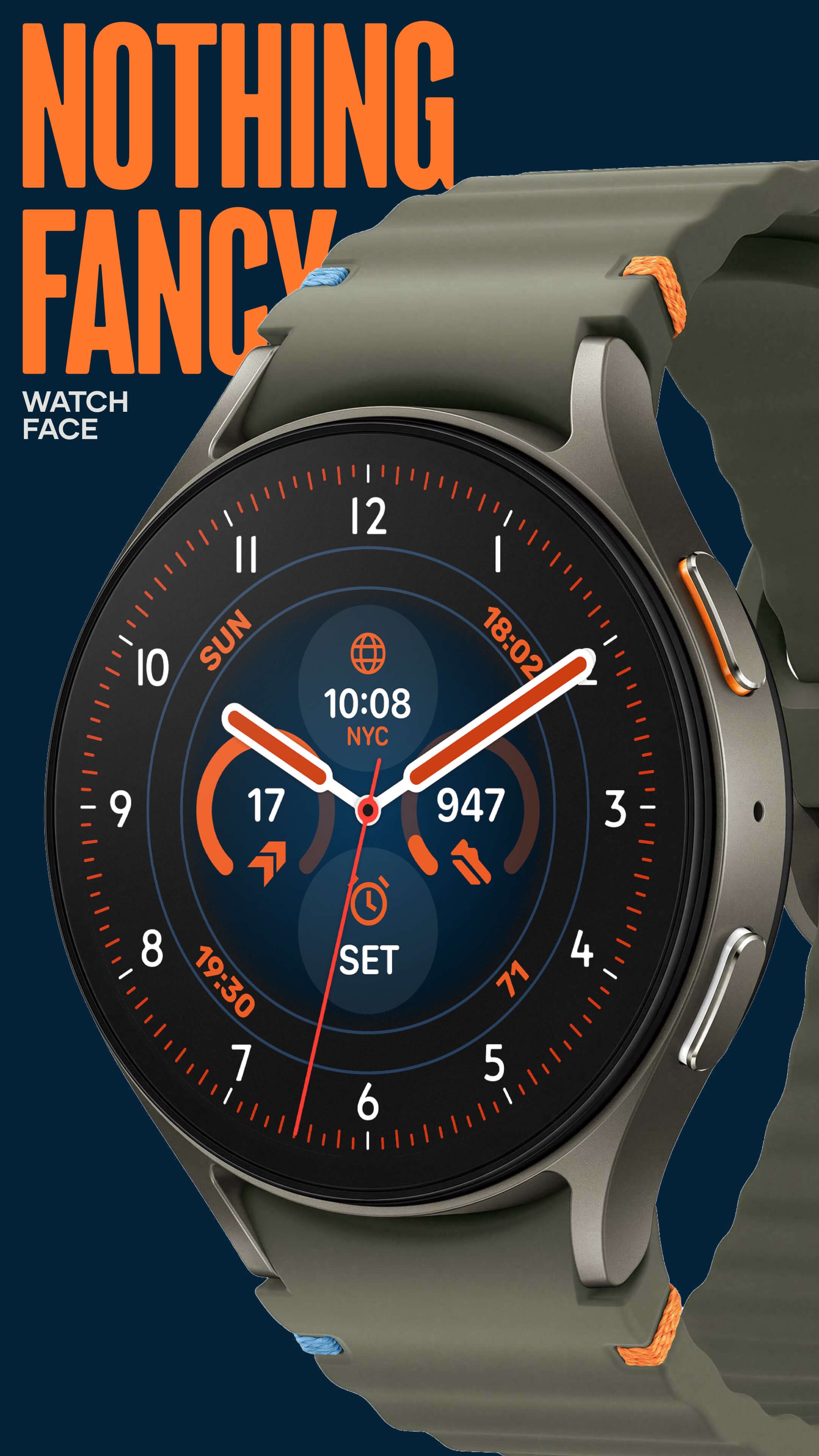
Nothing Fancy Watch Face is a clean Wear OS watch face for daily smartwatch use.
Time Flies designed it around easy reading, calm styling, and useful information at a glance. Its main appeal is the balance between a classic watch look and flexible smartwatch data, making it a practical watch face download for users who want function without a crowded screen. The main features include:
Nothing Fancy Watch Face focuses first on clarity, which matters most on a small wrist screen. The layout keeps the time central while leaving enough space for useful Wear OS information, so the screen does not feel overloaded during quick checks on the move.
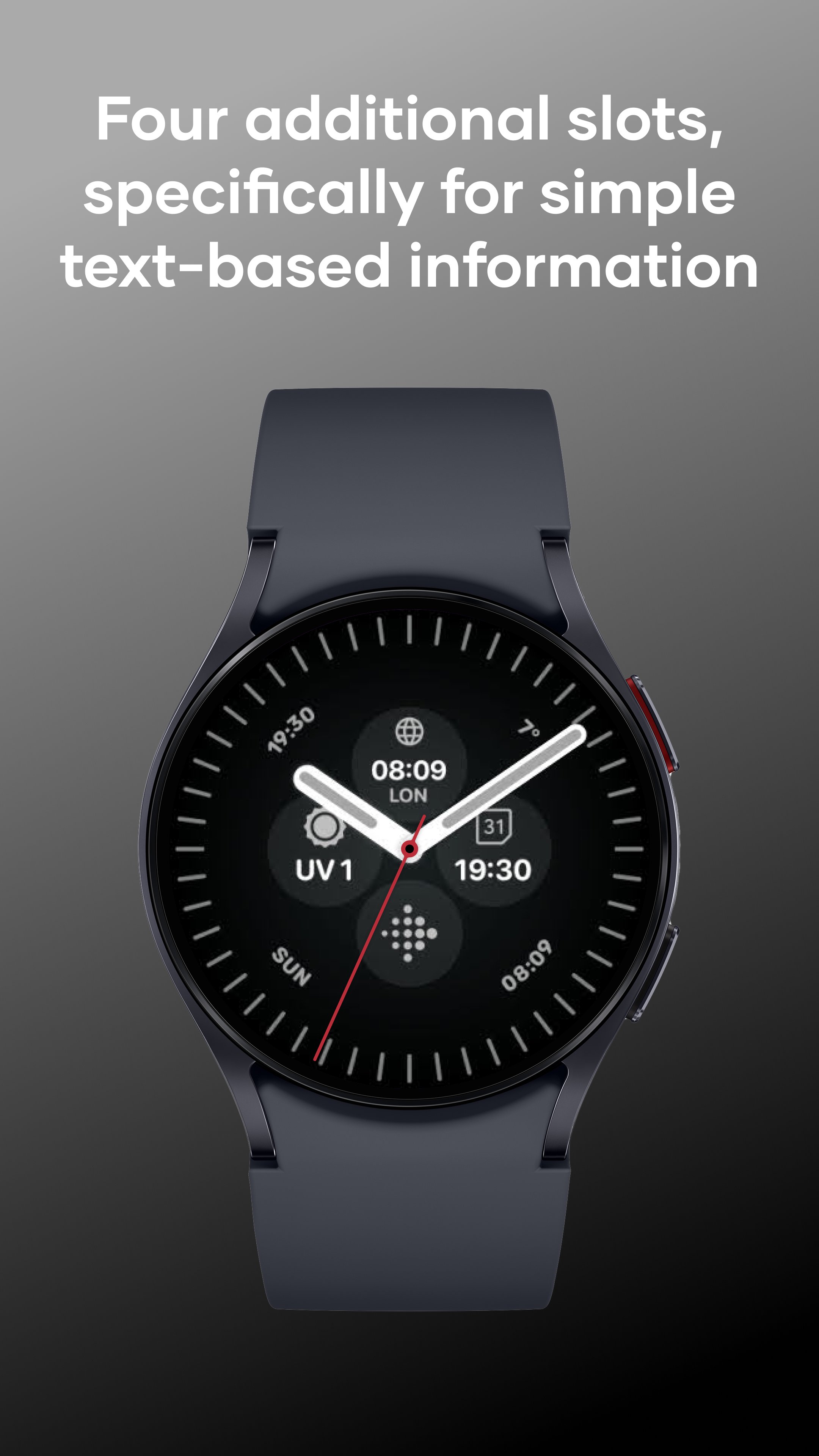
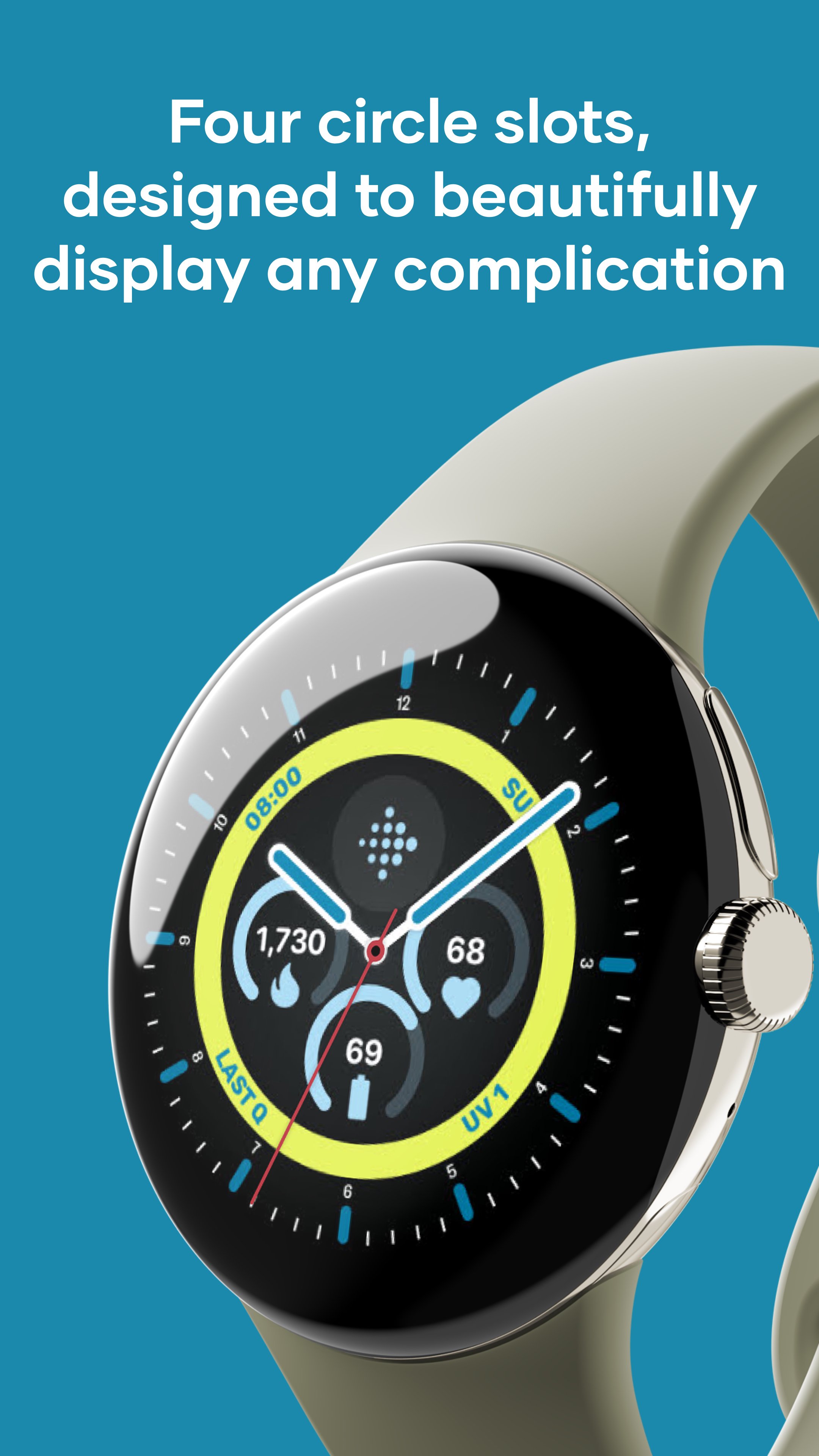
The four circular complication slots work well for compact items such as icons, status indicators, or glanceable data. The four text-based slots suit information that needs more room, such as longer labels or clearer daily details. This split makes the design more flexible than a simple analog face, especially for users who check time, date, activity, or other smartwatch information throughout the day.
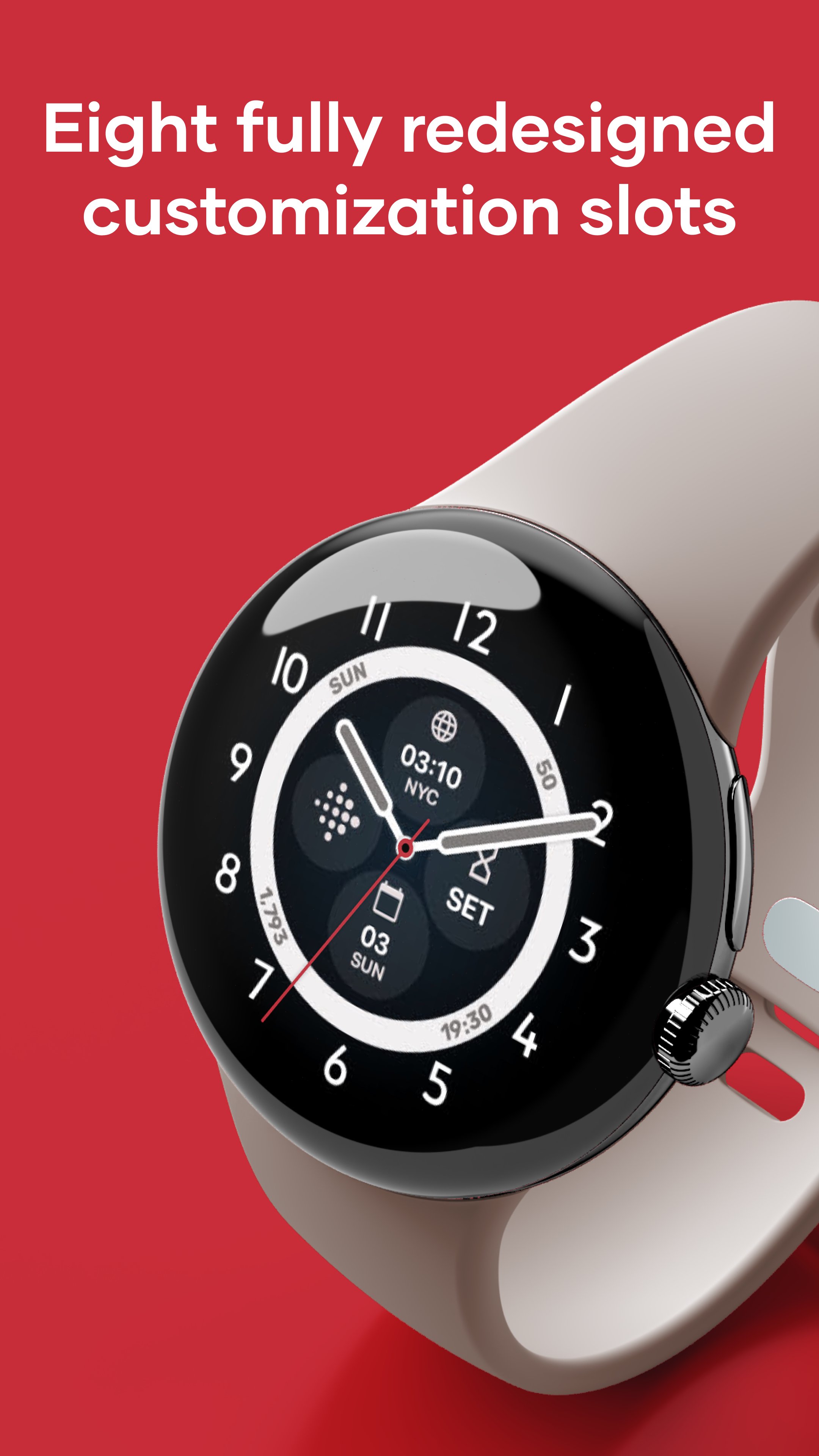
Nothing Fancy Watch Face gives users eight redesigned customization slots, which is a strong point for anyone who wants more than a decorative face. The circular areas keep smaller details tidy, while the text areas make longer information easier to read without squeezing everything into the same space.
In regular use, this helps when the watch needs to show different types of information at once. A user might keep quick icons in the round slots and place more readable details in the text slots. The design still depends on the complications supported by the watch and installed apps, so available choices can vary by Wear OS model. Even so, the slot structure gives enough room to build a practical daily setup.
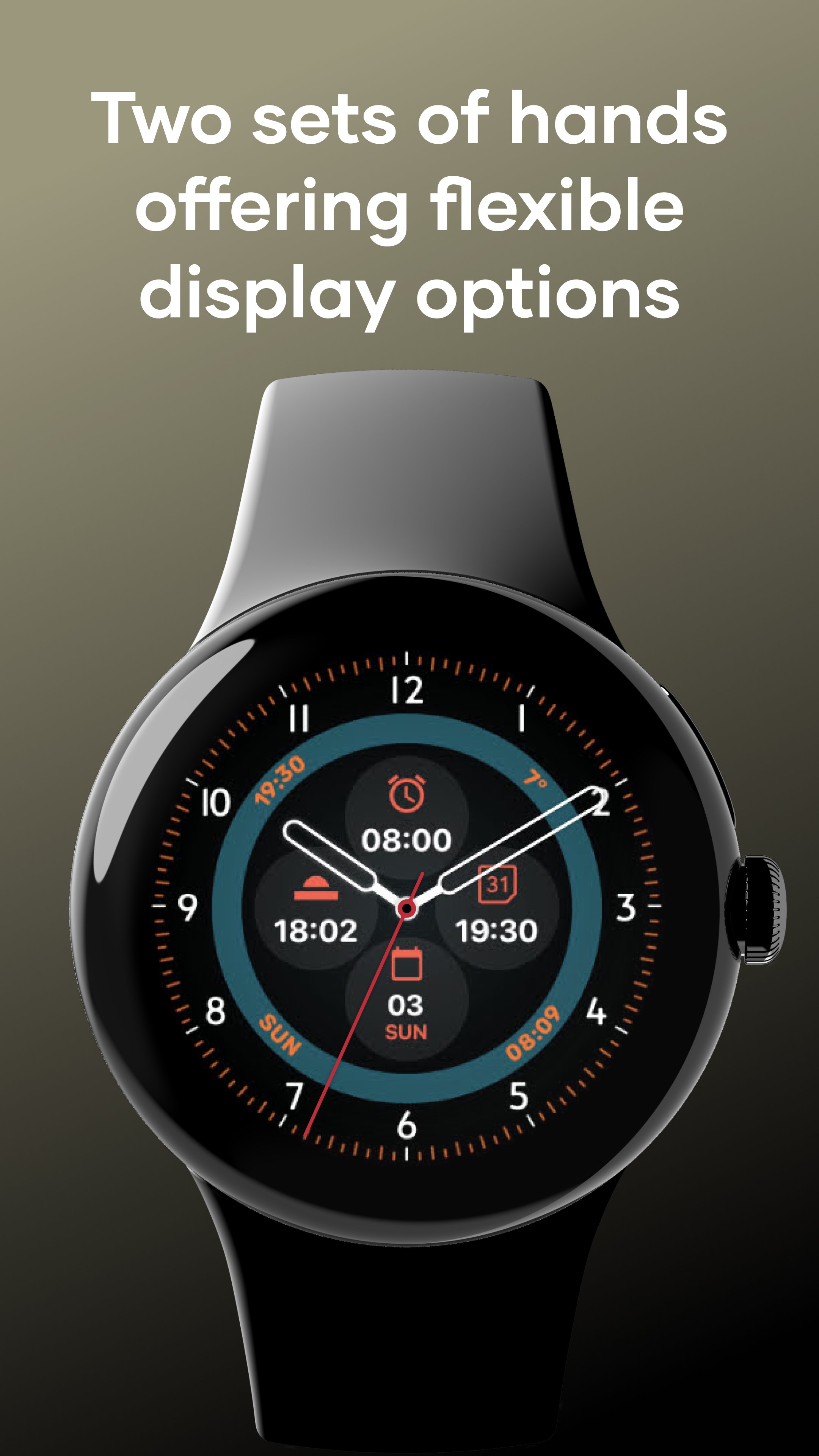
Nothing Fancy Watch Face includes several hand styles, including hollow, transparent, semi-transparent, and outlined options. These choices are more than visual decoration because they can help reduce the chance of the hands covering important complications.
When a busier layout is used, solid hands can sometimes sit over text or icons. Choosing a transparent or outlined style keeps the analog feel while making background information easier to see. This is especially useful when the watch face includes several complication slots at the same time. Users who prefer a quieter display can also hide the seconds hand, which creates a calmer look and may help reduce unnecessary movement on the screen.
Nothing Fancy Watch Face offers 30 tailored color schemes, optional background color accent, eight index styles, and adjustable inner ring display options. These settings let the face change from minimal and formal to brighter and more personal without breaking the clean structure.
The customization works best when color and index choices support readability rather than compete with the time display. A darker background with a clear accent can suit daily office use, while a lighter or stronger color setup may fit casual weekends. The inner ring options add another layer of styling for users who like a watchmaking-inspired design. If phone-based customization does not load or save correctly, changing settings directly on the watch can be a practical workaround. Clearing the wearable app cache may also help when the companion app behaves unexpectedly.
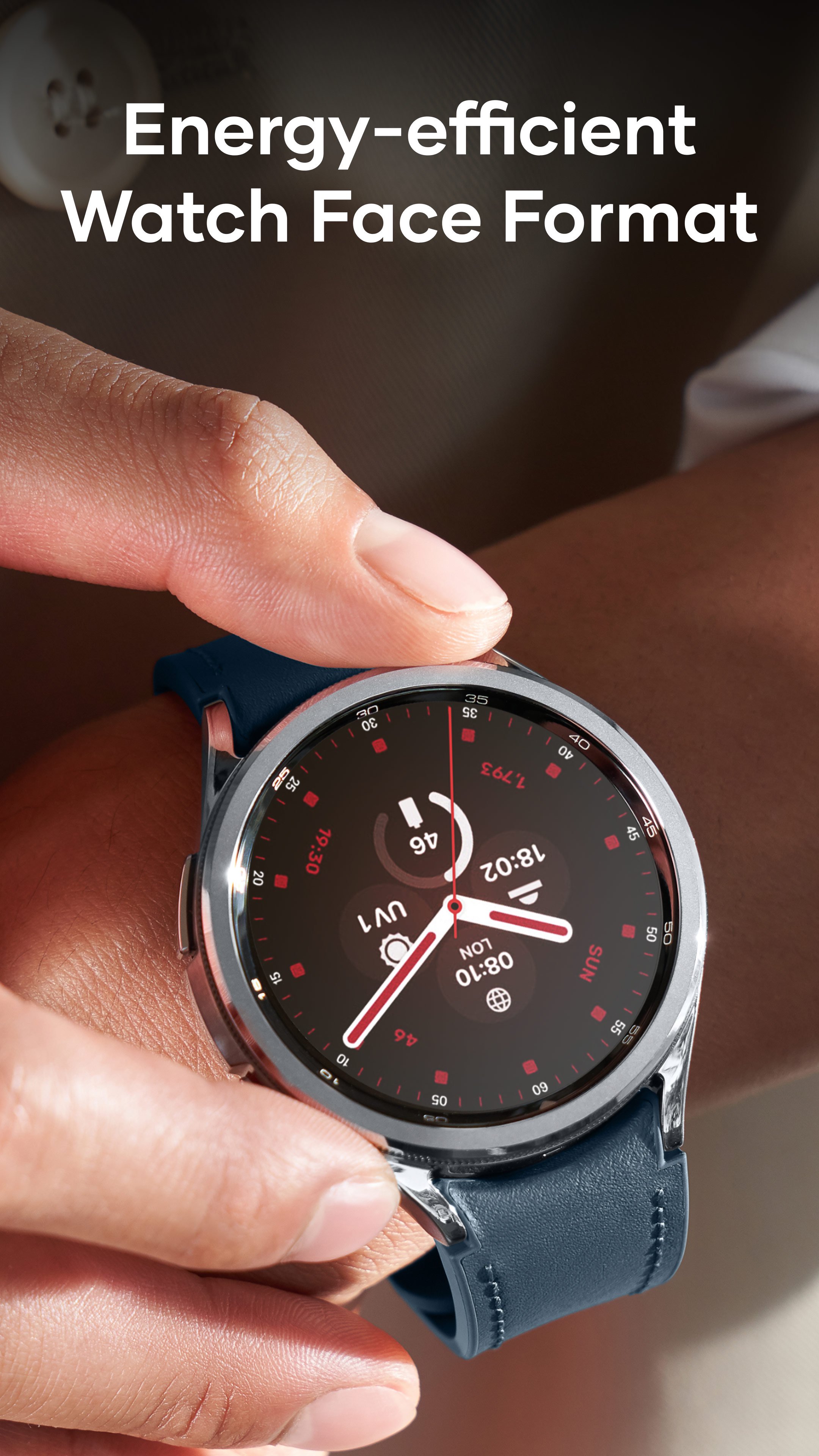
Nothing Fancy Watch Face is built with the modern Watch Face Format, which is intended to improve efficiency and security on supported Wear OS devices. For users, the benefit is less about a visible button and more about how the face is designed to work with newer watch systems.
This matters because watch faces run throughout the day and should stay stable while showing key information. The option to hide the seconds hand also fits this practical approach, since a less active display can feel calmer and may be more battery-conscious. Compatibility can still depend on the specific watch model. Some users have reported customization issues on certain Wear OS devices, including Ticwatch models, so checking device behavior after installation is sensible.
These points reflect the main strengths and limits found in Nothing Fancy Watch Face, especially around readability, customization, and Wear OS device behavior.
ProsYou can download Nothing Fancy Watch Face latest version from APKPure and install the APK on a compatible Wear OS device. Since watch face packages are usually much smaller than full mobile games, the download should be quick on a stable connection, though the actual package size may change by version.
After installing the Nothing Fancy Watch Face APK, select it from the Wear OS watch face picker and open the customization settings. If the phone companion screen does not respond properly, adjust the face directly on the watch first. Before downloading, make sure the watch supports Wear OS watch faces and has enough free storage for the APK and related wearable data.



One-click to install XAPK/APK files on Android!
Thanks for your rating and feedback!
You have already rated.