Package Name:com.ideaclan.foldora
Show More

Browse, clean up and organize your files, with a private folder and ZIP tools.
Foldora is a file manager and explorer for Android. Find anything on your phone, free up space, keep private files private, and make it look the way you like.
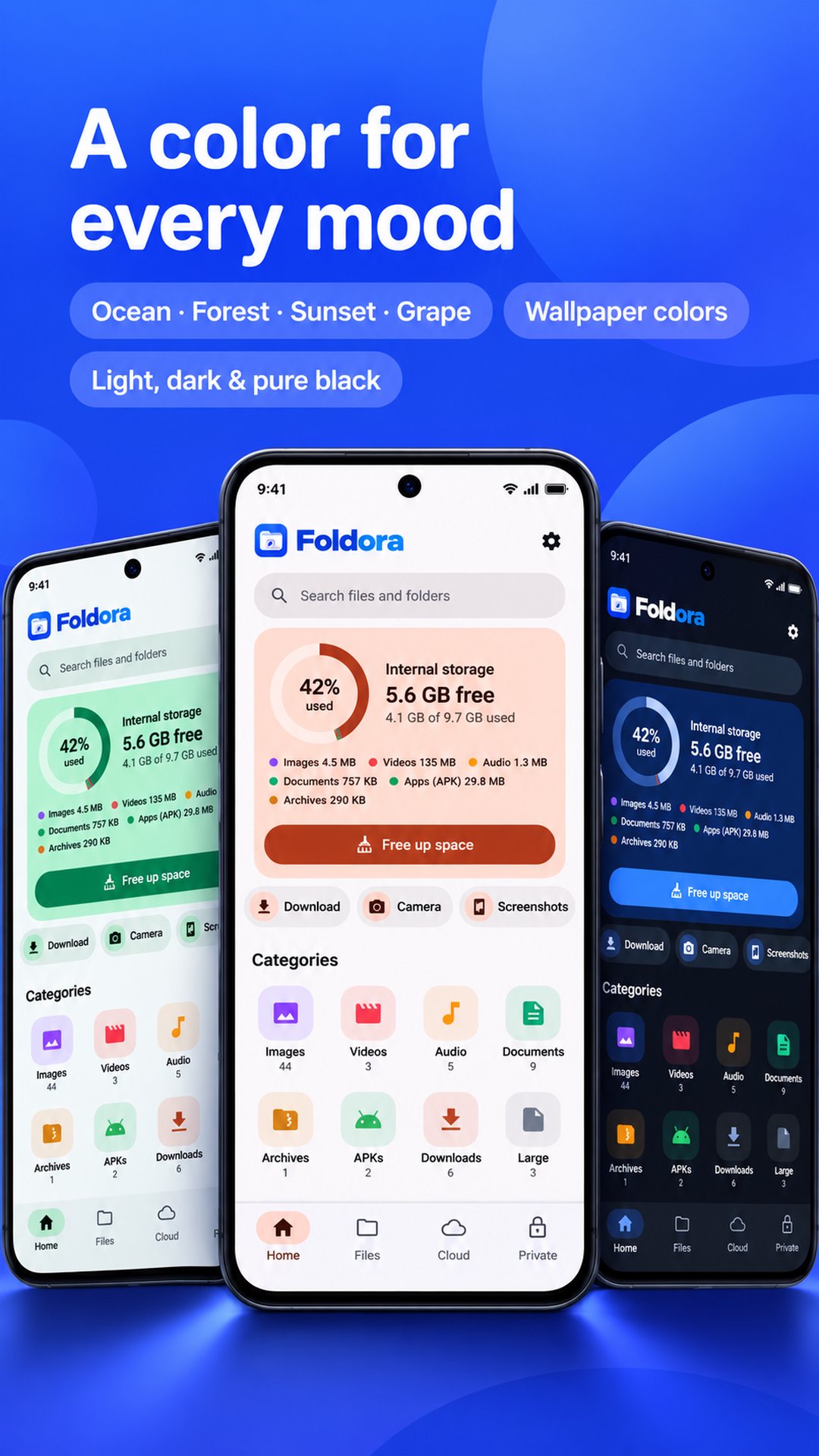
SEE YOUR STORAGE AT A GLANCE
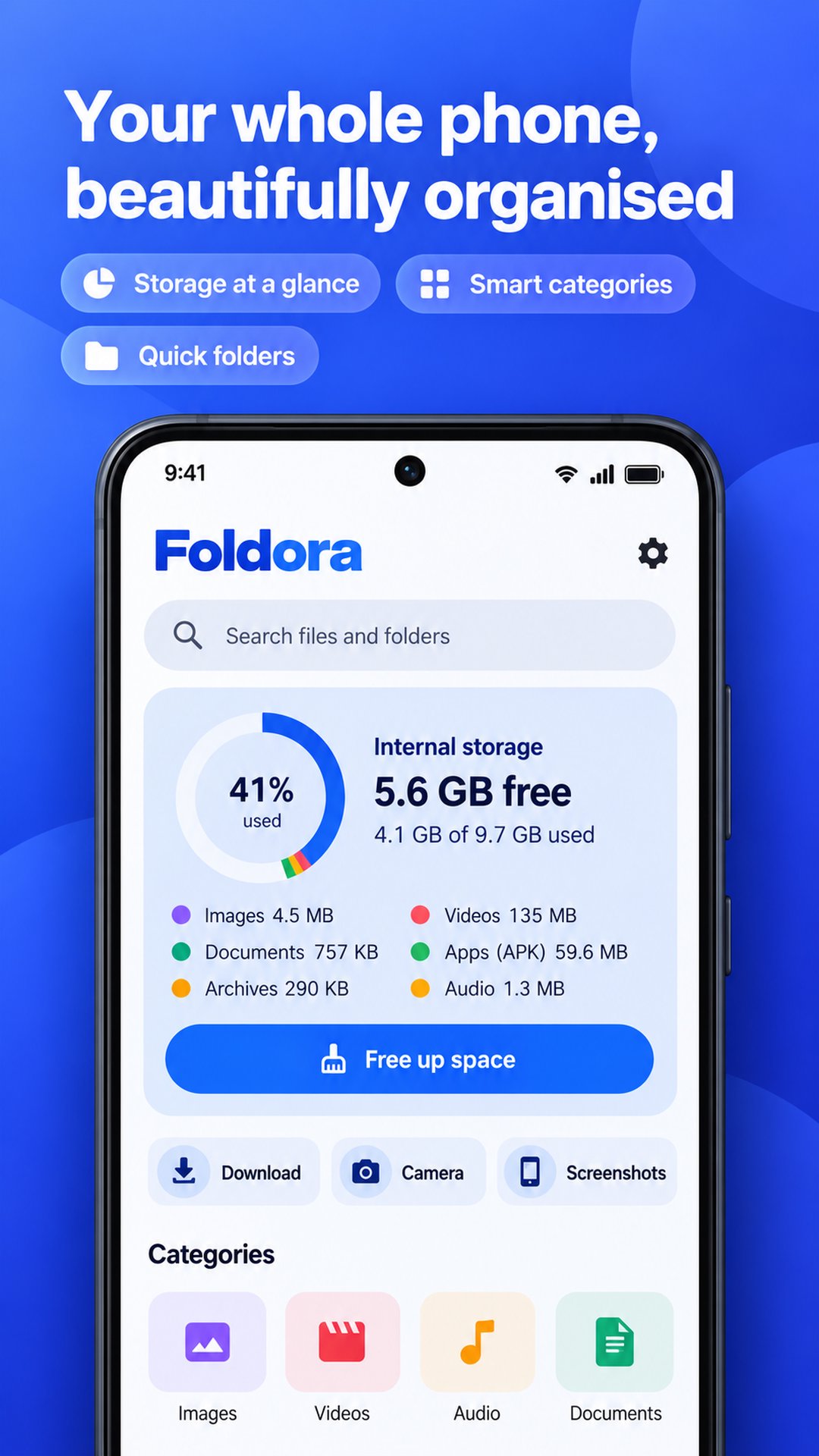
• Storage ring showing used and free space, broken down by images, videos, audio, documents, apps and archives
• One-tap categories: Images, Videos, Audio, Documents, Archives, APKs, Downloads, Large files and Recent
• Quick folders for Download, Camera and Screenshots, plus your starred folders
BROWSE AND ORGANIZE
• Folders in list or grid view, with breadcrumbs and sorting by name, date, size or type
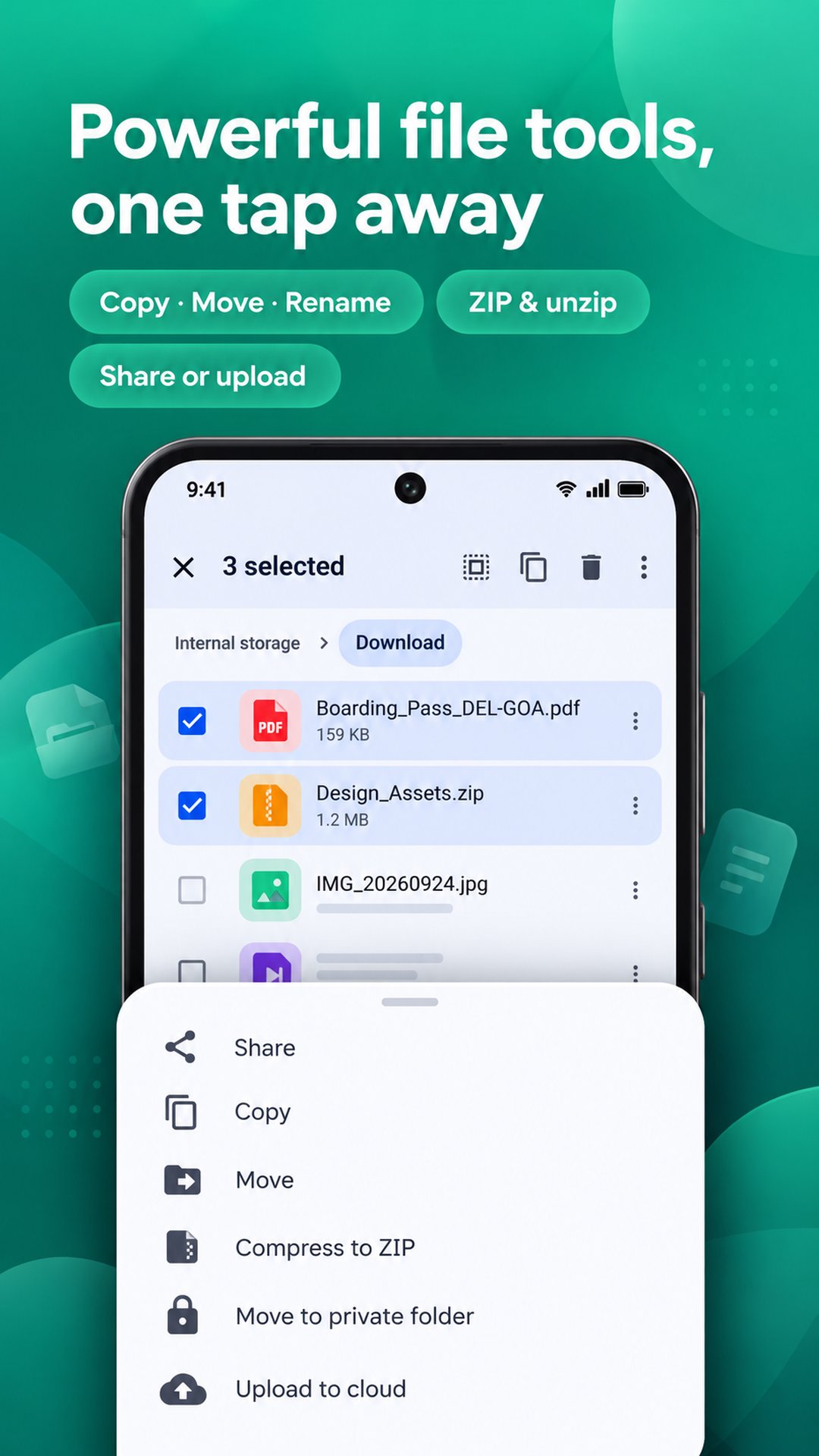
• Copy, move, rename, delete, share and create folders, and select many files at once
• Compress to ZIP and extract archives
• Search your whole phone or just one folder, filter results by type and reuse recent searches
• Internal storage and SD cards
• Save files shared from other apps straight into Foldora or into the private folder
PREVIEW WITHOUT LEAVING THE APP
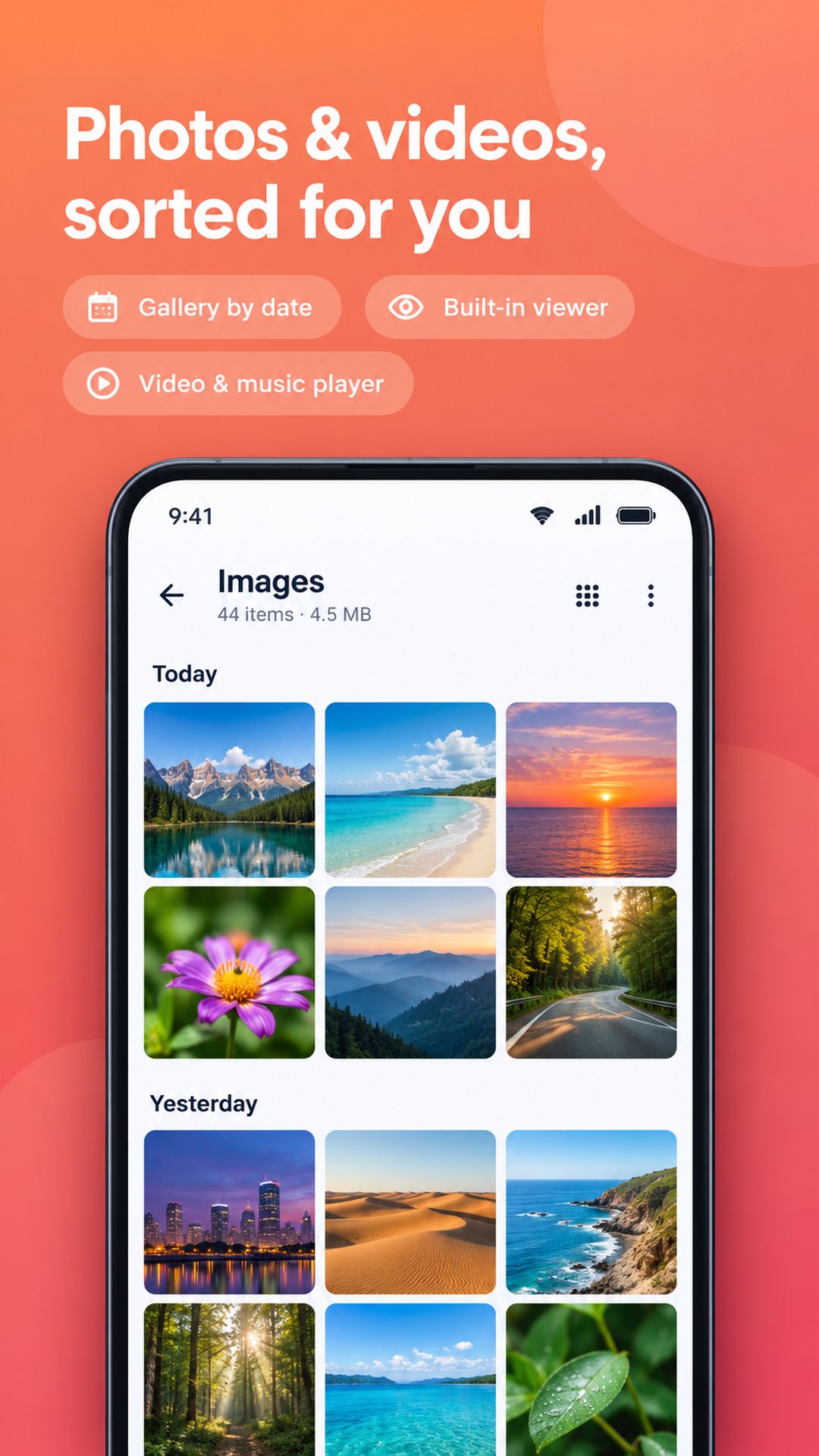
• Photo viewer with zoom and swipe, and a gallery grouped by date
• Video and music player
• PDF viewer and ZIP contents
• Open and edit text files
STORAGE CLEANER
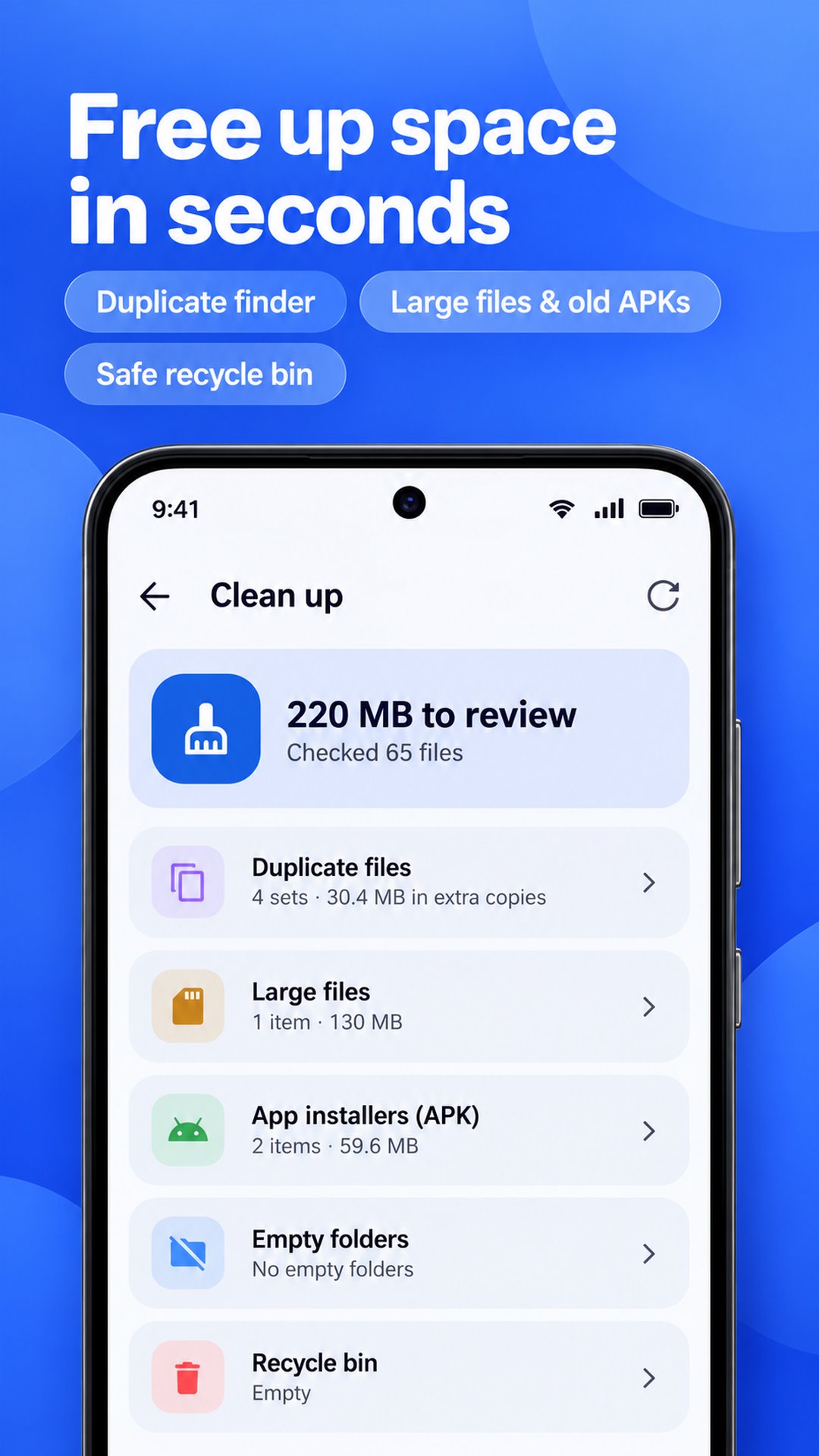
• Finds duplicate files (matched by content, not just name), files over 100 MB, old APK installers and empty folders
• Review everything before removing it. Removed files go to the recycle bin first
RECYCLE BIN
• Deleted files are kept for 30 days, so you can restore them
PRIVATE FOLDER
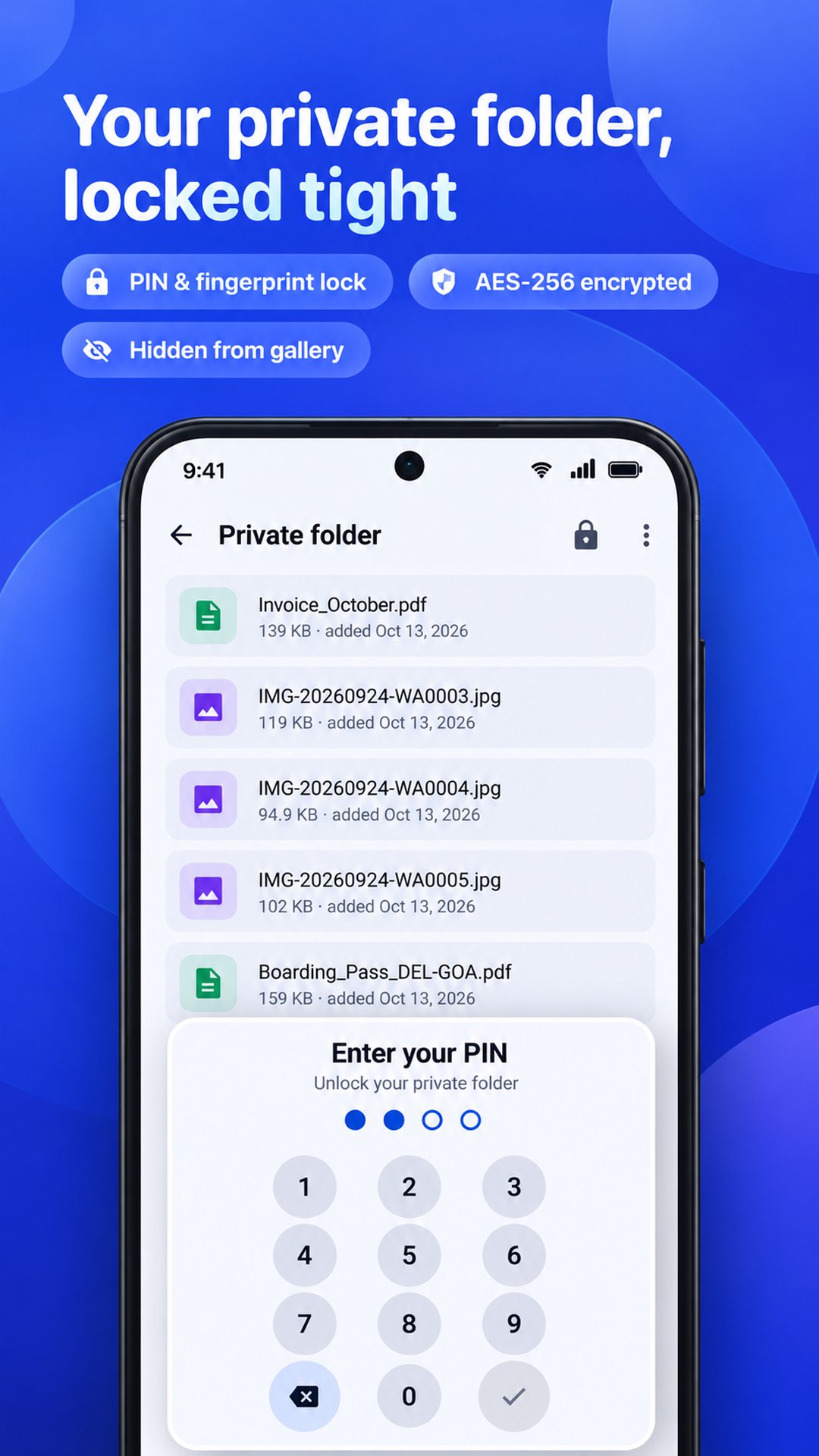
• Move photos, videos and documents into a folder that is encrypted on your device
• Protected by a PIN, with optional fingerprint or face unlock
• Locks automatically when you leave the app. Screenshots of private files are blocked
CLOUD AND OTHER LOCATIONS
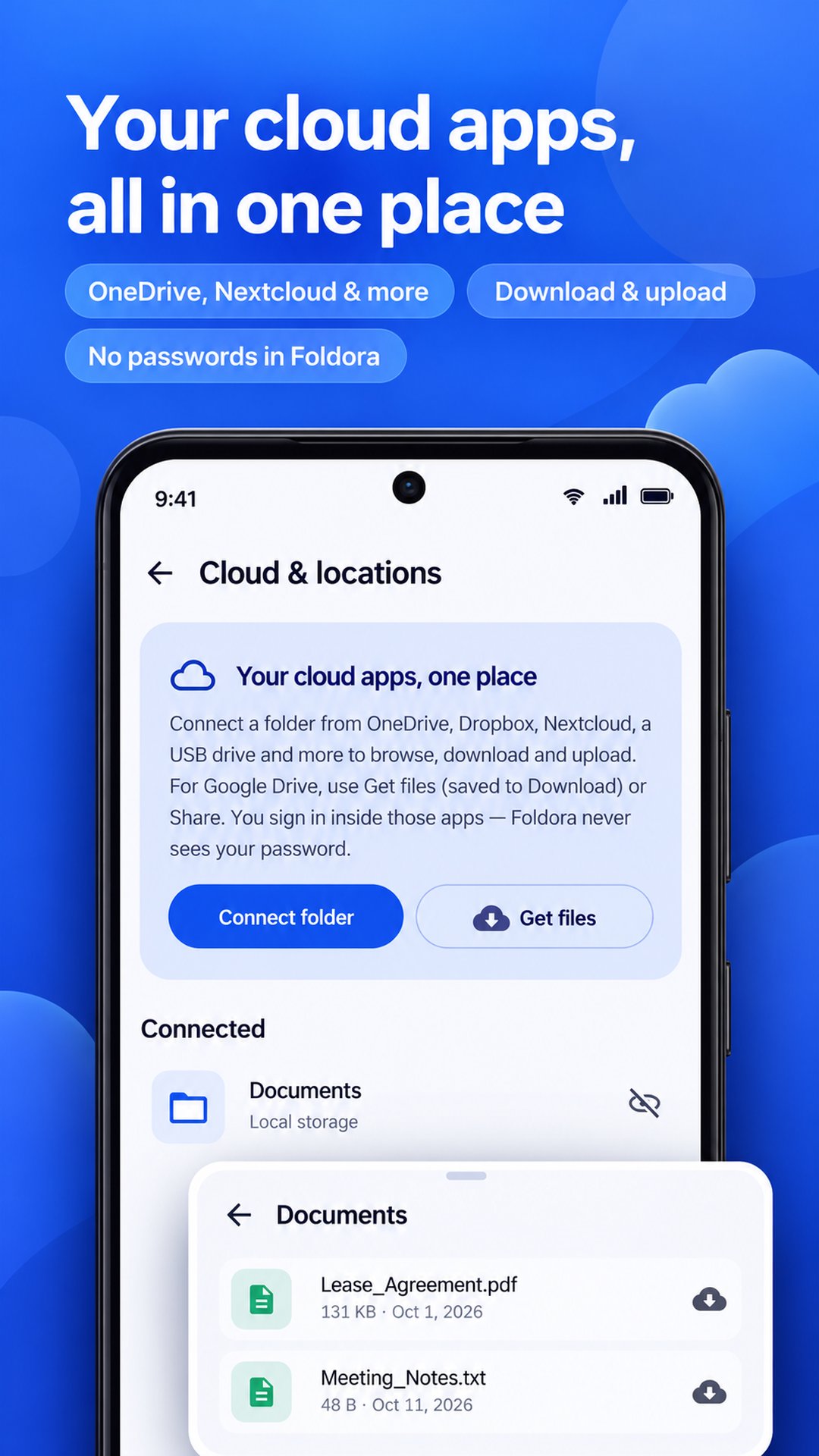
• Connect a folder from a storage app you already use, such as OneDrive, Nextcloud or a USB drive, to browse, download and upload
• Sign-in stays inside those apps. Foldora never sees your password
• Bring in Google Drive files with Get files or Share
MAKE IT YOURS
• Color themes: Ocean, Forest, Sunset and Grape, plus wallpaper colors on Android 12 and newer
• Light, dark or system mode, and a pure-black mode for OLED screens
HANDY EXTRAS
• Optional tips and storage alerts, such as when your storage is nearly full
• Home-screen shortcuts for Clean up, Recent, Downloads and Search
• A Quick Settings tile that shows free space and opens the cleaner
FREE, WITH ADS
Foldora is free and supported by ads. You can also watch an optional short video to unlock the duplicate cleaner's review for 24 hours, or to unlock the Sunset and Grape themes.
PERMISSIONS AND PRIVACY
• "All files access" is used only to browse and manage the files on your device
• Your files stay on your device unless you choose to share or upload them
• No account needed

One-click to install XAPK/APK files on Android!

Thanks for your rating and feedback!
You have already rated.