How To Call Forward

How To Call Forward

I Khedut
May 6, 2022
  • Everyone

  • 5.0 and up

    Android OS

About How To Call Forward

How to Forward Someone Call to Our Phone?

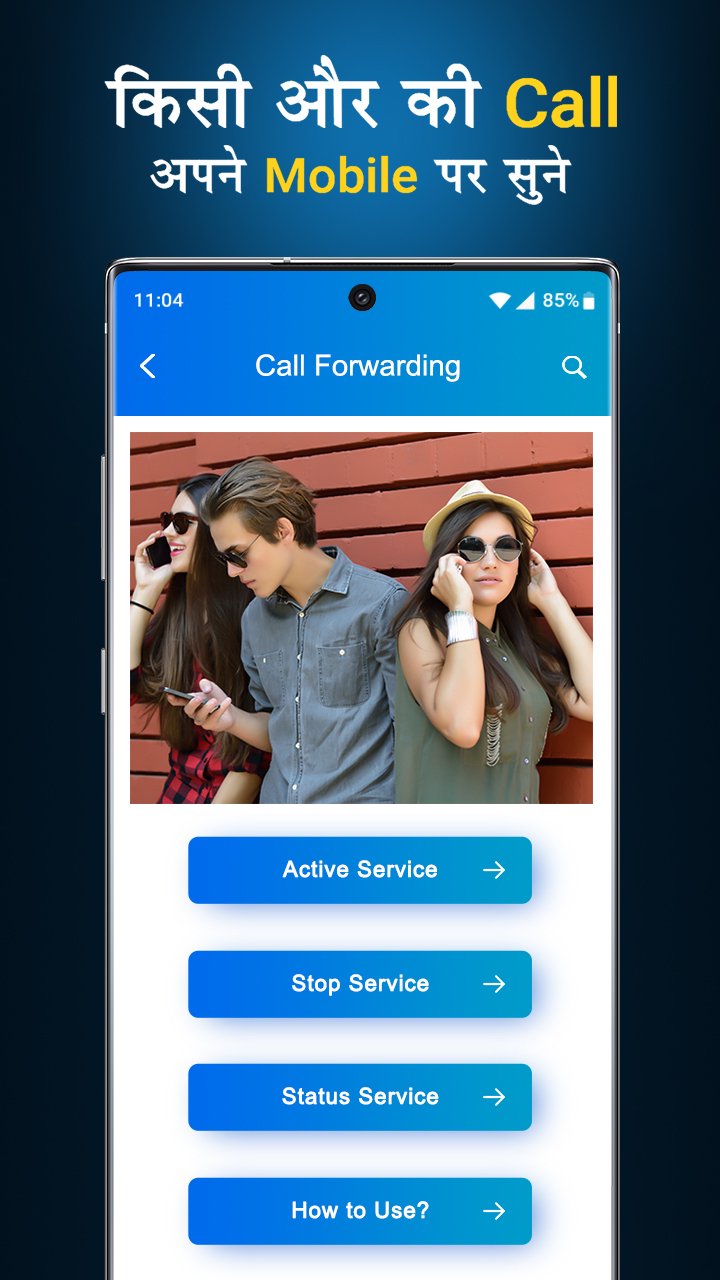
The Call Forwarding app is an easy and simple application to use for forwarding your incoming call to another number.

Call Forwarding App - How to Call Forward?

Further Features:

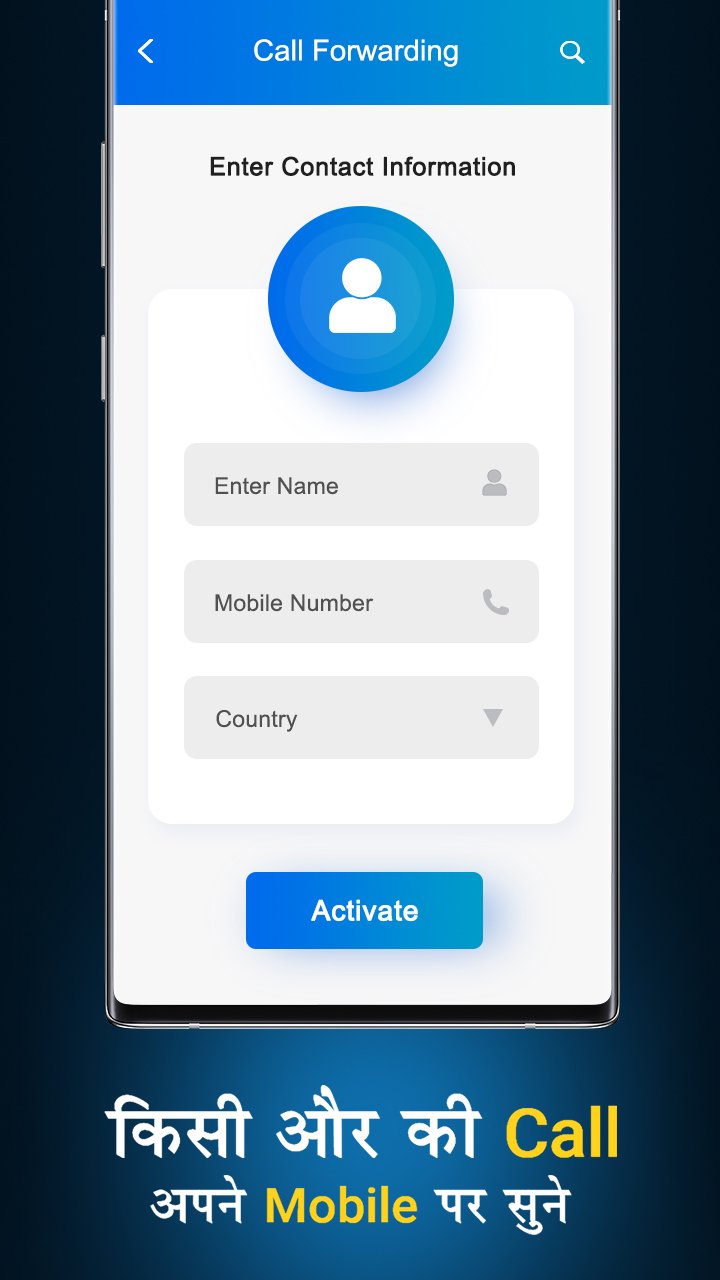
- First Enter Mobile Number to Whom you Redirect call in Active Service.

- Then press the Set button and select your Sim to forward the call.

- And then See in your notification to start your forwarding call.

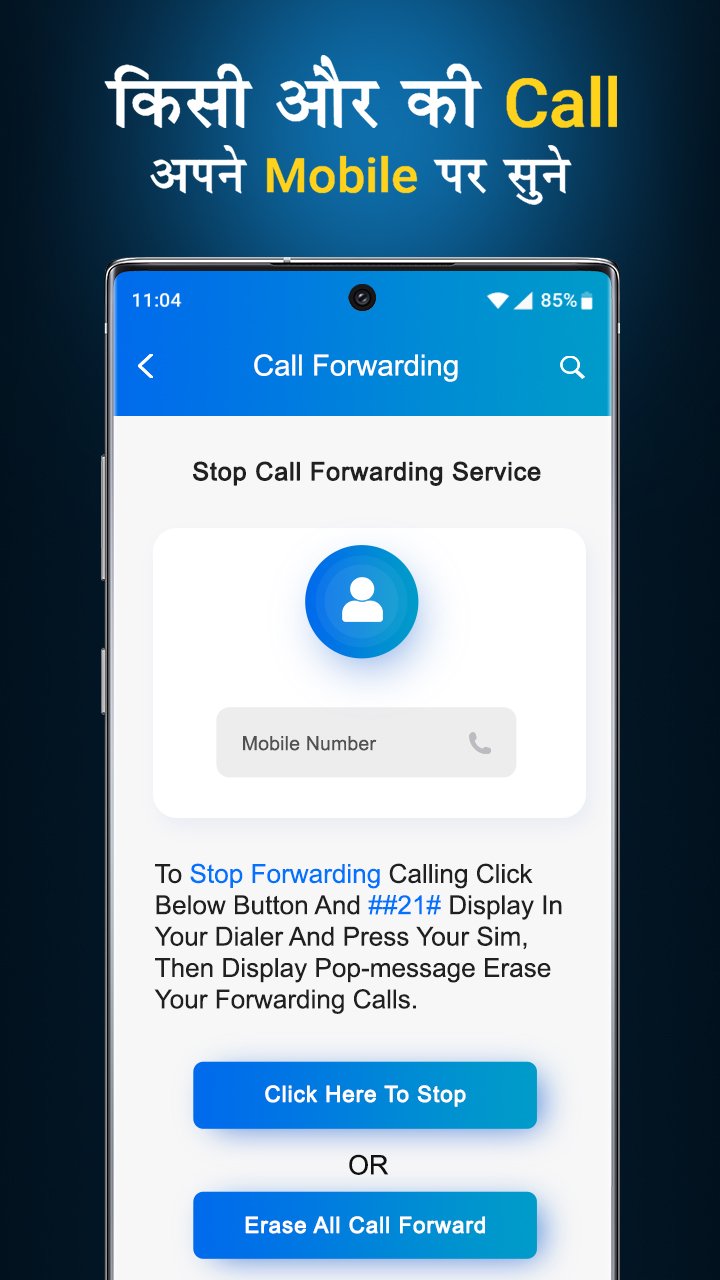
- To Stop all Forwarding calls got to Stop Service and click the Stop button to stop service.

Thanks you,

Show More

What's new in the latest 1.0

Last updated on May 6, 2022
Minor bug fixes and improvements. Install or update to the newest version to check it out!
Show More

Videos and Screenshots

  • How To Call Forward poster
  • How To Call Forward screenshot 1
  • How To Call Forward screenshot 2
  • How To Call Forward screenshot 3
  • How To Call Forward screenshot 4
  • How To Call Forward screenshot 5
  • How To Call Forward screenshot 6
  • How To Call Forward screenshot 7

How To Call Forward APK Information

Latest Version
1.0
Category
Tools
Android OS
5.0 and up+
Developer
I Khedut
Content Rating
Everyone
Safe & Fast APK Downloads on APKPure
APKPure uses signature verification to ensure virus-free How To Call Forward APK downloads for you.
APKPure icon

Super Fast and Safe Downloading via APKPure App

One-click to install XAPK/APK files on Android!

Download APKPure
thank icon
We use cookies and other technologies on this website to enhance your user experience.
By clicking any link on this page you are giving your consent to our Privacy Policy and Cookies Policy.
Learn More about Policies