








Thanks for your rating and feedback!
You have already rated.

Manage TV apps, track screen time and free up memory. No ads, no tracking.
QuietApps is a clear, remote-friendly app manager for Android TV and Google TV. See where your screen time goes, how much memory and storage is left and which apps run in the background, and keep your TV responsive. Everything stays on your TV, with no ads and no tracking.
What you can do
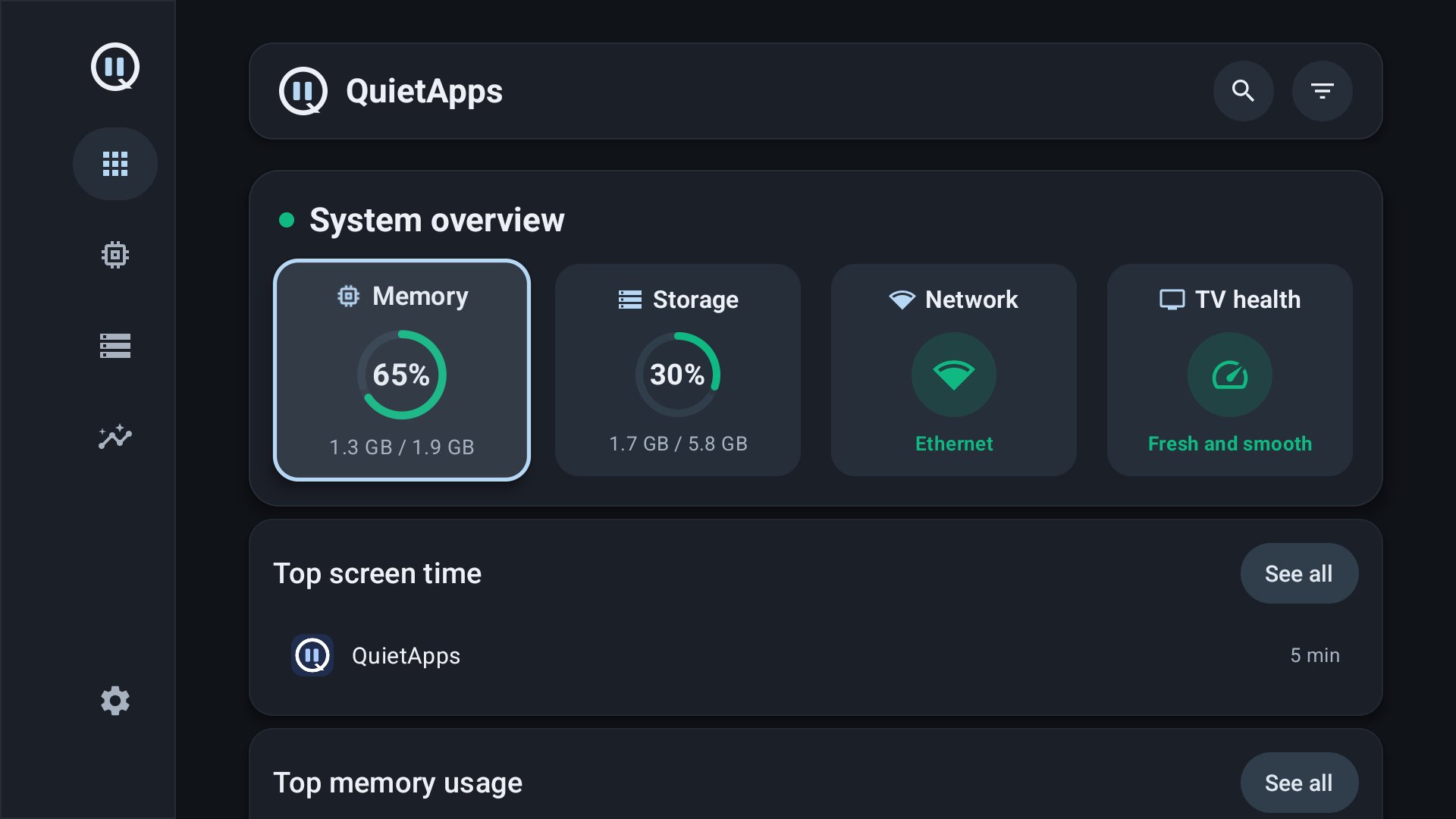
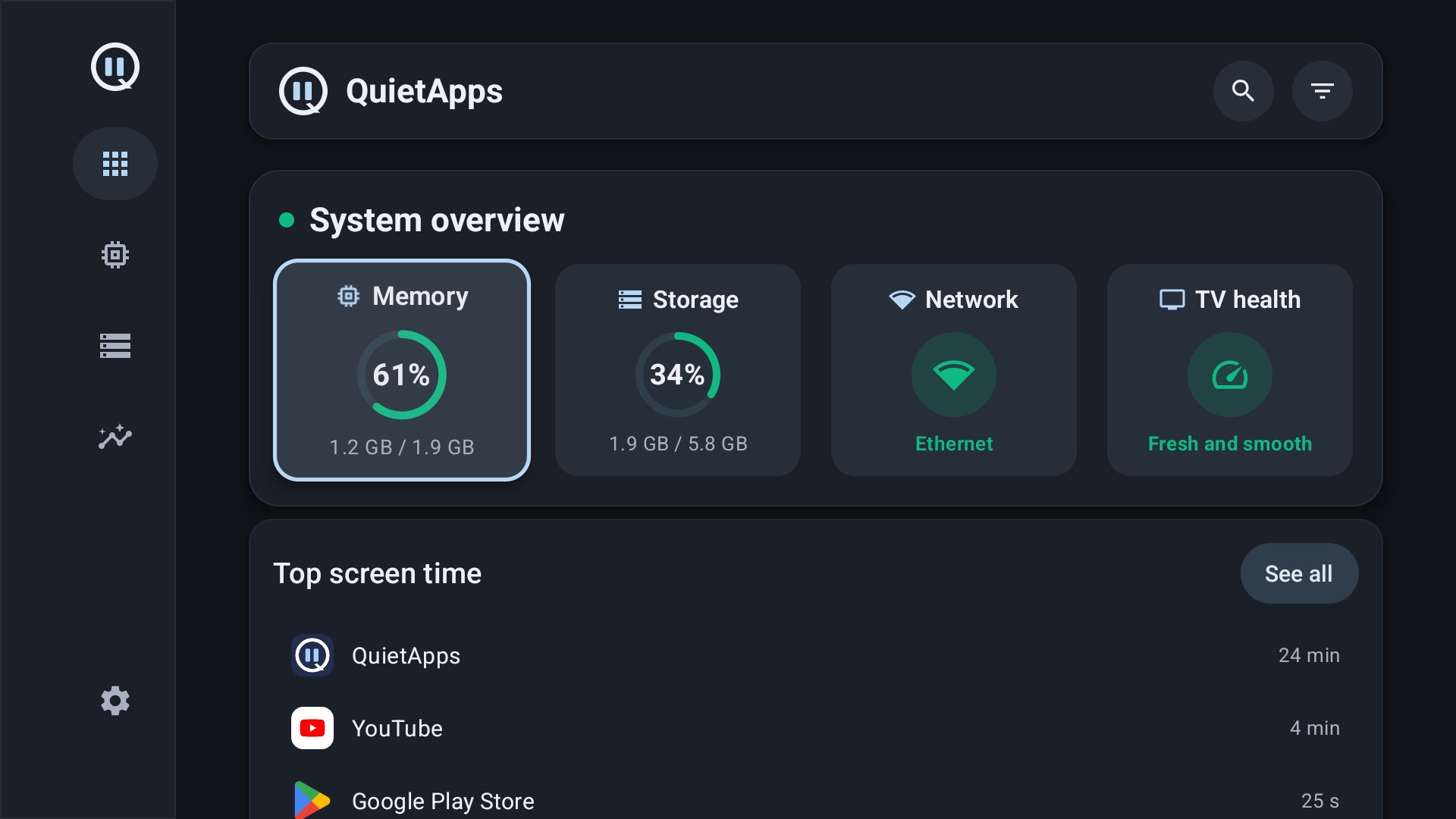
• See your TV at a glance: memory, storage, network and TV health on one screen, together with your most-used apps.
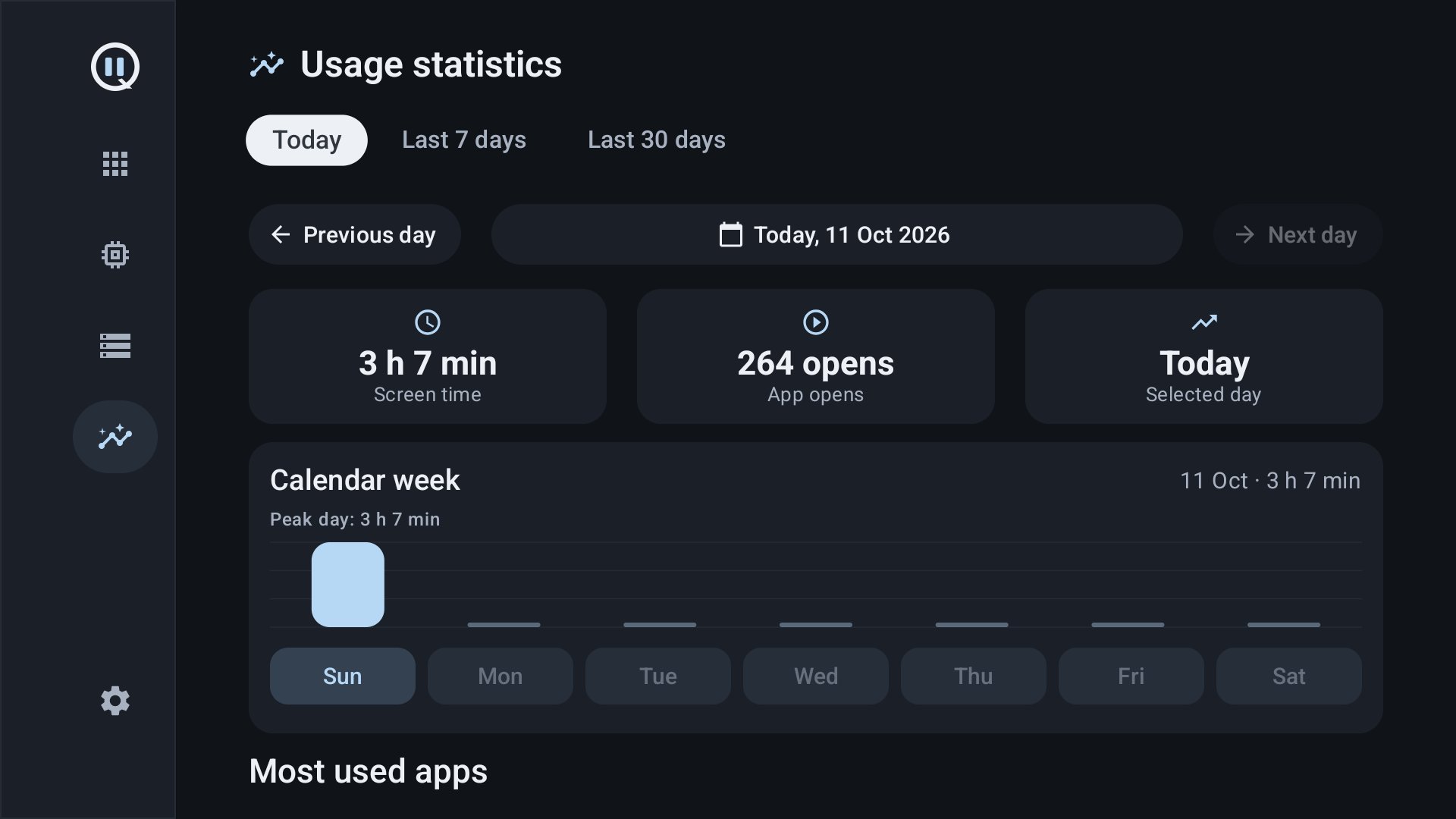
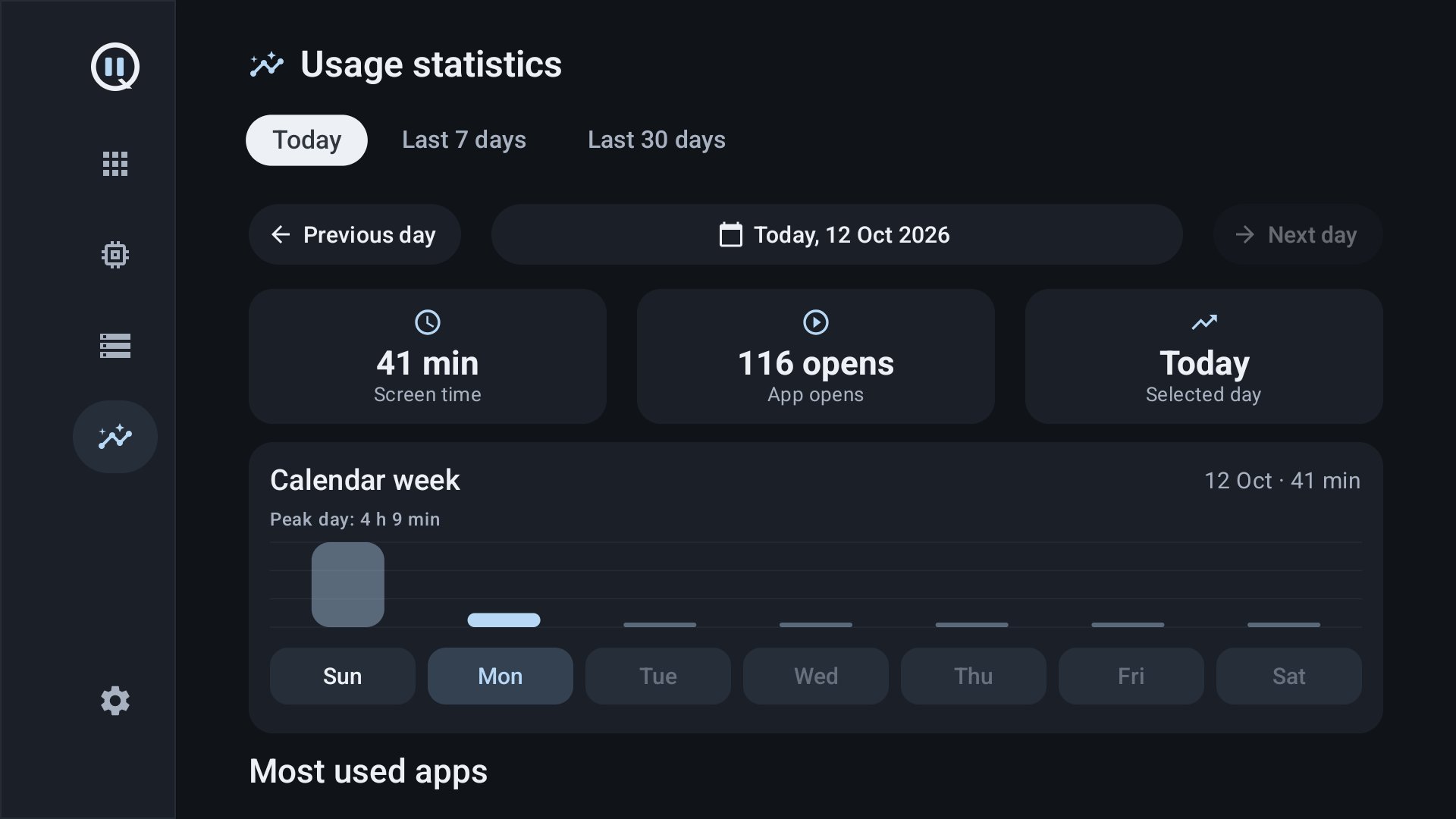
• Track screen time: screen time and app opens for today, the last 7 days and the last 30 days, with a weekly chart.
• Find any app: browse, search, sort and filter all your apps, including the ones that came with your TV.
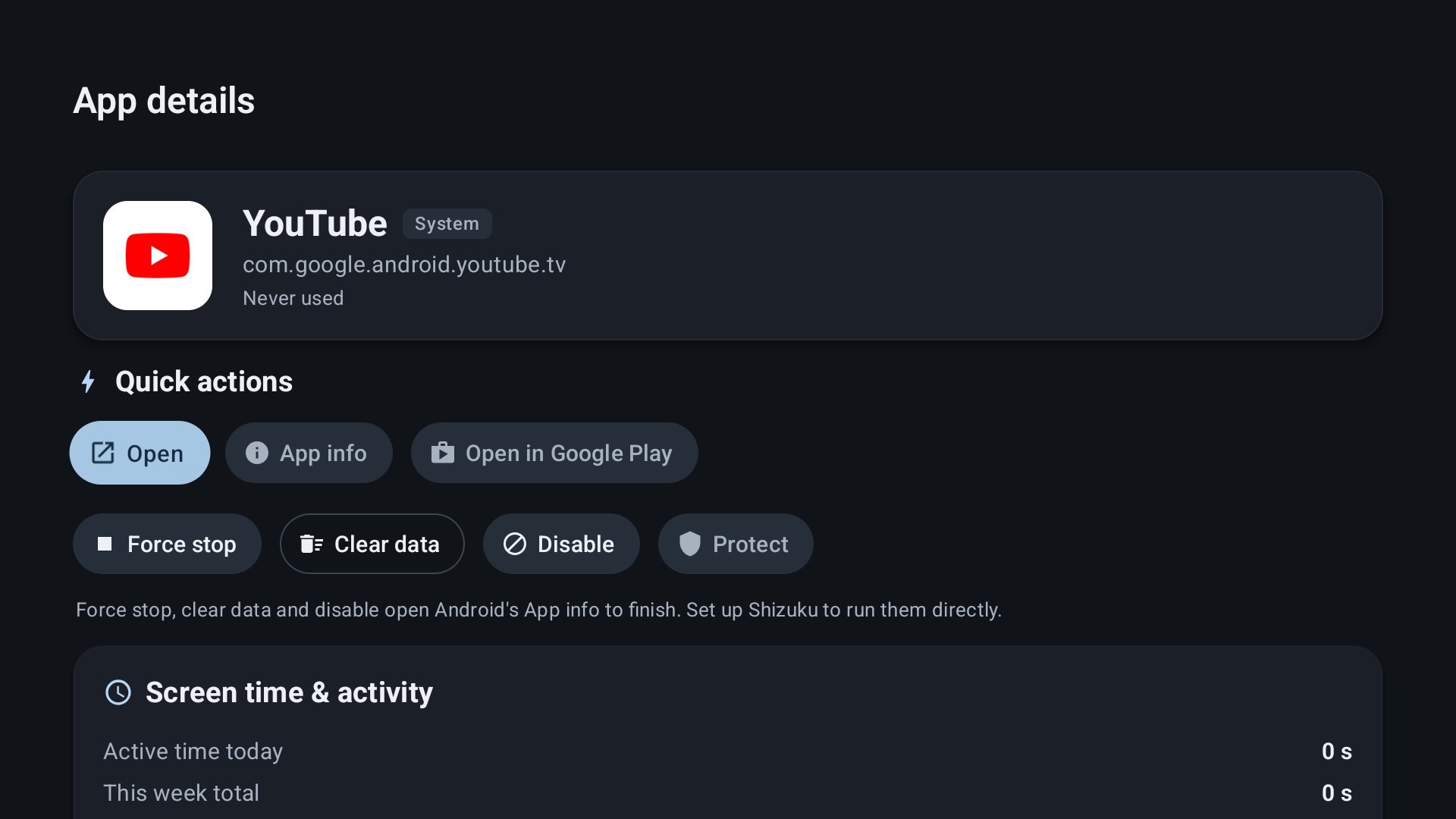
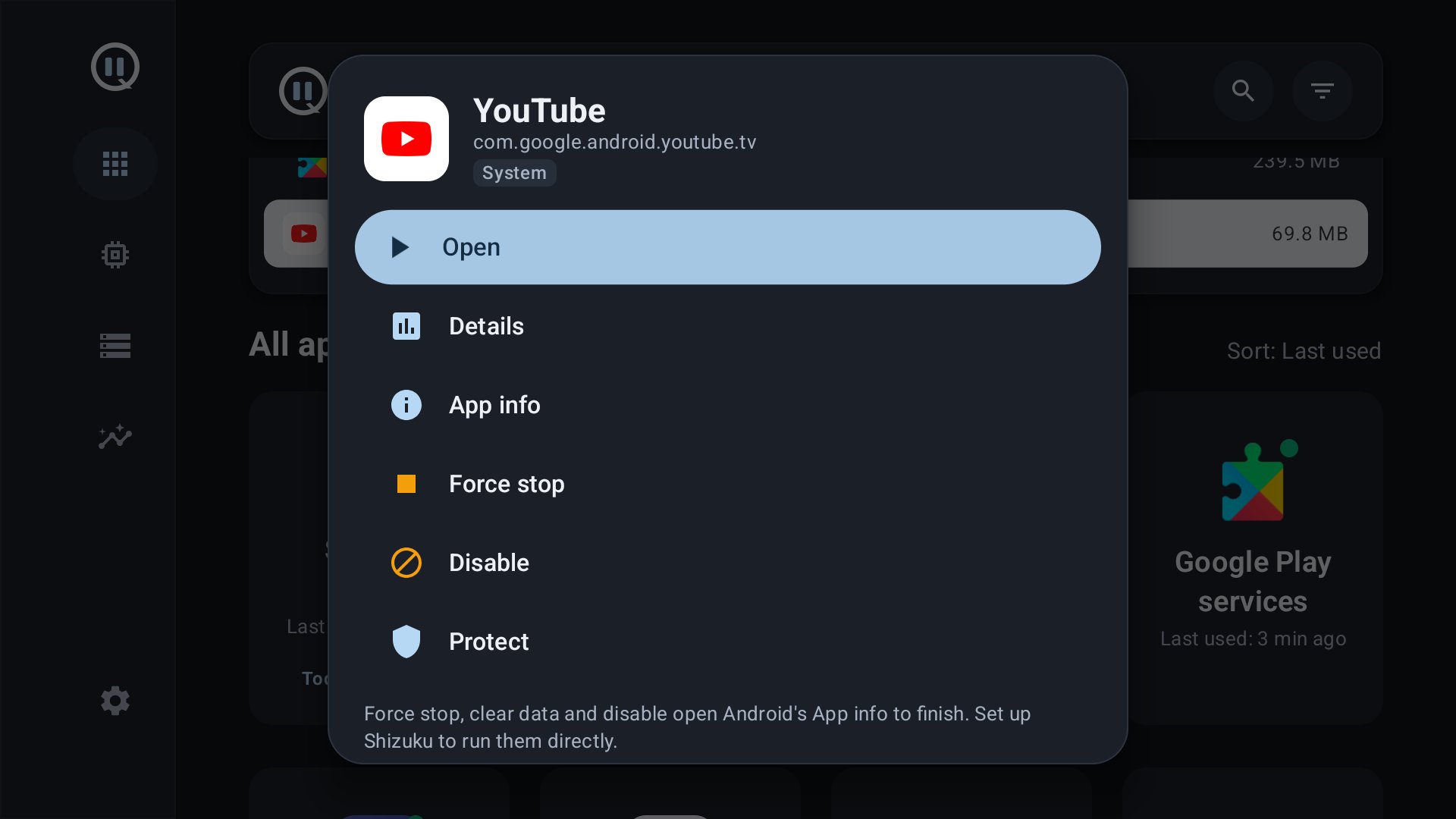
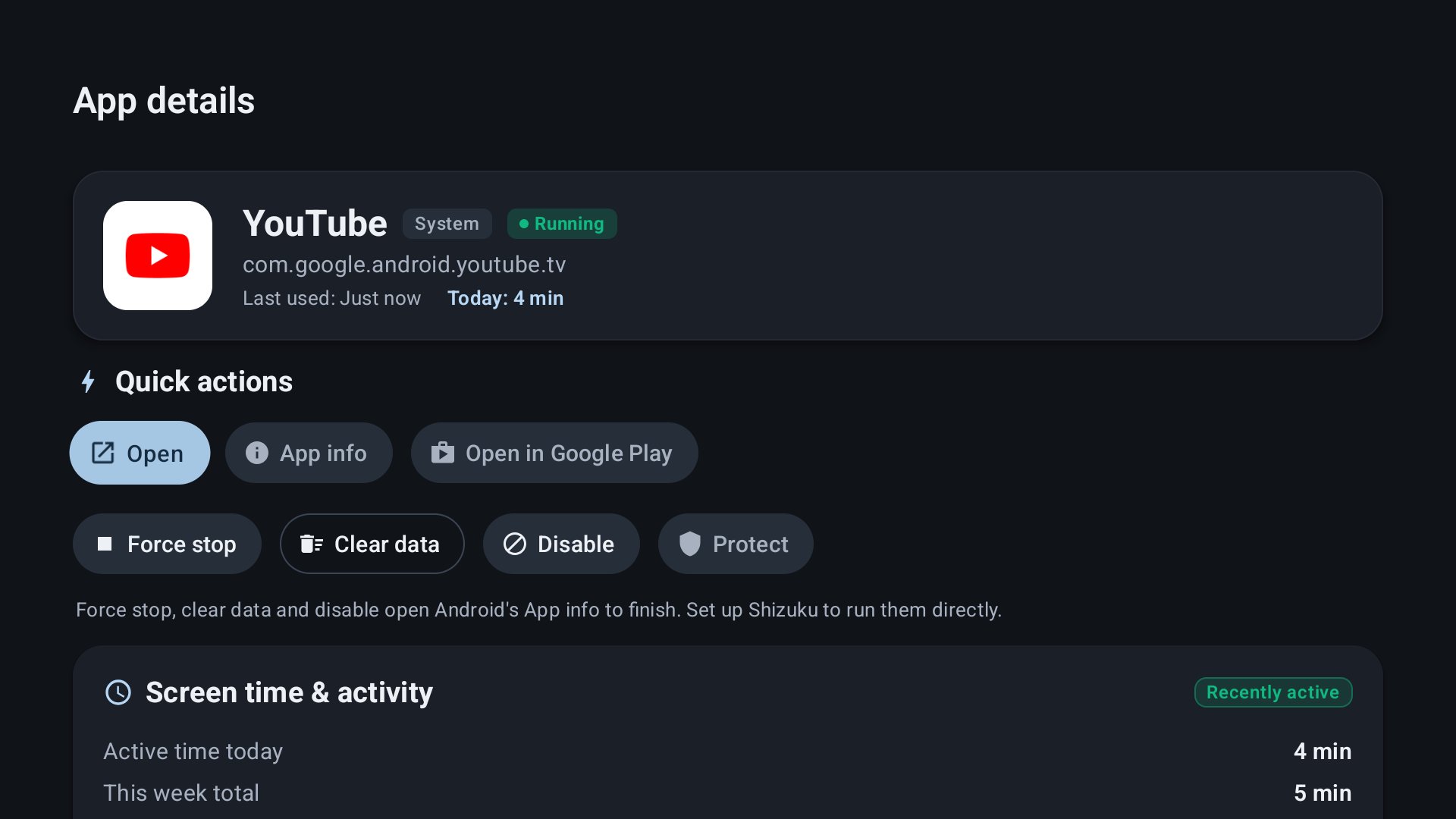
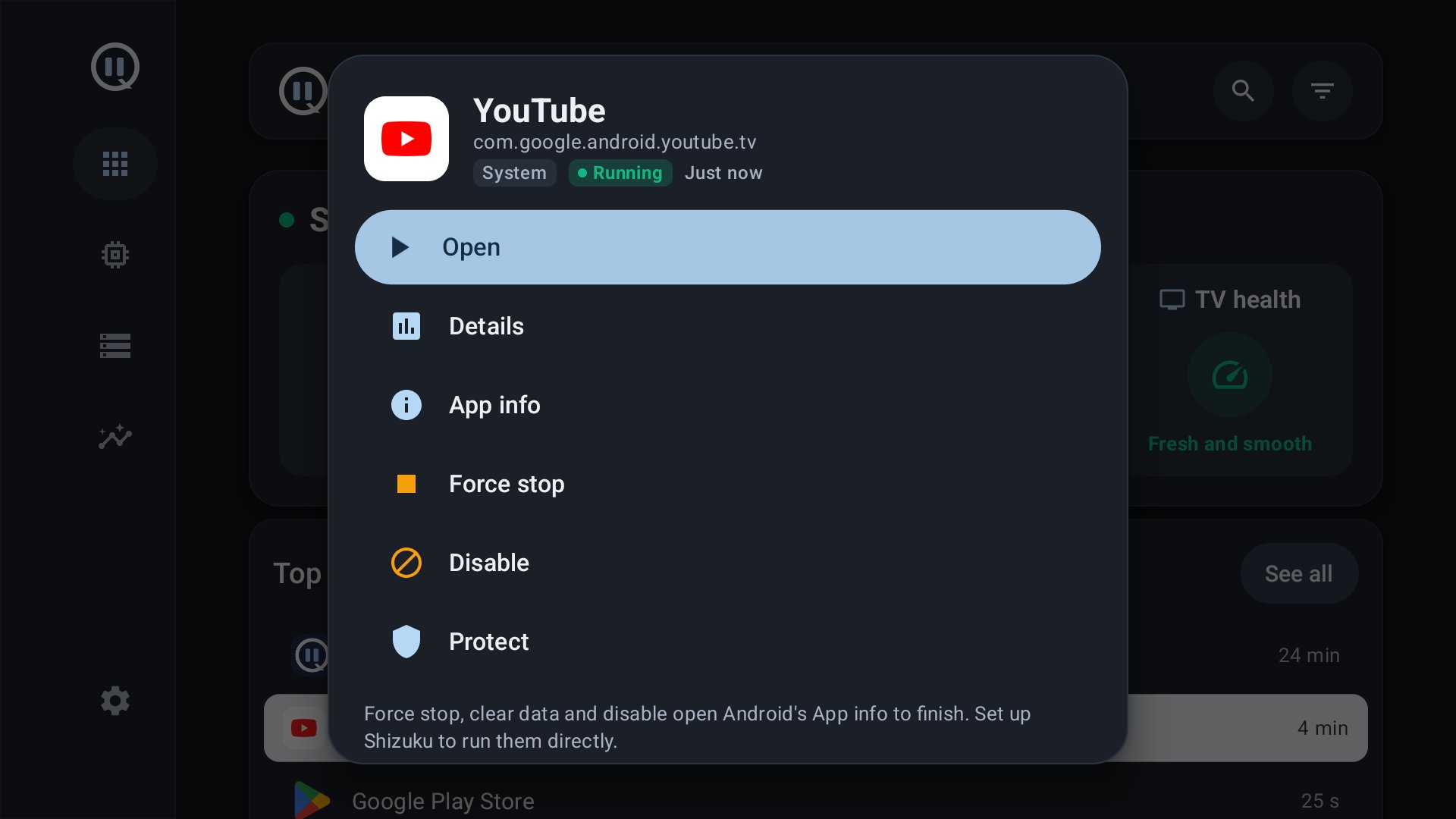
• Act in a moment: hold OK or press Menu on an app to open it, see its App info, force stop it, clear its data, disable it or uninstall it.
• Free up memory with Quiet Boost: close apps running in the background without restarting the TV, and protect the apps you never want closed. On Android 14 and later, Quiet Boost needs extended access.
• Check TV health: see how long your TV has run without a full restart and get tips for smooth playback.
• See what fills your storage: the apps that take the most space, sorted for you.
Extended access
On this TV: Leave USB debugging enabled. On compatible TVs, the helper starts without a computer when you open QuietApps. Turn this option on, then choose "Always allow from this computer" and "Allow" in Android’s prompt.
From a computer: You type a few commands on a computer on the same home network. Nothing else is installed on the TV and no cable is needed. After every restart of the TV, you type two commands again.
With the Shizuku app: Choose this if Shizuku is already on your TV or you have no computer. Shizuku is installed from an APK file and has to be started again after every restart of the TV; without a computer, that needs a mouse.
QuietApps Pro
QuietApps is free. With QuietApps Pro, an optional one-time purchase through Google Play, QuietApps uses extended access to force stop apps, clear their data, disable and enable them, clear the caches of all apps at once and restart the TV, each with one press. Setting up extended access is free, so you can check that it works on your TV before you buy Pro. Without Pro, you can clear the caches of all apps once for free, and the other actions open in Android settings, where you complete them yourself. There is no subscription and no advertising.
Private by design
• QuietApps uses INTERNET permission only to connect to this TV’s own debugging service at 127.0.0.1. No data leaves the TV.
• Usage statistics are read on your TV after you allow usage access, and they never leave it.
Made for the big screen
• Designed for the remote, with clear focus on every button; also works with TalkBack, a mouse and larger text.
• Dark and light themes.
• Available in 49 languages.
Some details and actions depend on your Android version, TV manufacturer and permissions.

One-click to install XAPK/APK files on Android!
Thanks for your rating and feedback!
You have already rated.