








Thanks for your rating and feedback!
You have already rated.

Track speed, distance & trips with a GPS speedometer, odometer and live map.
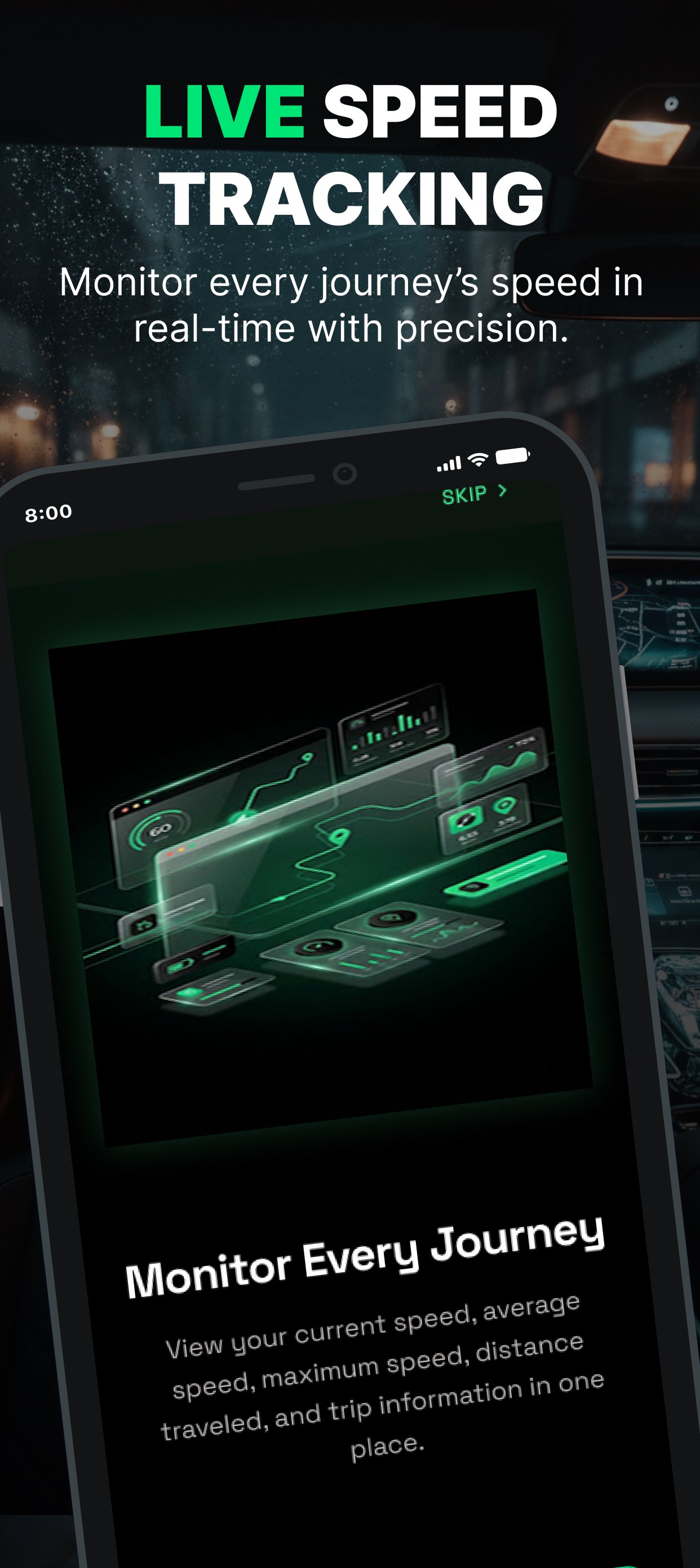
Track your speed, distance and driving trips with a GPS speedometer, odometer and trip tracker built for everyday driving.
Get a clear view of your current speed, average speed, maximum speed and distance while you drive. Choose from analog, digital or live map views and keep track of every trip with automatic trip history.
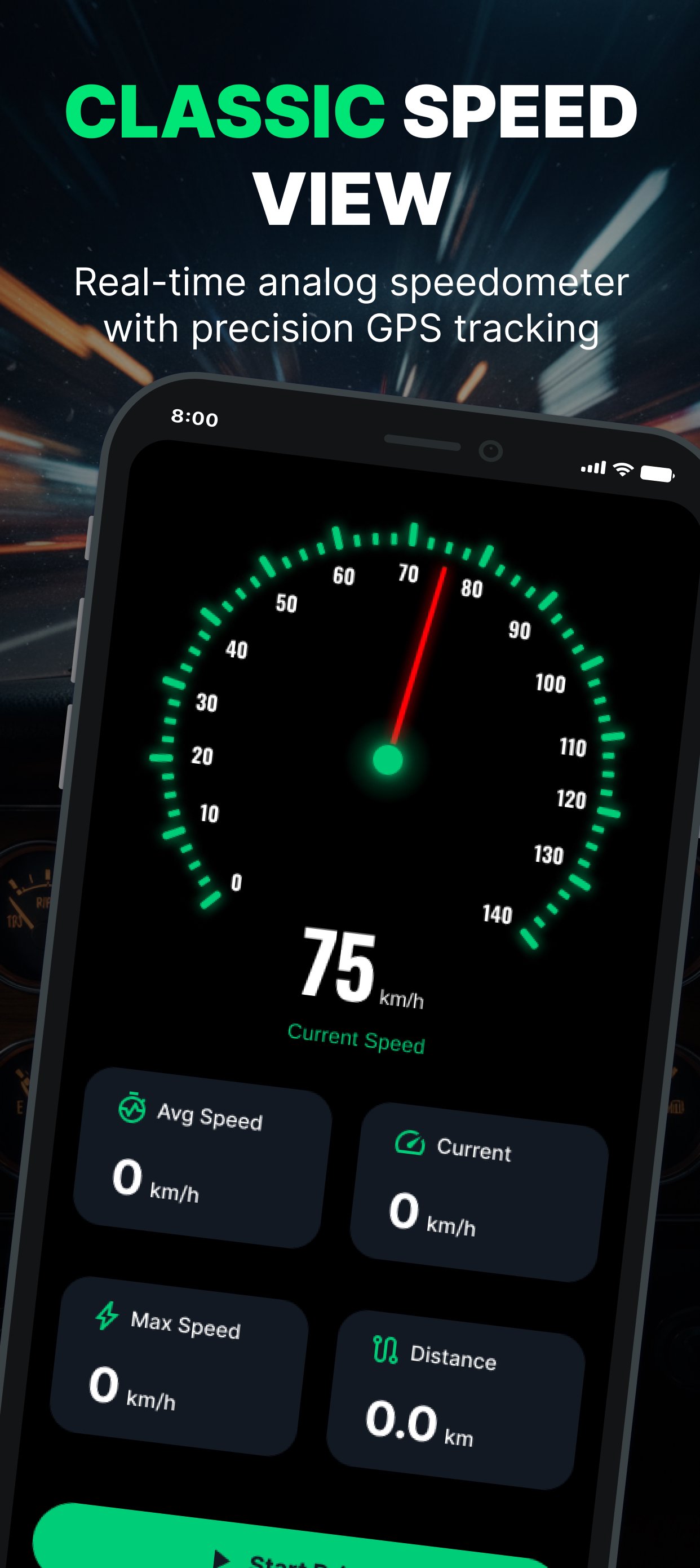
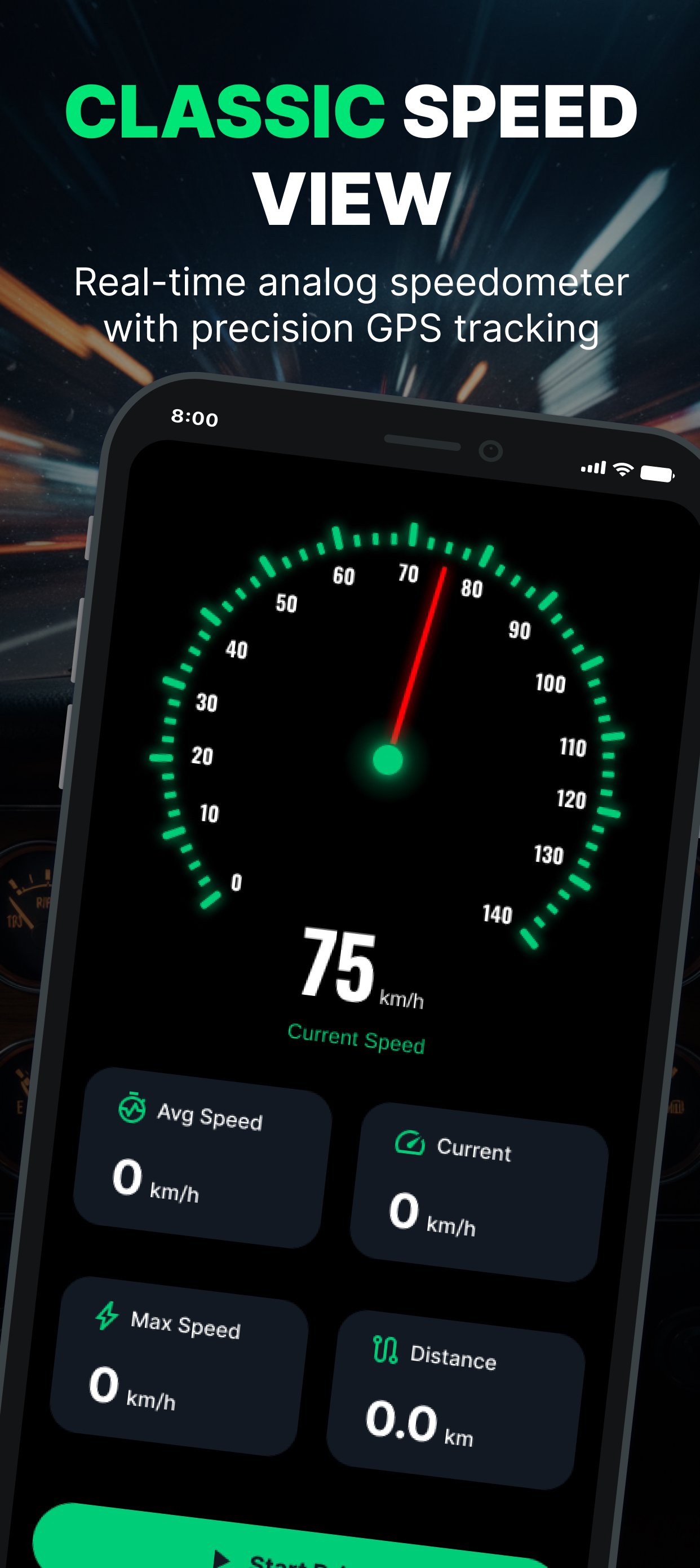
ANALOG SPEEDOMETER
Use a classic circular speed gauge with selectable maximum scales from 60 to 320. The dashboard also shows useful driving information including battery status, GPS accuracy, network type and compass direction.
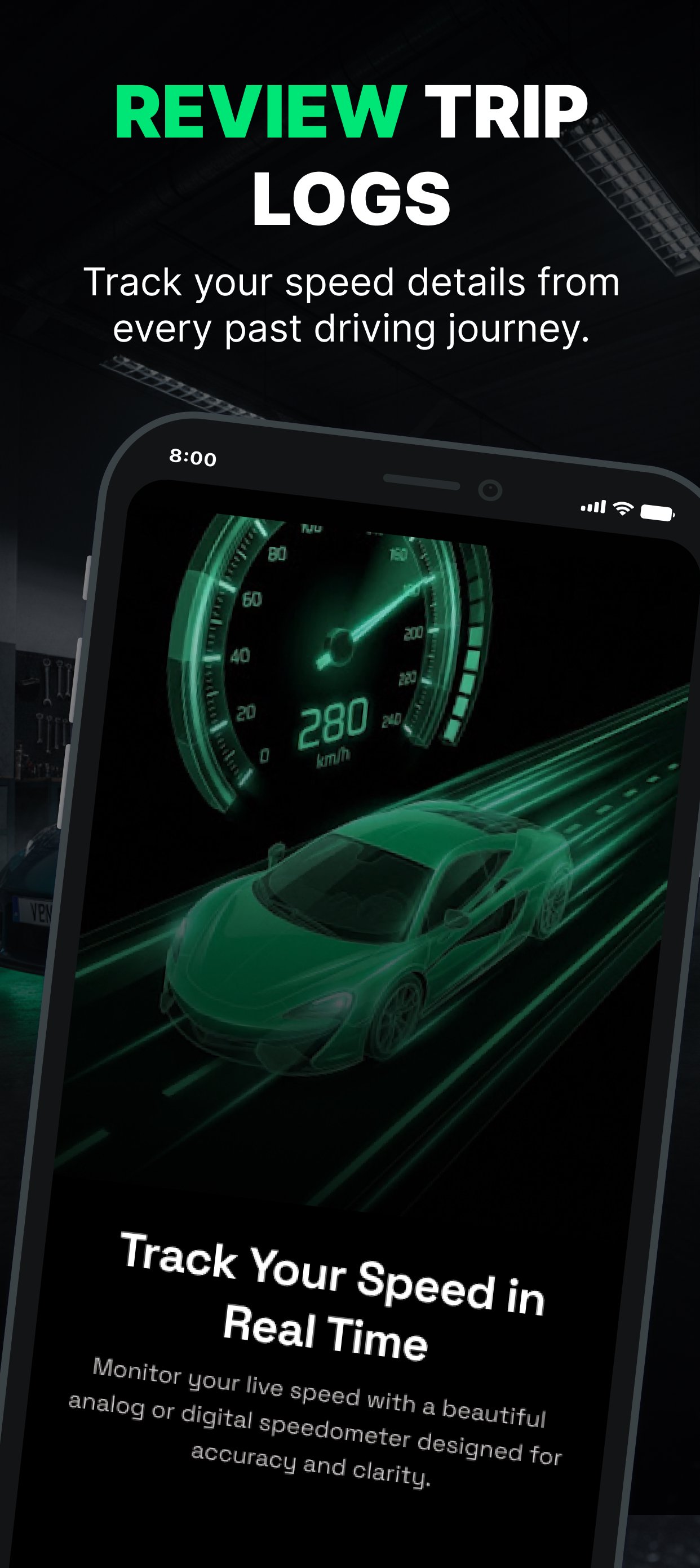
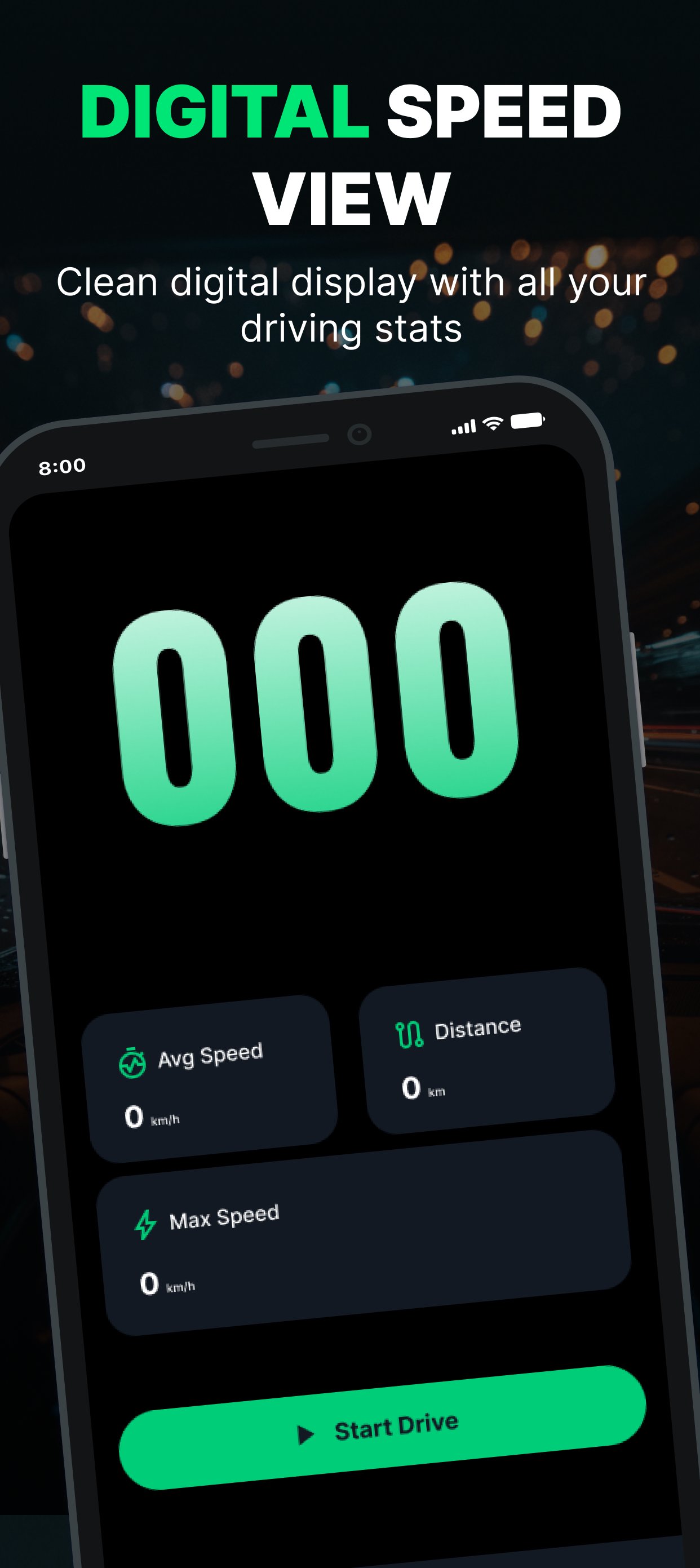
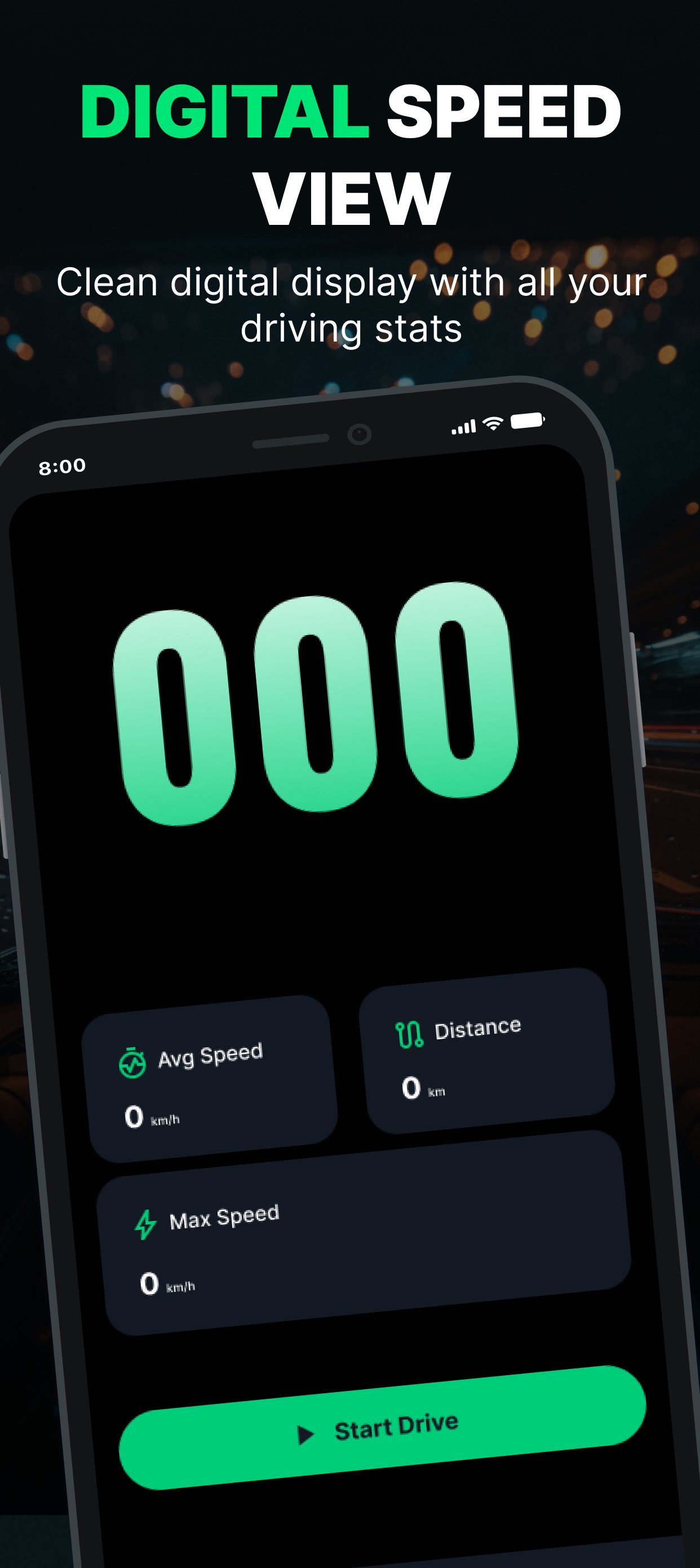
DIGITAL SPEEDOMETER
Prefer a modern digital dashboard? Switch to a large digital speed display with a clear digit layout and animated driving graphics.
The digital dashboard keeps your most important trip statistics visible while you drive.
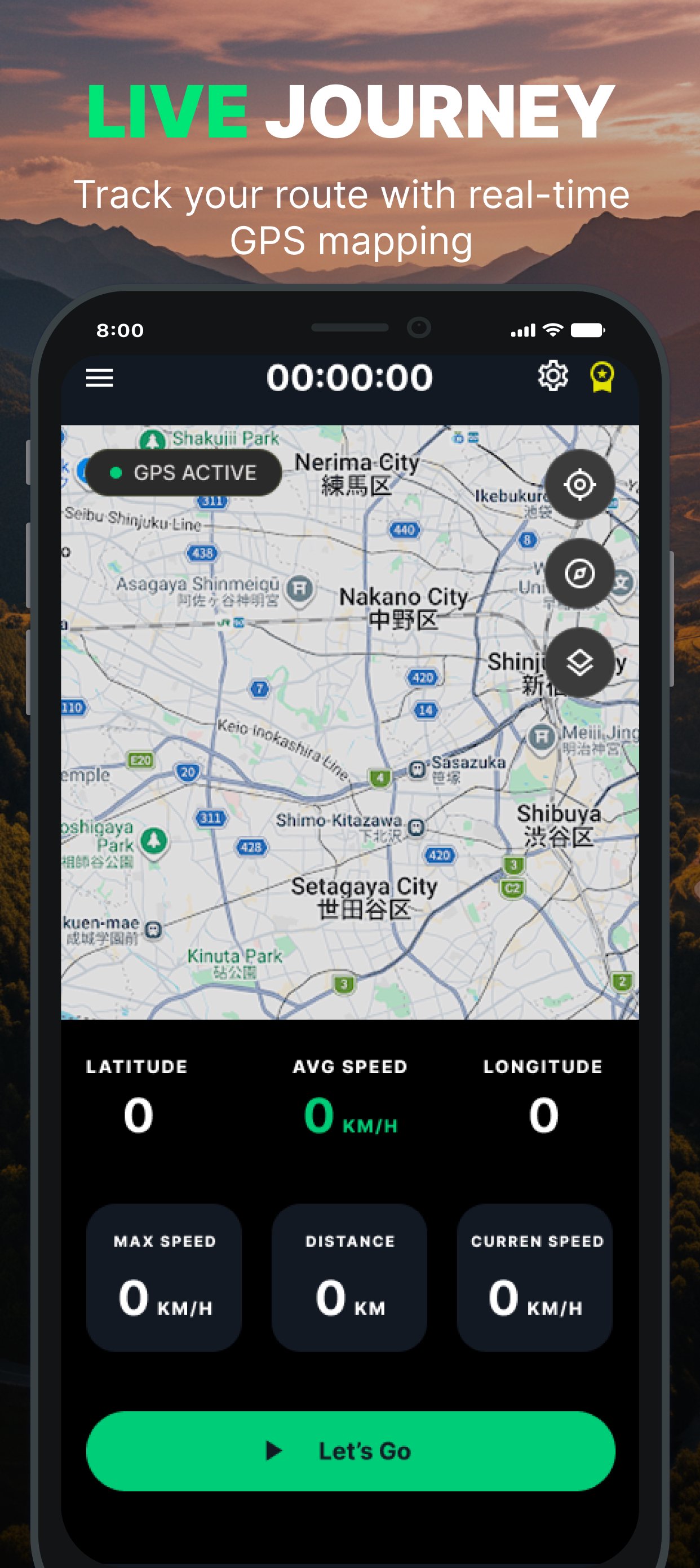
LIVE GPS MAP
Follow your position on a live OpenStreetMap view with a custom location marker.
The map lets you explore freely without automatically moving the map every time your location changes. Use the recenter control whenever you want to return to your current position.
The map view includes:
• Current GPS position
• Latitude and longitude
• Current speed
• Average speed
• Maximum speed
• Distance traveled
• Recenter control
• Tap-to-copy coordinates
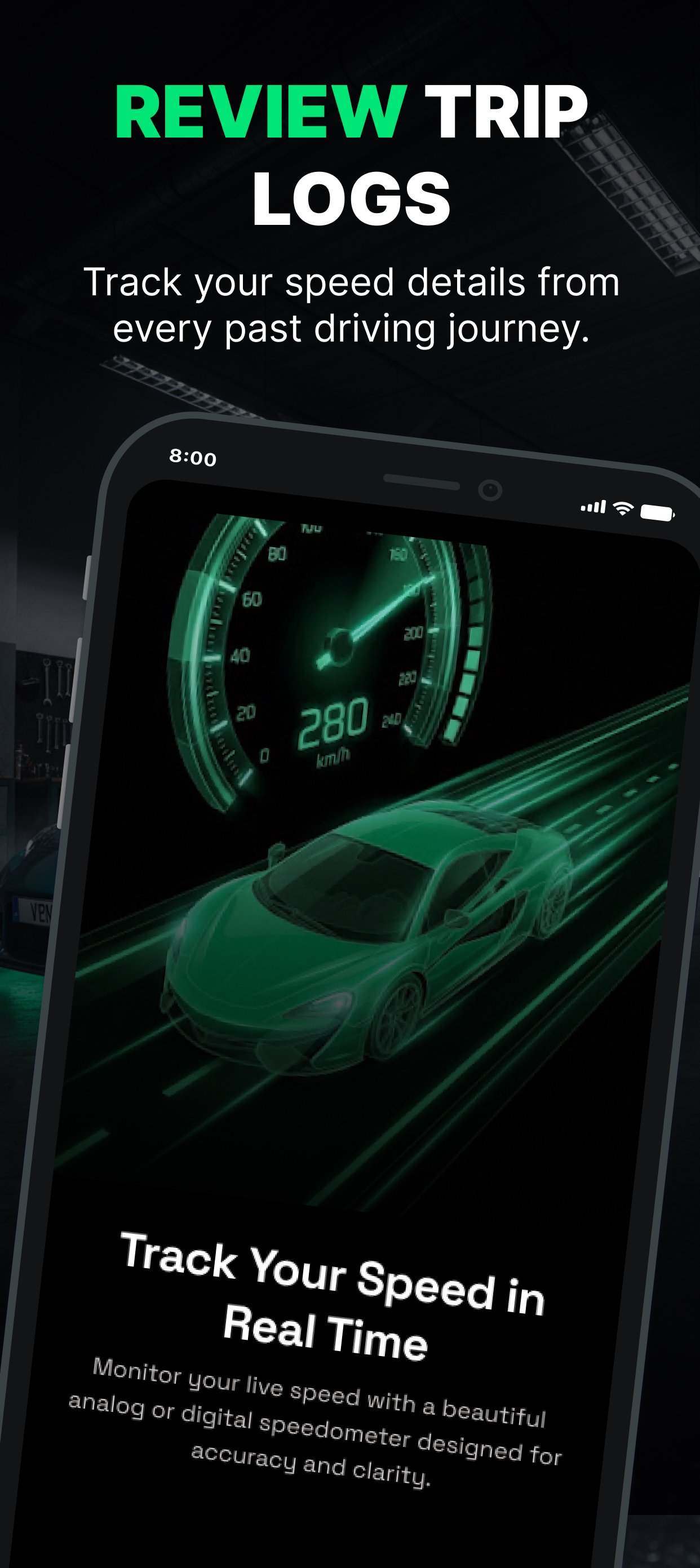
TRIP HISTORY
Keep your previous driving sessions organized in one place.
View summary information for the selected period, including total distance and total driving time.
Each saved trip can show:
• Date
• Start and end time
• Distance
• Duration
• Maximum speed
BUILT FOR SIMPLE SPEED AND TRIP TRACKING
Whether you need a digital speedometer for everyday driving, a GPS speed tracker for a journey, an odometer-style distance tracker or a simple way to review previous trips, this app puts essential driving information in one place.
Use the analog dashboard for a traditional gauge experience, the digital dashboard for a clear speed display, or the live map when you want to see your GPS position and trip statistics.
GPS accuracy, network availability and speed readings can vary depending on your device, GPS signal and surrounding environment.

One-click to install XAPK/APK files on Android!
Thanks for your rating and feedback!
You have already rated.