





Thanks for your rating and feedback!
You have already rated.

SyncMyTracks is an Android fitness tool for moving sports activities between tracking services.
SyncMyTracks develops this app for users who train across several platforms and want their workout history to stay aligned. Its main appeal is simple: it helps copy runs, rides, and other activities between connected accounts without manually moving every file. For anyone planning to download SyncMyTracks, these are the core tools to know first.
SyncMyTracks connects popular fitness services so activity records can move from one account to another. It is useful when a runner changes watch brands, a cyclist starts using a new training platform, or a user wants the same workout history visible in more than one place.
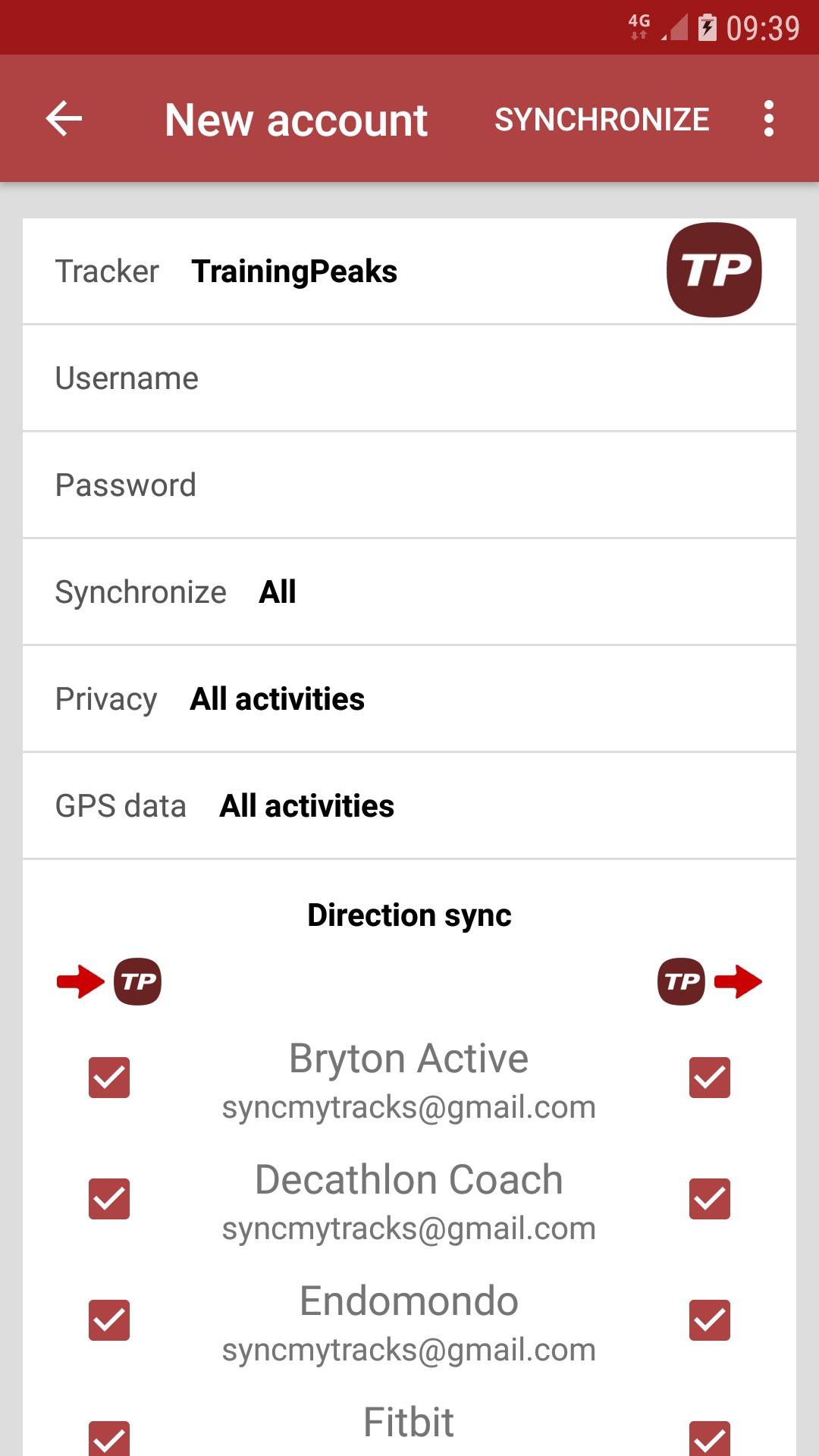
The app supports services such as Garmin Connect, Strava, Fitbit, Polar Flow, Samsung Health, Suunto App, TrainingPeaks, Nike Run Club, Runkeeper, and other major platforms. A typical setup starts with choosing the service that already contains the activities, then choosing the destination where copied activities should appear. The app requires email and password login for connected services, so accounts that only use Facebook or Google login may need a separate password before syncing can work.
SyncMyTracks also supports export and import through GPX or TCX files. This matters for users who prefer a more controlled transfer, especially when moving a set of workouts from one service to another without keeping automatic syncing active afterward.
In this mode, activities can be exported from a source service and imported into a destination service when the chosen platforms support the file data. GPX and TCX are common workout file formats, so they are helpful for routes, distance, time, and other activity details. Results still depend on what each service accepts, and some advanced data may not carry over if the destination platform does not support it. For users who only need a one-time migration, this mode feels practical and avoids keeping multiple accounts linked longer than necessary.
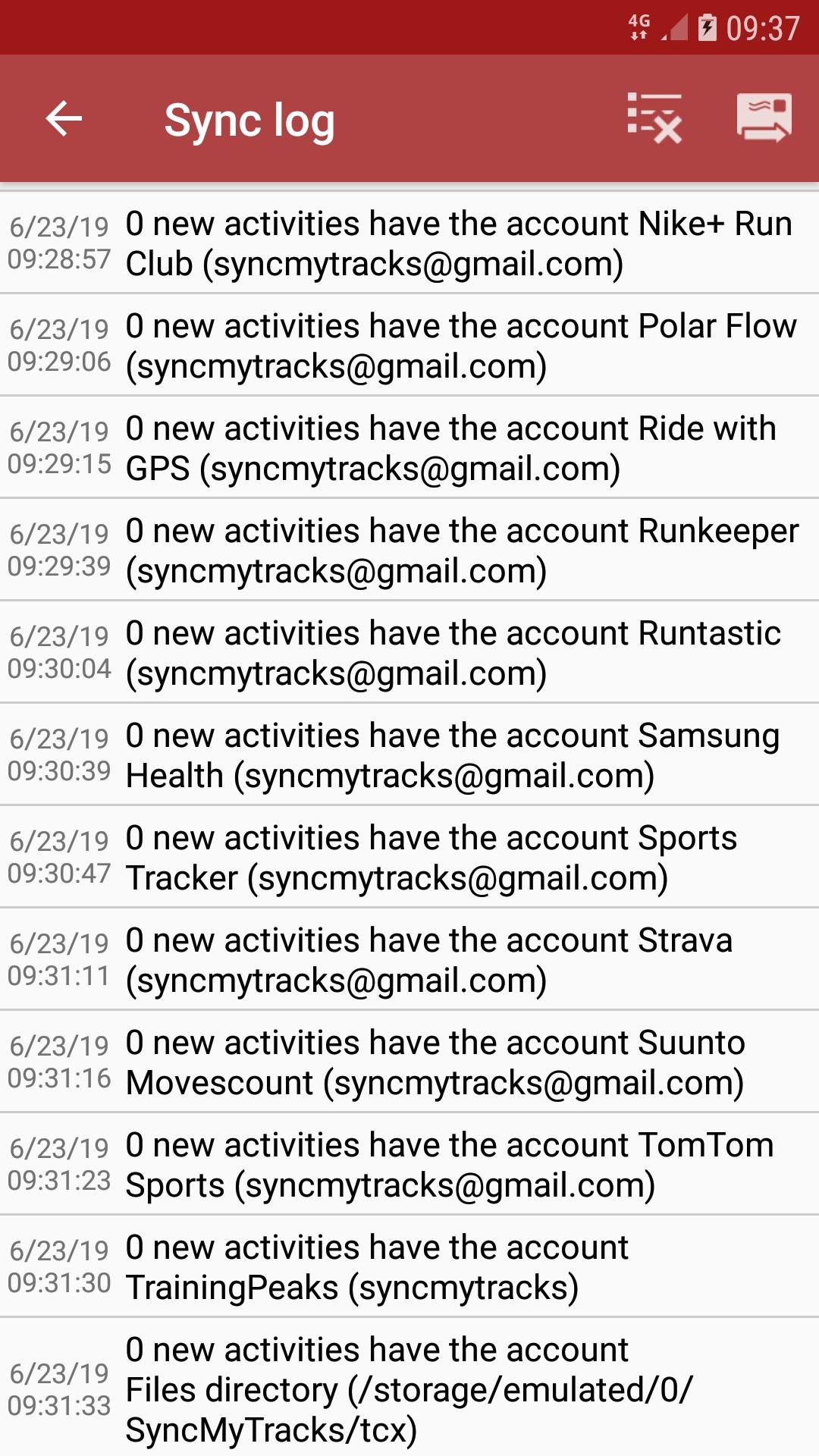
SyncMyTracks can keep added accounts updated by checking for new activities at a chosen interval. This feature is designed for people who regularly record workouts in one service but want those sessions copied to another account without repeating the transfer each time.
The sync interval can be adjusted in settings, and automatic sync can also be turned off when it is not needed. When adding an account, users can choose to sync all historical activities or only activities created from that point forward. That choice is helpful because a full history transfer can take more time, while future-only syncing is cleaner for users who already moved older workouts. The app also uses activity start time to help prevent duplicates, although using export/import and sync on the same accounts is not recommended because duplicate records may still appear.
SyncMyTracks focuses on keeping the workout details that make an activity useful after it has been copied. When both connected services support the data, transferred activities may include route, map, time, duration, distance, pace, heart rate, cadence, power, and temperature.
This is important for training review, because a copied run without route or pace data is less useful than a complete workout record. The app does not create extra analysis by itself, and it cannot force a destination service to accept every field. Still, for common training data, it provides a practical way to keep the key parts of an activity together. Users who depend on power, cadence, or heart rate should check the copied result after the first transfer, since support can vary by service.
SyncMyTracks adds copied activities without deleting or editing existing records. This cautious behavior makes it safer for users who want to move old workout history but do not want their current accounts changed unexpectedly.
Account data is stored on the phone, and saved passwords are encrypted. The app also includes a “Delete All My Data” setting that removes stored account and sync data from the device. This gives users a clear way to clean up after a migration or stop using the app with connected accounts. Since the app depends on account credentials, it is best suited to users who are comfortable managing fitness service passwords directly.
These pros and cons reflect how SyncMyTracks works in everyday fitness tracking, especially for users who keep workout records across several services.
ProsYou can download the latest SyncMyTracks APK from APKPure and install it on a compatible Android device. The APK size is not clearly listed in the provided file information, so download time may vary depending on the current package and your network connection. It is best to keep some free storage available before installing, especially if the app needs to handle a larger workout history.
After installation, open the app and decide whether the first transfer should be a one-time export/import or an ongoing account sync. Users trying the SyncMyTracks latest version should also note that the listed trial version may limit account synchronization and only export up to the latest 40 activities. For a cleaner start, test with a small set of activities first, then expand syncing once the copied data looks correct.





One-click to install XAPK/APK files on Android!
Thanks for your rating and feedback!
You have already rated.