
ดาวน์โหลด APK ได้อย่างปลอดภัยและรวดเร็วบน APKPure
APKPure ใช้การตรวจสอบลายเซ็นเพื่อประกันการดาวน์โหลด APK ของ OTG USB patch + NTFS mount ที่ปลอดไวรัสสำหรับคุณ

WORKING, ONLY, WITH ROOTED DEVICES !!! Switch OTG modes and mount NTFS disks
For operation of this application you shall have rights of root and the kernel with OTG support is set
Sequence of actions:
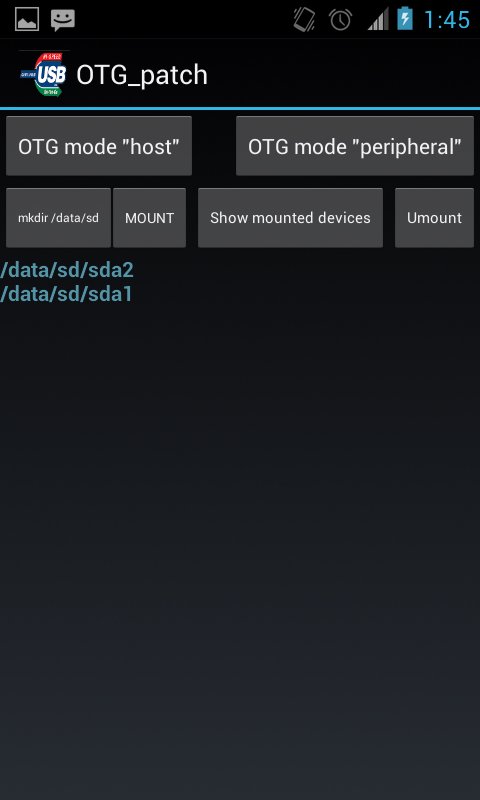
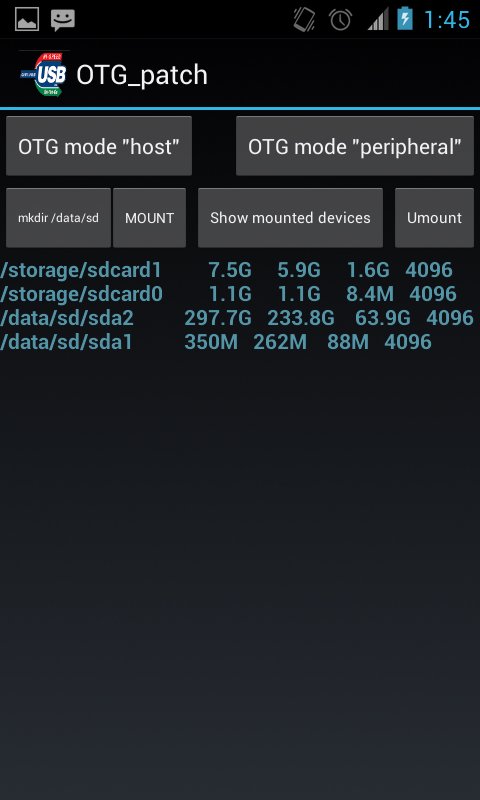
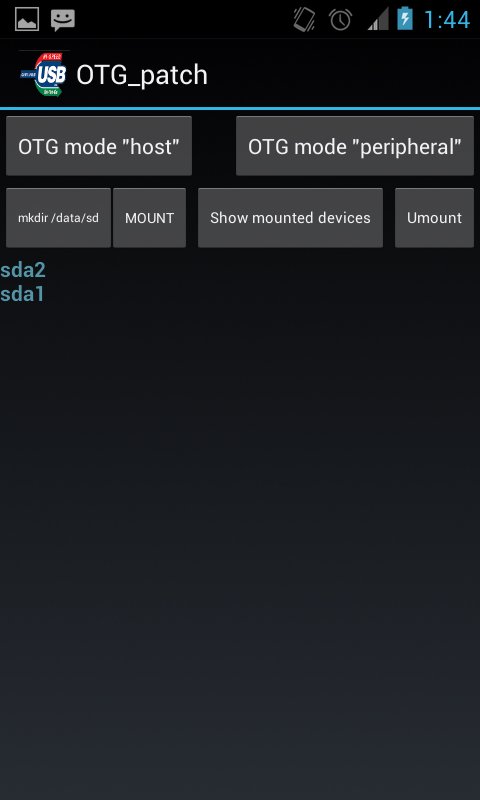
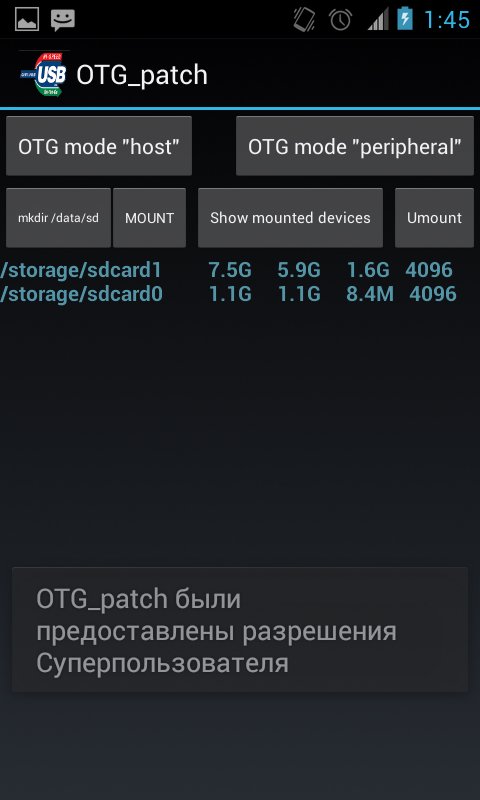
1. After loading of the application, it is necessary to change OTG operation mode for connection of an external disk, for this purpose it is necessary to press the OTG mode host button. Create the directory for assembling by means of the "mkdir/data/sd" button. It is possible to connect an external disk or the USB stick further if it it wasn't made yet, and to press the Mount button then on the screen the attached devices will appear. For an output of more detailed information it is possible to use the Mounted button. After completion of operation with external drives we switch-off them on means of clicking of the Umount button.o






คลิกเพียงครั้งเดียวเพื่อติดตั้งไฟล์ XAPK/APK บน Android!

ขอบคุณสำหรับการให้คะแนนและข้อเสนอแนะของคุณ!
คุณได้ให้คะแนนแล้ว





