
Tải APK an toàn và nhanh chóng trên APKPure
APKPure sử dụng xác minh chữ ký để đảm bảo tải APK miễn phí virus cho OTG USB patch + NTFS mount.

LÀM VIỆC, CHỈ, VỚI THIẾT BỊ CẦN THIẾT !!! Chuyển đổi chế độ OTG và gắn ổ đĩa NTFS
For operation of this application you shall have rights of root and the kernel with OTG support is set
Sequence of actions:
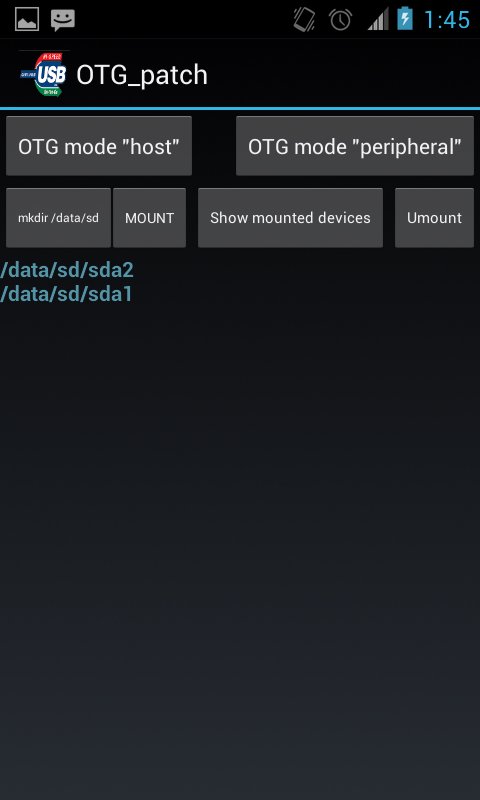
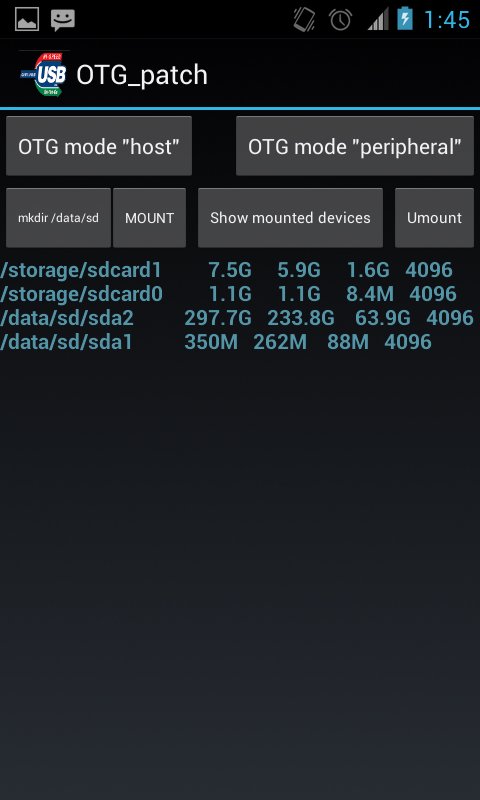
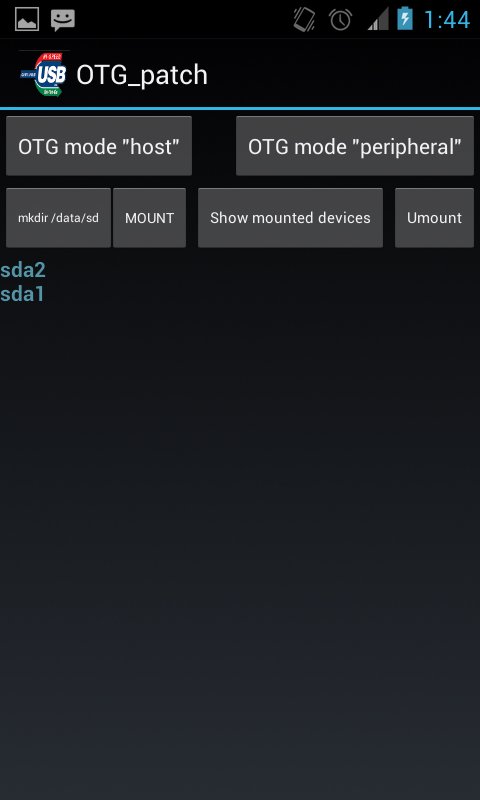
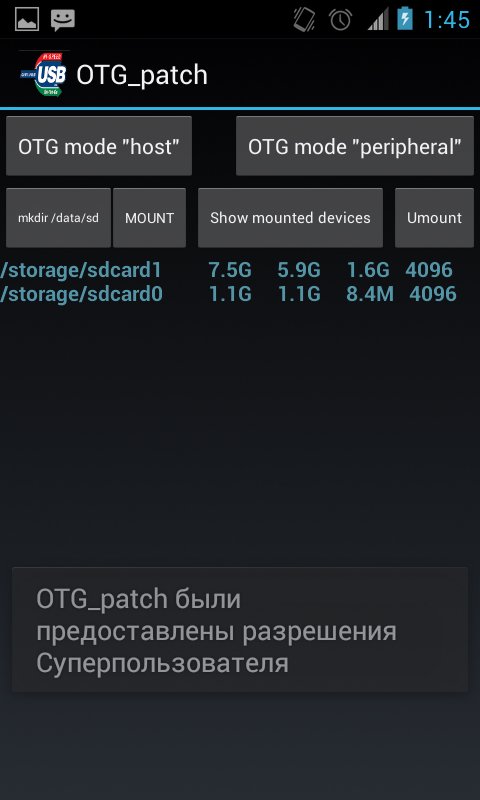
1. After loading of the application, it is necessary to change OTG operation mode for connection of an external disk, for this purpose it is necessary to press the OTG mode host button. Create the directory for assembling by means of the "mkdir/data/sd" button. It is possible to connect an external disk or the USB stick further if it it wasn't made yet, and to press the Mount button then on the screen the attached devices will appear. For an output of more detailed information it is possible to use the Mounted button. After completion of operation with external drives we switch-off them on means of clicking of the Umount button.o

Một cú nhấp chuột để cài đặt các tệp XAPK/APK trên Android!

Cảm ơn bạn đã xếp hạng và phản hồi của bạn!
Bạn đã đánh giá.