
在APKPure安全快速地下載APK
APKPure 使用簽章驗證功能,確保為您提供無病毒的 OTG USB patch + NTFS mount APK 下載。

仅工作,与根设备!切换OTG模式并安装NTFS磁盘
For operation of this application you shall have rights of root and the kernel with OTG support is set
Sequence of actions:
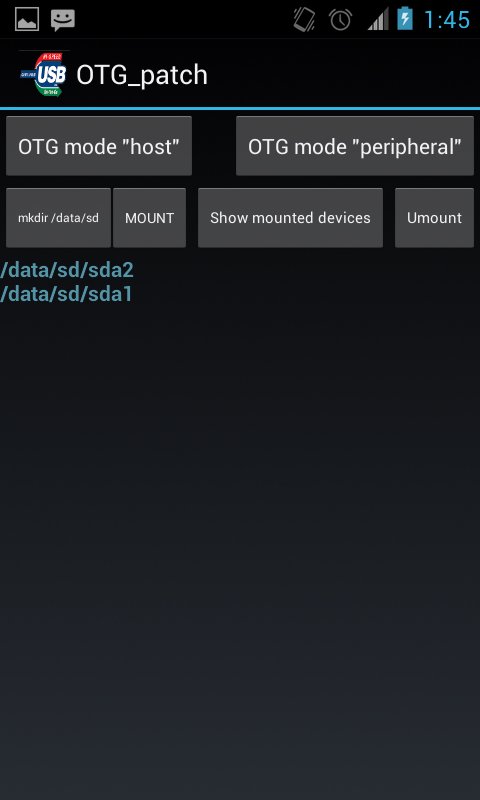
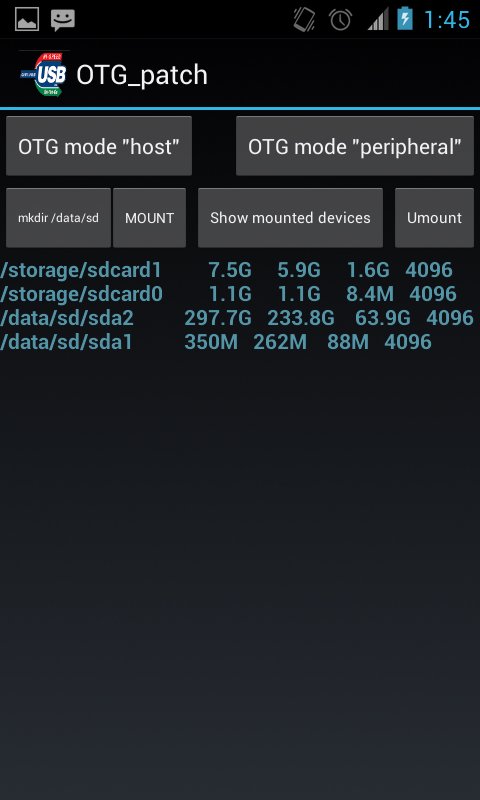
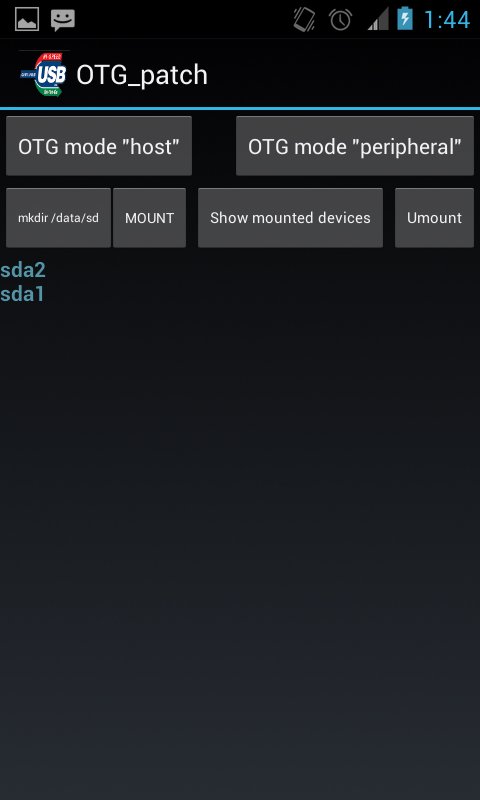
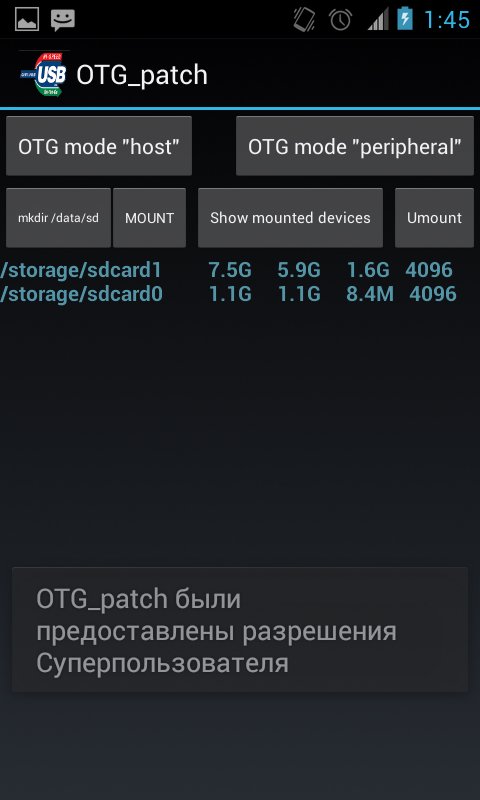
1. After loading of the application, it is necessary to change OTG operation mode for connection of an external disk, for this purpose it is necessary to press the OTG mode host button. Create the directory for assembling by means of the "mkdir/data/sd" button. It is possible to connect an external disk or the USB stick further if it it wasn't made yet, and to press the Mount button then on the screen the attached devices will appear. For an output of more detailed information it is possible to use the Mounted button. After completion of operation with external drives we switch-off them on means of clicking of the Umount button.o

感謝您的評分和反饋!
您已經評分了。













