Package Name:com.daymark.clock
Show More

31.4 MB
File Size
Everyone
Android 7.0+
Android OS
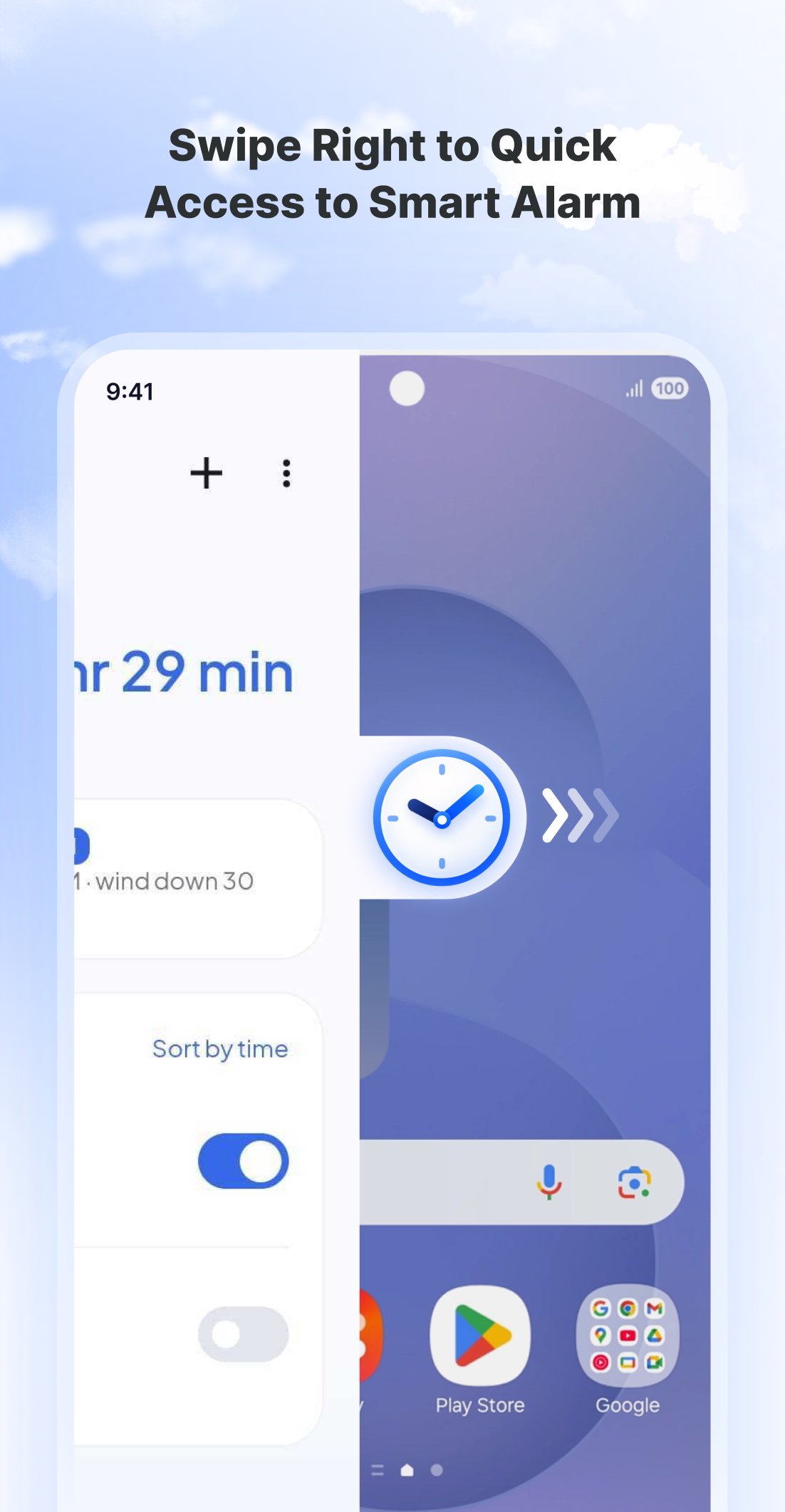
Set alarms, customize your home screen, and explore essential clock tools.
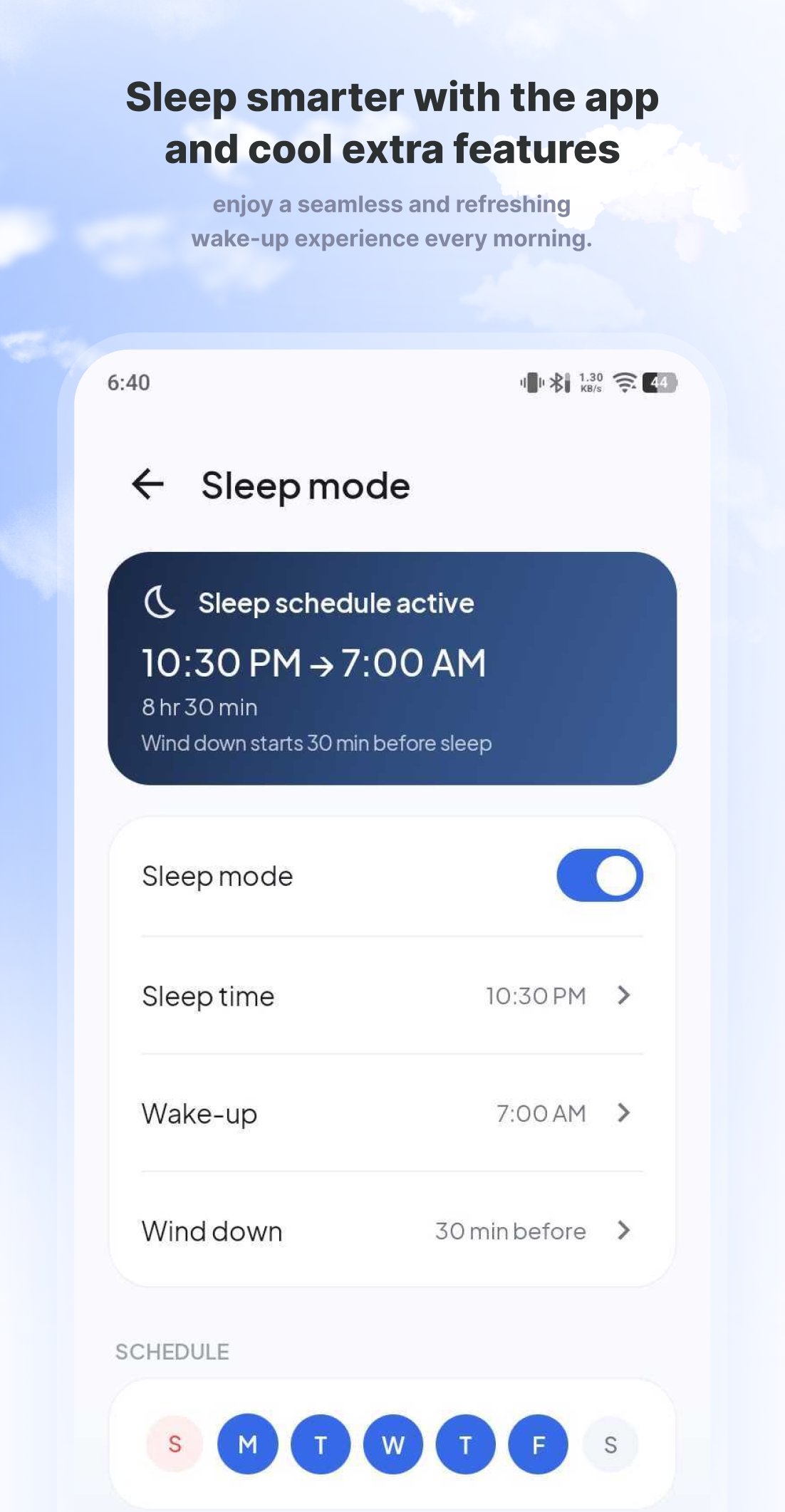
Alarm Clock – Wake Up on Time, Stay Organized
Alarm Clock brings together a smart alarm clock, customizable Android launcher, and essential time management tools in one easy-to-use app. Set daily alarms, personalize your home screen, and manage your routine with a simple and modern experience.
⏰ Alarm Clock – Start Your Day Right
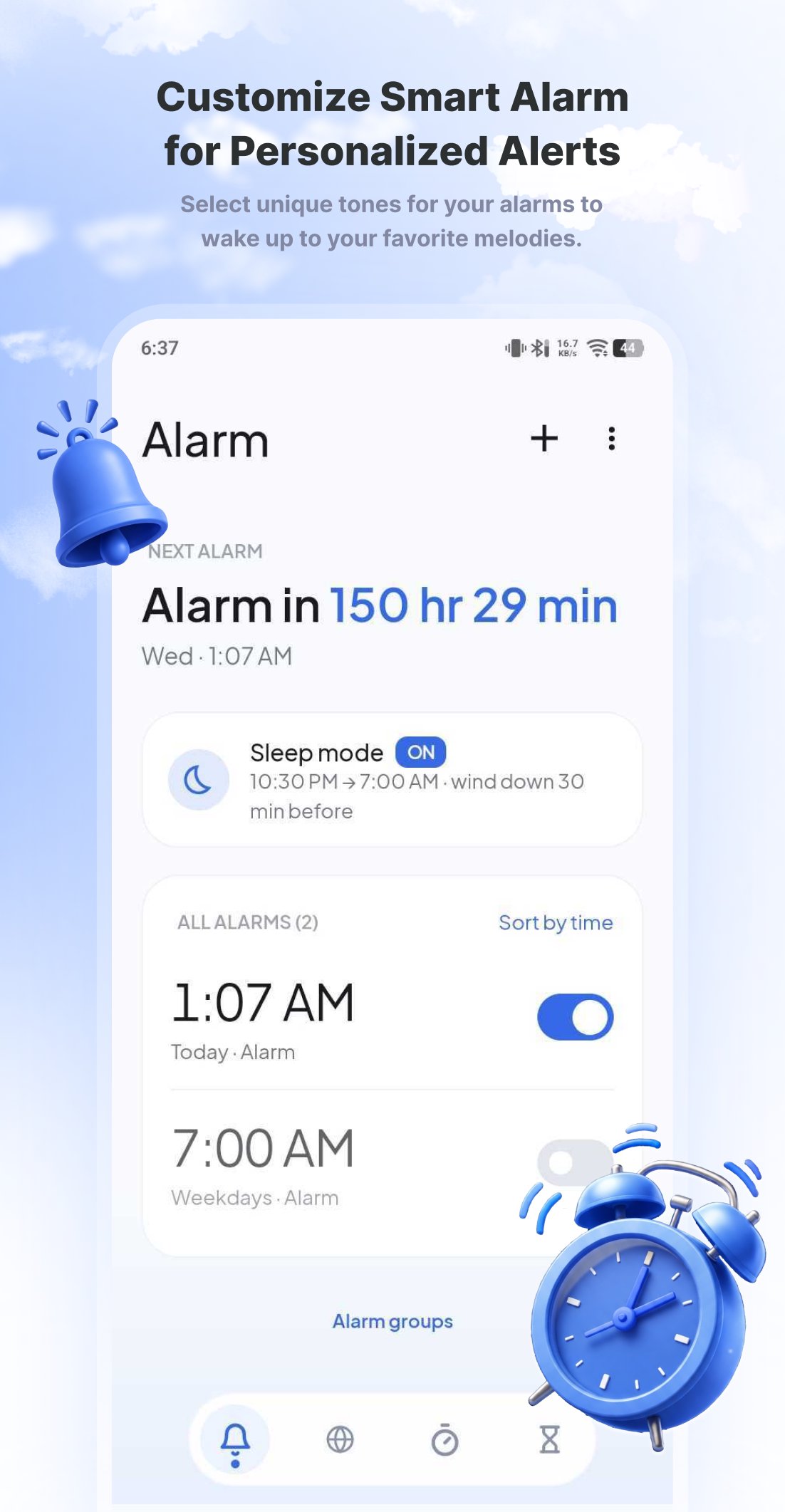
Create and manage alarms for your daily schedule. Whether it's waking up in the morning, getting ready for work, or setting reminders, Alarm Clock helps you stay on time.
• Set one-time and repeating alarms • Create and manage multiple alarms • Snooze alarms when needed • Choose custom alarm sounds • Add labels to organize alarms • Enable vibration for alerts • Customize alarm settings
🏠 Android Launcher – Personalize Your Home Screen
Enjoy a clean and customizable Android home screen with built-in launcher functionality. Organize your apps and access your favorite features conveniently.
• Clean and modern home screen • Customizable launcher experience • Organized app drawer • Search and access installed apps • Home screen widgets • Wallpaper customization • Quick access to favorite apps
🕒 Clock & Everyday Tools
Manage your time with useful clock and productivity features designed for everyday activities.
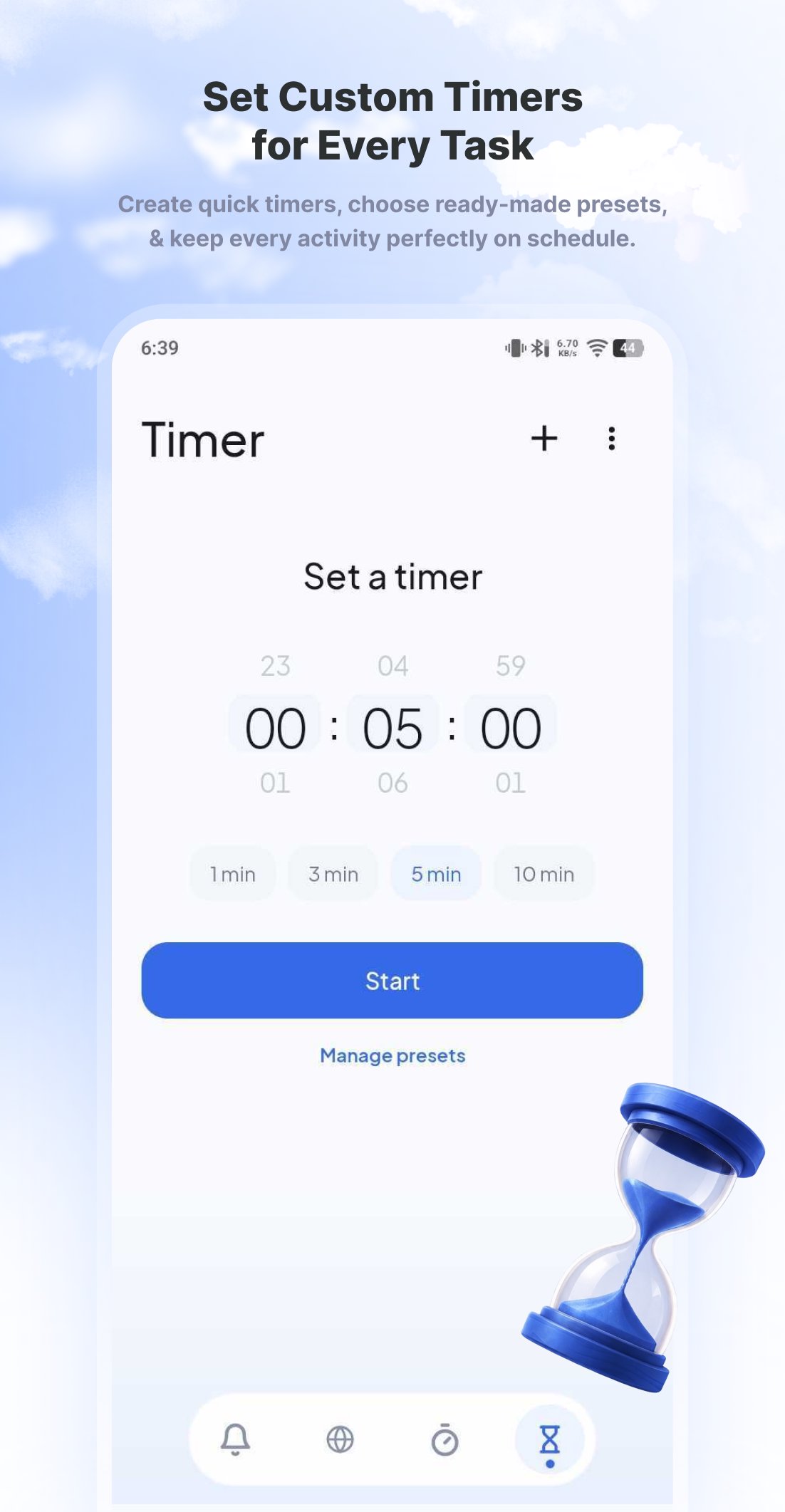
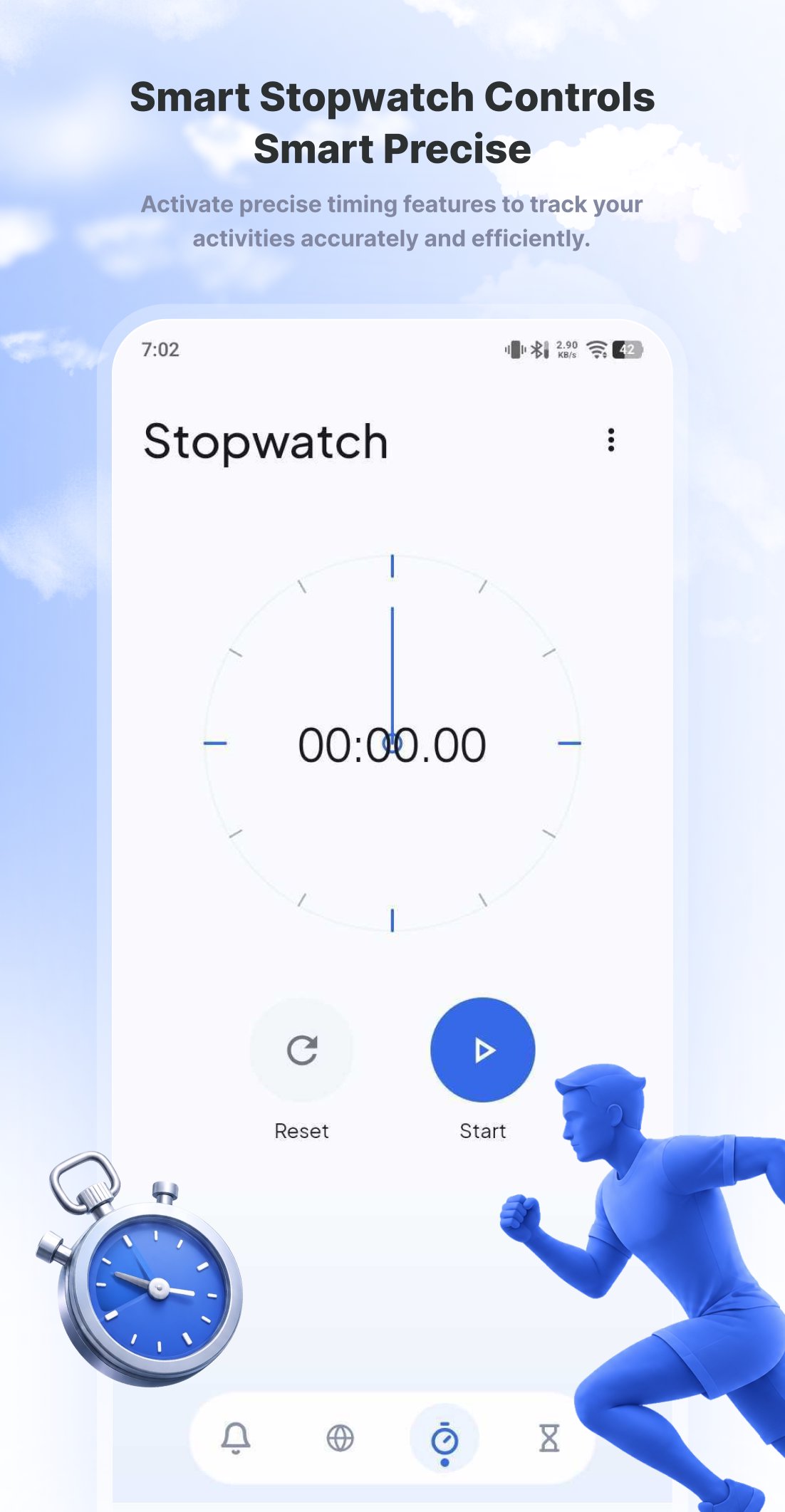
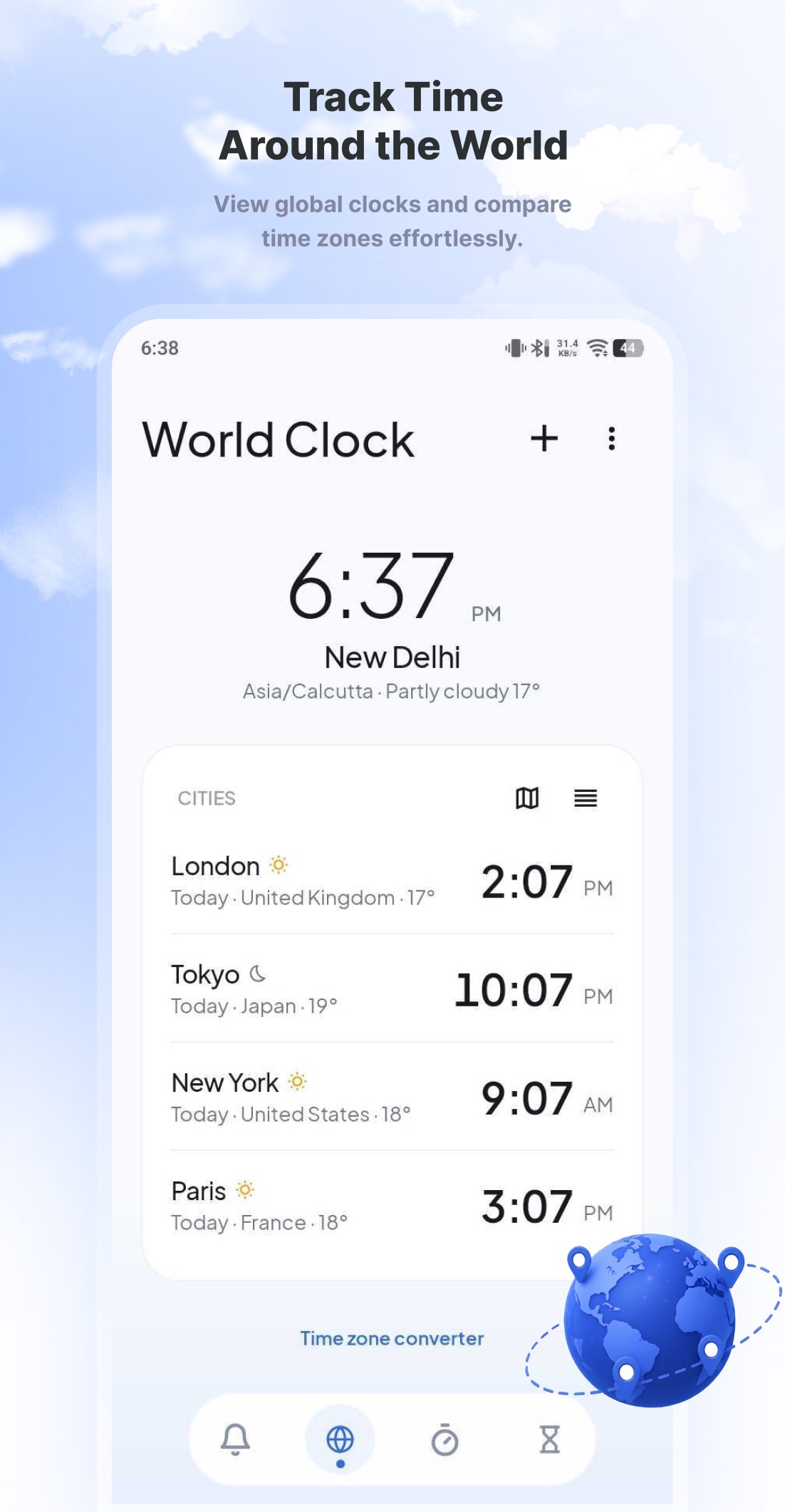
• Digital & Analog Clock – View time in your preferred style • World Clock – Check the time across different cities and time zones • Stopwatch – Track elapsed time for workouts and activities • Countdown Timer – Set timers for cooking, studying, and daily tasks • Calendar – Keep track of dates and schedules • Weather – View weather information and updates
✨ Simple, Clean & Easy to Use
Alarm Clock offers a straightforward interface that makes it easy to manage alarms, customize your home screen, and access essential tools without unnecessary complexity.
Why Choose Alarm Clock?
✓ Alarm clock with customizable settings ✓ Multiple alarms with snooze and repeat options ✓ Built-in Android home screen launcher ✓ Personalized wallpapers and widgets ✓ World clock, stopwatch, and timer ✓ Calendar and weather information ✓ Simple and user-friendly design
Make your daily routine easier with Alarm Clock. Wake up on time, organize your home screen, and keep essential tools within reach.
Important Information
Alarm Clock includes an optional Android launcher feature. When selected as your default home app, it can replace your current Android home screen. You can change your default launcher anytime through your device settings.
Some features, such as local weather information, may require location permission or internet access.

One-click to install XAPK/APK files on Android!

Thanks for your rating and feedback!
You have already rated.