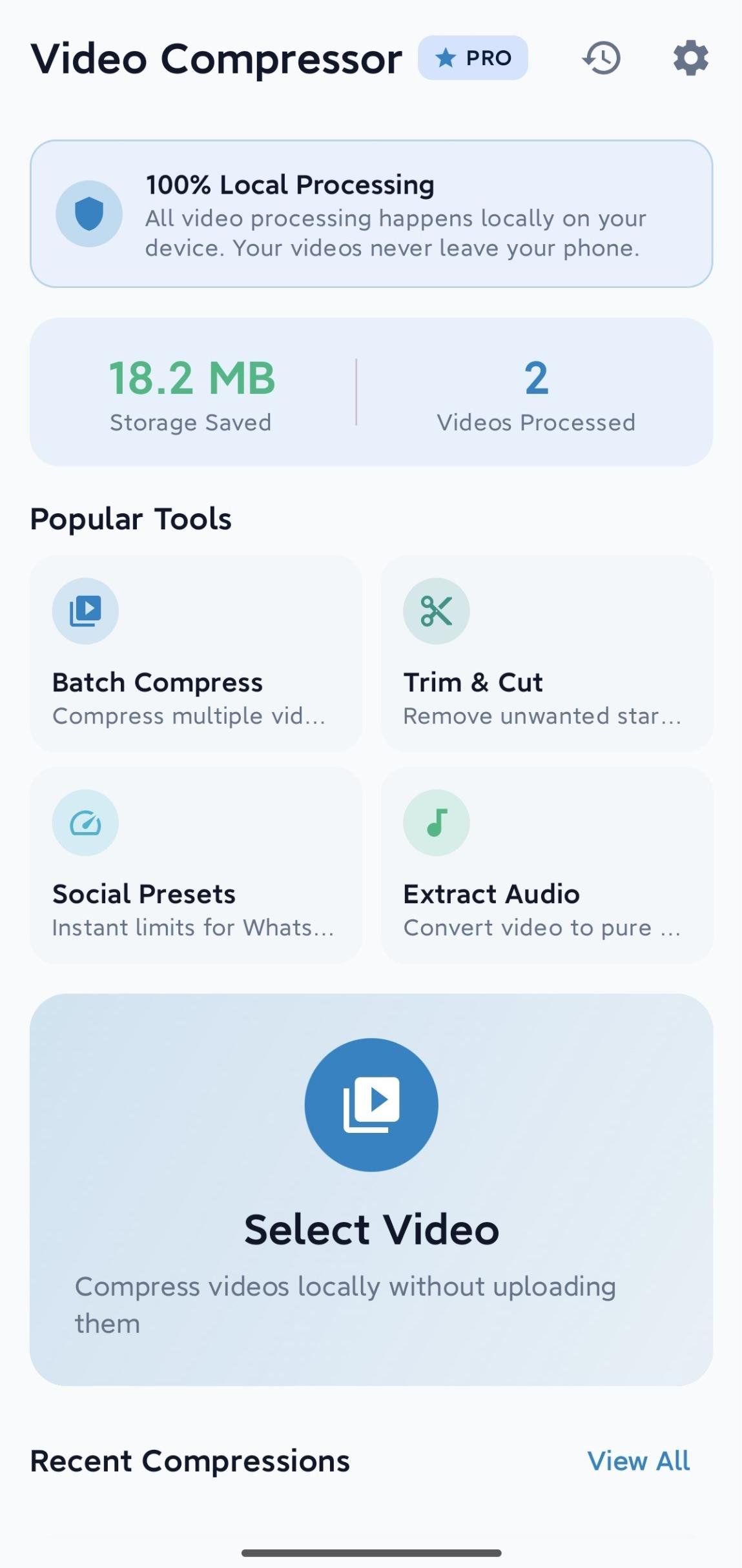
Compress videos locally, adjust size and resolution, and share with ease.
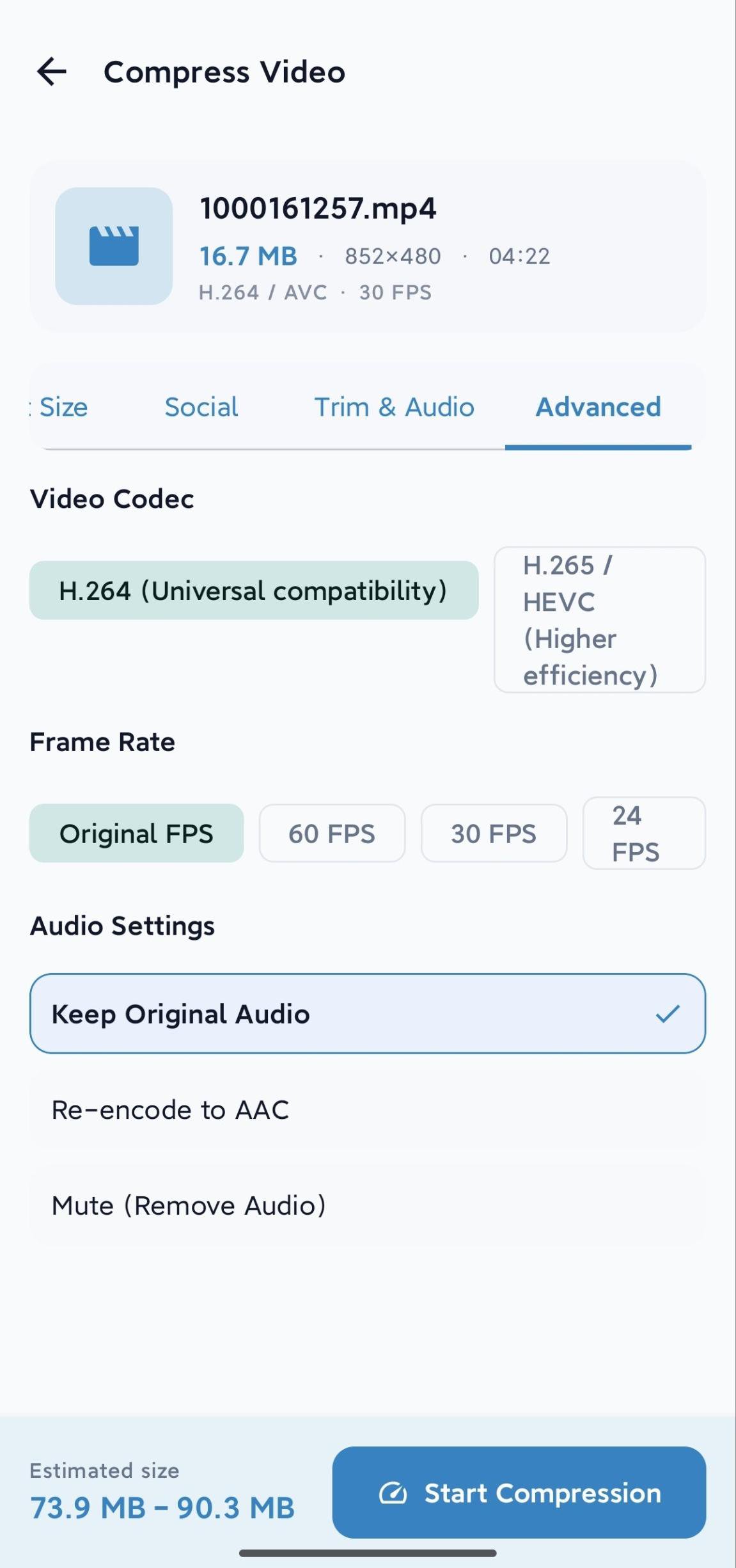
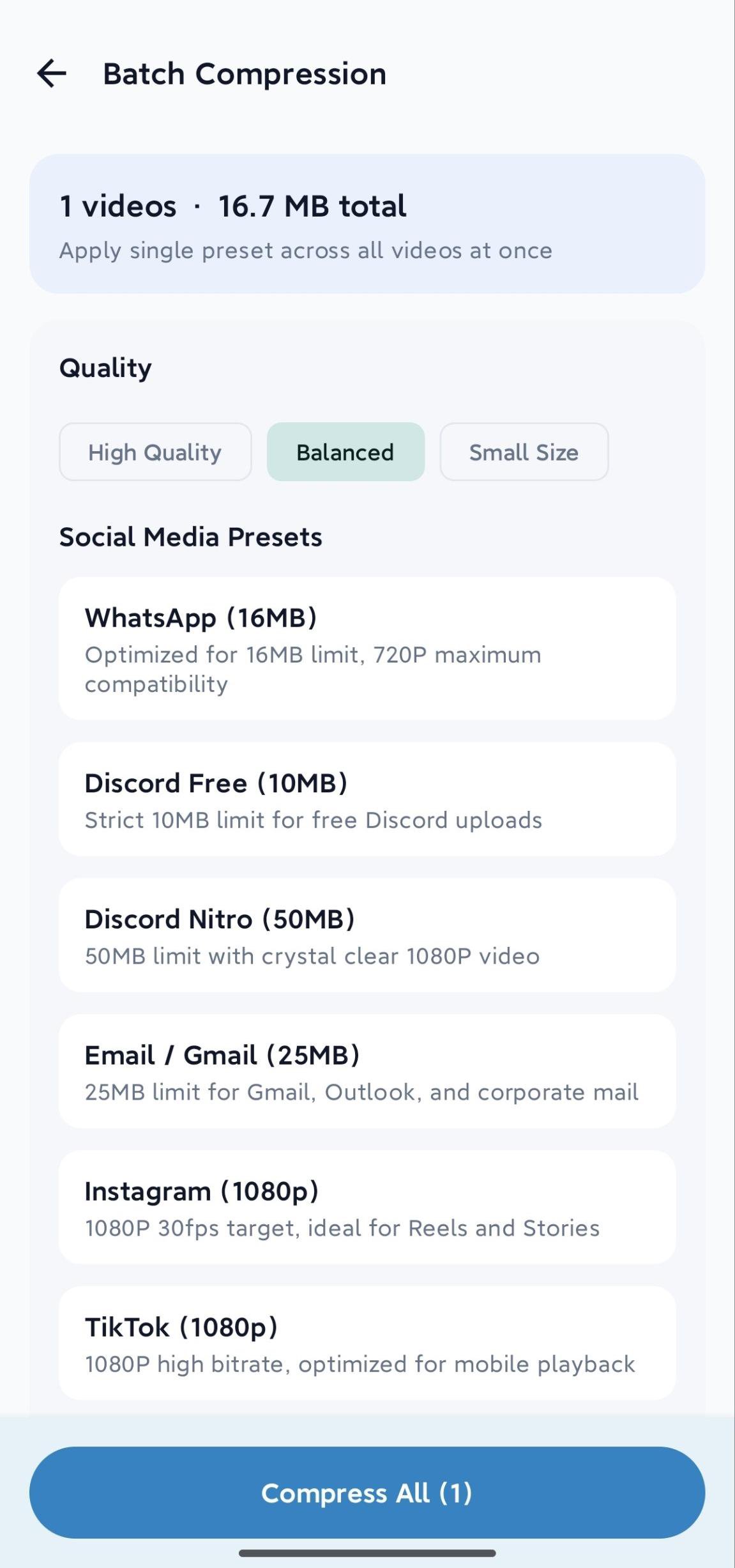
Video Compressor helps you reduce video file size directly on your Android device. All media analysis and transcoding run locally, so your selected videos are not uploaded to a developer server. Choose Quick compression with High Quality, Balanced, or Small Size settings, and use Original, 1080p, 720p, or 480p resolution. Set a target file size and view an estimated output range, compression ratio, and quality guidance. Platform presets help prepare videos for WhatsApp, Discord, Gmail or Outlook, Instagram, TikTok, X, and WeChat. Trim the start and end of a video, change playback speed, or extract AAC audio as an M4A file. You can keep original audio, re-encode it to AAC, or remove it. Batch compression lets you select multiple videos and apply one preset. Advanced settings expose frame rate, video and audio bitrate, and H.264 or H.265/HEVC when supported by your device. Compression can continue in the background with progress, cancellation, safe cleanup, playback, sharing, and local history. The free version keeps core compression available and may show ads. Video Compressor Pro is a one-time purchase with no subscription and removes ads while unlocking advanced controls. Video processing itself does not require a network connection. See the privacy policy for details about ads, analytics, crash reports, and Google Play billing.