Package Name:com.adbkit.app
Show More

ADB tools for Android debugging, device control, APK installs, logcat and files.
ADBKit is an Android ADB toolkit for developers, testers, and power users who need practical tools for working with Android devices.
Connect to an Android device and access common ADB tools from one place.
KEY FEATURES
• Android device control
Control your connected Android device with convenient navigation and device actions.
• ADB tools
Access common Android Debug Bridge operations without switching between multiple tools.
• APK installation
Install APK files on a connected Android device and quickly test new builds.
• Live screen
View and interact with your Android device while testing and debugging apps.
• Screenshots
Capture device screenshots for debugging, testing, documentation, and development.
• Screen recording
Record your Android device screen when reproducing bugs, testing user flows, or creating demonstrations.
• Live Logcat
View Android logs while using your device. Search and filter logs to help diagnose application and system issues.
• File transfer
Transfer files between your Android device and computer when working with test data, builds, and debugging files.
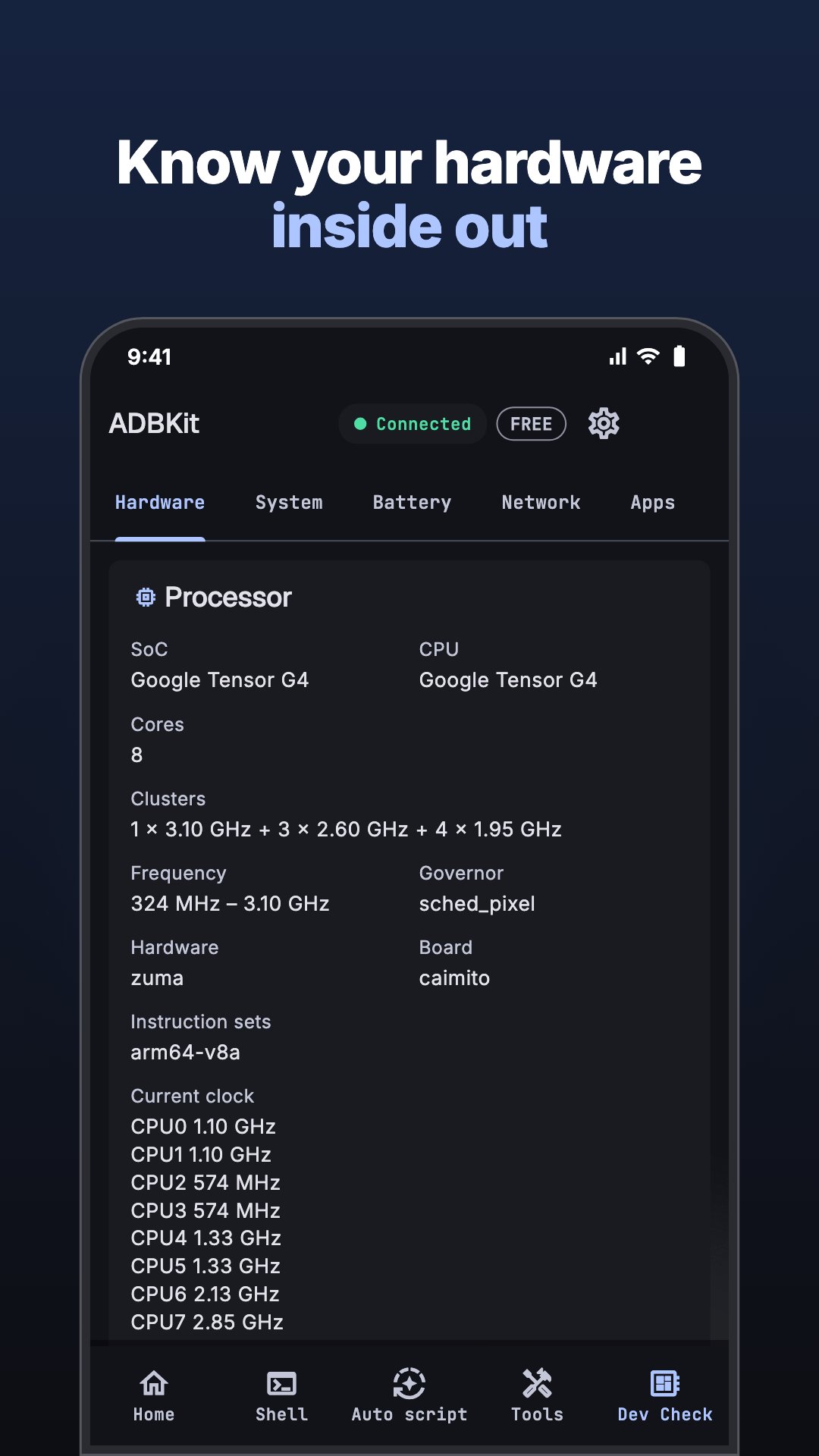
• Device information
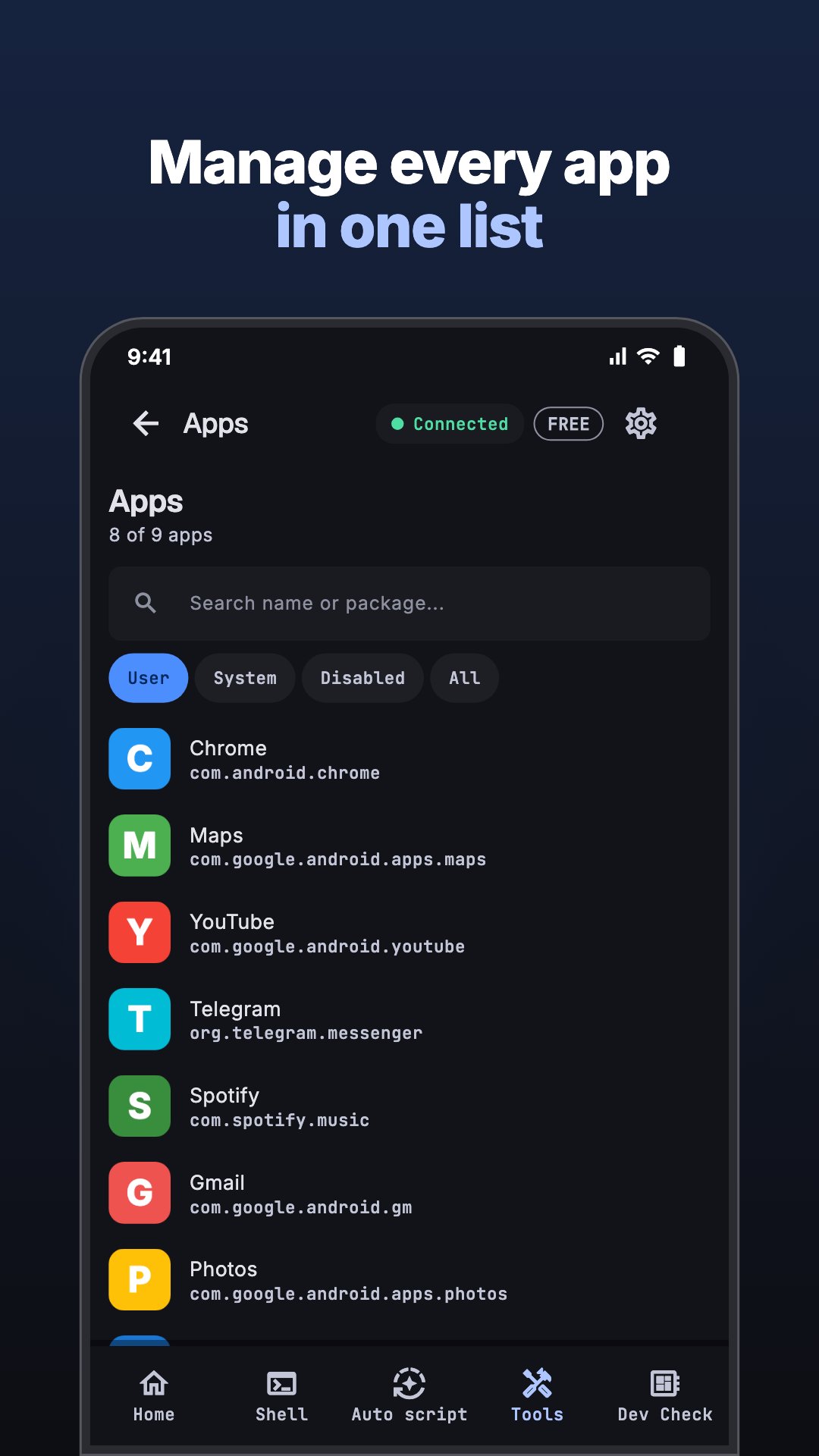
Inspect useful Android device and system information from your connected device.
• Wireless ADB
Connect to Android devices using ADB over Wi-Fi when supported by your device and setup.
BUILT FOR ANDROID DEVELOPMENT
ADBKit is designed for everyday Android development and testing workflows.
Use it for:
• Android app development
• APK testing
• QA and device testing
• Debugging Android applications
• Viewing Logcat output
• Capturing screenshots and screen recordings
• Installing test builds
• Transferring files
• Inspecting Android devices
• Working with ADB and Wireless ADB
LOCAL-FIRST PRIVACY
ADBKit is designed around direct device communication.
Your device data does not need to be uploaded to an ADBKit server. Screens, logs, files, APKs, and device information can remain within your local connection.
ADBKit does not require an account for its core device tools.
REQUIREMENTS
Some features require Android Developer Options and USB debugging or Wireless Debugging to be enabled.
For Wireless ADB, your devices may need to be connected to the same local network depending on your connection method.
ADBKit is an independent Android developer tool and is not affiliated with Google or Android.
ADBKit helps make Android debugging and device management more accessible by bringing commonly used ADB tools together in one focused workspace.




One-click to install XAPK/APK files on Android!

Thanks for your rating and feedback!
You have already rated.