Safe & Fast APK Downloads on APKPure
APKPure uses signature verification to ensure virus-free Adguard APK downloads for you.

AdGuard is an Android-wide ad blocker and privacy tool for reducing unwanted online content.
Developed by Adguard Software Limited, it filters device traffic through a local VPN, so it can block ads without root access. It works across supported browsers, games, and apps, rather than limiting protection to one browser. Users looking to download Adguard can expect clear status information and adjustable filtering controls. Its main functions include:
Blocks banners, pop-ups, redirects, and many in-app advertisements.
Reduces tracker, analytics, and telemetry requests across Android.
Helps warn against phishing pages and malicious website redirects.
Lets users manage filtering and internet access for individual apps.
Can save data and battery by stopping unwanted content loading.
AdGuard filters connections on the Android device through a local VPN, allowing ad blocking in more places than a browser-only extension. It can reduce banners, pop-ups, video-page redirects, and other promotional requests in supported apps and browsers. This is particularly useful when a mobile game repeatedly loads advertising content or when news sites are difficult to read because of crowded page elements.
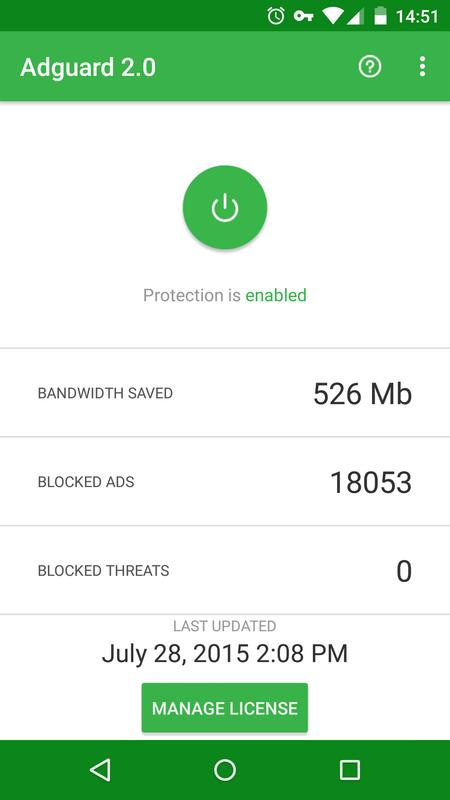
The home screen keeps this protection simple with a main button for starting or pausing filtering. Its status panel also shows whether connections are protected and how much bandwidth has been saved. Blocking is designed to remove advertising elements while preserving a site’s readable layout, although some pages may occasionally need a filtering rule adjusted if content does not load as expected.
AdGuard also targets many tracking, analytics, and system telemetry requests that can follow activity between services. Preventing these unnecessary connections can improve privacy protection and may reduce mobile data use over time. The effect is most noticeable for users who browse regularly on mobile data or use several ad-supported apps during the day.
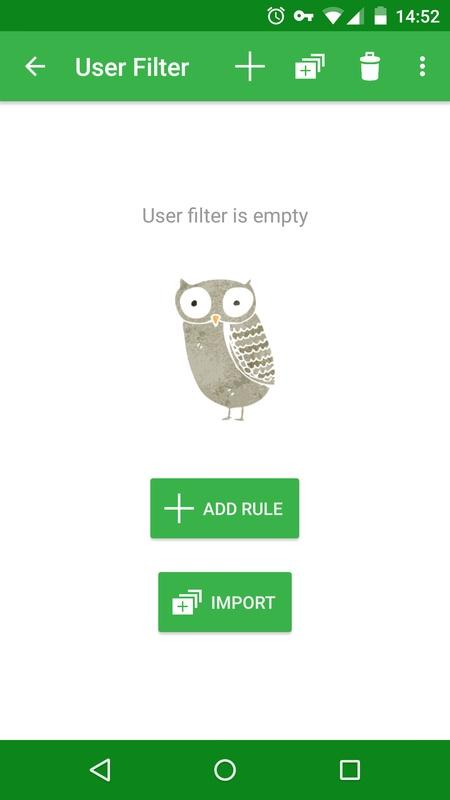
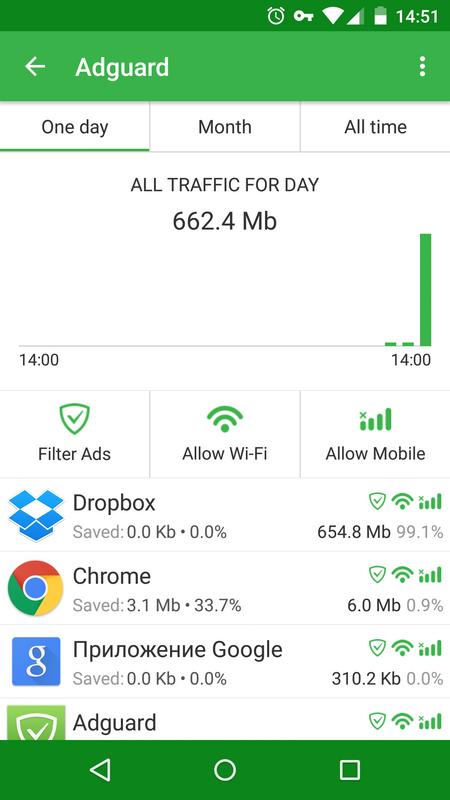
Per-app controls provide a more practical level of choice than an all-or-nothing blocker. Users can check which installed apps are filtered and manage their internet access from the app management area. Filtering settings also allow ad-blocking and tracking rules to be changed when a specific service behaves unexpectedly, so a banking, shopping, or work app can be handled differently from a casual game.
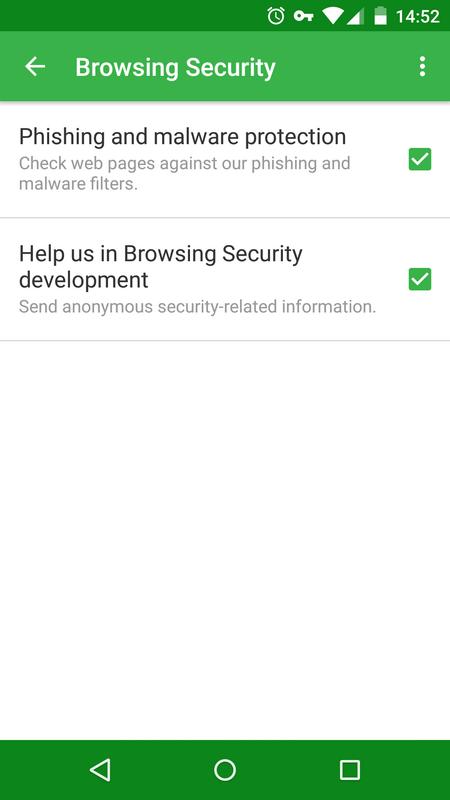
AdGuard includes Browsing Security to help protect against phishing pages, malware-related websites, and harmful redirects. This adds a safety layer alongside ordinary ad filtering, which matters when a misleading pop-up sends a browser toward an unfamiliar address. It is intended to reduce exposure to unsafe requests, not replace careful judgment when opening links.
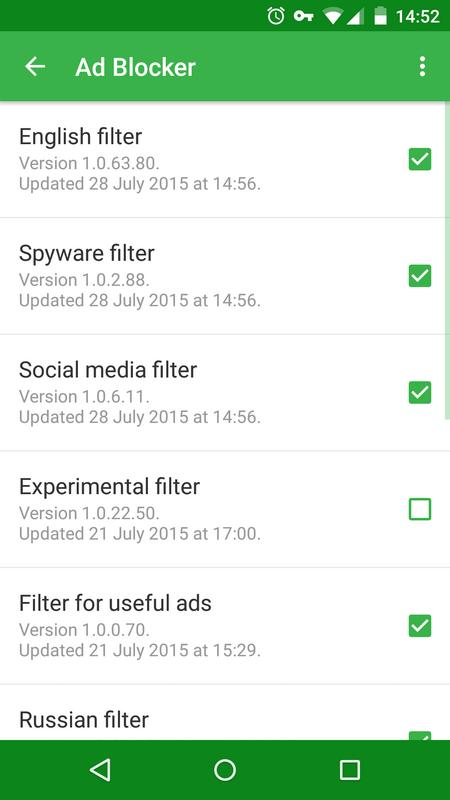
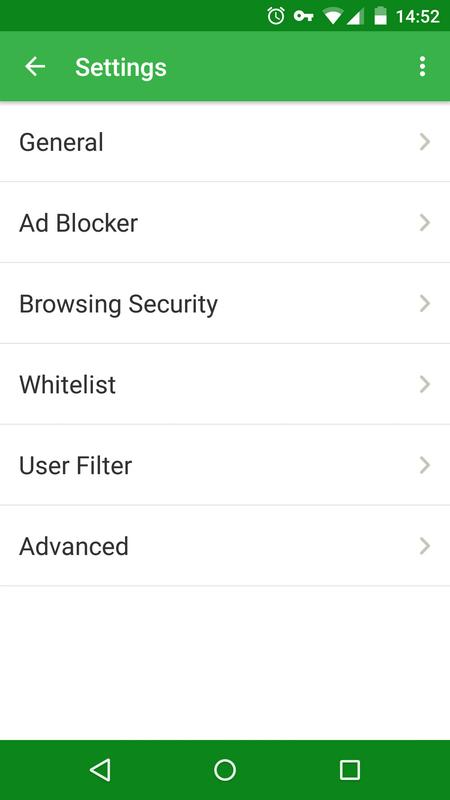
Version 4.13 adds CRLite support and improved differential filter updates, helping filter data stay current without always downloading complete lists. The security and filtering options are available in the settings area, where users can choose the rules that suit their browsing habits. If a trusted page is affected, reviewing the active security or filtering setting is a sensible first step before leaving protection disabled.
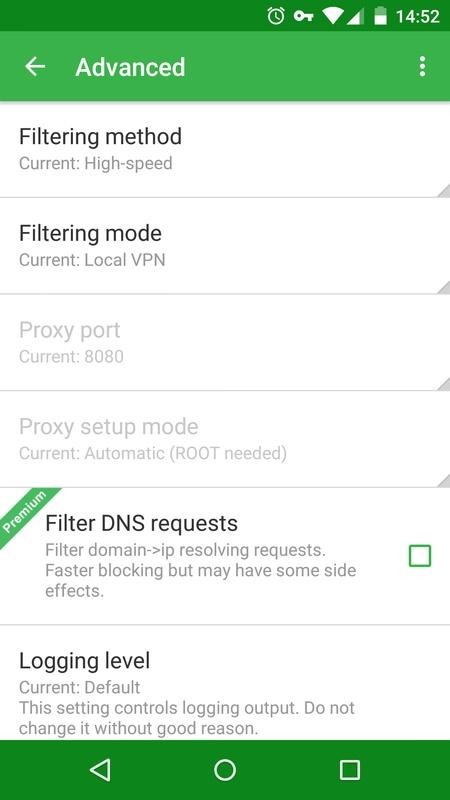
AdGuard can filter encrypted HTTPS traffic locally when HTTPS filtering is enabled. This can make blocking more effective on modern websites, where much of the content is encrypted, but it requires a locally generated certificate to be installed. Some users may prefer not to configure this option, and standard filtering can still be used without it.
The latest release also supports secure integration with AdGuard VPN. Android generally permits only one active VPN connection at a time, so another VPN service may conflict with local filtering. Users who depend on a separate VPN should check compatibility before enabling protection, while those using the integrated option can keep privacy tools in a more coordinated setup.
AdGuard offers broad filtering and flexible controls because it handles traffic at the device level, while its deeper features require a little more setup than a basic browser blocker. The main trade-offs involve paid access, HTTPS certificates, and Android’s VPN limitation.
Pros
Blocks ads across supported browsers, games, and apps.
Works without root through a local VPN.
Includes tracker, phishing, and malicious-site protection.
Per-app controls allow more personal filtering choices.
May reduce unwanted data and battery use.
Cons
Advanced app filtering requires a paid version.
Can conflict with another active VPN service.
HTTPS filtering requires a local certificate setup.
You can download the latest Adguard APK from APKPure. The file is around 60 MB, so it should finish fairly quickly on a stable Wi-Fi connection, while slower mobile networks can take longer. Since AdGuard for Android is installed by APK, Android may ask for permission to complete installation from the downloaded file.
After installation, open the home screen and review the protection status before turning on filtering. Users who also rely on another VPN should decide which service needs the active VPN connection first. Checking for the Adguard latest version later is worthwhile, as filter and security improvements are delivered through updates.

One-click to install XAPK/APK files on Android!

Thanks for your rating and feedback!
You have already rated.