
Safe & Fast APK Downloads on APKPure
APKPure uses signature verification to ensure virus-free Among Us Widget APK downloads for you.

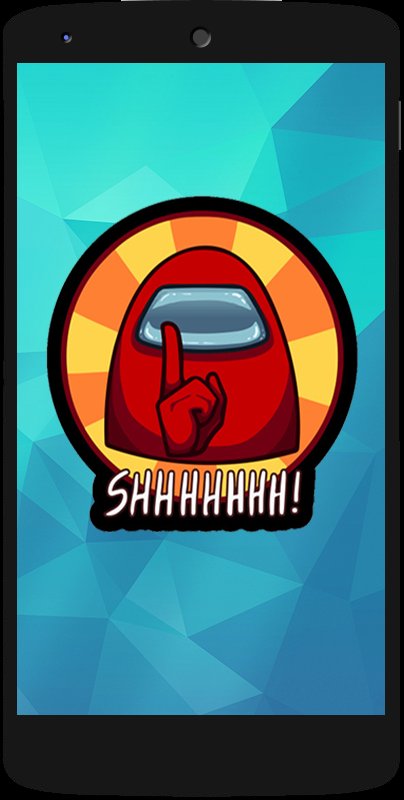
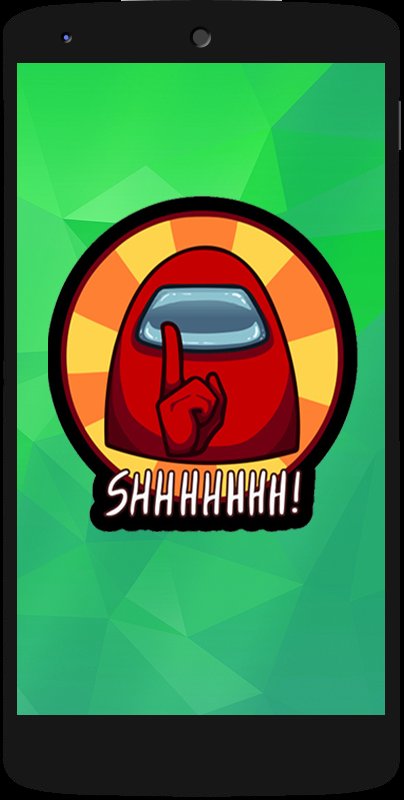
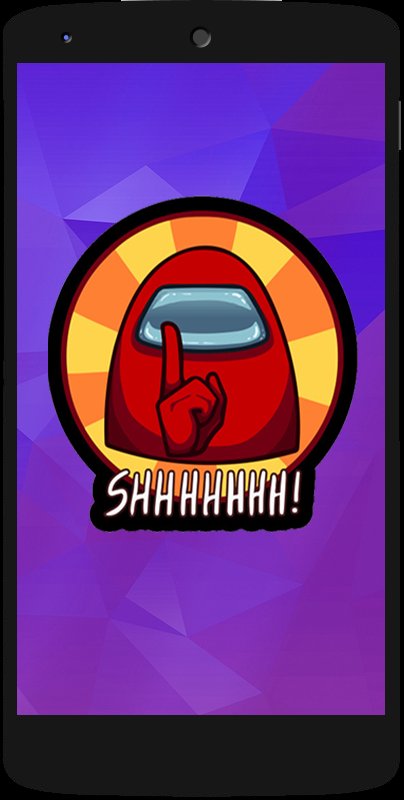
Bring Among Us To your home screens!
Now bring Among Us to your home screen with our personalized-designed Among Us Widget for all Android Devices.
Simple Pure Among Us Still for your home screen.
Welcome to ProWidgetO. We make Widget Design Stills for your Home Screen.
This Among Us Widget comes in three sizes -
1. Large - Occupies whole screen - 5 X 5
2. Medium - Occupies almost half screen - 3 X 3
3. Small - Occupies a little part of the screen depending on your screen size - 2 X 2
Please Note - The above sizes will vary according to your screen resolution. Please let us know if you face any issues.
How to Install Widget -
1. Install the app from the Play Store.
2. Tap and Hold on your home screen and open the widgets section.
3. Look for the App name - "Among Us Widget".
4. Choose the size of your preference.
5. Tap and hold on the widget to select it and adjust it on your home screen
If you have any queries. Please reach out to us.
If you like the widget. Please support us by leaving feedback below.
Don't Like this Widget? Need your own Widget? Click on the installed widget and it will take you to the link mentioned below where you can raise a request for your own widget.
If you need your own design - Get your own Personalized Widget - https://forms.gle/HuKi91mUHtpFunmq5
Thank you for your support.

One-click to install XAPK/APK files on Android!

Thanks for your rating and feedback!
You have already rated.