Brave Private Web Browser, VPN

Brave Private Web Browser, VPN

Brave Software
Jun 6, 2026
  • 8.5

    360 Reviews

  • 247.6 MB

    File Size

  • Security
  • Everyone

  • Android OS

About Brave Private Web Browser, VPN

Brave is a private, fast web browser with built-in AI, adblock, and optional VPN.

Developed by Brave Software, the browser focuses on privacy that works from first launch. The Brave latest version pairs Leo AI with built in ad and tracker blocking, Brave Search, and an optional Firewall + VPN. Pages feel cleaner with fewer pop ups and consent banners, so browsing stays quick and quiet. Here are the features that make everyday use straightforward. Everything is designed to reduce distractions without extra extensions.

  • Ad and tracker blocking by default, with cookie consent and URL tracking removal.
  • HTTPS upgrades, script blocking, and fingerprinting protections on first run.
  • Leo AI assistant for quick answers, summaries, and translations inside any tab.
  • Brave Search with an independent index and zero profiling of queries.
  • Optional Firewall and VPN for device-wide protection on public Wi Fi.
  • Night mode, private tabs, and history controls for low light privacy.
  • Sync bookmarks securely and import or export from other browsers easily.


Privacy that starts on first launch

Ads, trackers, and many consent pop ups are blocked automatically, so pages load cleanly. Connections upgrade to HTTPS when possible, with third party cookies and some scripts kept out. Brave keeps this balance so everyday browsing feels fast and quiet.


Leo AI built into your browser

Leo answers questions, summarizes long articles, and translates text without leaving the tab. Chats are not recorded for model training, which suits quick research or reading on the go. Brave integrates Leo so the workflow stays simple and private.


Brave for Android: Download and install

You can download the latest Brave APK from APKPure. On a stable connection, the file usually arrives in a couple of minutes. After it finishes, Android may ask you to allow installation from your browser, and a quick security check may run before the app opens.

During first launch, you might see prompts for basic permissions and a short setup screen. Updates install like any other app, and your bookmarks can sync when you enable Sync. If storage is tight, clear space or use Wi Fi to avoid interruptions. If these privacy first defaults match what you want, download Brave and start browsing with fewer distractions.
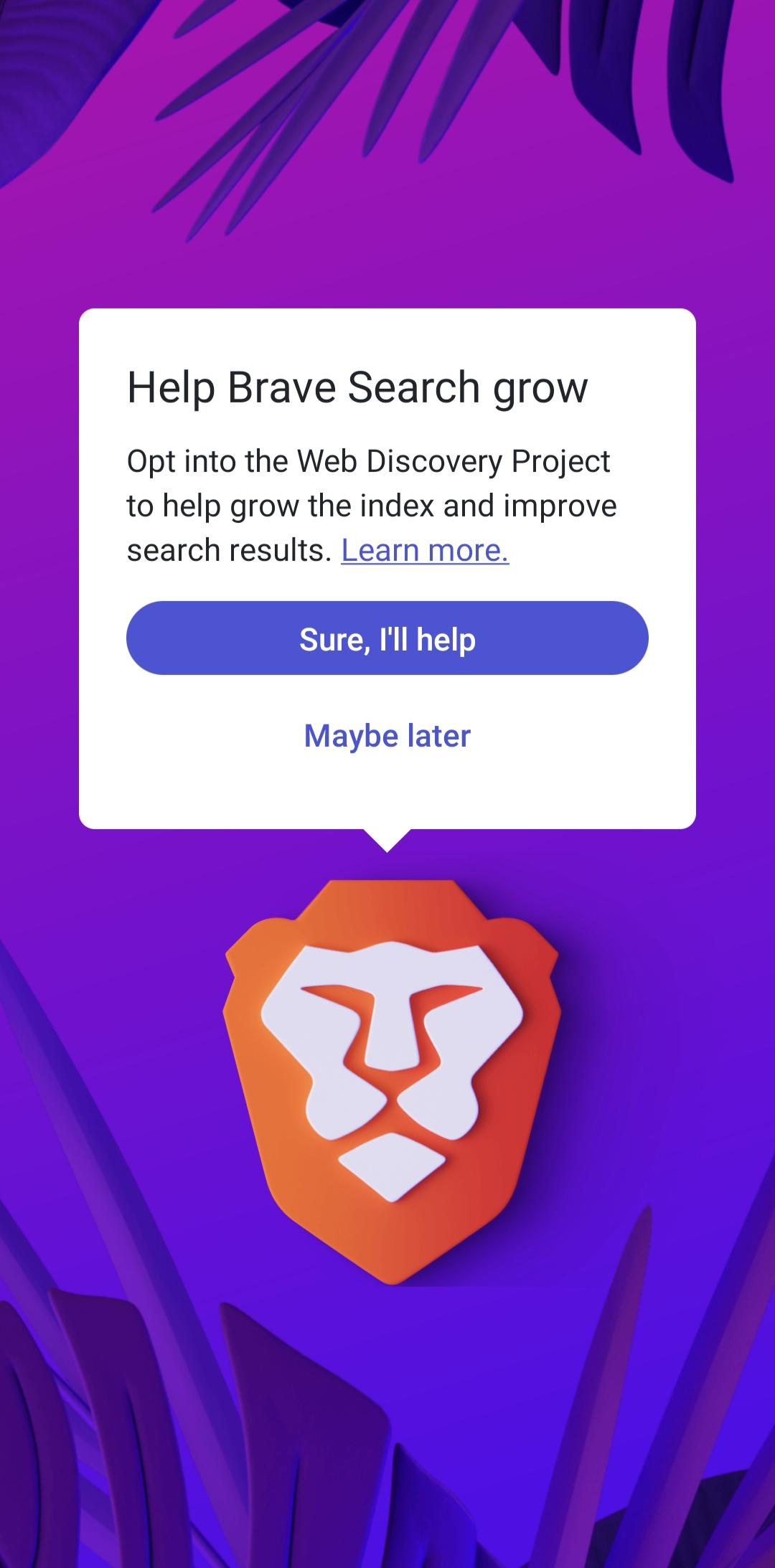
Show More

What's new in the latest 1.91.169

Last updated on 2026-06-06
In this release we:
- Introduced Brave Origin, a paid version of the browser for users who still want shields + privacy, but don't need the other features that support Brave as a business. Purchase at Settings → Brave Origin.
- Added support for custom search engines. These can be set up under Settings → Search engines.
- Made several general stability improvements.
- Upgraded to Chromium 149.
Have suggestions? Visit the Brave Community (https://community.brave.com) to let us know.
Show More

Videos and Screenshots

  • Brave Private Web Browser, VPN poster
  • Brave Private Web Browser, VPN screenshot 1
  • Brave Private Web Browser, VPN screenshot 2
  • Brave Private Web Browser, VPN screenshot 3
  • Brave Private Web Browser, VPN screenshot 4
  • Brave Private Web Browser, VPN screenshot 5

Brave Private Web Browser, VPN APK Information

Latest Version
1.91.169
File Size
247.6 MB
Available on
Content Rating
Everyone
Security Report
Check Now
Security Check Completed
No Virus
No Spyware
No Malware
No Virus
No Spyware
No Malware
Package Name:com.brave.browser
SHA-256:41afdb0bf7eb441c1536382d2f5b4ba47bcb6fdcf7cbacbbbb90ae5e2d3c5aee
SHA-1:8e95d711f603a0b495ac06ffbba06bbaf03043fa
Show More
Verified by: APKPURE
APKPure icon

Super Fast and Safe Downloading via APKPure App

One-click to install XAPK/APK files on Android!

Download APKPure
thank icon
We use cookies and other technologies on this website to enhance your user experience.
By clicking any link on this page you are giving your consent to our Privacy Policy and Cookies Policy.
Learn More about Policies