
Safe & Fast APK Downloads on APKPure
APKPure uses signature verification to ensure virus-free Apktool M APK downloads for you.

Apktool M is an on-device APK editor and decompiler for Android.
Developed by maximoff, it lets you decompile, edit, and rebuild Android APKs directly on your phone without root. The app is free, ad-free, and works from Android 4.0+. With Apktool M APK, changes and translations happen entirely on-device. Here is a quick look at what you can do.
Decompile APK and rebuild with signing, then test installs from storage.
Translate resources automatically in 100+ languages; review and refine strings.
Antisplit merges .apks, .xapk, .apkm bundles into a single installable APK.
Quick edit app name, package name clone, and icon without full rebuild.
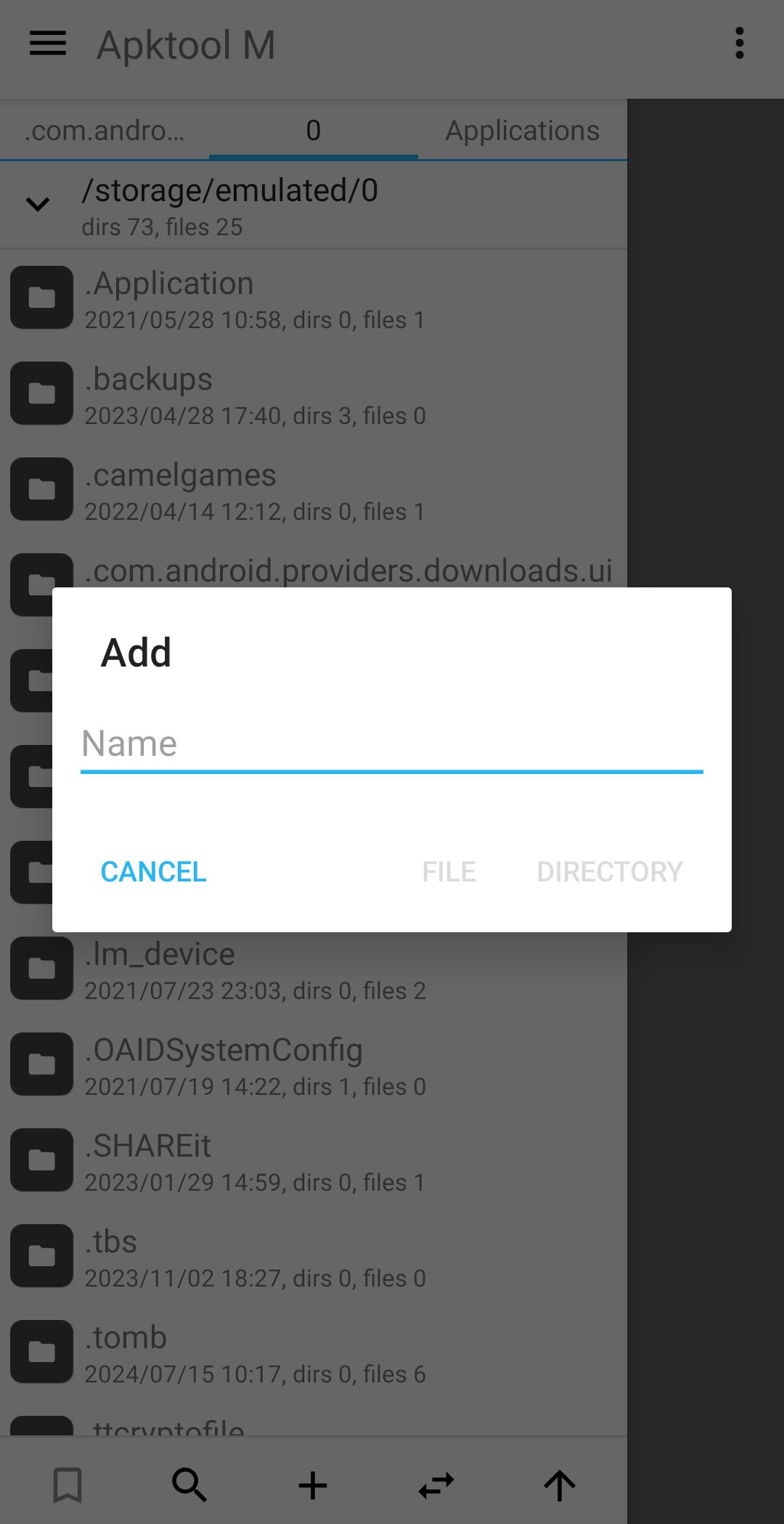
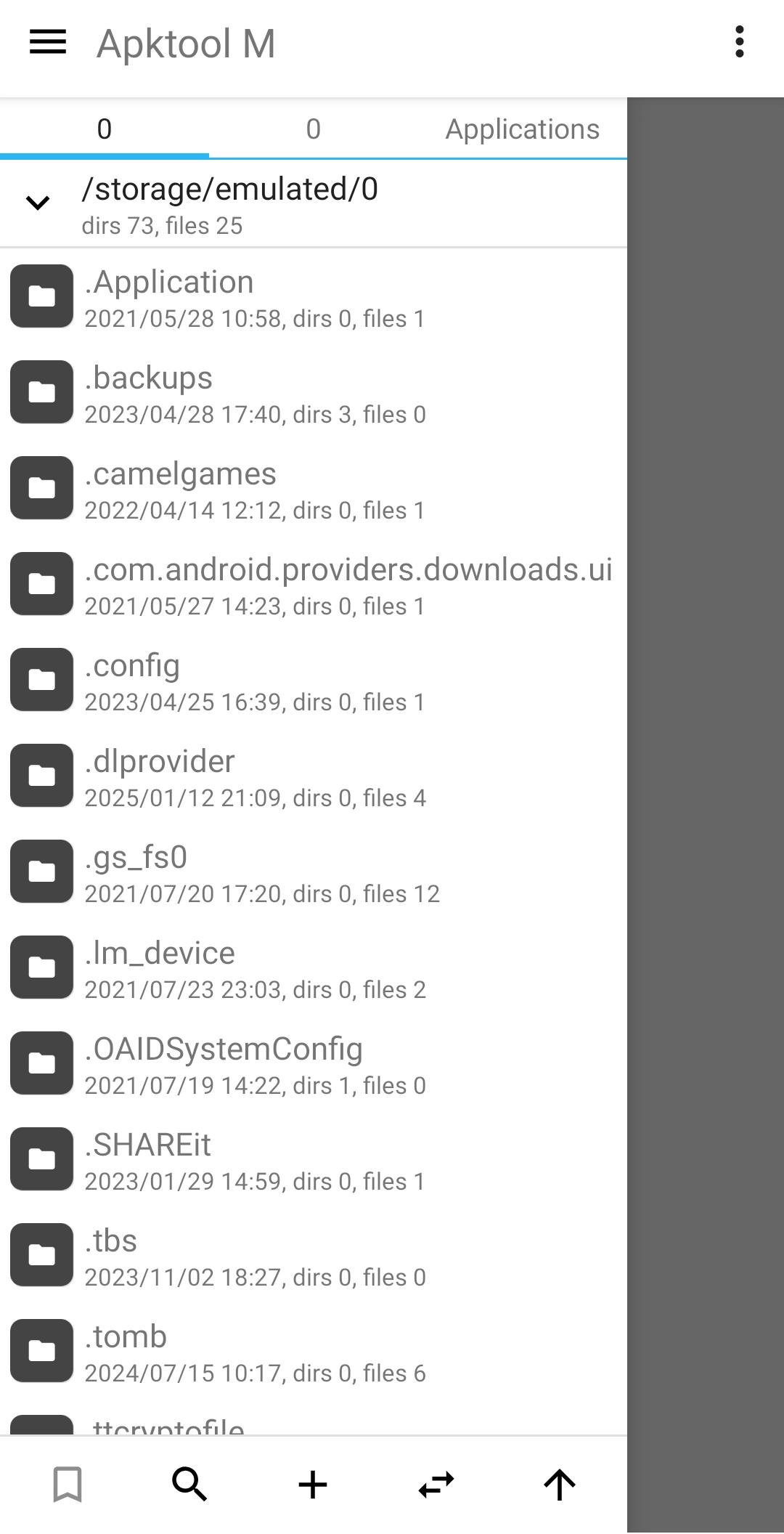
Built-in app and file managers, plus a themed code editor with Java view.
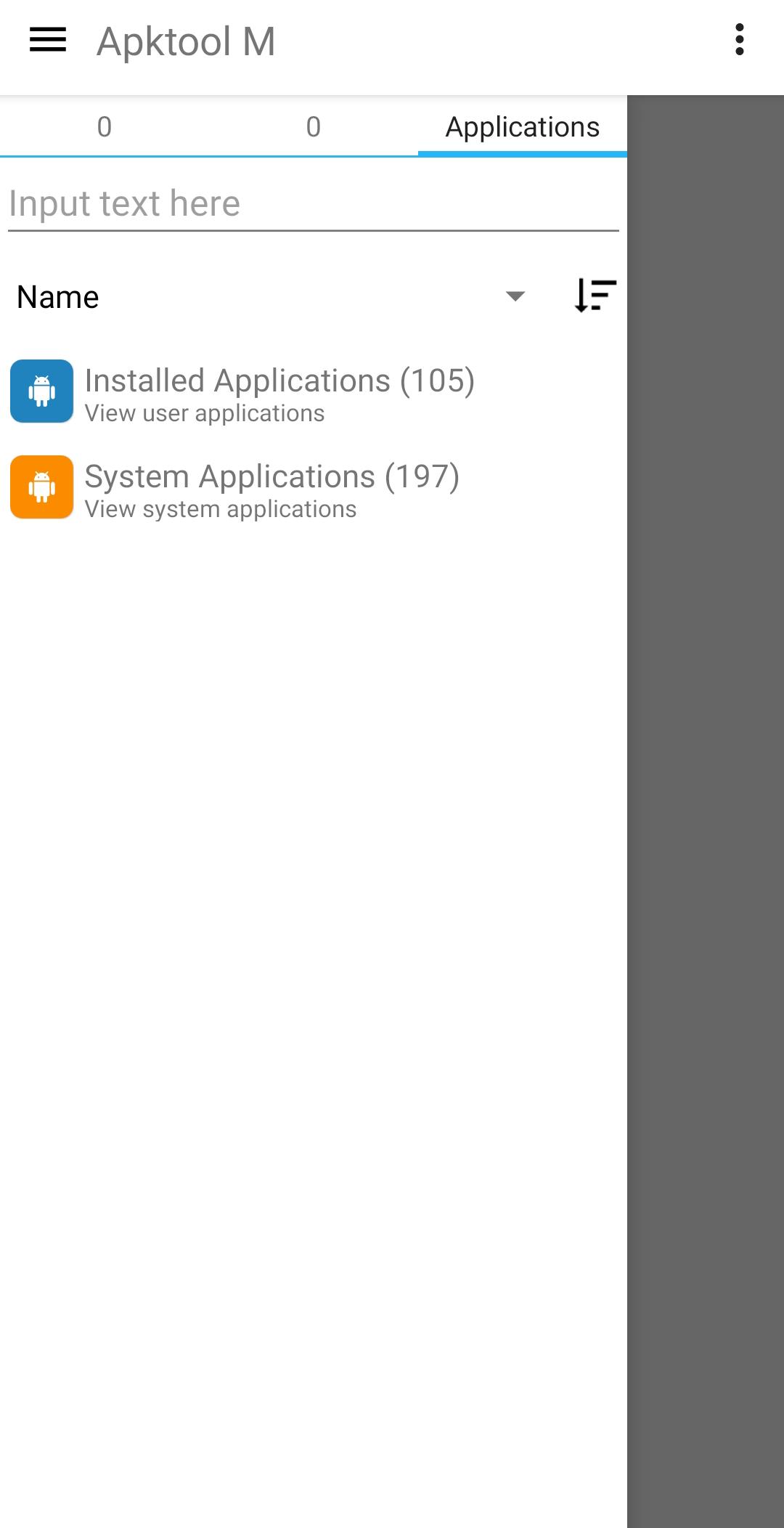
The core workflow turns an installed or stored APK into an editable project, then builds it back into an installable package. You open the app list or storage, decompile to a project, adjust resources or code, and recompile. Signing is built in, so you can generate your own signature and apply it to the output before installing. Rebuilt apps can be saved for later or installed for quick testing, while the original package stays as a backup. Apktool M keeps this process on-device, so you can iterate without connecting to a computer.
Automatic translation mode covers 100+ languages, making it practical to localize strings without leaving your phone. You can open res/values, translate, and then review key phrases so interface text reads naturally. Quick Edit handles common tweaks such as app name, package name cloning, and icon changes without a full rebuild, which saves time for small adjustments. Machine translations sometimes need manual polishing, so plan a short pass to fix tone or context and test screens that changed. Apktool M lets you combine quick edits with deeper resource work when a project demands both.
Modern apps often ship as split packages or bundles, and Antisplit brings them together for easier installation. It works with .apk, .apks, .xapk, and .apkm files, merging splits into a single installable APK or installing/extracting splits when needed. This is helpful when you want a clean package for testing or distribution. Some apps may partially work or fail after merging, especially when splits depend on device-specific components. In those cases, try installing the splits intact or test on a spare device before adopting the change. Apktool M provides the tools while acknowledging the edge cases.
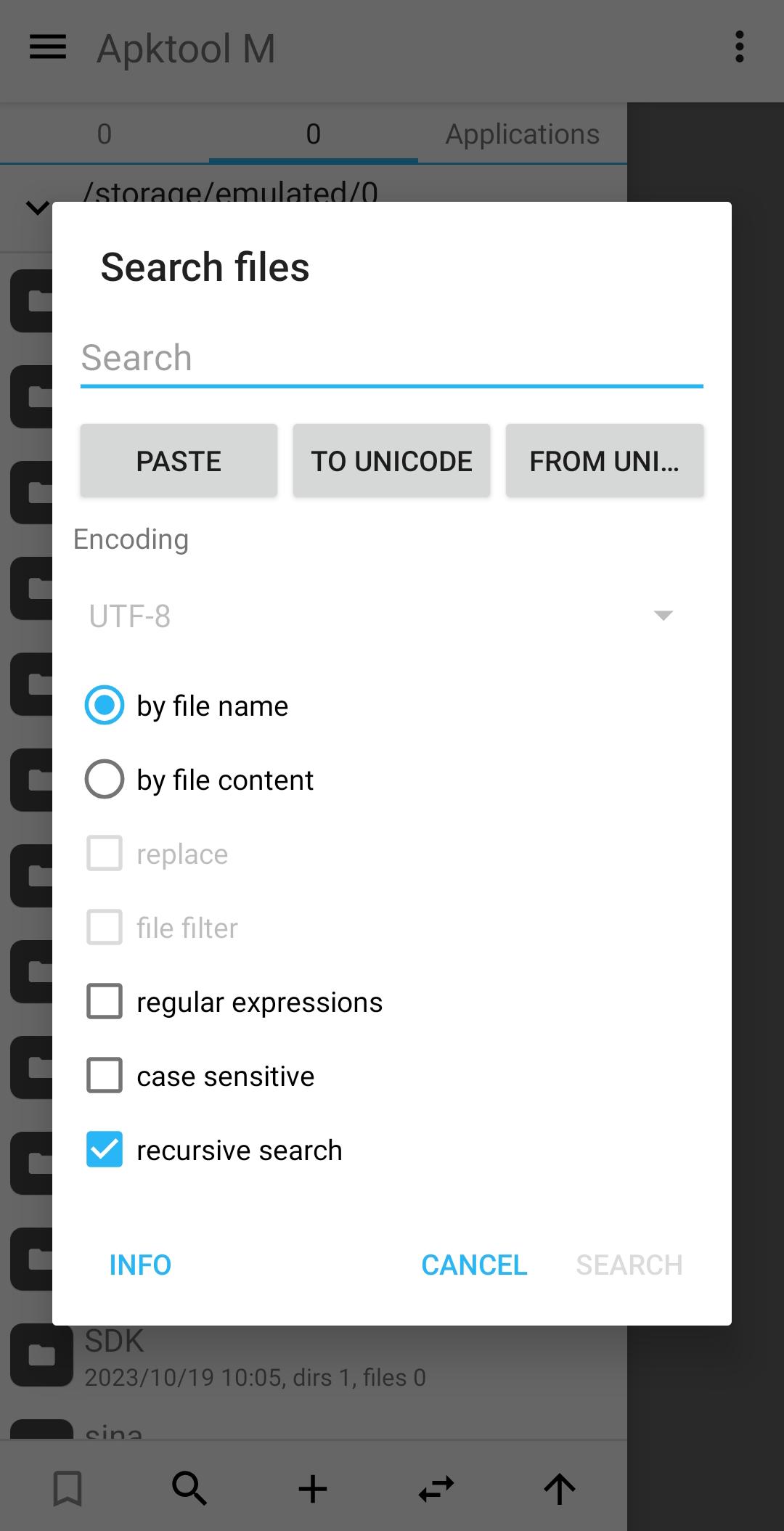
An installed-apps manager and file manager anchor everyday tasks, from finding targets to saving outputs. The app list now supports sorting by package name, which helps when dealing with many builds of similar titles. The code editor adds syntax highlighting, hints, Java source viewing, and importable themes, so reading and editing are more comfortable on mobile. A searchable Settings page speeds up discovery of options when a project grows complex. For users who value focus, the experience remains free of ads and analytics. Apktool M brings these utilities together to reduce context switching while working.
These strengths and trade-offs come from real on-device editing needs and the mobile environment. Apktool M covers most everyday APK work, while some advanced cases still benefit from cautious testing.
Pros
Full on-device APK editing without root
Supports .apk, .apks, .xapk, .apkm
Antisplit merges splits into single APK
Free, with no ads or analytics
Works across many Android versions
Cons
Antisplit may break functionality in some apps
Complex edits are slower on mobile
Requires careful testing after rebuild
You can download Apktool M latest version on APKPure. The Apktool M APK size may vary depending on the version, and the download typically finishes quickly on a stable connection. When you download APK files, your device may ask for permission to install apps from your browser or file manager, which is normal for sideloaded tools.
After installation, open the home screen to browse installed apps or storage, then start with a small test project before making larger changes. If you plan to download Apktool M for regular work, keep original packages as backups and test rebuilt apps on non-critical devices. This approach helps maintain stability while exploring new edits.


One-click to install XAPK/APK files on Android!

Thanks for your rating and feedback!
You have already rated.