



















Thanks for your rating and feedback!
You have already rated.

Back up your installed apps as APK files.
App Extractor makes it simple to back up the apps already installed on your device. With one tap you can pull any app out as a standalone APK file, then save it to a folder of your choice or share it with another app - ideal for keeping personal backups, archiving a version you want to hold on to, or moving an app to another device you own.
What you can do
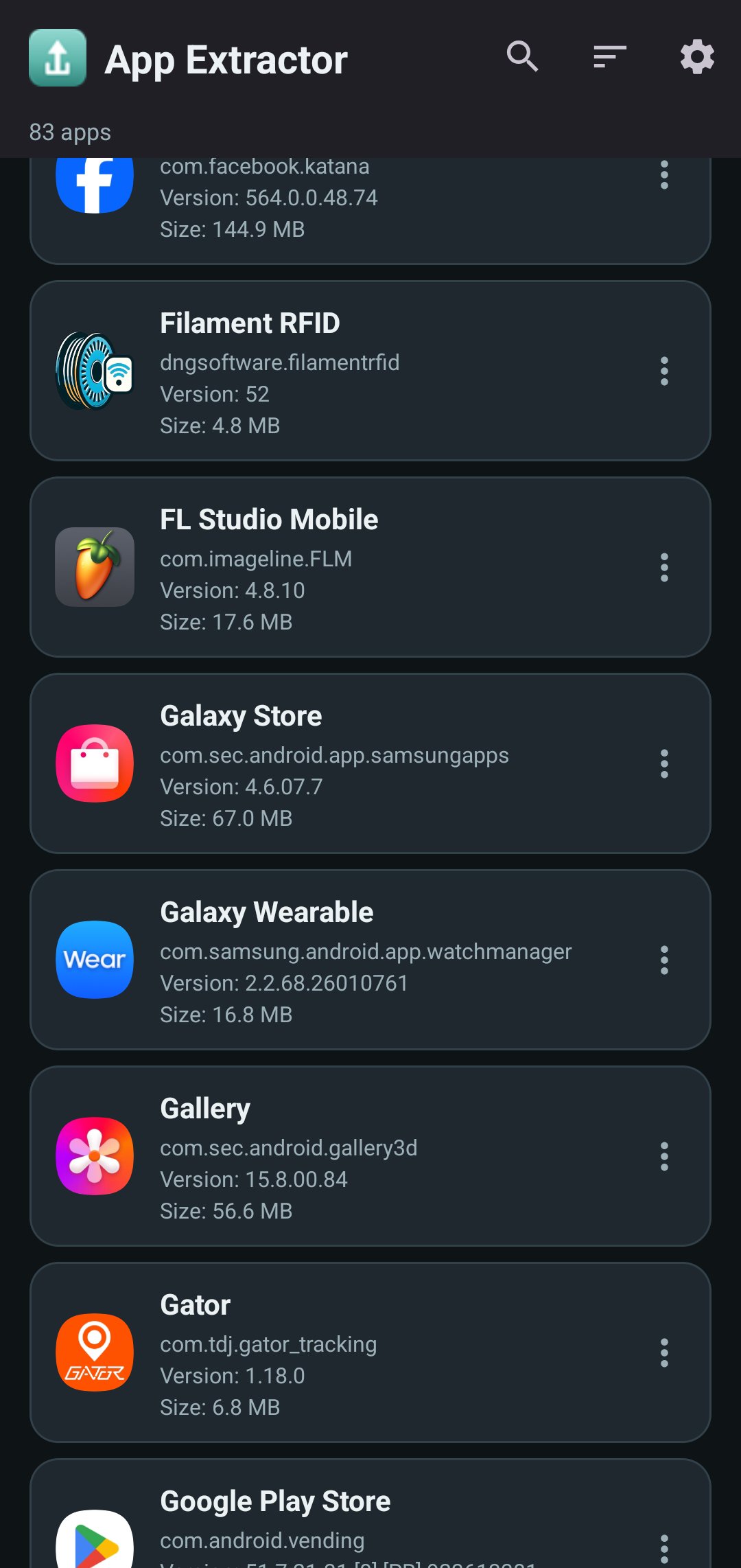
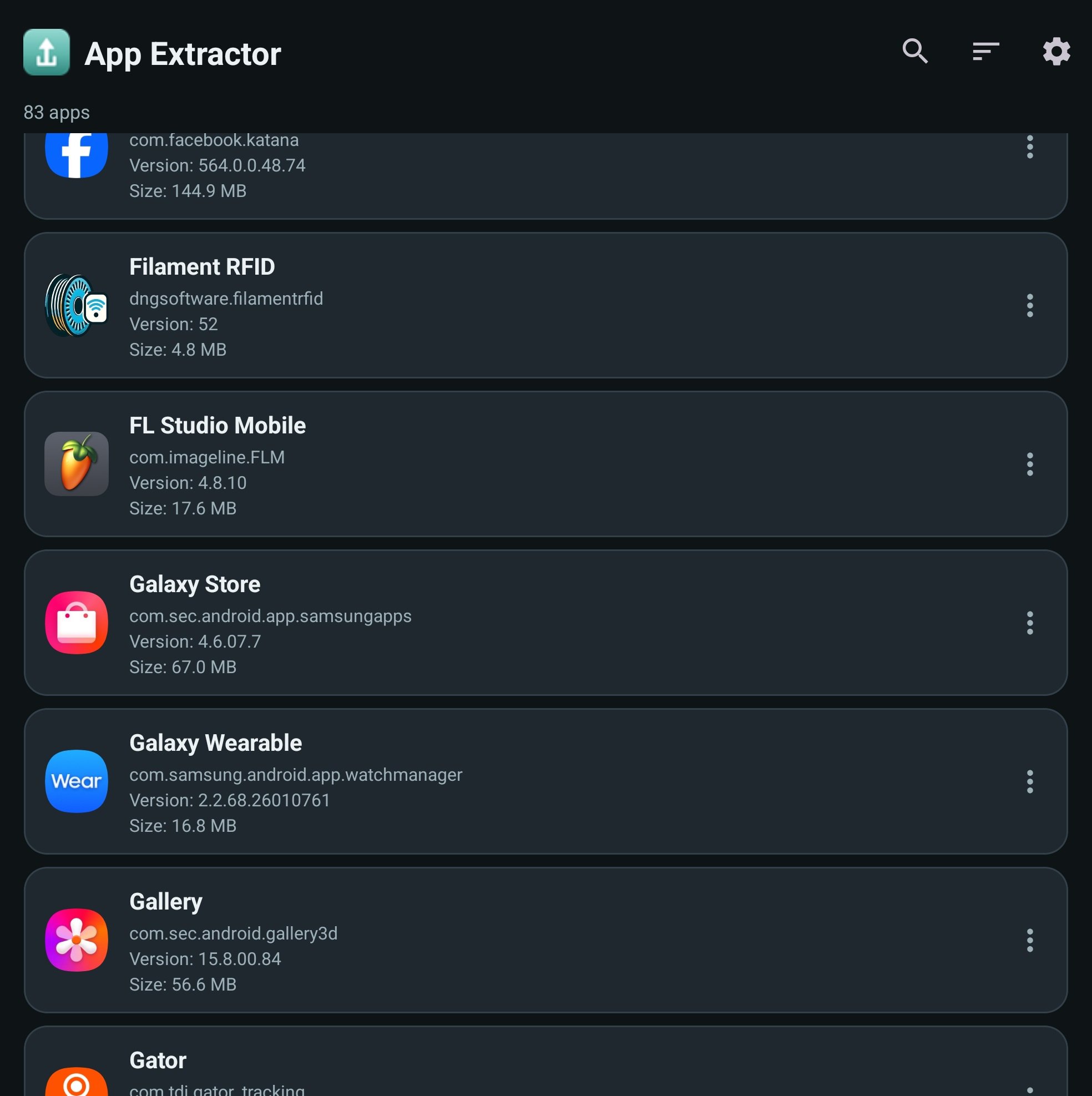
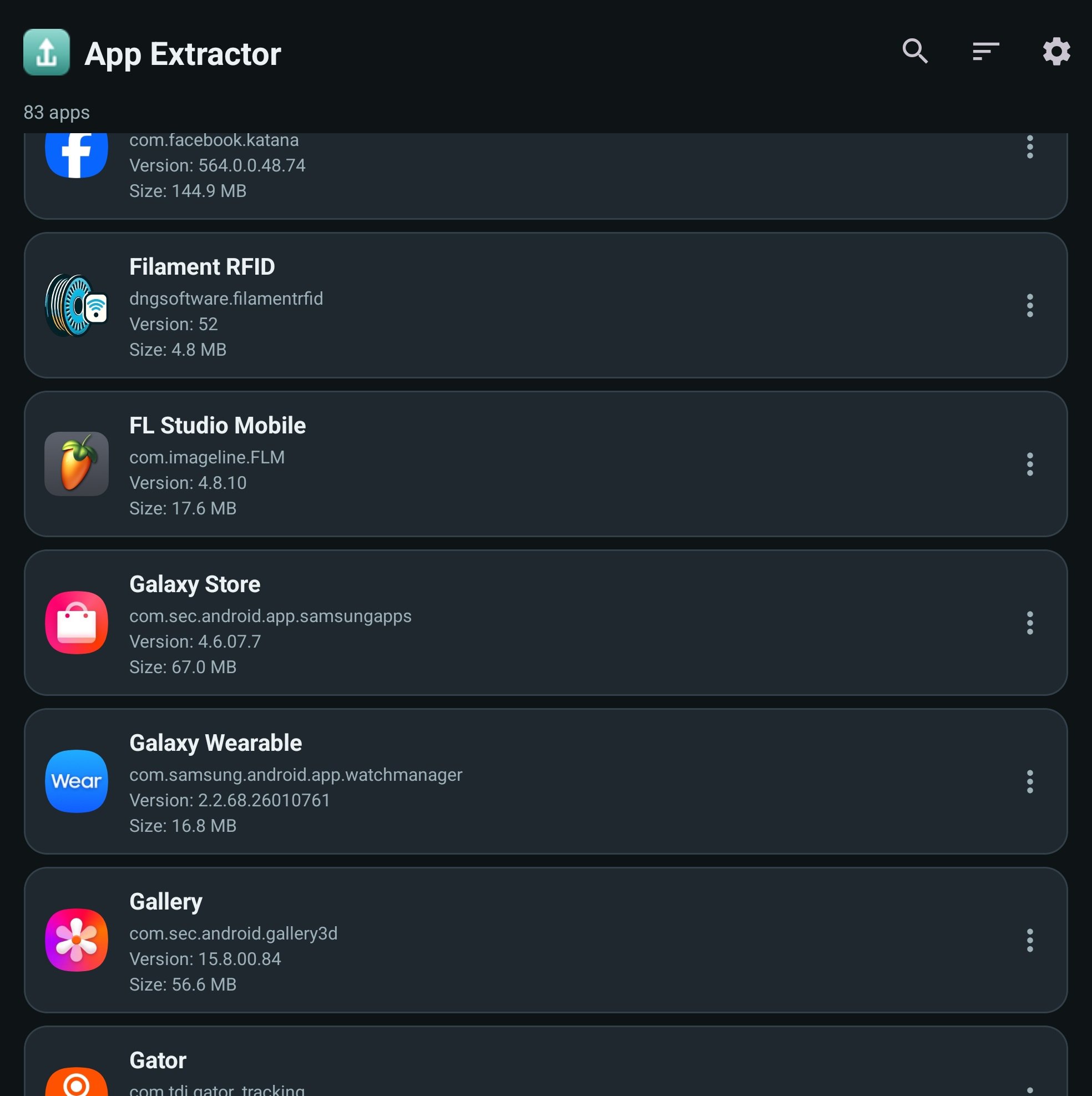
• Browse every app installed on your device, each shown with its name, package, version, and size
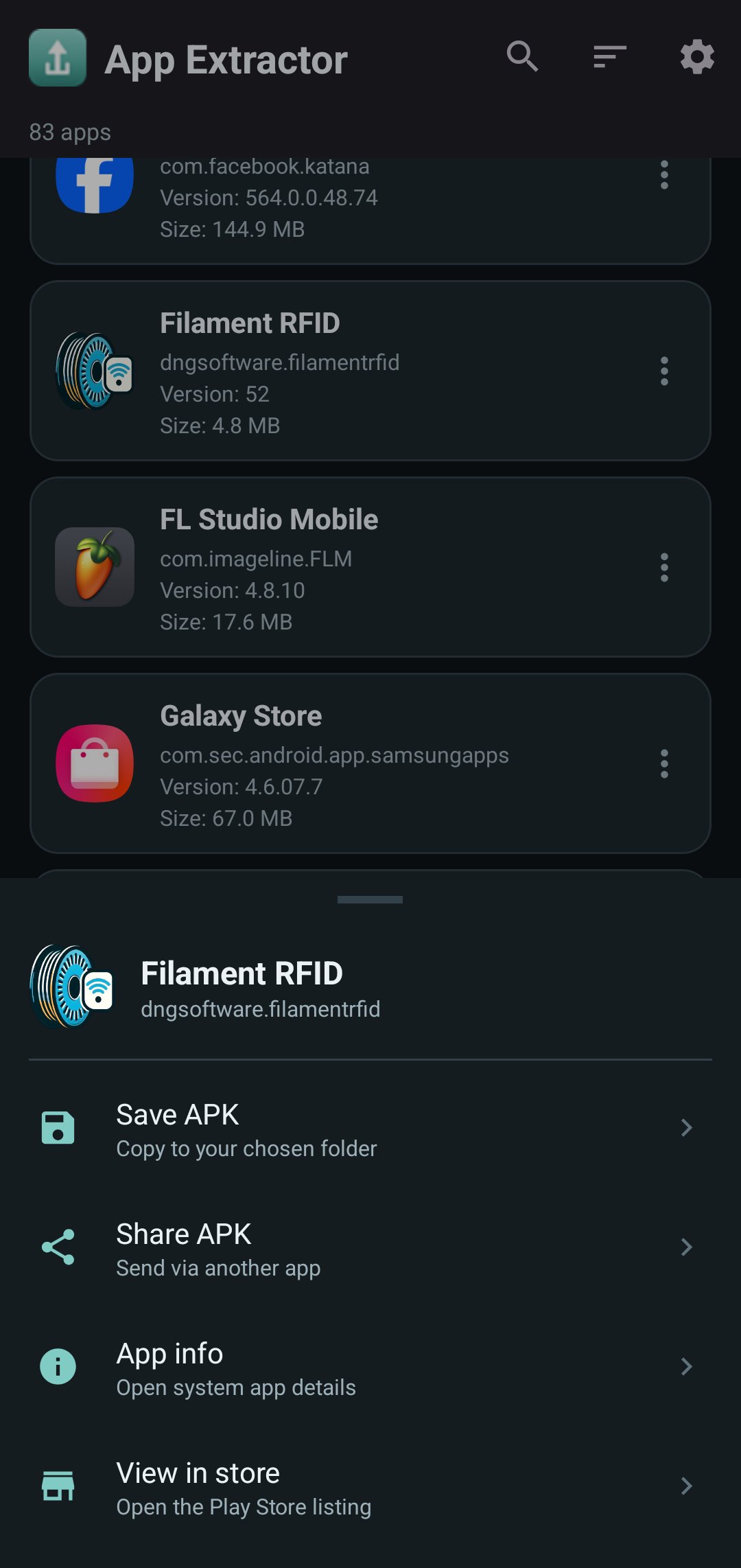
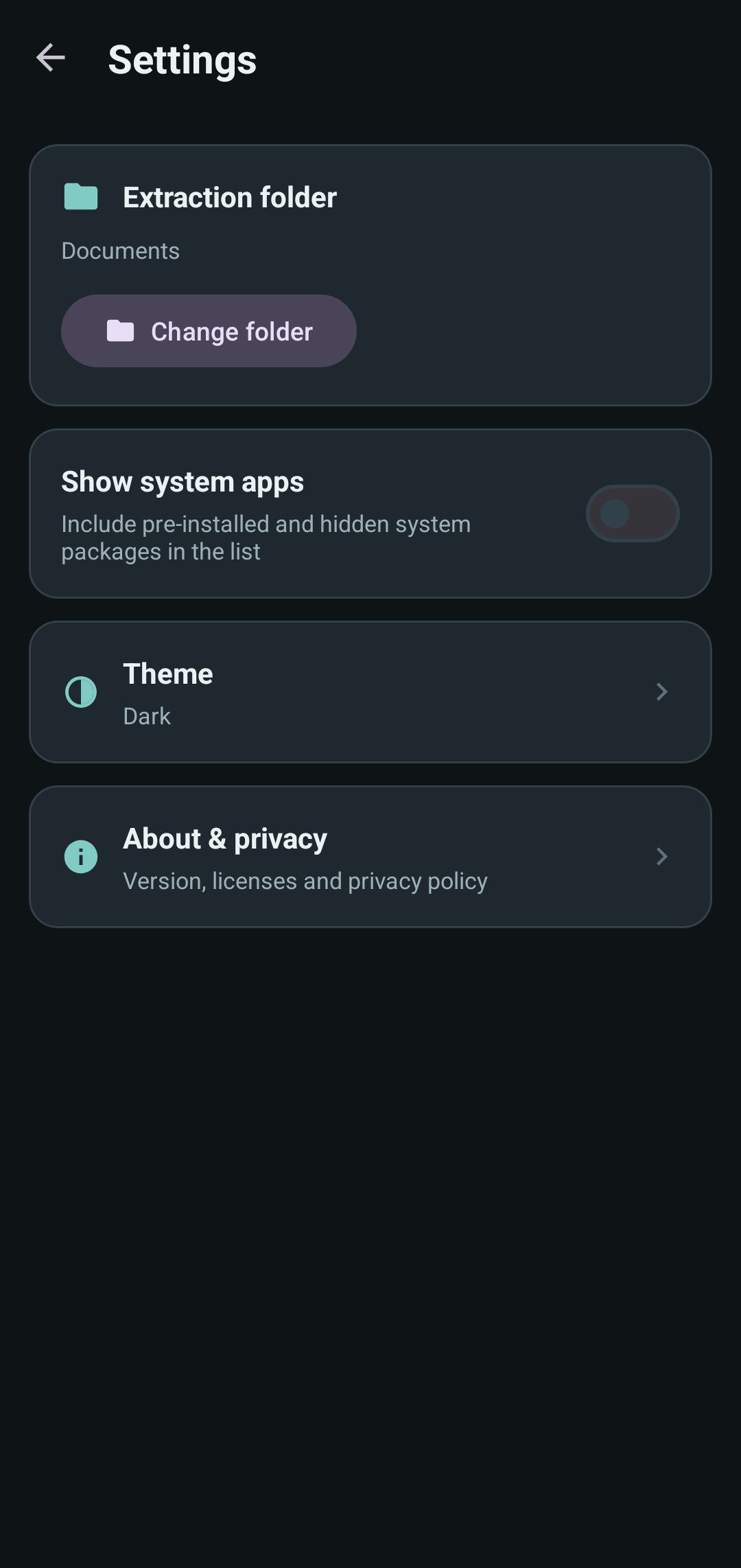
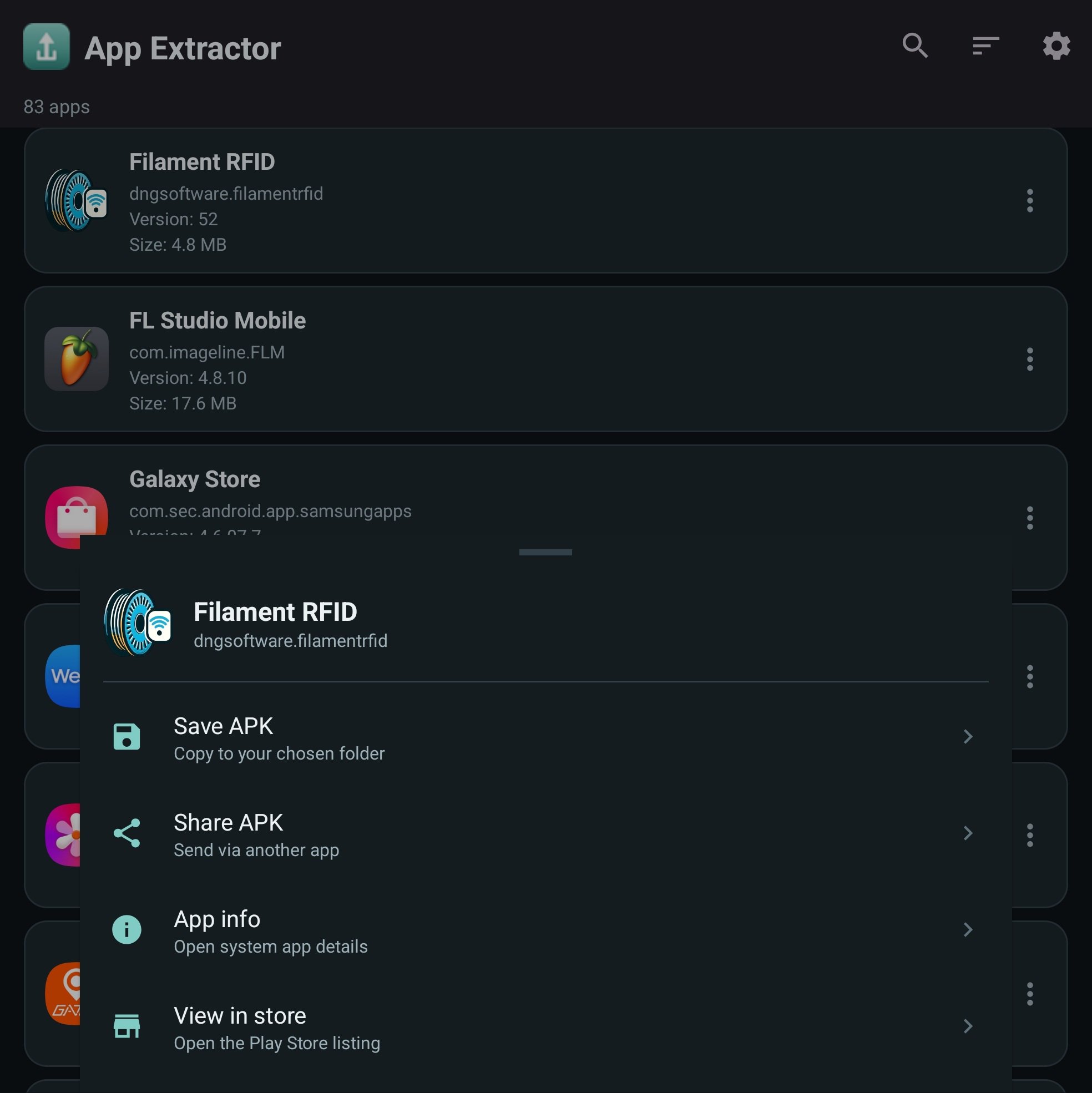
• Save any app as an APK to a folder you choose
• Share an APK straight to another app
• Search your apps instantly as you type
• Sort by name, size, or most recently updated
• Jump to an app's system info page or its store listing
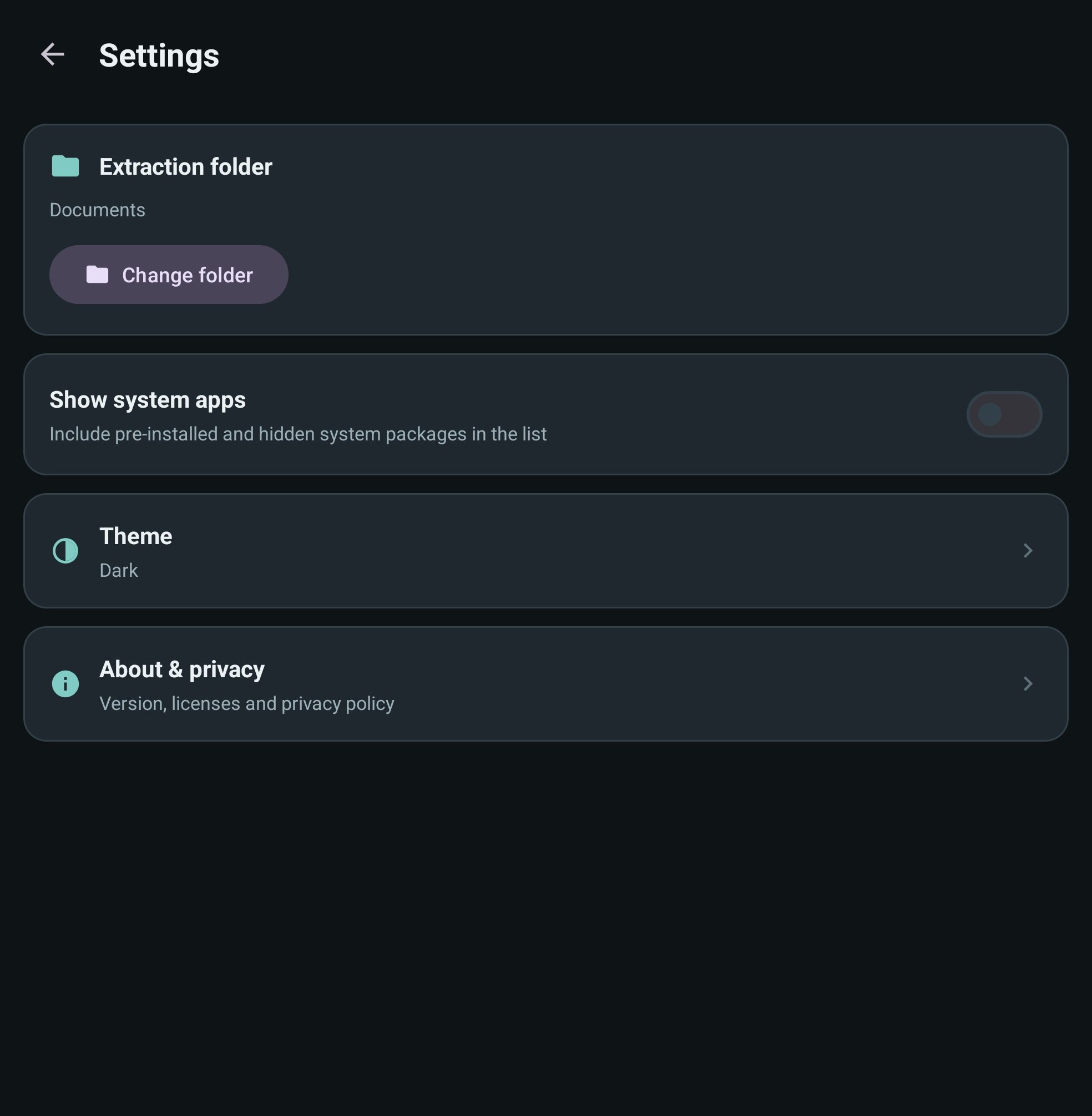
• Show or hide system apps with a single switch
Built for every screen
App Extractor works smoothly on phones and tablets, and fully supports Android TV with a remote-friendly layout - so you can manage your apps from the couch as easily as in your hand.
Light and dark themes
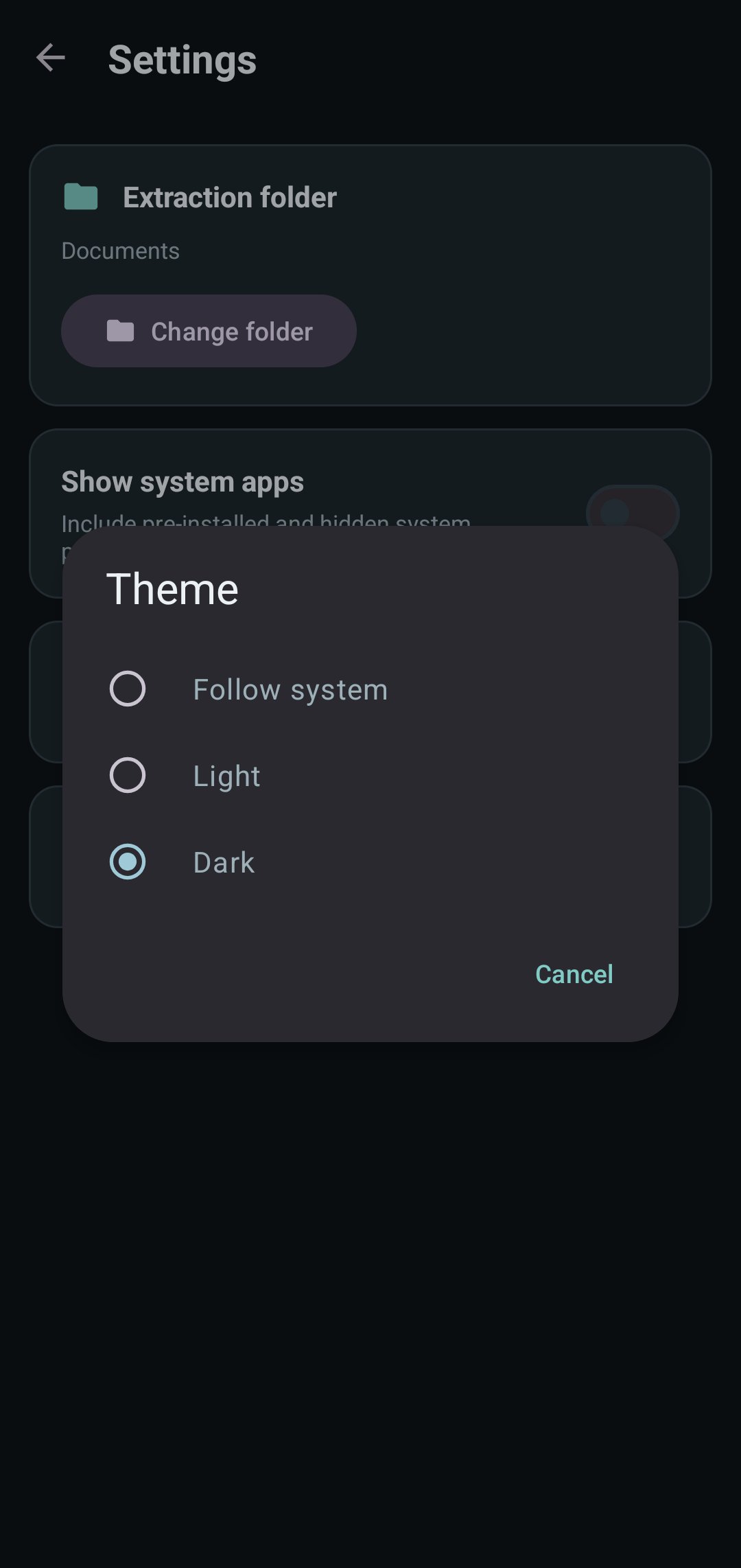
Pick Light, Dark, or follow your system setting. The entire app adapts instantly.
Privacy and permissions, done right
App Extractor doesn't ask for broad storage access. It only needs permission to see the apps you have installed, and it writes files exactly where you tell it to using Android's built-in folder picker. Your apps and files stay on your device.
A note on responsible use
App Extractor is designed for backing up and managing apps you have installed on your own device. Please respect the work of app developers and only share apps where you have the right to do so.
Simple, fast, and clutter-free - App Extractor gives you back control of the apps on your device.

One-click to install XAPK/APK files on Android!
Thanks for your rating and feedback!
You have already rated.