









Thanks for your rating and feedback!
You have already rated.


6.0 MB
File Size
Everyone
Android 8.0+
Android OS
Back up, share and restore apps, including split APKs, on another phone
App Share and Backup helps you save installation files for the apps on your Android phone, share them, and install them again when you need them. It supports regular APK apps and apps delivered as split APKs.
Back up your apps
• Browse installed apps, search by name, and select one or several at a time.
• Save each app as a .appbackup file in a folder you choose. The backup name includes the app version.
• If you back up the same version again, the existing backup is replaced.
Share and restore
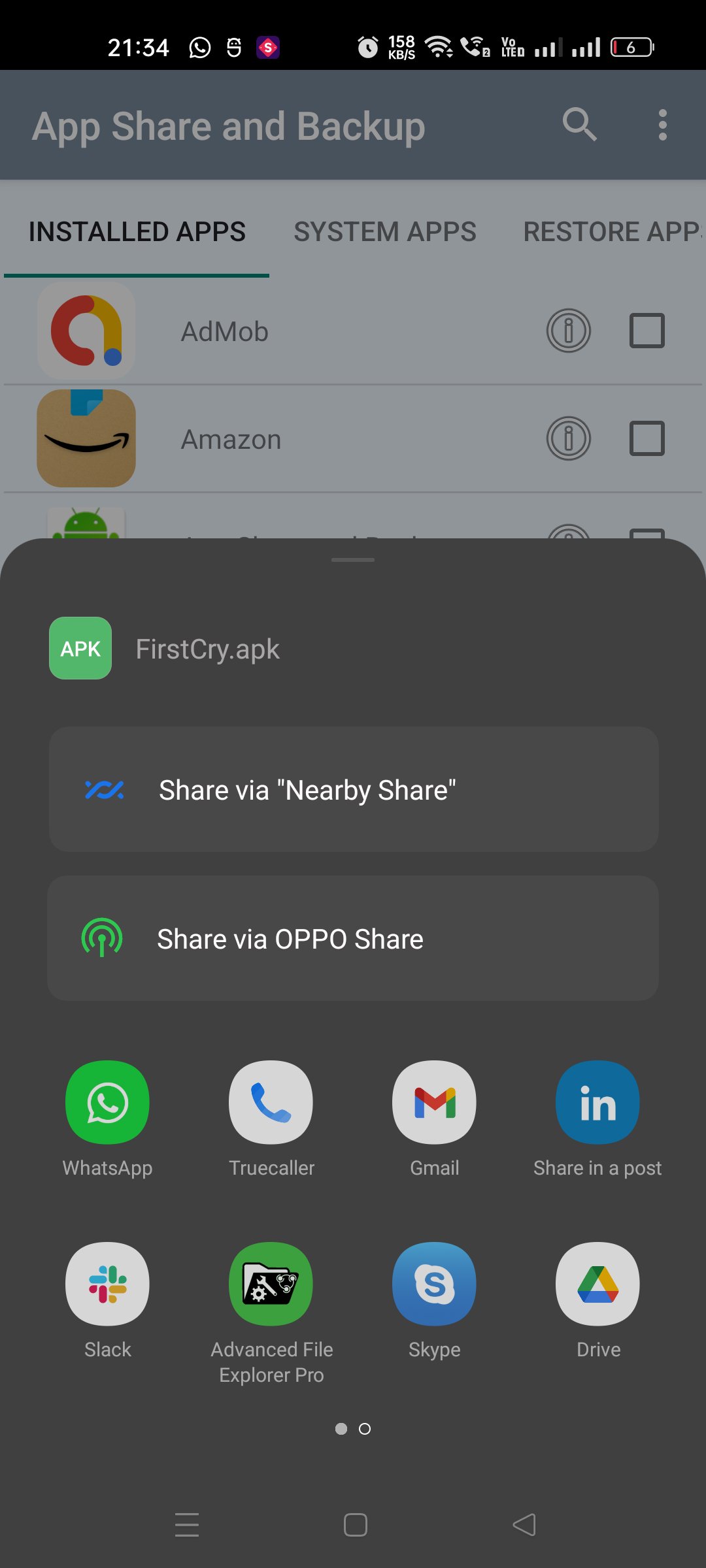
• Share selected app backups through Android’s share menu.
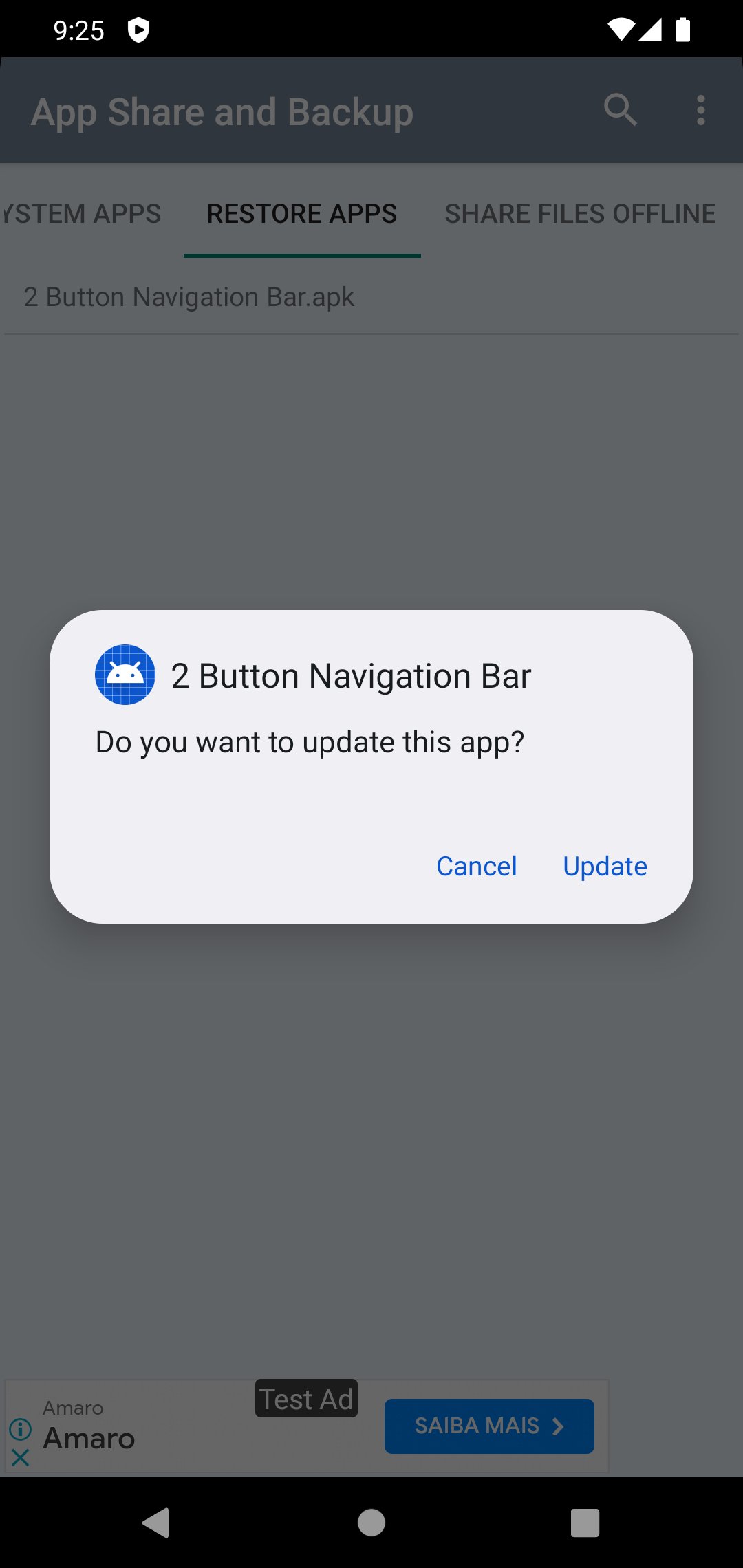
• On another phone, install App Share and Backup, then open a .appbackup file or choose the folder containing your backups.
• Browse saved backups, check their details, and tap Install. Android will ask you to confirm the installation.
No root access is needed. Backups contain app installation files only; app data, accounts, logins, and settings are not included. A backed-up app may not install on every device because Android version, device compatibility, and app signing requirements still apply.
The same App Share and Backup app is required on the receiving phone to install .appbackup files.





One-click to install XAPK/APK files on Android!
Thanks for your rating and feedback!
You have already rated.