Package Name:com.applock.lockapps
Show More


6.0 MB
File Size
Everyone
Android 5.0+
Android OS
Lock apps with PIN, pattern or fingerprint. Hide photos and limit screen time.
AppLock keeps your private apps private. Lock chats, photos, banking apps or anything else on your phone with a PIN, a pattern or your fingerprint, and decide how long each app can be used every day.
LOCK ANY APP
Pick the apps you want to protect and they will ask for your code every time they open. Use a 4-digit PIN, draw a pattern, or just touch the fingerprint sensor. You can shuffle the number keys or hide the pattern lines so people sitting next to you can't learn your code. Choose whether an app locks again right away or after 30 seconds, 1, 5, 10 or 30 minutes.
TIME LIMITS FOR KIDS
Handing your phone to a child? Set a daily time limit for games or video apps, block them during homework or bedtime hours, or make the phone take a break after a set amount of continuous use. When time is up, the app locks and only your code can open it again. Phone calls are always allowed.
CATCH INTRUDERS
When someone enters the wrong code, AppLock quietly takes a photo with the front camera. Choose to capture after 1, 2 or 3 wrong attempts, then check who tried the next time you open the app.
PRIVATE VAULT
Move photos and videos into a hidden vault. They disappear from the gallery and can only be viewed after unlocking. Swipe through them like a normal album and restore them whenever you want.
MAKE THE LOCK SCREEN YOURS
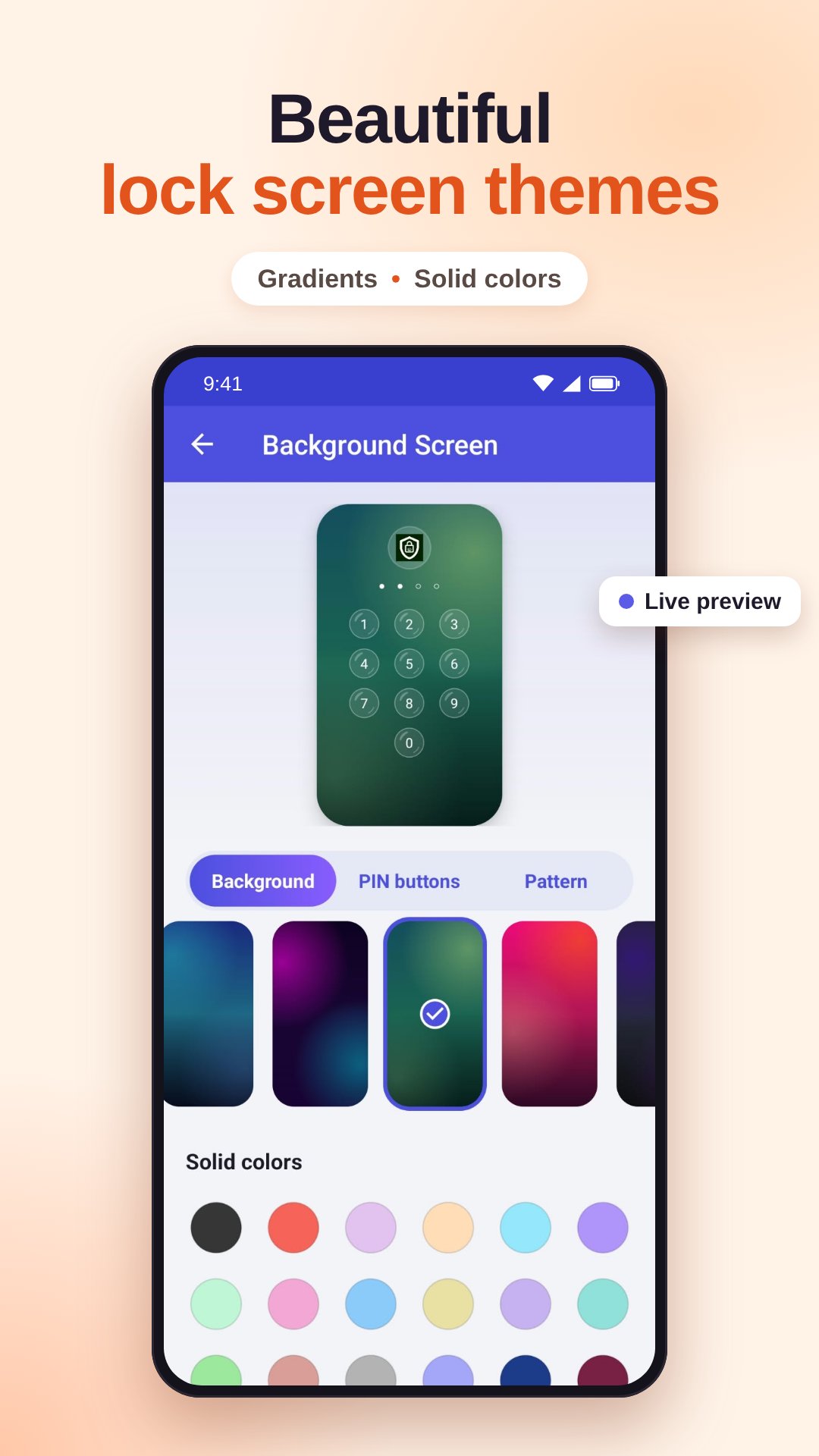
Pick a gradient background or a solid color, choose a PIN key style (round, glass, heart, water drop, diamond, star and more) and change how the pattern dots look.
ALSO INCLUDED
- A prompt to lock new apps right after you install them
- A recovery question in case you forget your code
- A quick settings tile to turn the lock on or off
- 17 languages
ABOUT PERMISSIONS
AppLock needs Usage Access to know which app is being opened, and permission to display over other apps to show the lock screen. The camera is only used for intruder photos, and only if you turn that feature on. Your vault files stay on your phone and are never uploaded.
Have an idea or found a problem? Use "Feedback & bug report" in Settings and we will get back to you.




One-click to install XAPK/APK files on Android!

Thanks for your rating and feedback!
You have already rated.