Safe & Fast APK Downloads on APKPure
APKPure uses signature verification to ensure virus-free Assistive touch APK downloads for you.

Assistive Touch is an easy tool for Android devices.
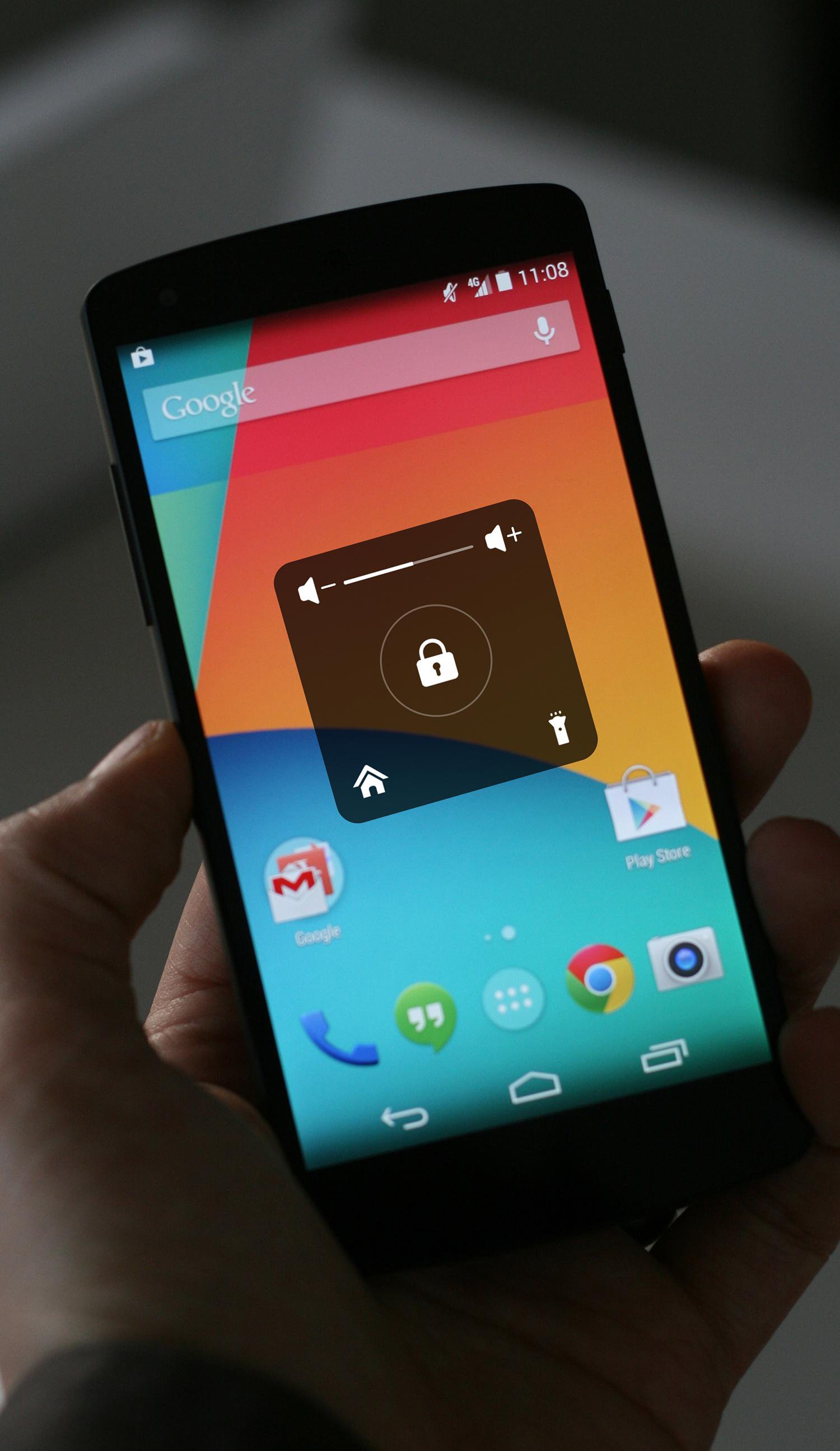
Assistive Touch is an easy tool for Android devices. With a floating panel on the screen, you can easily use your Android smart phone.
★ Assistive Touch for Android
You can use AssistiveTouch to control your device. It's fast, it’s smooth, and it’s totally FREE.
Assistive Touch is also an ideal app to protect the physical buttons for Android device!
★ features ★
- Virtual Home button, easy touch to return to the desktop
- Virtual Volume button, quick touch to change volume
- Virtual Lock Screen,quickly lock your phone screen to protect your privacy and data.
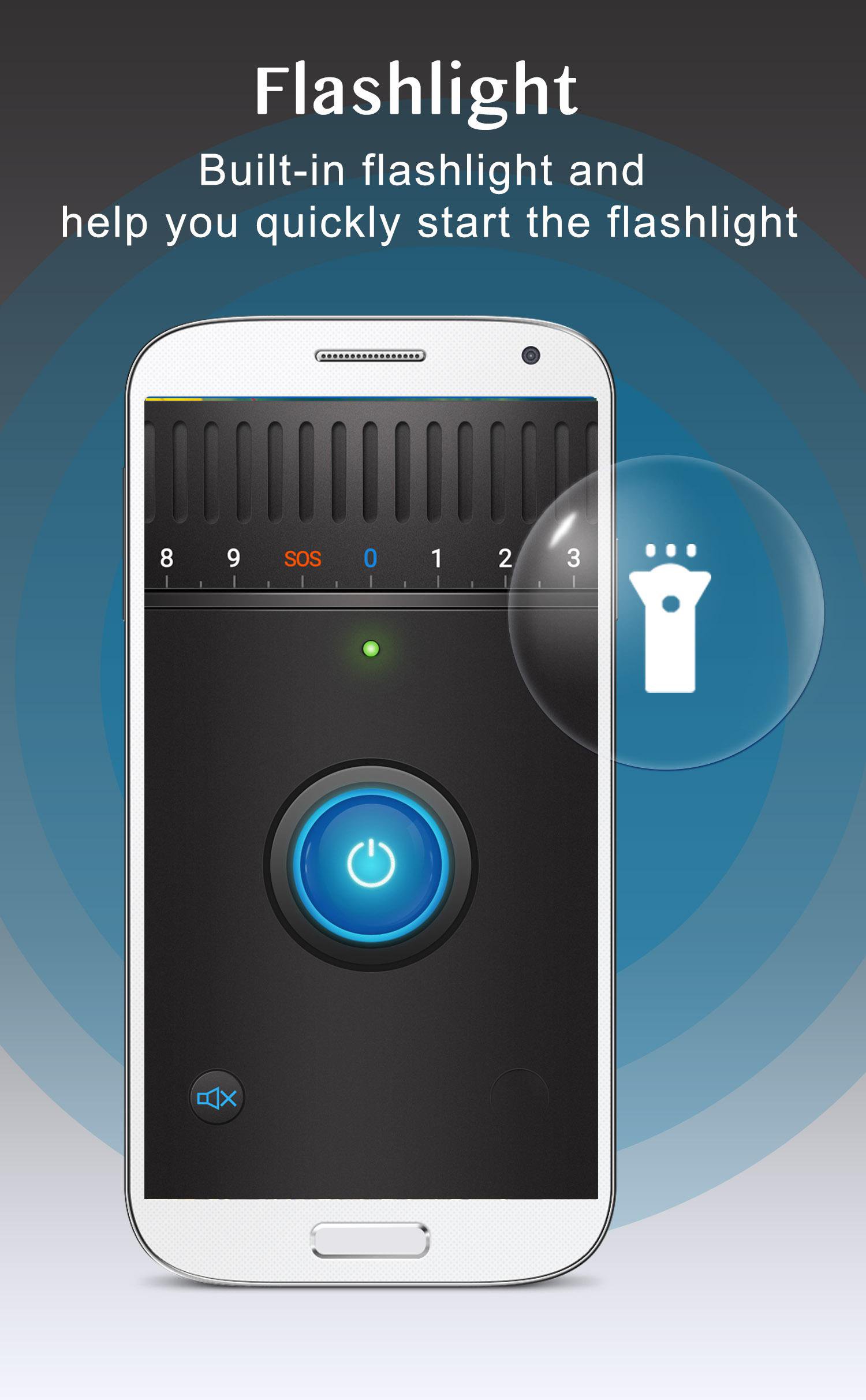
- Flashlight ,Built-in flashlight and help you quickly start the flashlight
Frequently asked questions:
1. Ask: How to uninstall this app?
- If you use lock screen function, it require turn on Device Administration so If you want to uninstall this Assistive Touch, please open app and go to setting, click on uninstall button.
Feedback
If you encounter problems, please do not give me negative feedback, please contact with [email protected], we will reply as soon as possible and resolve all problems.



One-click to install XAPK/APK files on Android!

Thanks for your rating and feedback!
You have already rated.