Package Name:com.audio.vibe
Show More

Scan and play local music, supports multiple formats and high-resolution audio, and edit song tags.
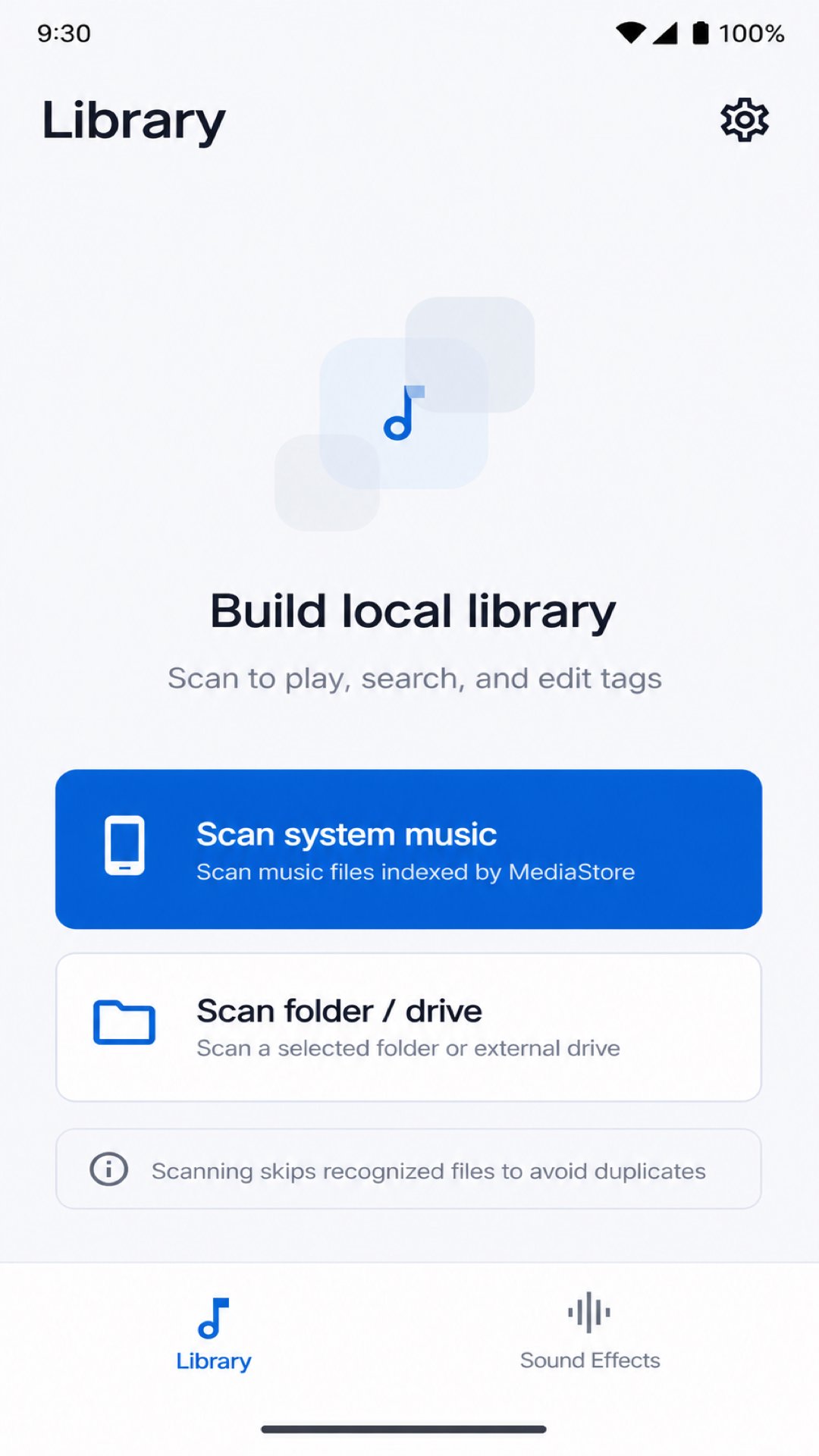
AudioVibe is a local-first music management, playback, and audio tag editing tool, suitable for organizing local music files on your phone, playing high-resolution audio, fixing garbled song information, and editing song tags and album art.
AudioVibe supports scanning system music and also allows you to create a local music library by selecting folders, SD cards, or USB flash drive directories. The application displays information such as song title, artist, album, format, sample rate, and bit depth, and supports searching, playback, playback queue, notification bar media controls, and a full playback page.
Format and High-Resolution Audio Support:
Supports common audio formats: MP3, FLAC, WAV, M4A, MP4, AAC, OGG, OPUS
Supports more lossless and niche format recognition/playback paths: APE, WV, WMA, AIFF, ALAC, DSF, DFF, DTS, MKA, WebM, etc.
Supports displaying high-resolution information: 44.1kHz, 48kHz, 88.2kHz, 96kHz, 176.4kHz, 192kHz, 352.8kHz, 384kHz
Supports displaying bit depth information: 16-bit, 24-bit, 32-bit float, DSD64, DSD128, DSD256, etc.
Prioritizes playback of common stable formats using the Android system decoding path.
Main Functions:
Local Music Library Scan: Scans system music, and can also scan folders, SD cards, or USB drives. Local Music Playback: Bottom playbar, full playback page, playback queue, progress drag, previous track, next track
Notification Bar Control: Control playback, pause, previous track, and next track via system media notifications
Song Information Editing: Edit basic tags such as title, artist, album, genre, year, and track number
Cover Art Editing: Supports embedded covers and single-track external covers
Character Reduction Fix: Fixes garbled characters in song titles, artists, albums, and other multi-language tags
Lyrics Display: Supports local lyrics reading and playback page display
Theme Settings: Supports light theme, dark theme, and follow system theme
Help and Feedback: Submit suggestions and attach diagnostic logs as needed
AudioVibe prioritizes local processing and privacy protection. Music scanning, tag editing, cover art processing, and playback are all completed locally on the device. Feedback logs are only attached when you actively select and send them; audio files are not automatically uploaded.



One-click to install XAPK/APK files on Android!

Thanks for your rating and feedback!
You have already rated.