Package Name:com.necdetzr.bledeviceradar
Show More

Scan nearby BLE devices, inspect broadcasts, and compare saved scans.
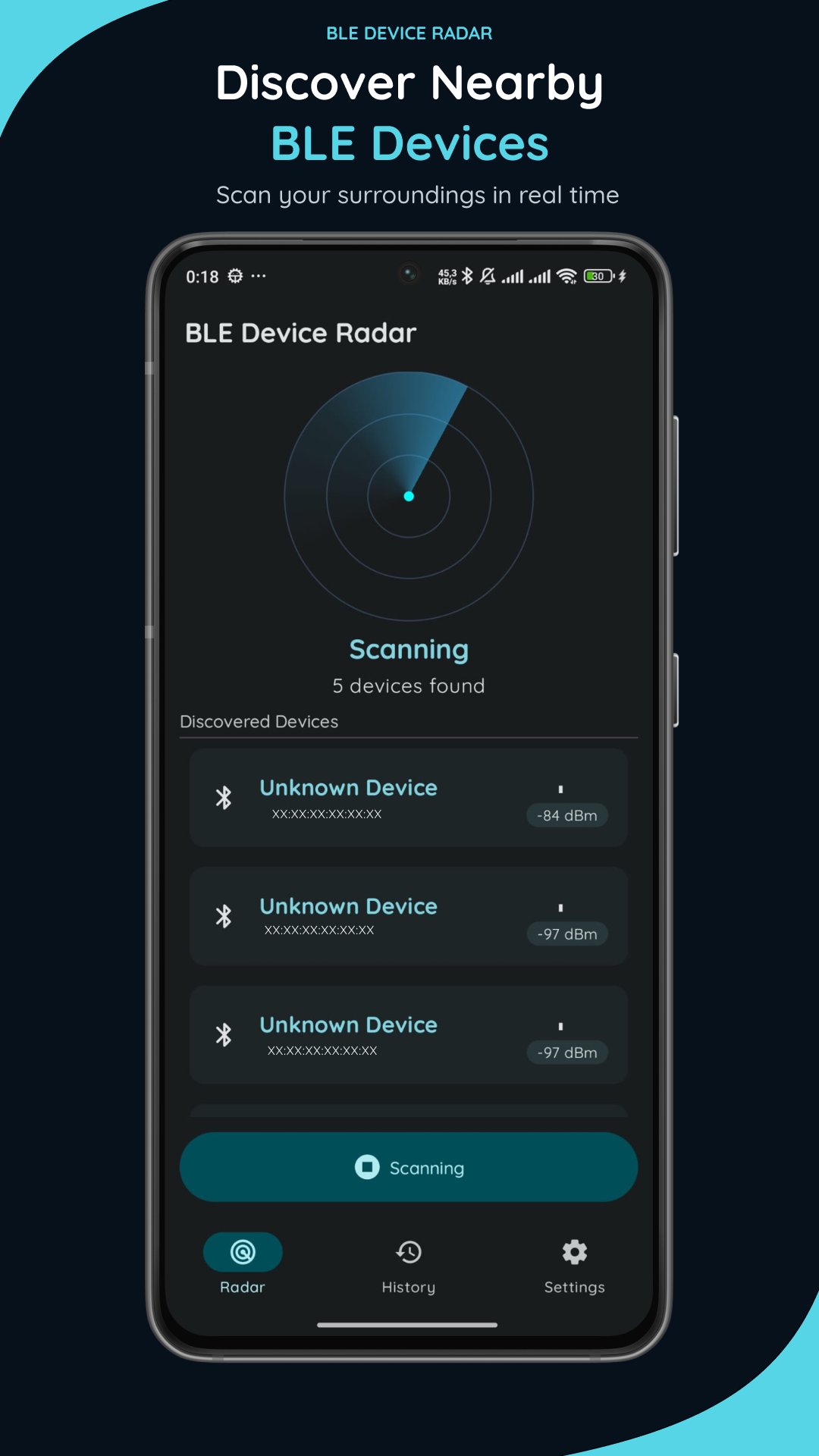
BLE Device Radar helps you discover nearby Bluetooth Low Energy (BLE) devices, inspect advertising data, and explore signal behavior through a clean, radar-inspired interface.
DISCOVER NEARBY BLE DEVICES
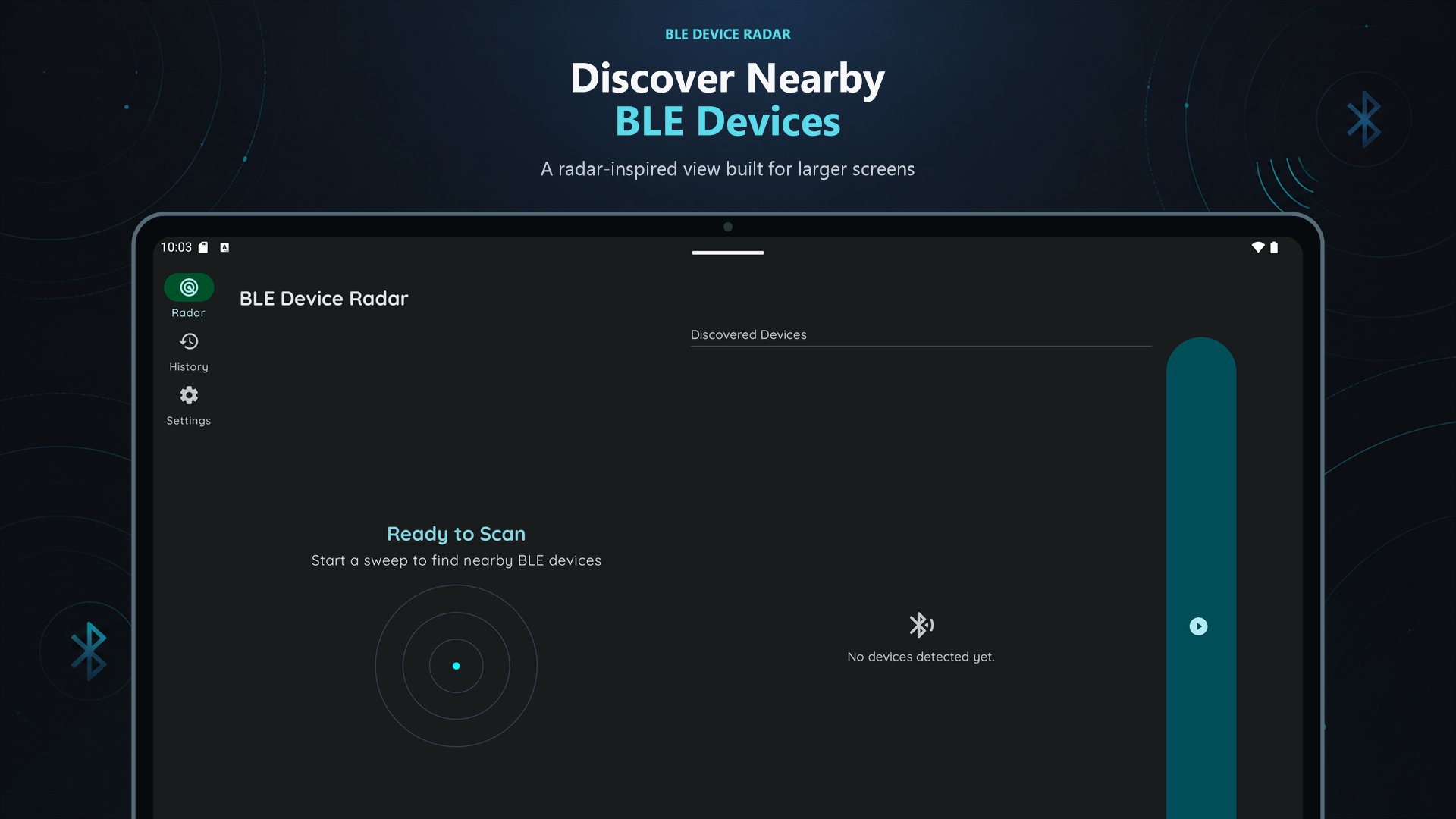
Scan for nearby BLE broadcasts in real time. View signal strength (RSSI), device addresses, packet counts, and connection availability. Sort discovered devices by signal strength, packet count, or TX power to focus on the information you need.
EXPLORE SIGNAL HISTORY
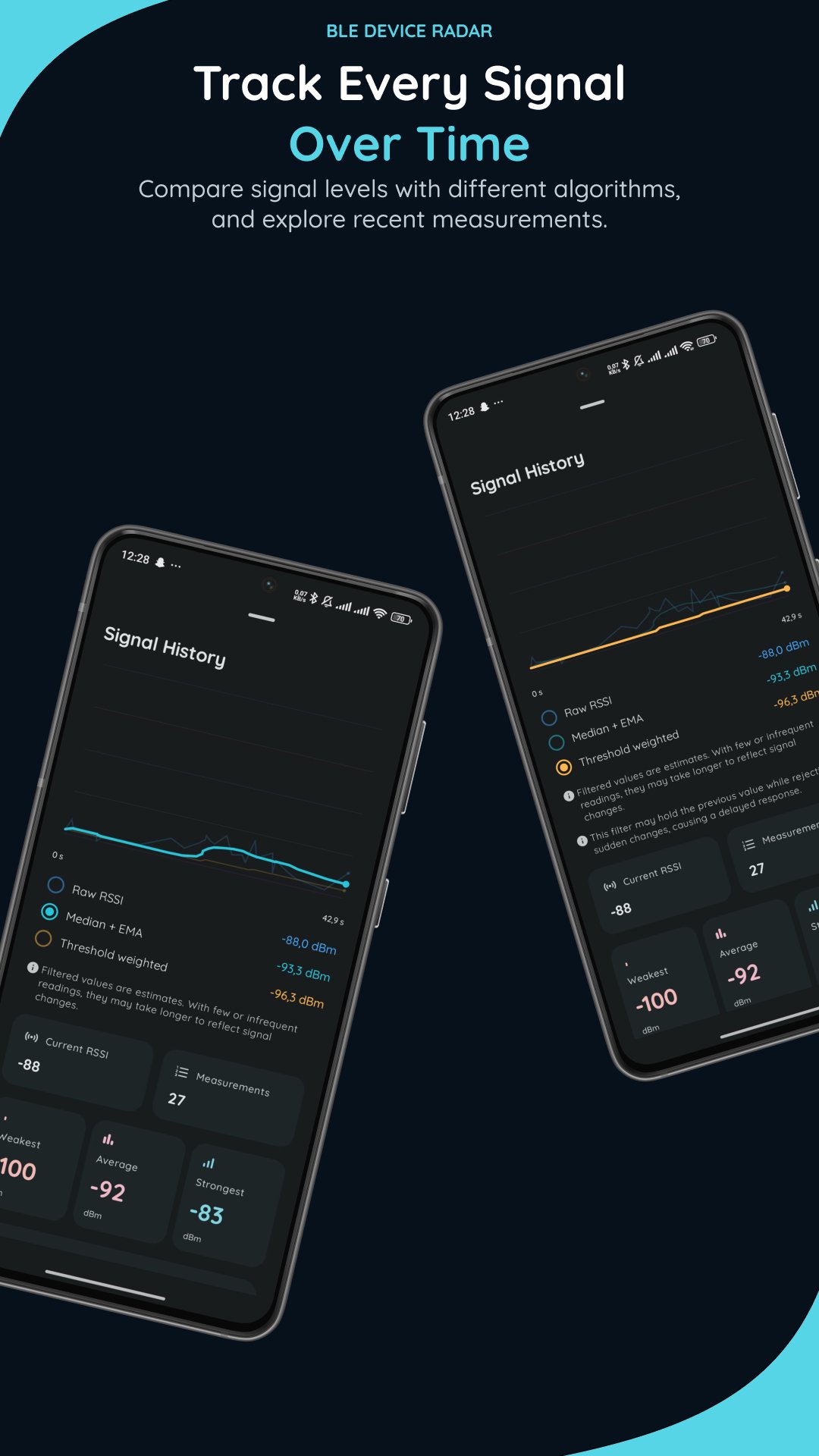
Follow RSSI measurements on a graph and compare raw readings with two signal smoothing methods: Median + Exponential Moving Average (EMA) and Threshold Weighted filtering. Smoothing helps reduce short-term fluctuations and makes signal trends easier to follow. View minimum, maximum, and average RSSI alongside recent measurements.
INSPECT ADVERTISING DATA
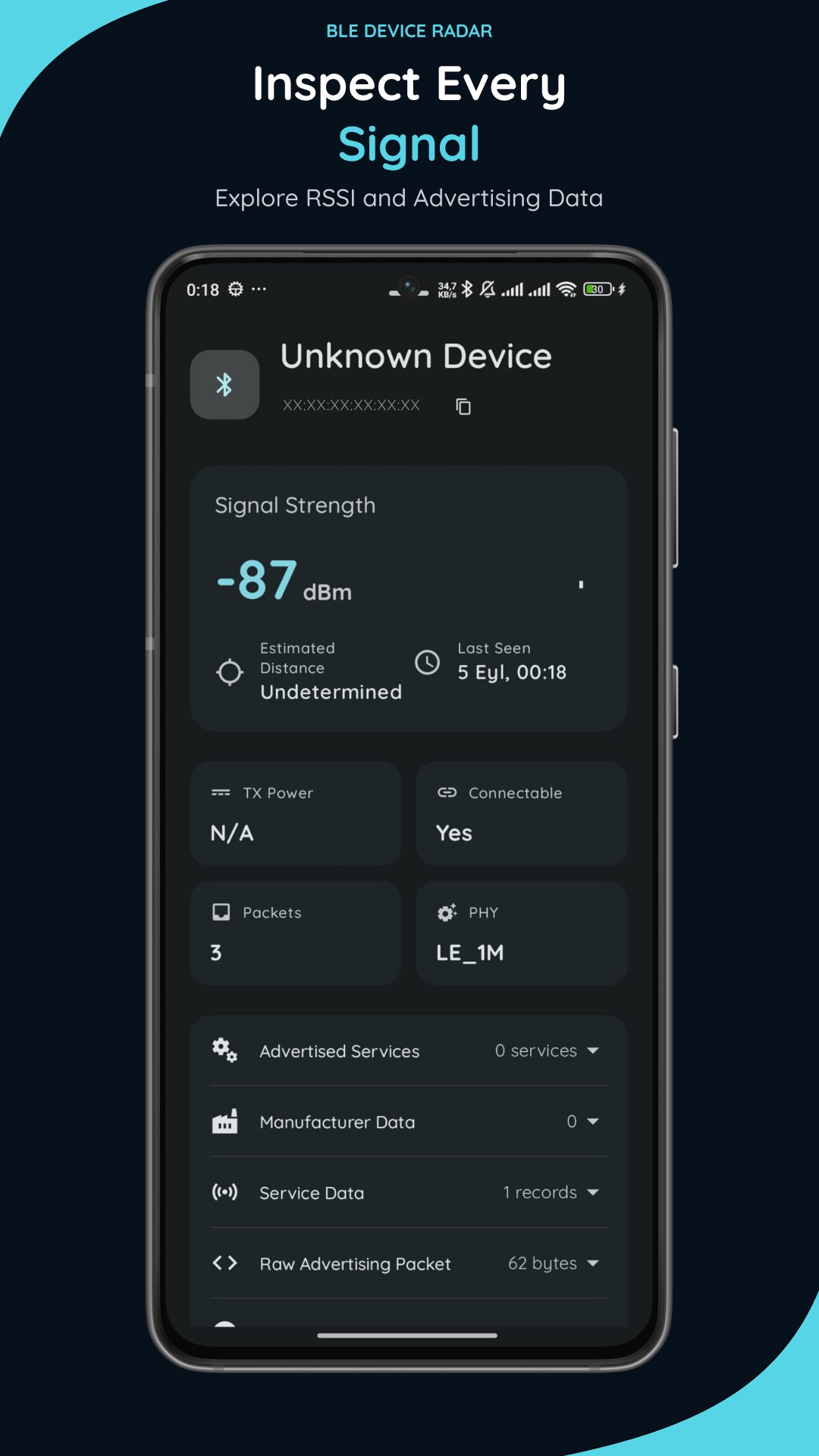
Explore advertised services, manufacturer data, service data, PHY information, and raw advertising packets. Available details depend on what each device broadcasts.
SAVE, SEARCH, AND COMPARE
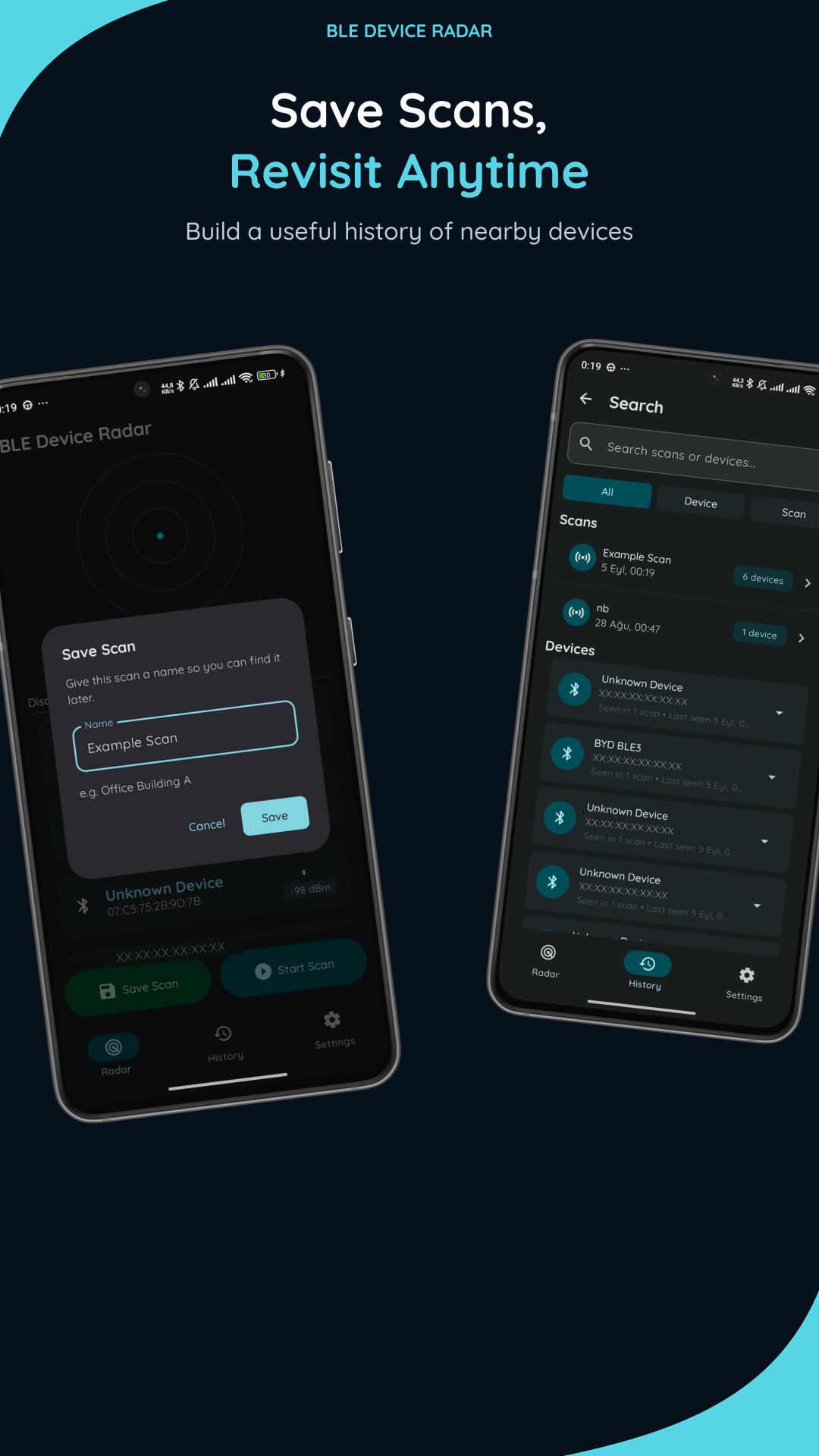
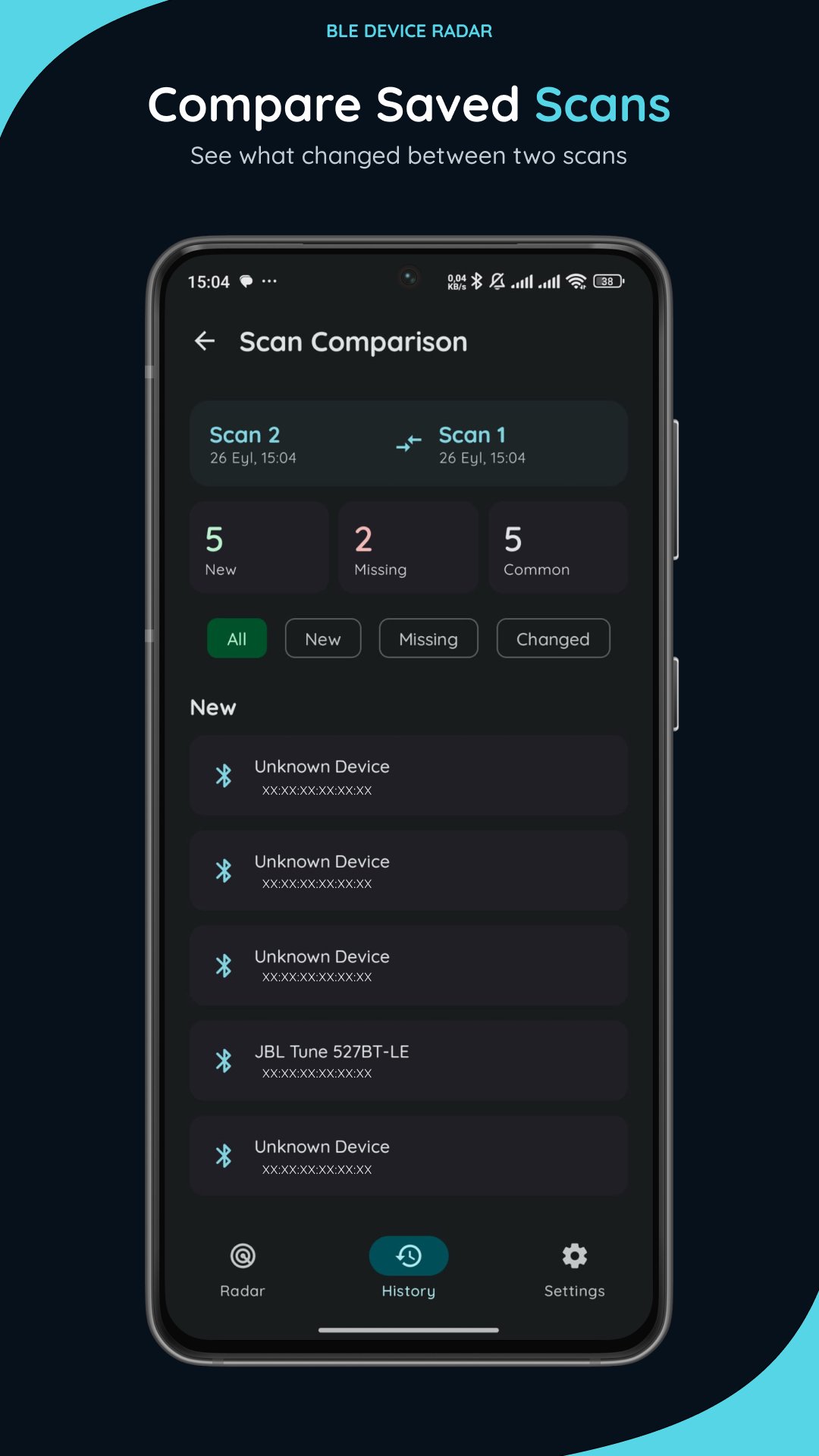
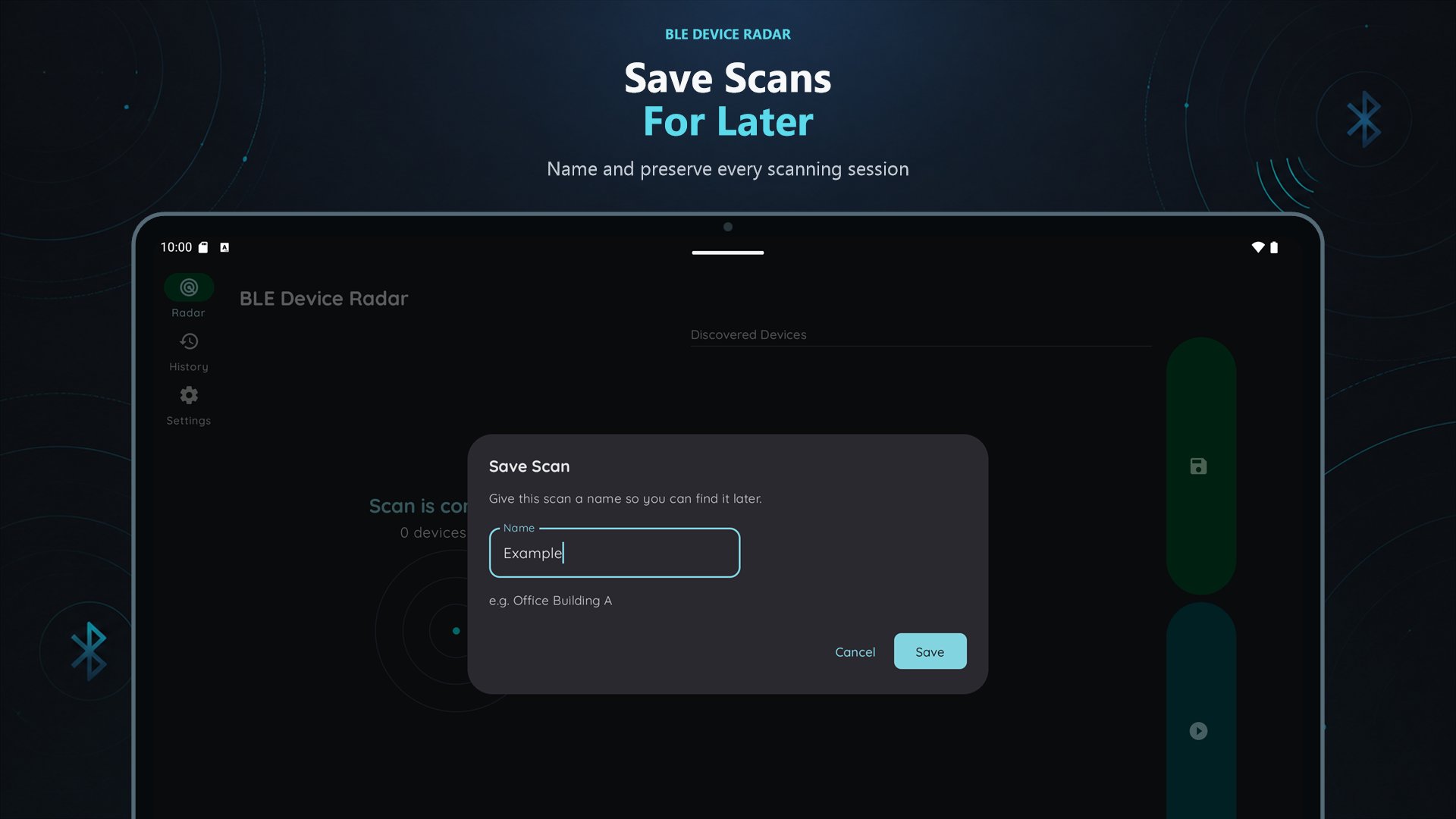
Save scans with custom names and revisit them in History. Search saved scans and observed devices, then compare two scans to see which device addresses appeared, disappeared, or had changes in their recorded data.
EXPORT AND IMPORT
Export saved scans as JSON files for your own records, or import compatible scan files back into the app.
KEY FEATURES
• Real-time Bluetooth Low Energy scanning
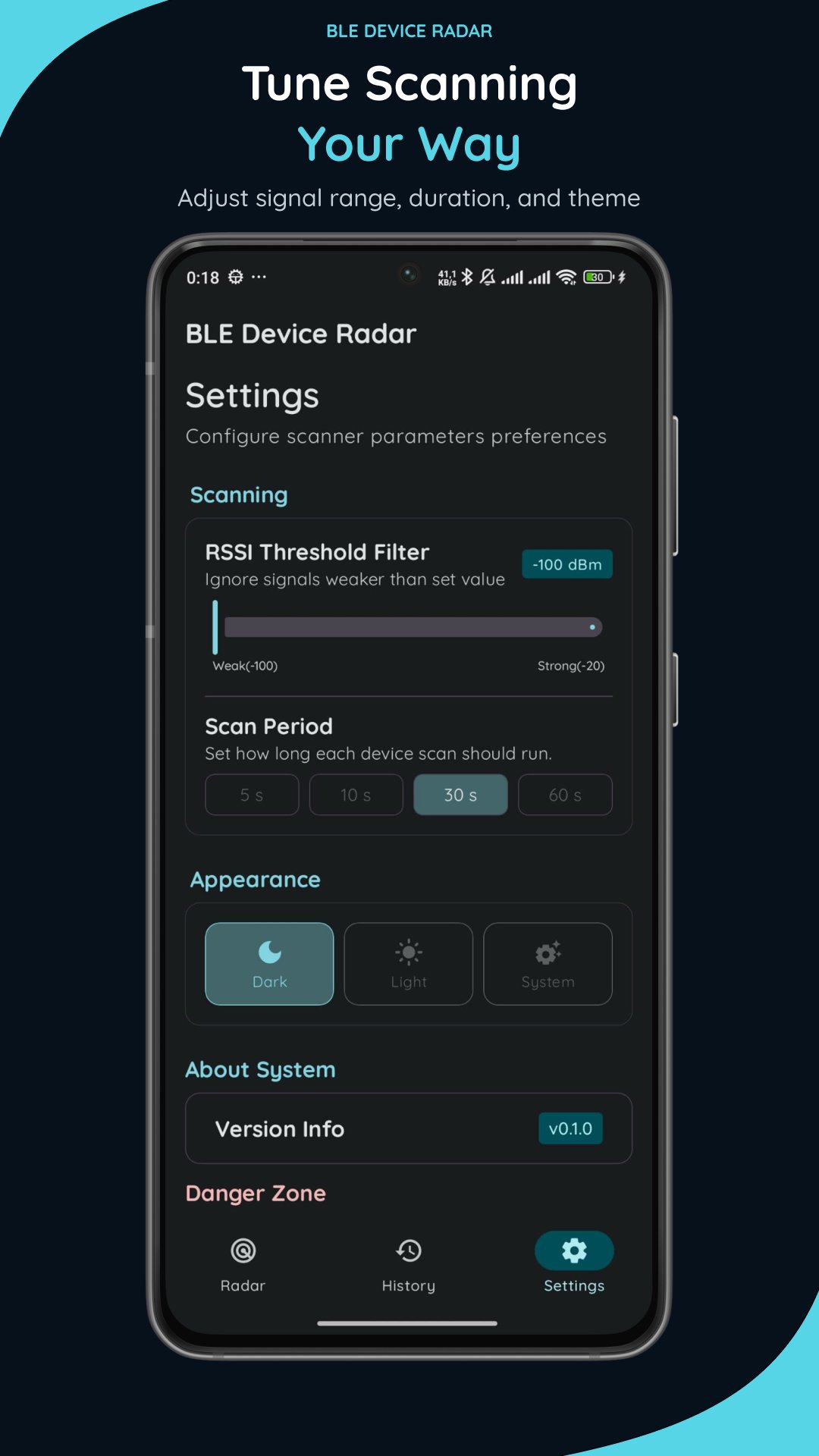
• Adjustable scan duration and RSSI threshold
• Sorting by RSSI, packet count, and TX power
• RSSI history graphs with raw and smoothed readings
• Median + EMA and Threshold Weighted signal filtering
• Minimum, maximum, and average RSSI statistics
• Detailed BLE advertising information
• Named scan history and device search
• Saved scan comparison
• JSON import and export
• Light, dark, and system themes
PRIVACY
Scan results and saved history are processed locally on your device and are not uploaded to an external server. Exported files are saved only when you choose to create them. You can delete your saved scan history from Settings at any time.
PLEASE NOTE
• Bluetooth permissions are required to scan for nearby BLE devices.
• Results depend on nearby devices, their advertising behavior, signal conditions, and Android system restrictions.
• Signal smoothing highlights trends; it does not guarantee accurate distance or location measurements. Limited samples may not represent typical signal behavior.
• Some BLE devices use private or rotating addresses. Scan comparison matches recorded addresses, so the same physical device may appear as different devices over time.
• BLE Device Radar displays advertising information but does not connect to discovered devices.

One-click to install XAPK/APK files on Android!

Thanks for your rating and feedback!
You have already rated.