Package Name:com.bletracker.main
Show More


44.7 MB
File Size
Everyone
Android 7.0+
Android OS
Find lost Bluetooth devices, earbuds and smartwatches with a BLE radar.
Find Lost Bluetooth Devices with BLE Tracker : Bluetooth Finder.
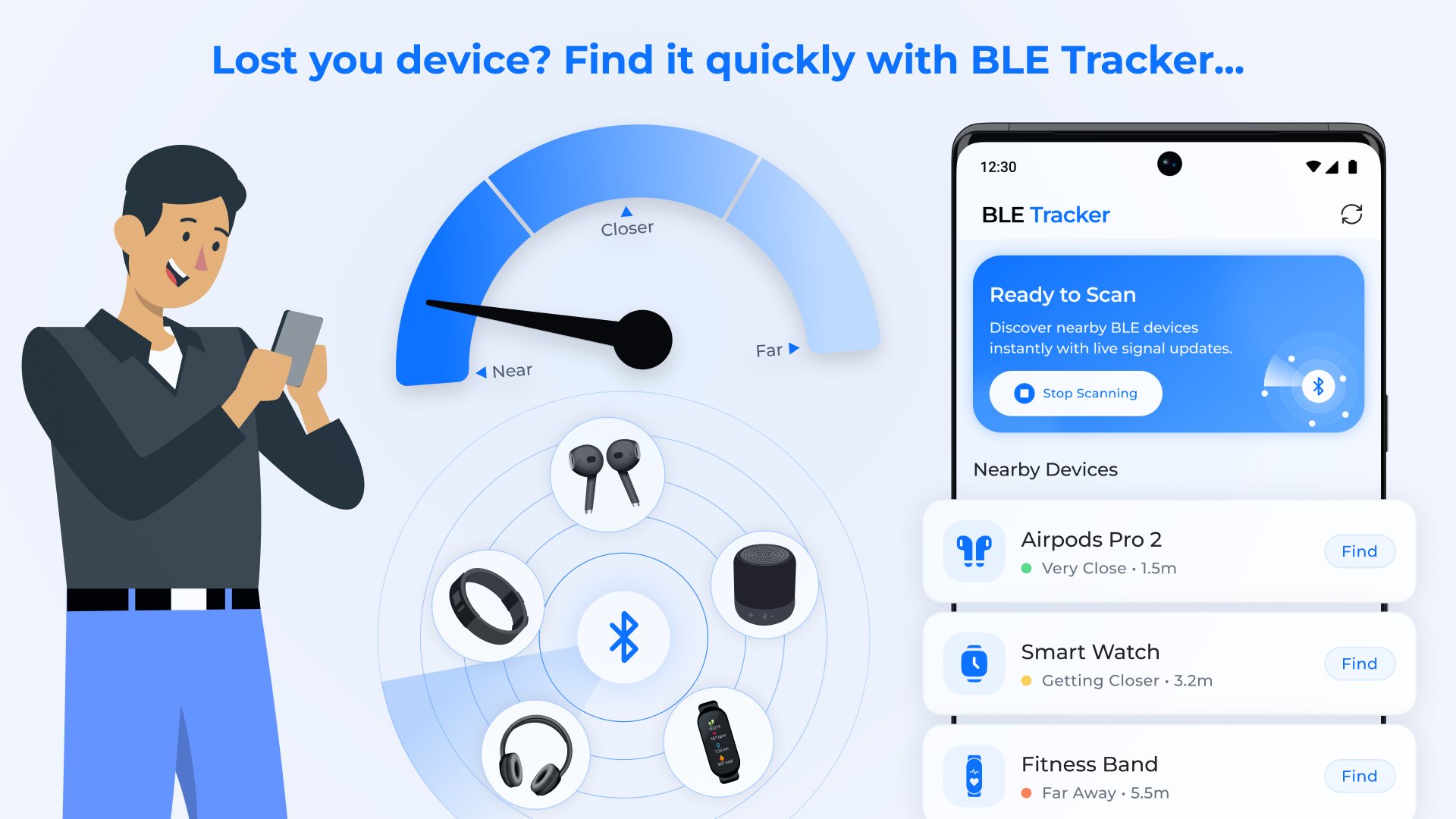
Can't find your earbuds, headphones, smartwatch, fitness tracker, Airtag or another Bluetooth device? Bluetooth Finder: BLE Radar helps you scan for nearby Bluetooth Low Energy devices and narrow down the location of your lost device using Bluetooth signal strength and an intuitive radar view.
Whether your earbuds are somewhere in your home or you simply can't remember where you left your smartwatch, use the BLE scanner to detect nearby devices and the radar to help guide your search.
🔎 FIND LOST BLUETOOTH DEVICES
Bluetooth Finder makes it easier to search for nearby Bluetooth devices. Scan your surroundings, select the device you are looking for and use the changing Bluetooth signal strength to help determine whether you are moving closer to it.
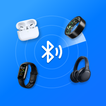
You can use the app to search for many types of Bluetooth devices, including:
• Wireless earbuds
• Bluetooth headphones
• Smartwatches
• Fitness trackers
• Bluetooth speakers
• BLE accessories
• Other nearby Bluetooth Low Energy devices
📡 BLE SCANNER
The built-in Bluetooth Low Energy scanner detects compatible BLE devices around you and displays the devices that can be detected by your phone.
This makes the app useful for both everyday users who want to find a misplaced Bluetooth device and Bluetooth enthusiasts who want to discover nearby BLE devices.
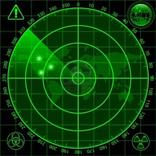
🎯 BLUETOOTH RADAR
Use the Radar feature to make your search more intuitive.
Select the Bluetooth device you want to find and move around while monitoring the detected signal. As the Bluetooth signal becomes stronger, you may be getting closer to the selected device.
The radar provides a visual way to understand the changing proximity of your selected Bluetooth device while you search.
📡 SIGNAL STRENGTH
Bluetooth signal strength can help you determine whether you are getting closer to or farther from your selected device.
Move around the area and watch how the signal changes. Use this information together with the Radar view to narrow down the area where your device may be located.
🔊 SOUND AND VIBRATION ALERTS
Sound and vibration alerts can provide additional feedback while searching for a selected device.
Combine signal strength, Radar, sound and vibration to make your search easier when looking for a nearby Bluetooth device.
📱 FIND EARBUDS, HEADPHONES AND SMARTWATCHES
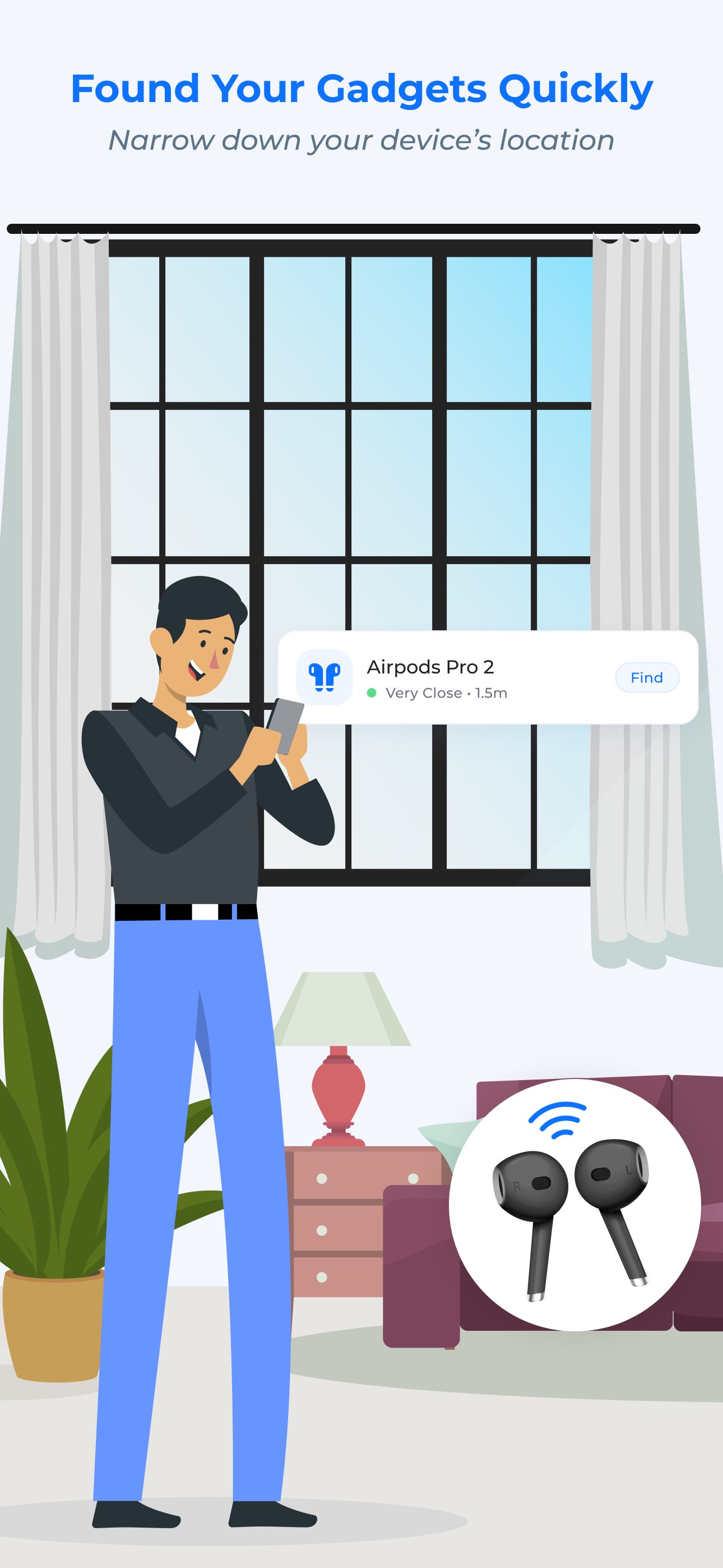
BLE Tracker : Bluetooth Finder can be useful when you misplace everyday wireless devices such as earbuds, headphones, smartwatches and fitness trackers.
Instead of searching randomly, scan for nearby Bluetooth devices and use the available signal information to help narrow down the search area.
⚡ SIMPLE AND EASY TO USE
Finding a lost Bluetooth device should be simple.
1. Open Bluetooth Finder
2. Start a Bluetooth BLE scan
3. Select the device you want to find
4. Follow the changing signal strength
5. Use Radar, sound and vibration to help narrow down the location
📋 SCAN HISTORY
Review previously detected devices using scan history. This can help you keep track of Bluetooth devices that have been detected during previous scans.
🔵 WHY USE BLE TRACKER : BLUETOOTH FINDER?
• Find nearby Bluetooth devices
• Search for misplaced earbuds and headphones
• Find nearby smartwatches and fitness trackers
• Scan for Bluetooth Low Energy devices
• Monitor Bluetooth signal strength
• Use an intuitive Radar view
• Get sound and vibration alerts
• Review scan history
• Simple interface for everyday Bluetooth searches
IMPORTANT
BLE Tracker: Bluetooth Finder uses Bluetooth Low Energy signals detected by your phone to help you search for nearby compatible devices. It does not provide GPS tracking of a Bluetooth device.
The device generally needs to be powered on and within detectable Bluetooth range. Bluetooth signal strength can be affected by walls, furniture, other electronic devices, interference and the environment, so the app cannot guarantee an exact physical location.





One-click to install XAPK/APK files on Android!

Thanks for your rating and feedback!
You have already rated.