
Package Name:dev.gbravomorante.capsule
Show More

Organize websites into capsules and make space for focused browsing.
Give your everyday websites a place of their own.
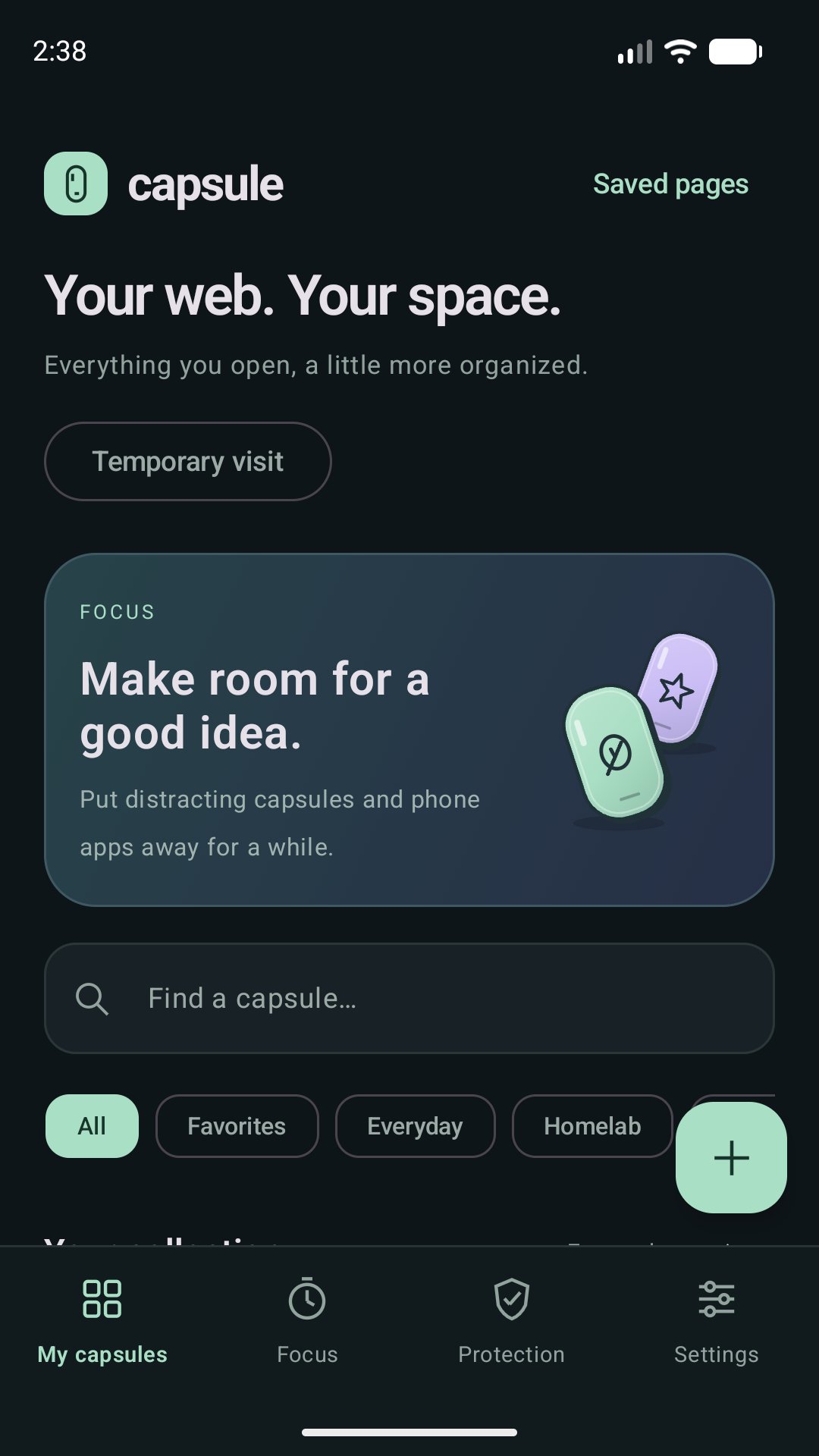
Capsule combines a website organizer, a Gecko-based browser and optional focus tools. Create colourful capsules for your websites, organize them into collections, and keep separate website accounts in separate browser contexts.
YOUR WEB, ORGANIZED
Search your library, mark favourites, choose colours and symbols, and create home-screen shortcuts. With Capsule Pro, duplicate a capsule when you want a fresh website account context. Settings export moves your configuration; it does not transfer website passwords, cookies or login sessions.
READ AND BROWSE
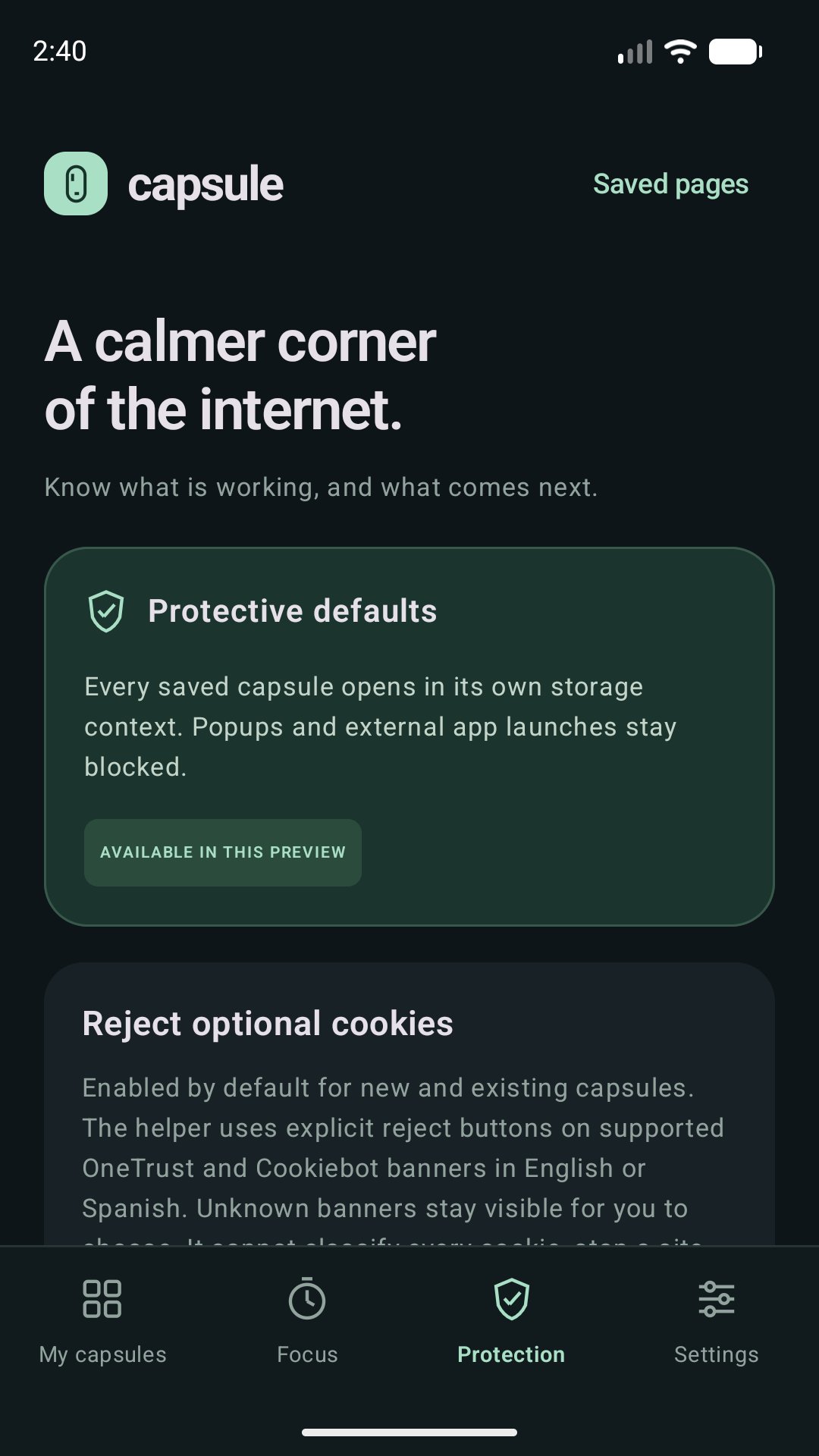
Use reader view, text-size controls, saved pages and supported on-device translation. Popup controls, tracking protection and supported cookie-banner rejection help reduce interruptions. They do not guarantee that every website is free of ads or tracking.
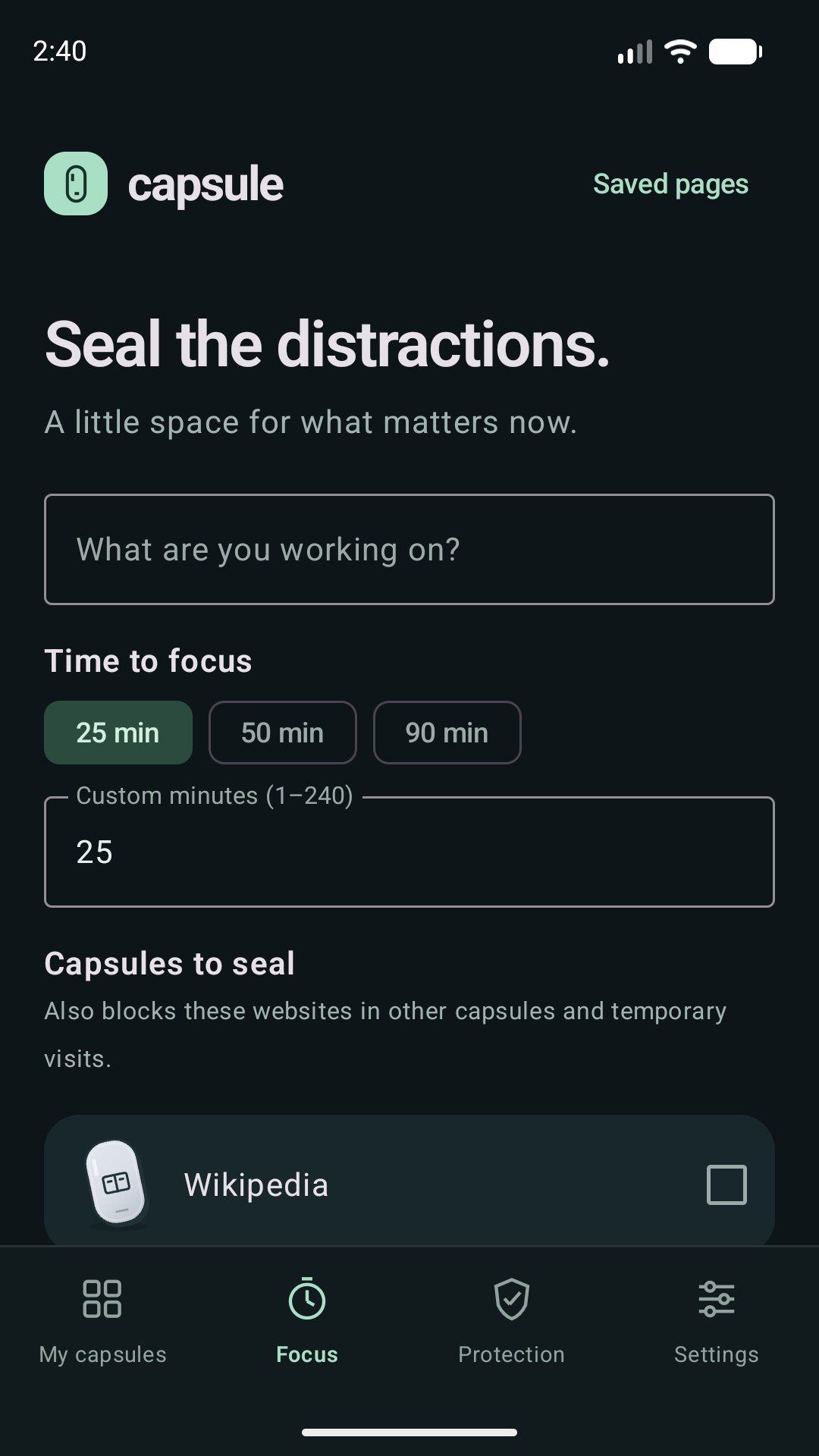
MAKE TIME TO FOCUS
Set timed focus rules for distracting capsules. Optionally select other phone apps to cover with a focus screen using Android usage-access and overlay permissions. Focus is voluntary: it can be bypassed by stopping the app or revoking permissions. It does not suspend other apps or silence their notifications.
CAPSULE PRO
The free version keeps up to 5 capsules with every browsing, reading and capsule Focus feature. Capsule Pro is a single purchase through Google Play, with no subscription and no ads. It unlocks unlimited capsules, biometric locks, several accounts for the same website and Focus sessions that cover other phone apps.
OPTIONAL FEATURES
Use background media playback, picture-in-picture where supported, sleep timers, downloads, uploads and PDF export. Websites can request optional camera, microphone, location or local-network access. Denying optional permissions leaves ordinary browsing available. Capsule Pro's biometric screen locks use Android authentication and are not a separate encrypted storage vault.
English and Spanish interface. No Capsule-operated account, advertising service or cloud synchronization. Purchases are handled by Google Play. Websites have their own accounts, content and privacy practices.
Capsule supports ARM64 Android phones. Website compatibility and device background behavior vary. VPN integration is planned and is not included in this version. Capsule is a browser for the open web, not a parental-control or child-safe filtering product.

One-click to install XAPK/APK files on Android!

Thanks for your rating and feedback!
You have already rated.