Package Name:com.clickstep.app
Show More


3.2 MB
File Size
Everyone
Android 11.0+
Android OS
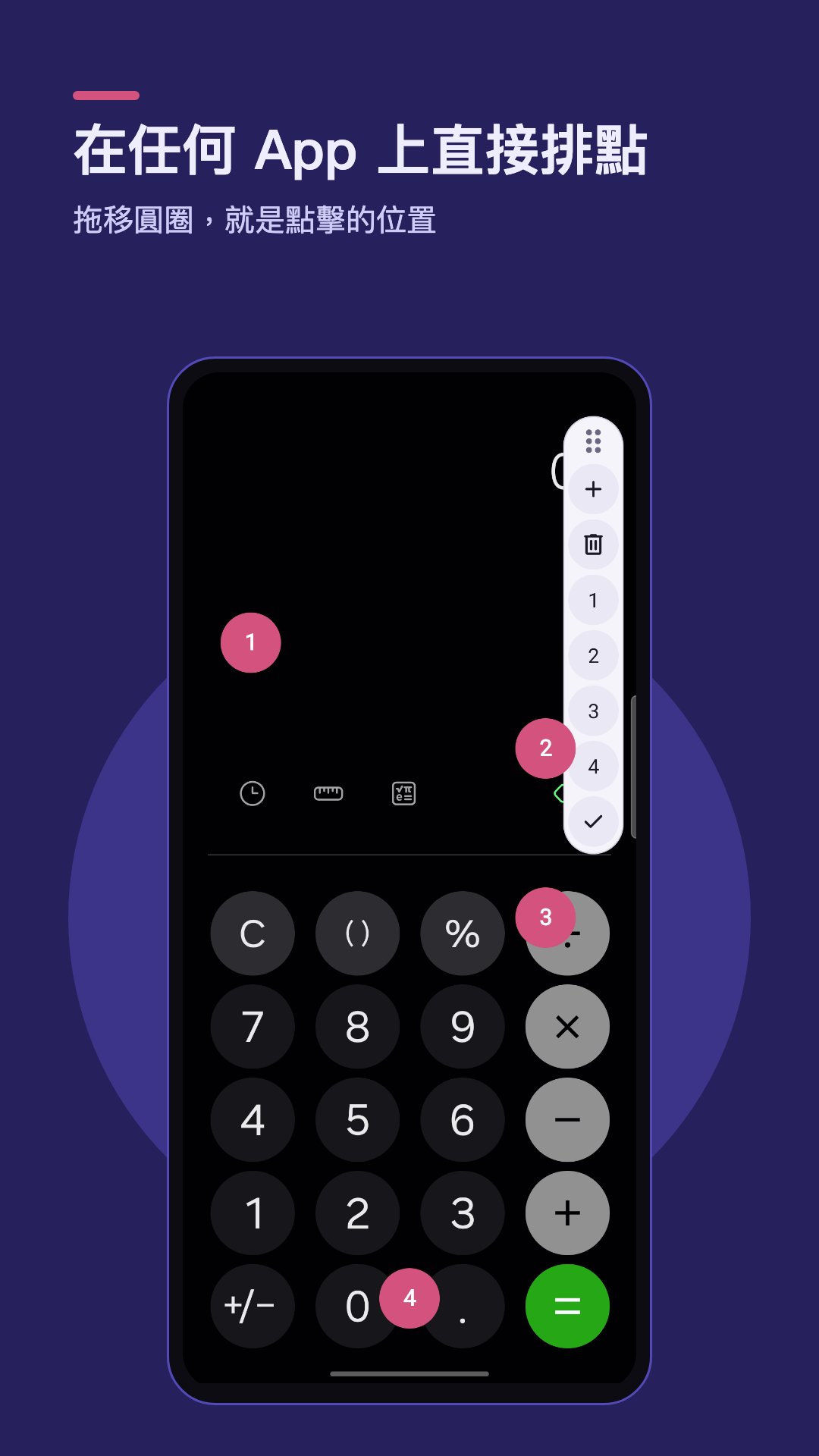
Arrange taps once and replay them. Tap only when the screen colors match.
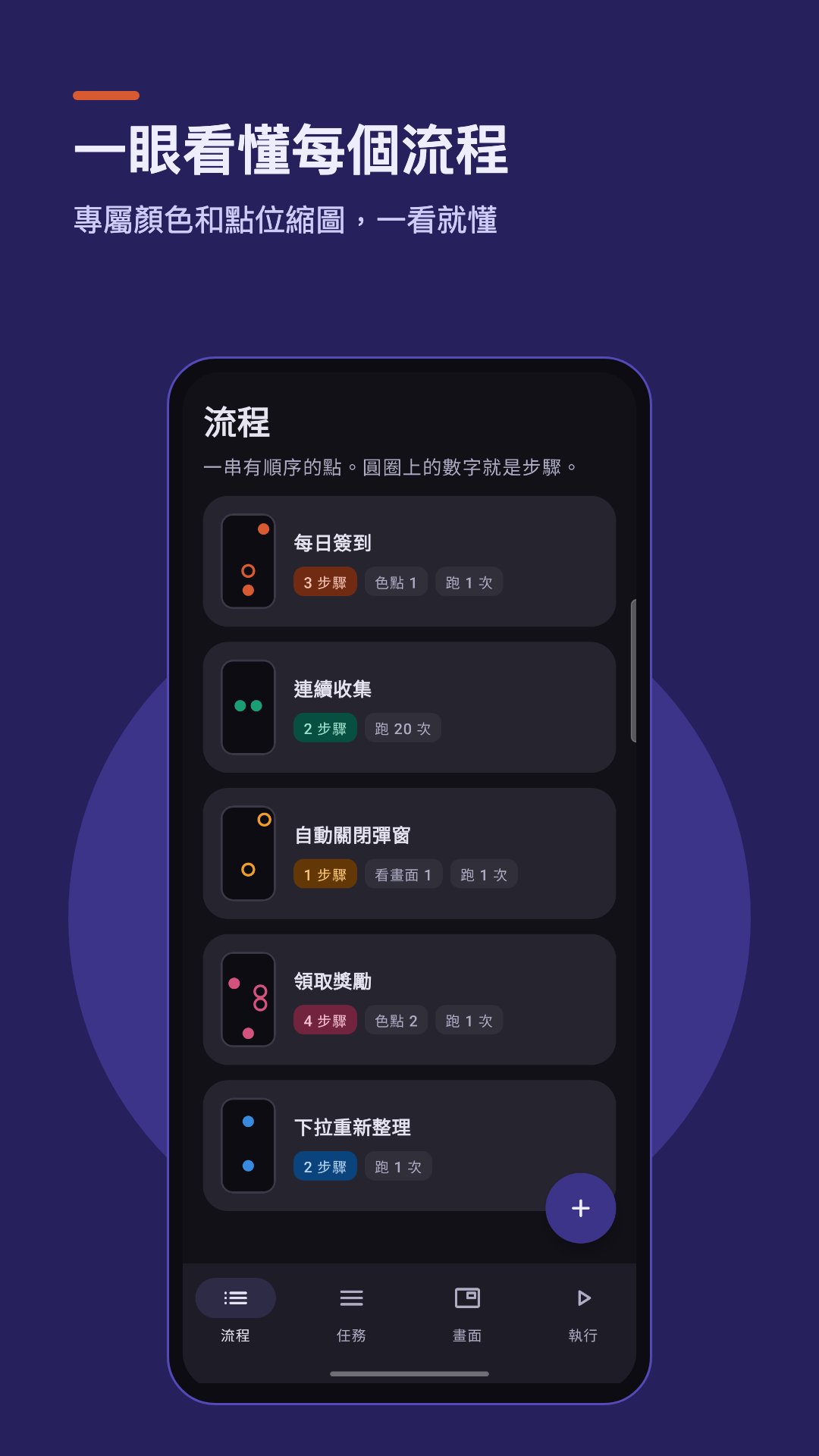
Clickstep is an auto-tap tool. Arrange tap points on screen, group them into flows, and replay them as often as you like. Unlike a plain auto clicker, Clickstep can check the screen: it waits until a point turns the right color, a small captured region matches, or a whole screen you set up appears, and only then taps.
FEATURES
• Drag circles on screen to set where each tap lands
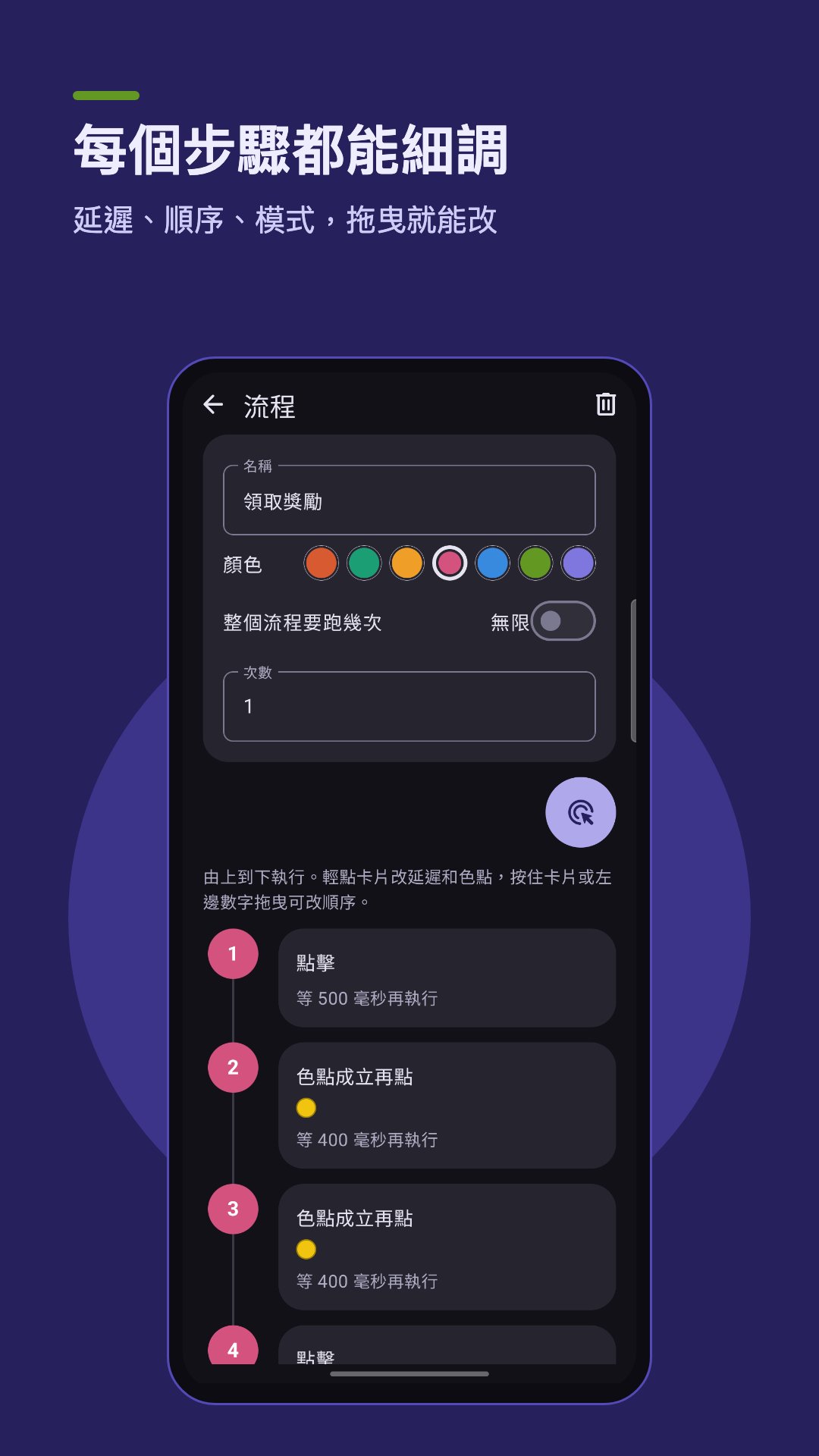
• Tap, long press, or swipe, with a delay for every step
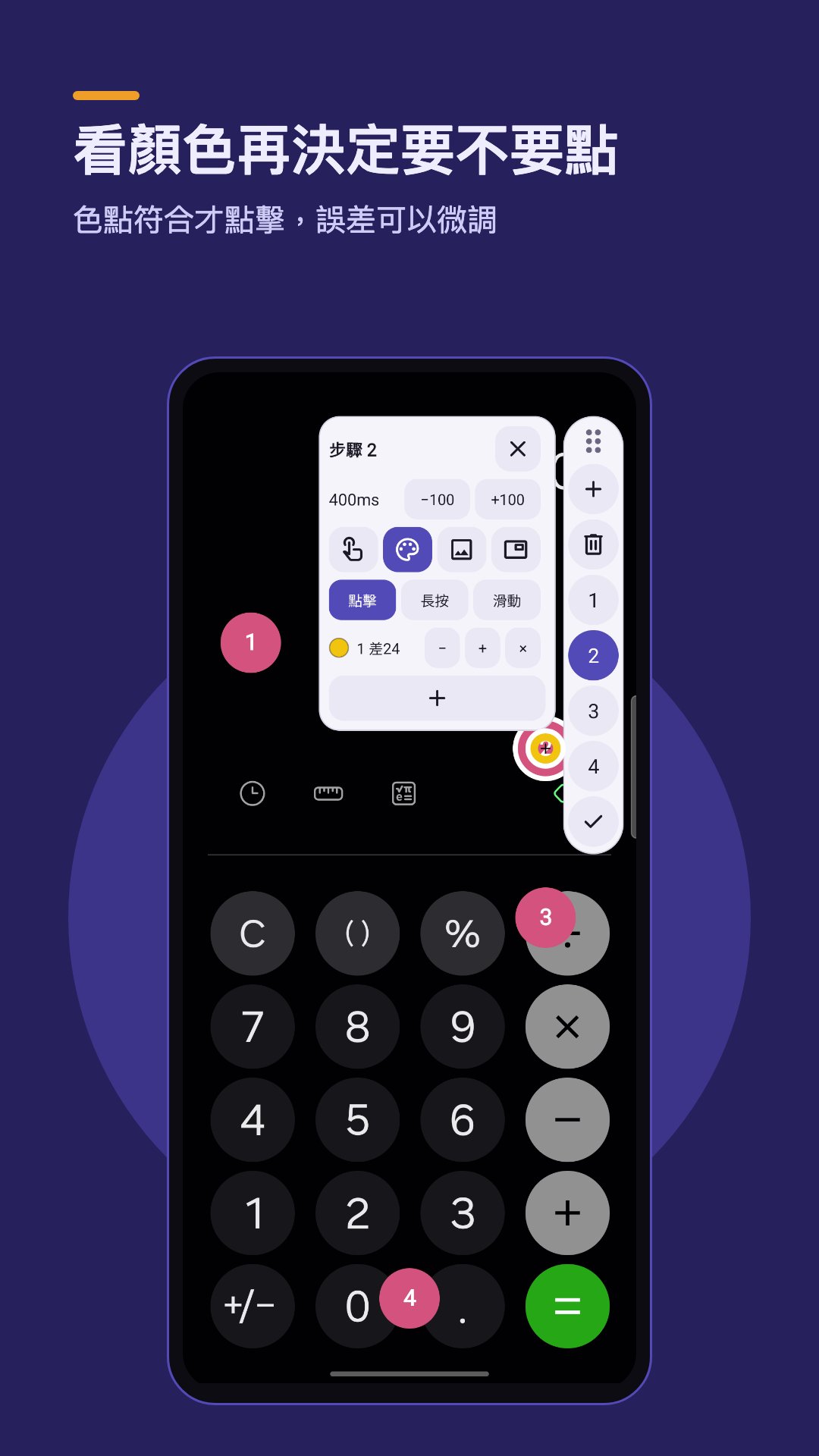
• Color points: tap only when the colors match, with adjustable tolerance
• Tap when image matches: capture a small region at the step and tap once the same spot matches, or tap somewhere else
• Tap by screen: describe a screen with several captured frames and color points; it counts only when all of them match, and each one has its own match level
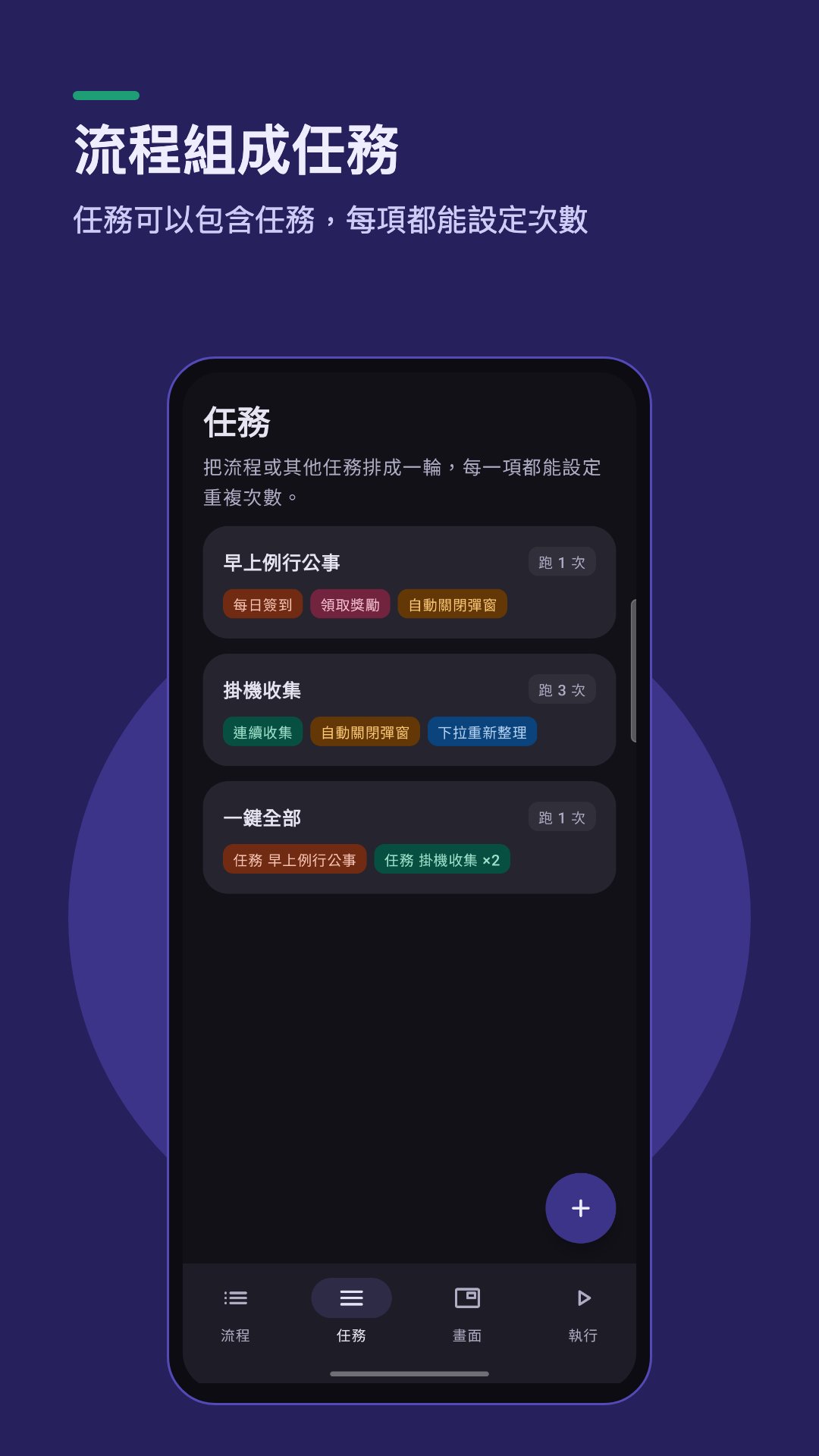
• Combine flows into tasks; tasks can contain other tasks and repeat any number of times, or forever
• Optional random variation for tap position and timing
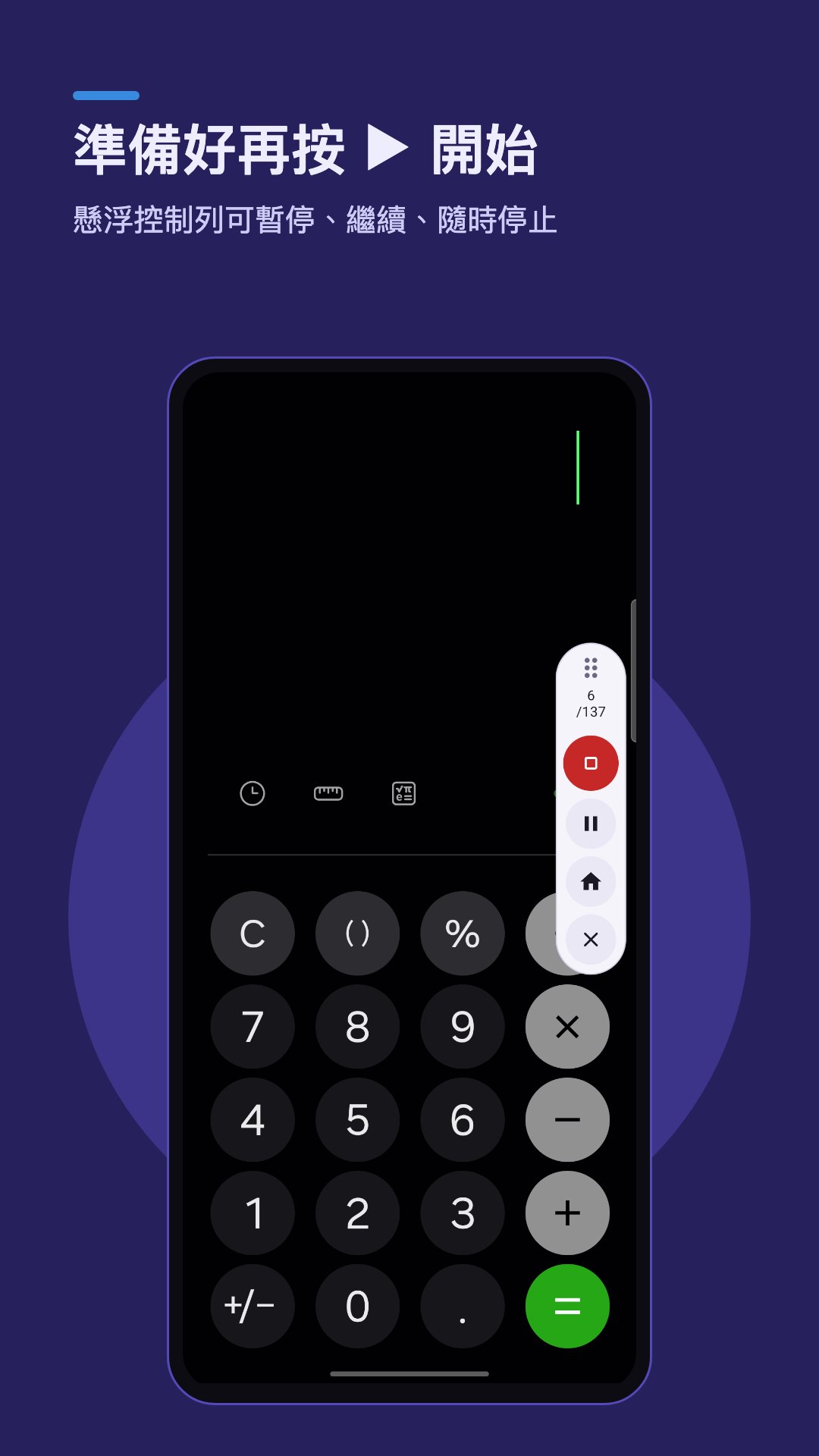
• A floating control bar: open your game first, then start, pause, resume, or stop at any time
• Export and import all your data as a zip file
FREE AND PRO
• Free: taps, long presses, swipes, 1 color point per step, up to 3 flows, the floating control bar, and export and import
• Clickstep Pro (monthly, yearly, or one-time purchase): tap when image matches, tap by screen, multiple color points per step, tasks and run order, unlimited flows, and random variation
• The yearly plan comes with a 7-day free trial. Cancel before it ends and you won't be charged
PRIVACY
• No Internet permission, so your data never leaves your phone
• Screenshots are used only for matching and are discarded right away; the small images you capture stay on your phone
• No account, no ads, no tracking
ABOUT THE ACCESSIBILITY SERVICE
Clickstep needs Android's Accessibility service to perform taps and compare screen colors. The app explains why and asks for your consent before you turn it on. Clickstep doesn't read on-screen text, accounts, passwords, or anything you type.
REQUIREMENTS
• Android 11 or later
Only use auto-tap in apps you're allowed to automate, and follow each app's terms of service.

One-click to install XAPK/APK files on Android!

Thanks for your rating and feedback!
You have already rated.