













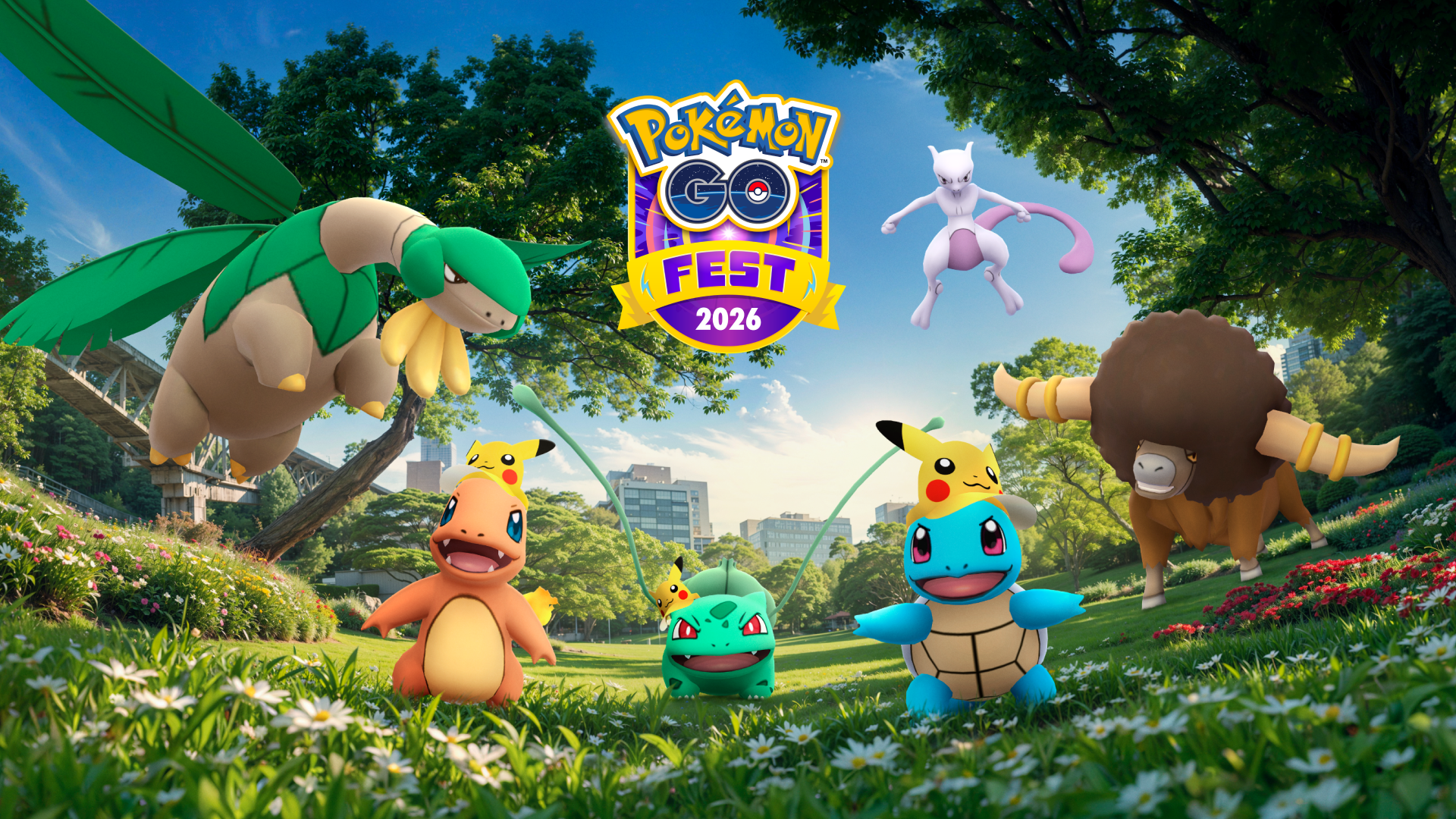
Pokémon GO turns ten in 2026, and Niantic has prepared a celebration worthy of the milestone. The main event is GO Fest 2026, which this year will be free worldwide, and the big news is the debut of Mega Mewtwo X/Y. For those who have been playing since the summer of 2016, this tenth anniversary of Pokémon GO comes with two gifts that are hard to ignore: a global event with no paywall and the arrival of the two most anticipated Mega Evolutions in the game.


The tenth anniversary of Pokémon GO is more than just a symbolic date. Ten years after its launch that got half the world walking, the title remains among the most popular mobile games on the planet. Niantic is celebrating by looking ahead, with GO Fest 2026 designed so that anyone can join in from their own city, without leaving home or paying an entrance fee.
Below we review everything we know about GO Fest 2026, what the debut of Mega Mewtwo X/Y means, and how to take advantage of the Pokémon GO events for this anniversary.
| Aspect | Detail |
|---|---|
| Event | GO Fest 2026 |
| Access | Free worldwide |
| Main new feature | Debut of Mega Mewtwo X and Mega Mewtwo Y |
| Reason | Pokémon GO's 10th Anniversary |
Pokémon GO: GO Fest 2026
The most talked-about decision of this tenth anniversary of Pokémon GO is that GO Fest 2026 will be free for all players, regardless of where they live. The event is global, so there's no need to travel to a specific city to participate in the main activities.
To understand why this matters, it's helpful to remember how Pokémon GO events have worked in recent years. GO Fest typically offers a free basic experience and an expanded paid version with more research tasks, raids, and rewards. The fact that the 2026 edition is opting for a free-to-play model worldwide is a clear nod to the community that has sustained the game for a decade. Without paying a cent.
In practice, this translates to more active players during the event, more raids open, and an ideal window for catching rare Pokémon. If your schedule prevents you from traveling to the large in-person events, this edition is designed for you.
Pokémon GO: Debut of Mega Mewtwo X and Mega Mewtwo Y
The other big news from GO Fest 2026 is the arrival of Mega Mewtwo X and Mega Mewtwo Y, Mewtwo's two Mega Evolutions. Until now, Mewtwo was one of the most powerful Pokémon in the game, but its Mega form had been absent. With this debut, Mewtwo's Mega Evolution finally arrives in the game in both its forms.
Mega Mewtwo X and Mega Mewtwo Y are not the same. The X form adds the Fighting type, while the Y form remains pure Psychic. Which one is better for you? It depends on your opponent. In raids and the Battle League, the choice completely changes your strategy.
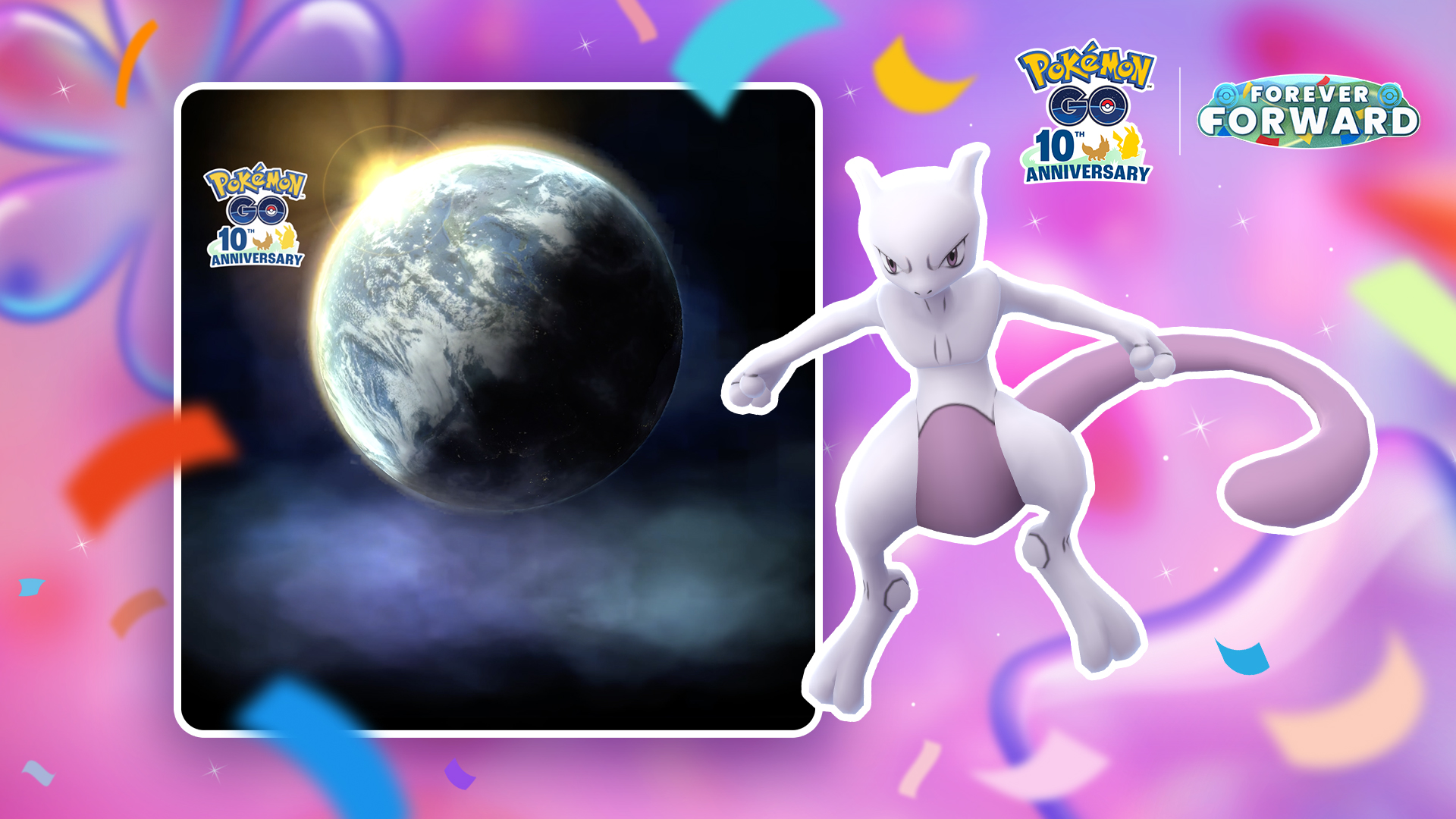
The arrival of these two Mega Evolutions is set to be the main attraction of the event's raids. Obtaining Mewtwo Mega Energy during GO Fest 2026 will likely become the number one goal for a large part of the community.
What to expect from the tenth anniversary of Pokémon GO
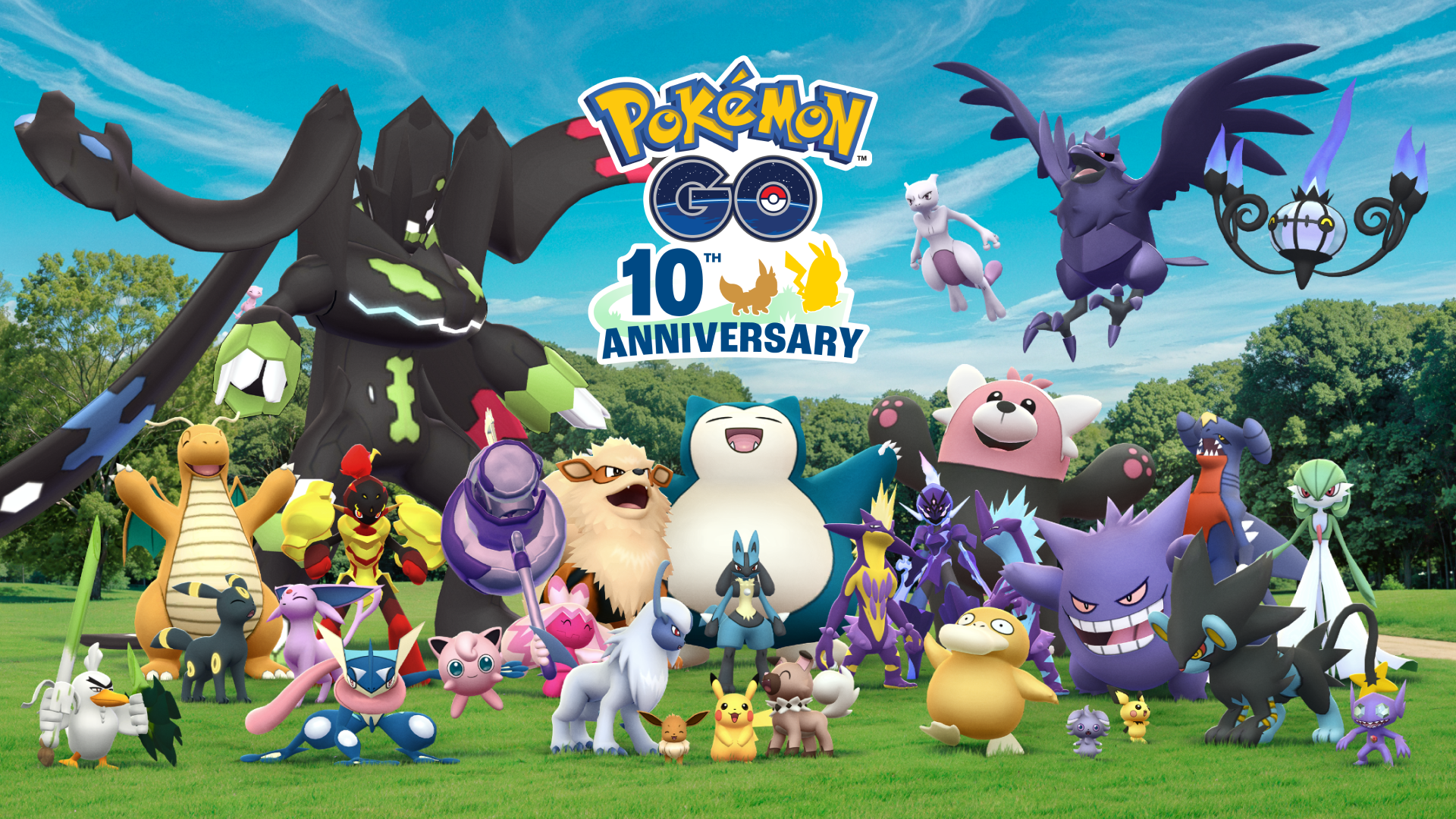
A tenth anniversary isn't celebrated with just one event. In addition to GO Fest 2026, Niantic typically accompanies these dates with special research, login rewards, and themed Pokémon appearances. If the pattern from previous years continues, Pokémon GO 's tenth anniversary will bring bonuses for those who log in during the designated days.
The wisest course of action is to keep the app updated and check the in-game news. Pokémon GO events of this kind are usually announced in phases, and the exact dates can vary by region. With such a significant milestone as the tenth anniversary, it's likely that Niantic has more surprises in store for the central days.
To make sure you don't miss anything, have the game ready. Make sure you have enough storage space and a stable internet connection, as the servers are very busy during the event. Wi-Fi is recommended.
How to participate in GO Fest 2026
Participating in GO Fest 2026 is easy, especially in this free edition. Simply update your Pokémon GO app to the latest version and log in during the event. From the app, you'll see the available activities, join raids, and claim rewards. It's that simple.
Free access removes the friction of paid entry, but not the preparation. If you want to take advantage of Mega Mewtwo X/Y's debut, it's best to arrive with plenty of Candy and Mega Energy, and with a party ready for the more challenging raids.
Pokémon GO is available for safe download on APKPure, where you'll find the latest version to get ready for GO Fest 2026.