Package Name:com.droidactor.bt_mouse2
Show More

Turn your Android phone into a Bluetooth mouse for your PC
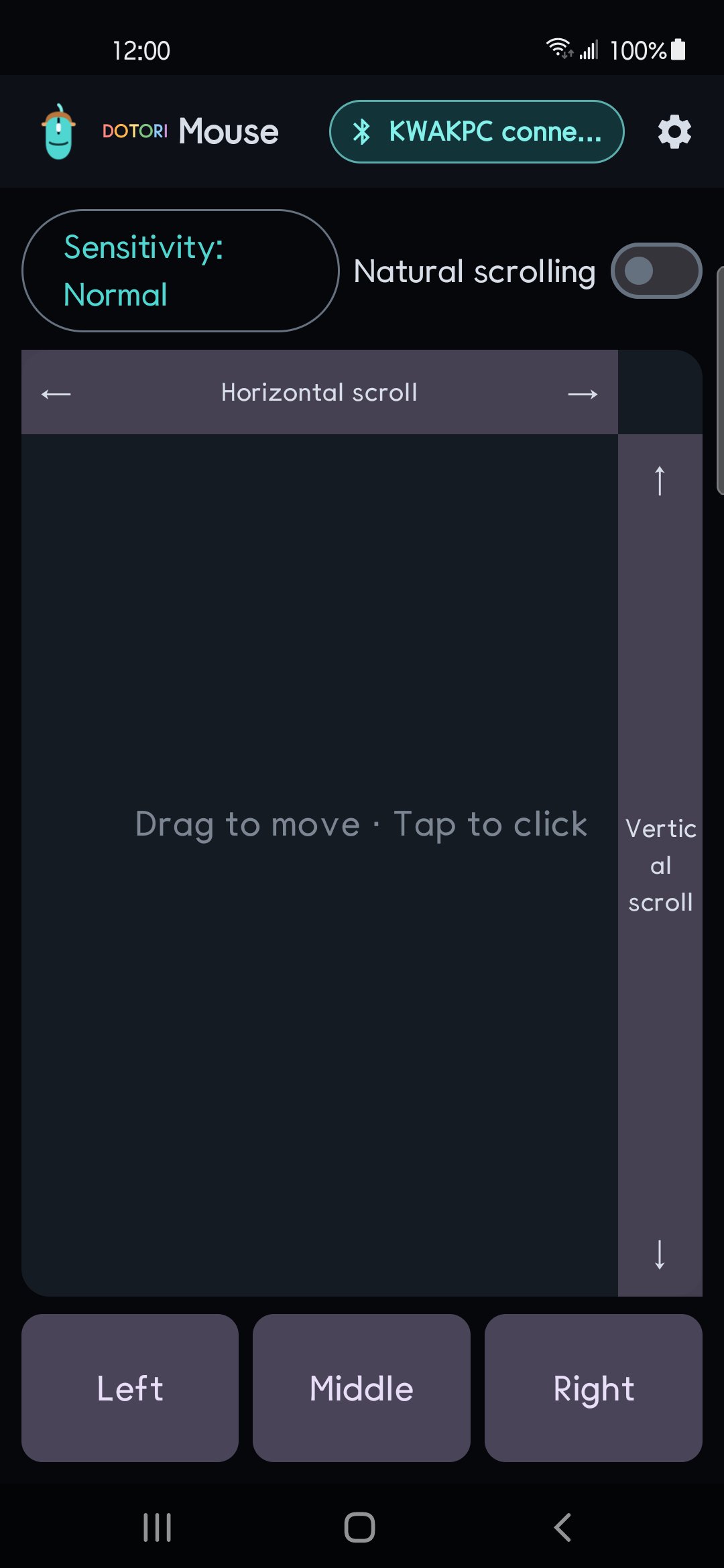
Dotori Bluetooth Mouse turns your Android phone into a standard Bluetooth HID mouse. Pair it with a nearby PC and control the pointer without installing a driver, companion program, account, or developer-operated server.
Key features:
- Large trackpad: drag to move, tap to click, and double-tap to double-click
- Dedicated left, middle, and right mouse buttons
- Vertical scrolling by tapping or dragging the side rail
- Horizontal scrolling from the top rail
- Low, normal, and high pointer sensitivity
- Connection progress for HID registration, pairing, connection, and input readiness
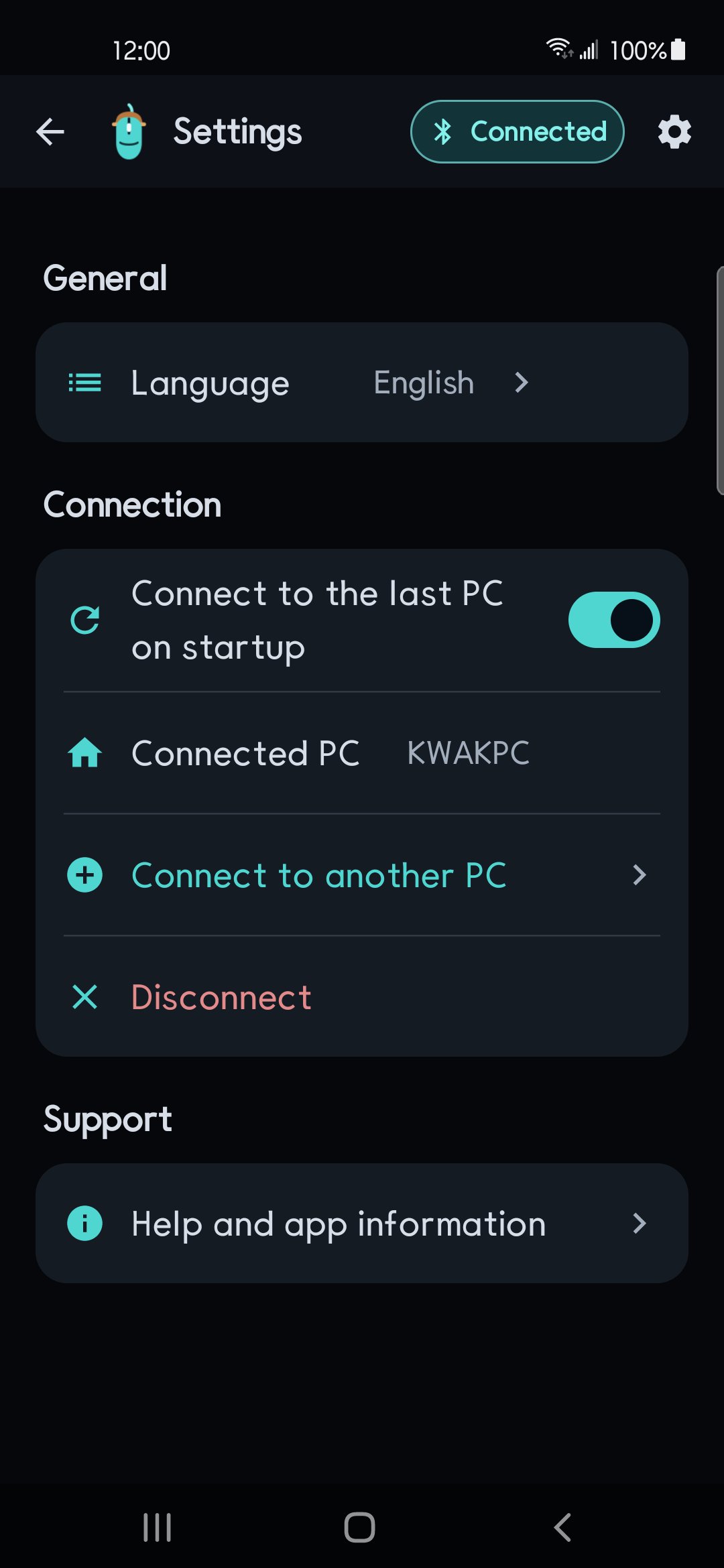
- Optional automatic reconnection to the last verified PC
- Quick switching between previously connected PCs
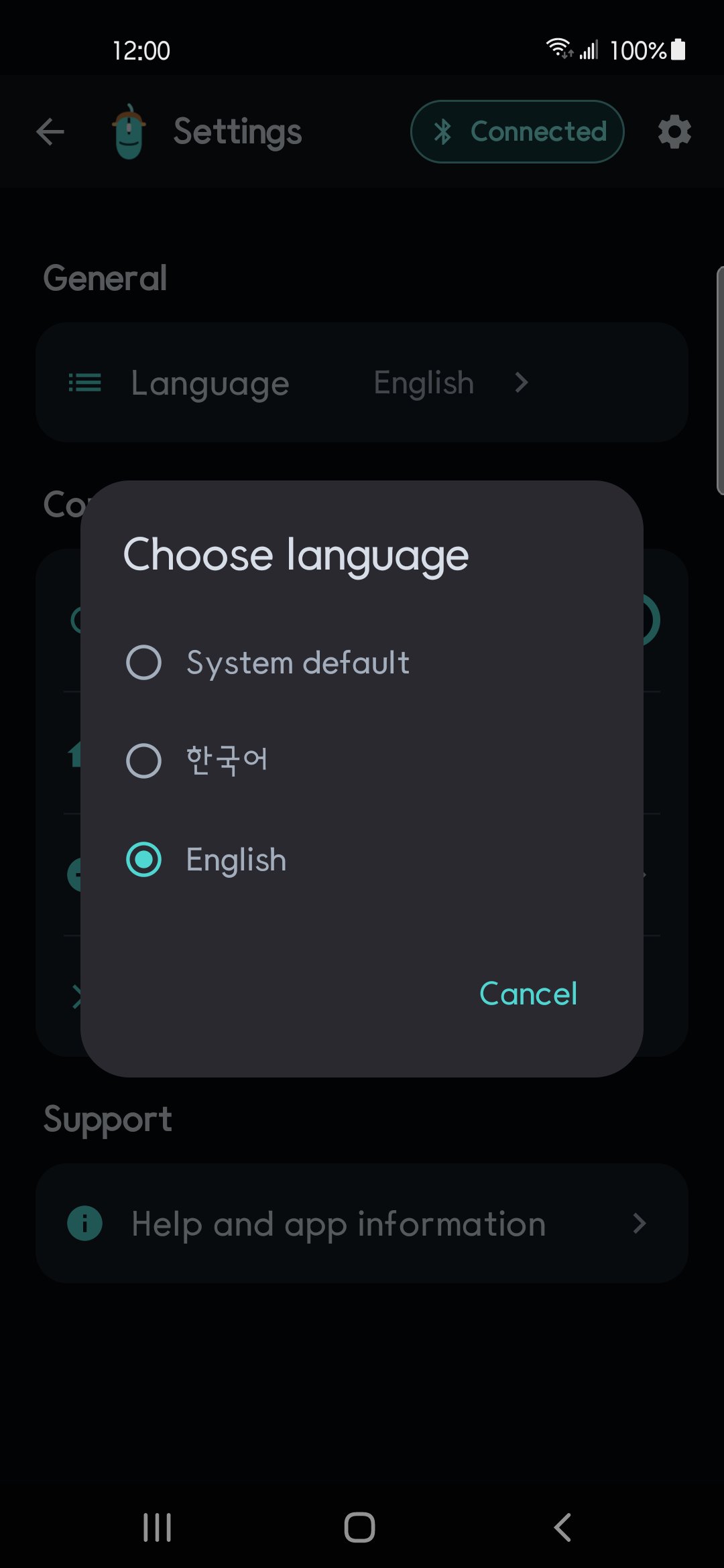
- Korean and English UI with accessibility descriptions
If Dotori Bluetooth Keyboard or Dotori Bluetooth PPT Remote already owns a compatible Bluetooth HID connection, this app reuses that session. You can move between the installed Dotori HID apps without forcing the PC to pair with a different HID descriptor.
Known limits:
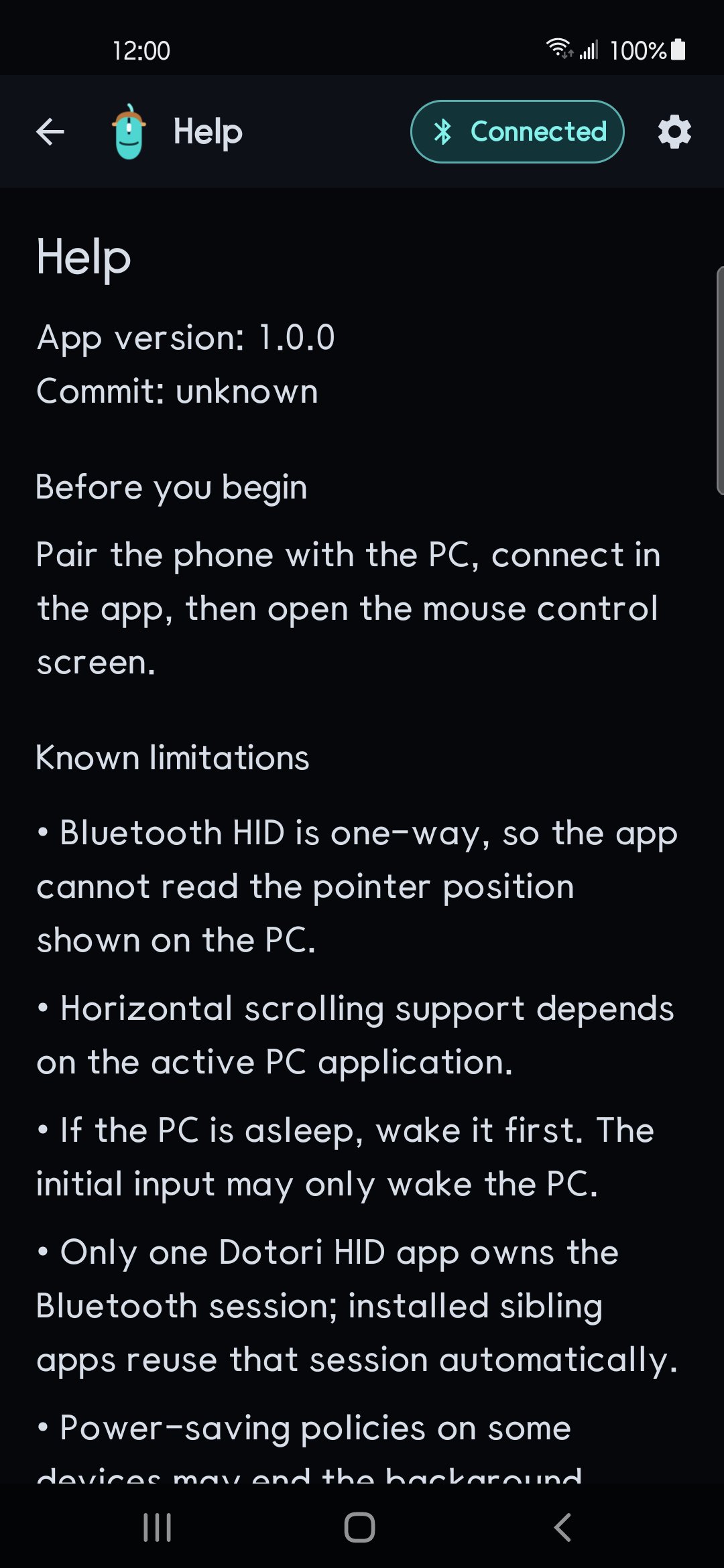
- The phone must support the Android Bluetooth HID Device profile.
- Bluetooth HID is one-way, so the app cannot read the PC pointer position.
- Horizontal scrolling support varies by the active PC application.
- The first input may only wake a sleeping PC.
- Power-saving policies on some phones may stop a background connection.
Mouse input travels directly over Bluetooth to the PC you selected. It is not sent to the developer or to the ads SDK. There is no login and no developer backend.
The app uses the Google Mobile Ads SDK to show one adaptive banner at the top of the app. There are no interstitial ads. Where consent is required, ads are requested only after consent is granted, and privacy options can be reopened from Settings.

One-click to install XAPK/APK files on Android!

Thanks for your rating and feedback!
You have already rated.