Package Name:de.ricenz.clock
Show More

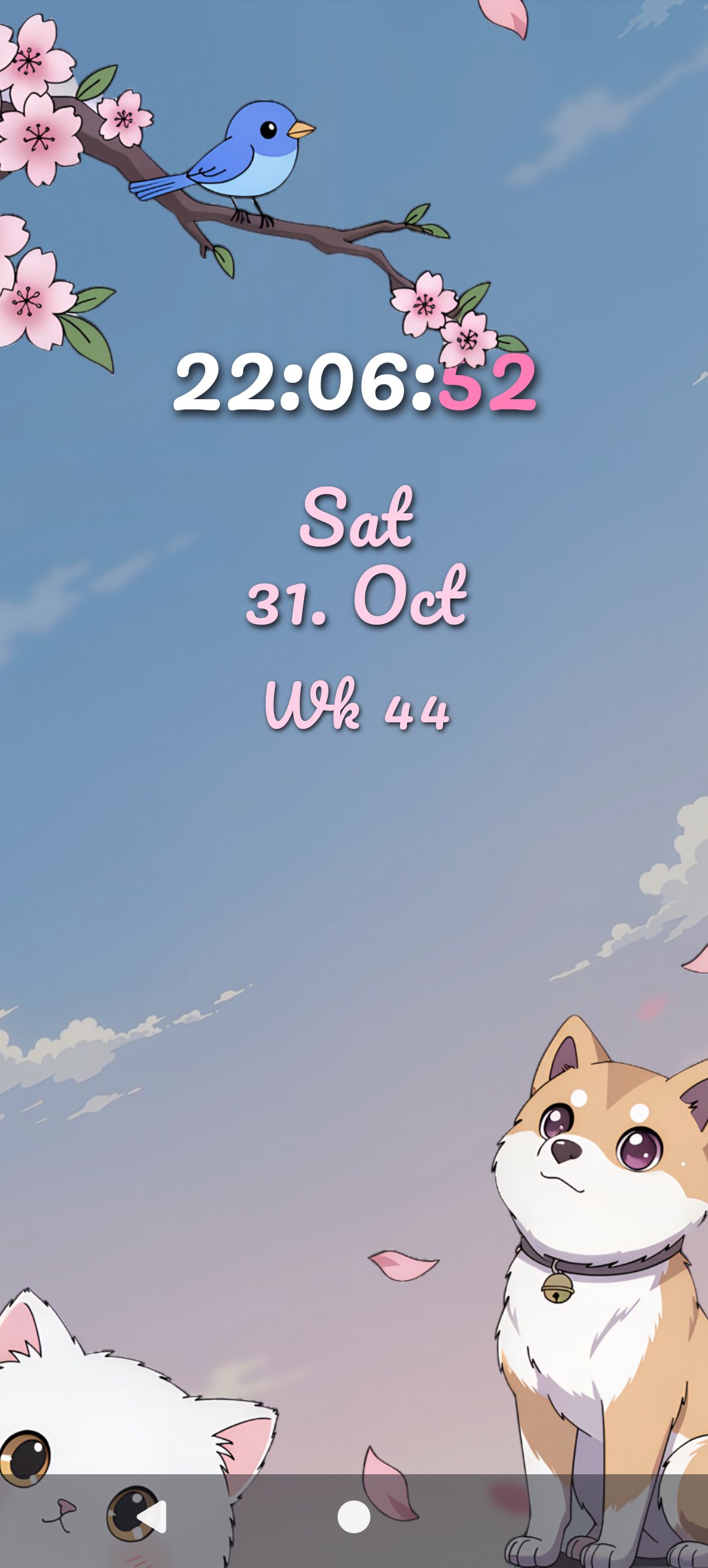
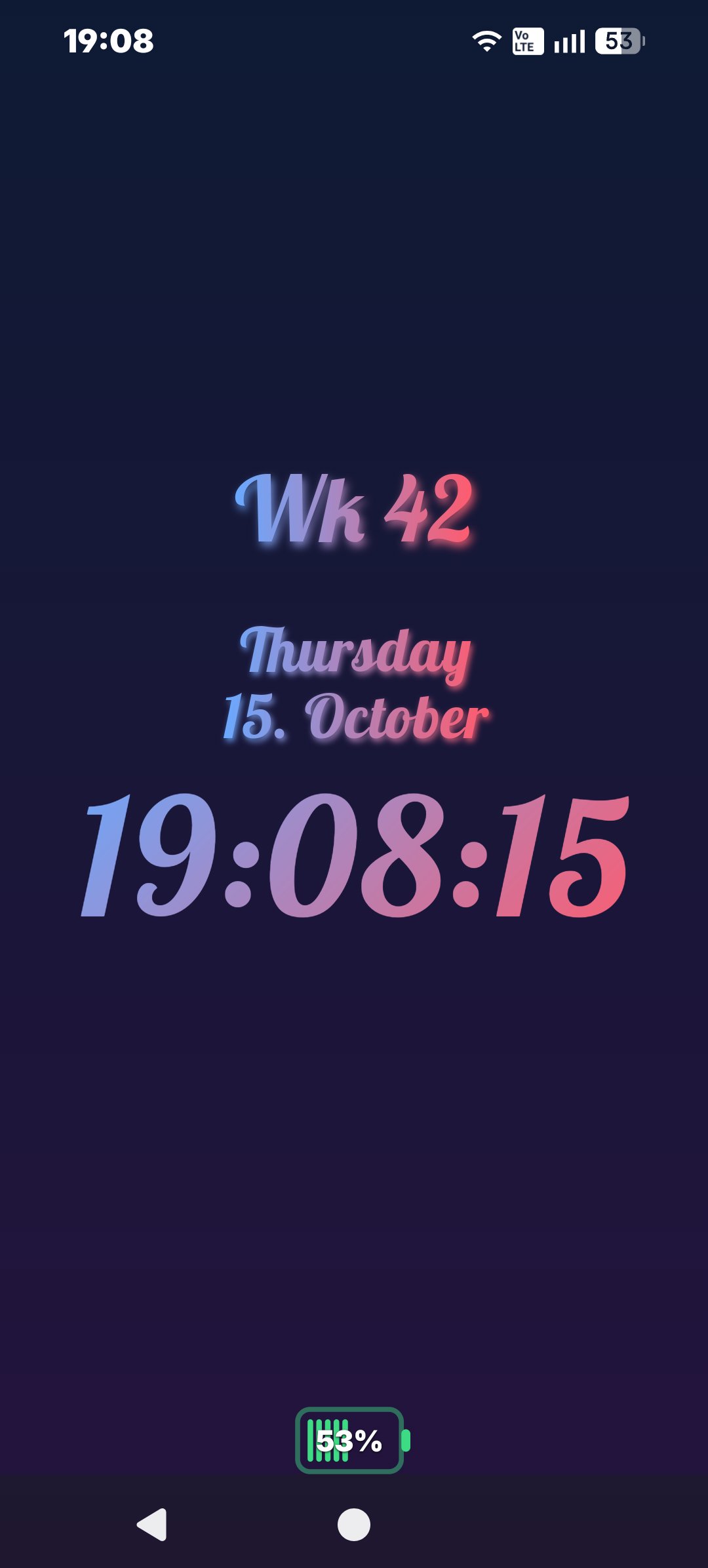
Design your clock with seconds and background for lock screen, home and widget.
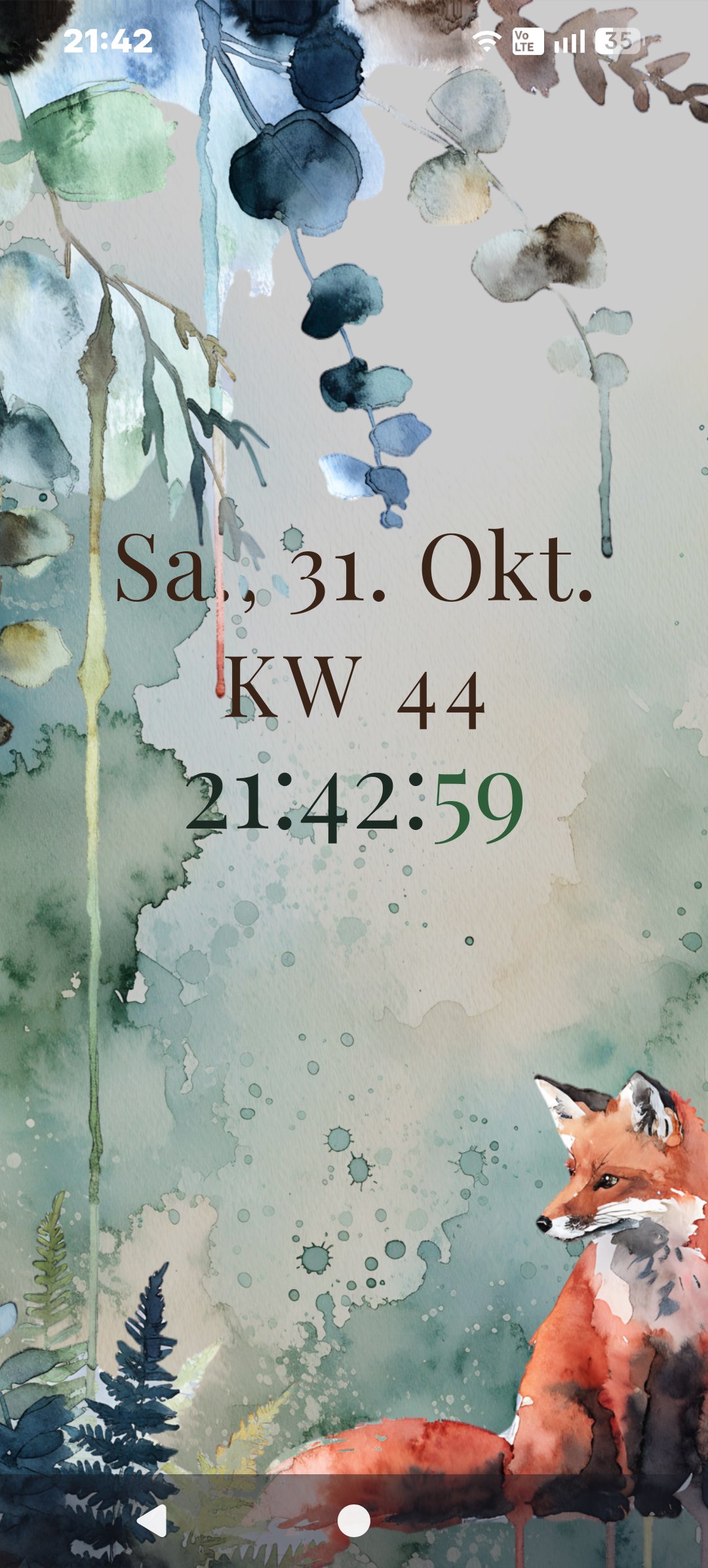
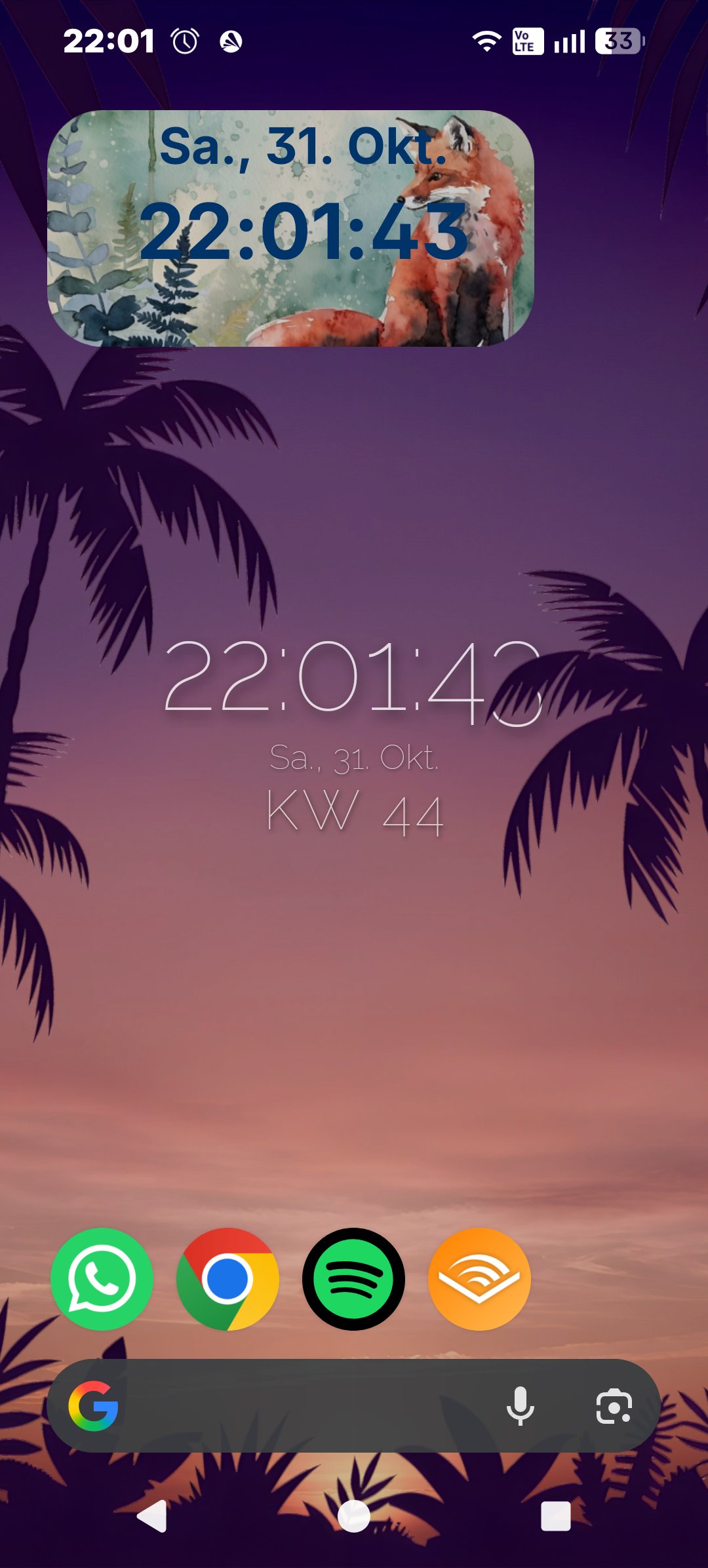
Lockscreen Clock puts a clock you design on the lock screen, the home screen and a home-screen widget.
Set the time, the date and extras such as battery, calendar week and the next alarm. Choose the font, size, color and position. Add a shadow or a glow.
The background can be a color, a gradient or a photo from your phone. Move it, zoom it or stretch it, and fit the whole picture or fill the screen. Add up to four foregrounds: your own photos, or simple shapes such as a square, a heart, a star and a circle. Recolor a shape with one color or a gradient. Place each foreground in front of or behind the time, date and extras.
Ready-made presets give you a complete look. One gallery picture is included. The other gallery pictures are a separate one-time purchase, available after you buy the full version. New pictures added in later updates are included in that purchase. It is not a subscription.
On the lock screen, the playing track can show its title and artist, with previous, pause and next. A sleep timer runs for 5, 10, 15, 30 or 60 minutes. Near the end the music fades down, stays quiet for a moment, then stops. The volume then returns to what it was.
You can try the app free for 3 days. The full version is a one-time purchase and stays with your Google account. The app language can be German, English, Spanish, French, Italian, Portuguese, Turkish, Polish or Dutch.




One-click to install XAPK/APK files on Android!

Thanks for your rating and feedback!
You have already rated.