









Thanks for your rating and feedback!
You have already rated.

Watch live TV, movies and series from your own M3U or Xtream playlist.
Mi Player is a clean, fast media player built for watching your own IPTV playlist. The app does NOT provide any channels, movies or series; it only reads and plays the M3U URL or Xtream Codes subscription that YOU add. All content comes from your own legal source.
WHAT IT DOES
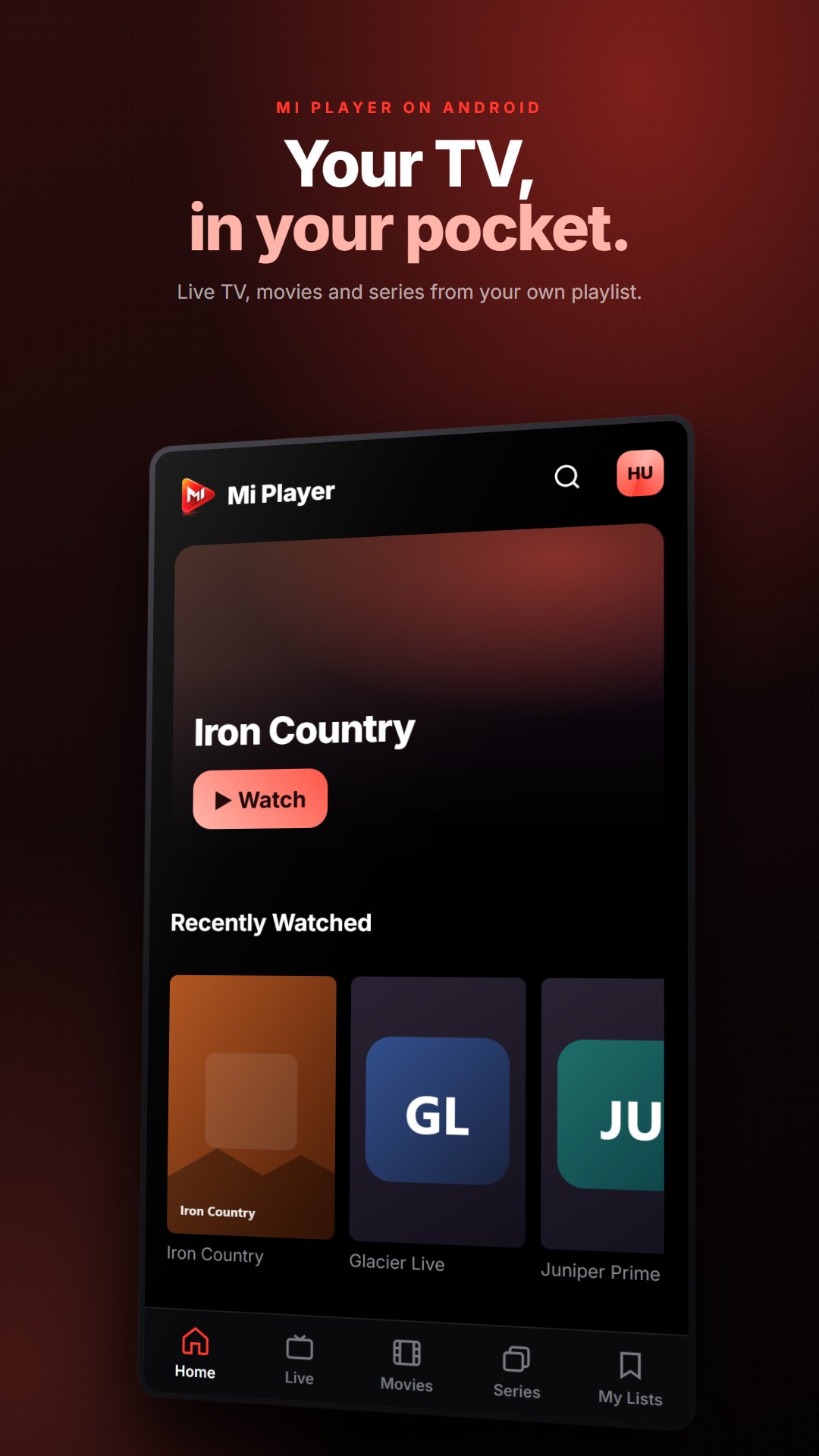
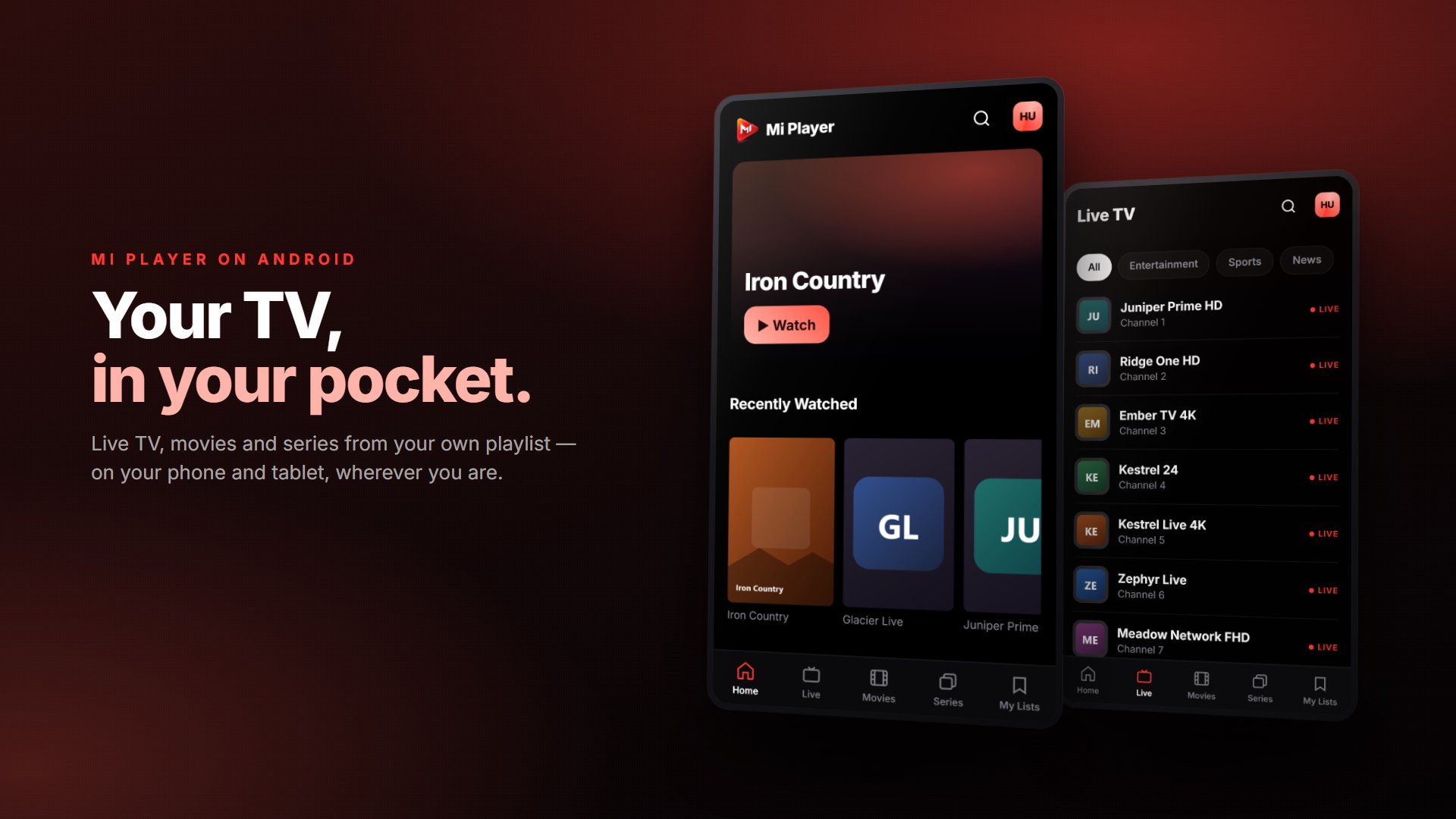
• Brings live TV, movies (VOD) and series into a single interface
• Add a playlist via M3U URL or Xtream Codes (server + username + password)
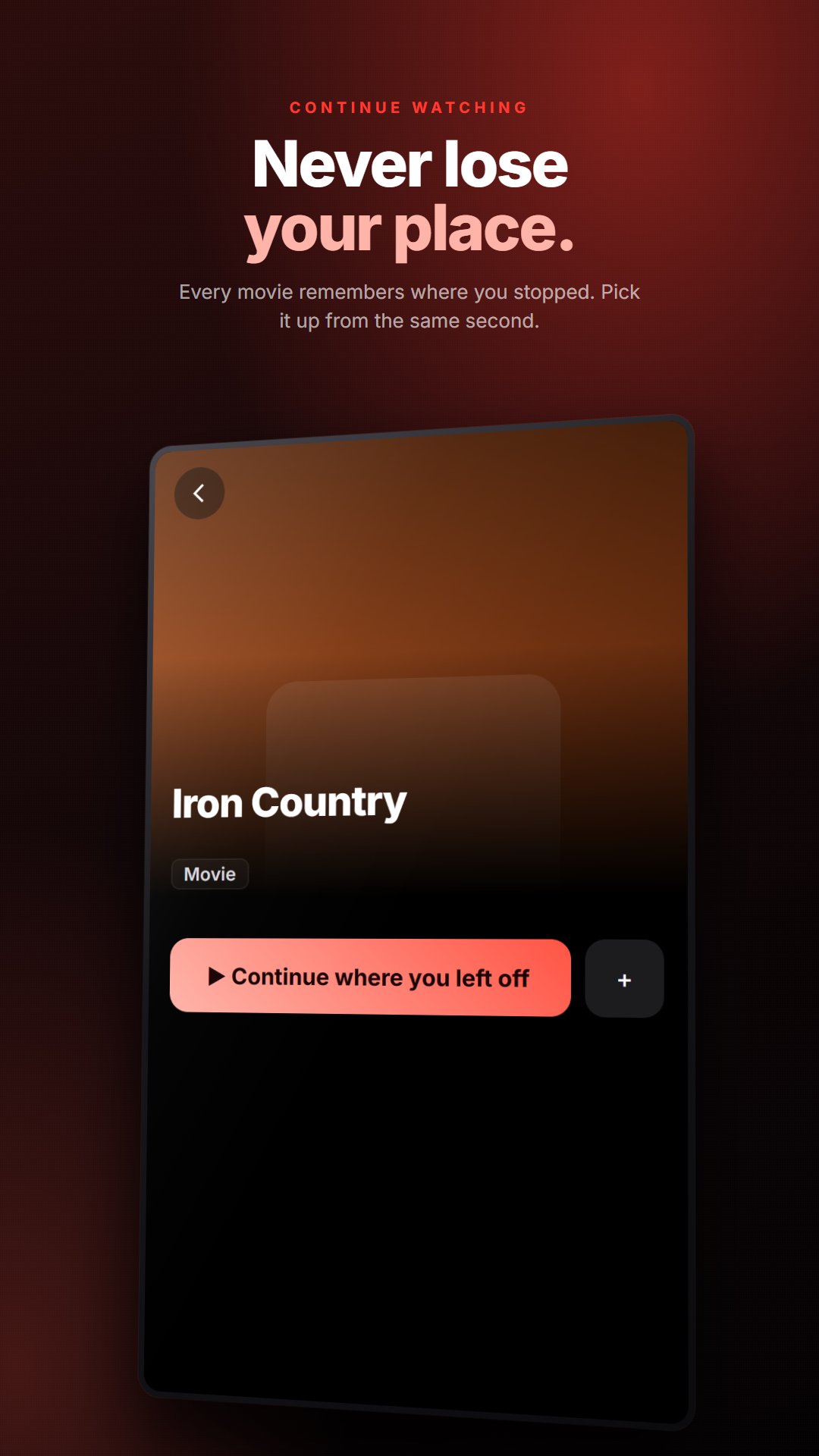
• Resume where you left off — for both movies and series episodes
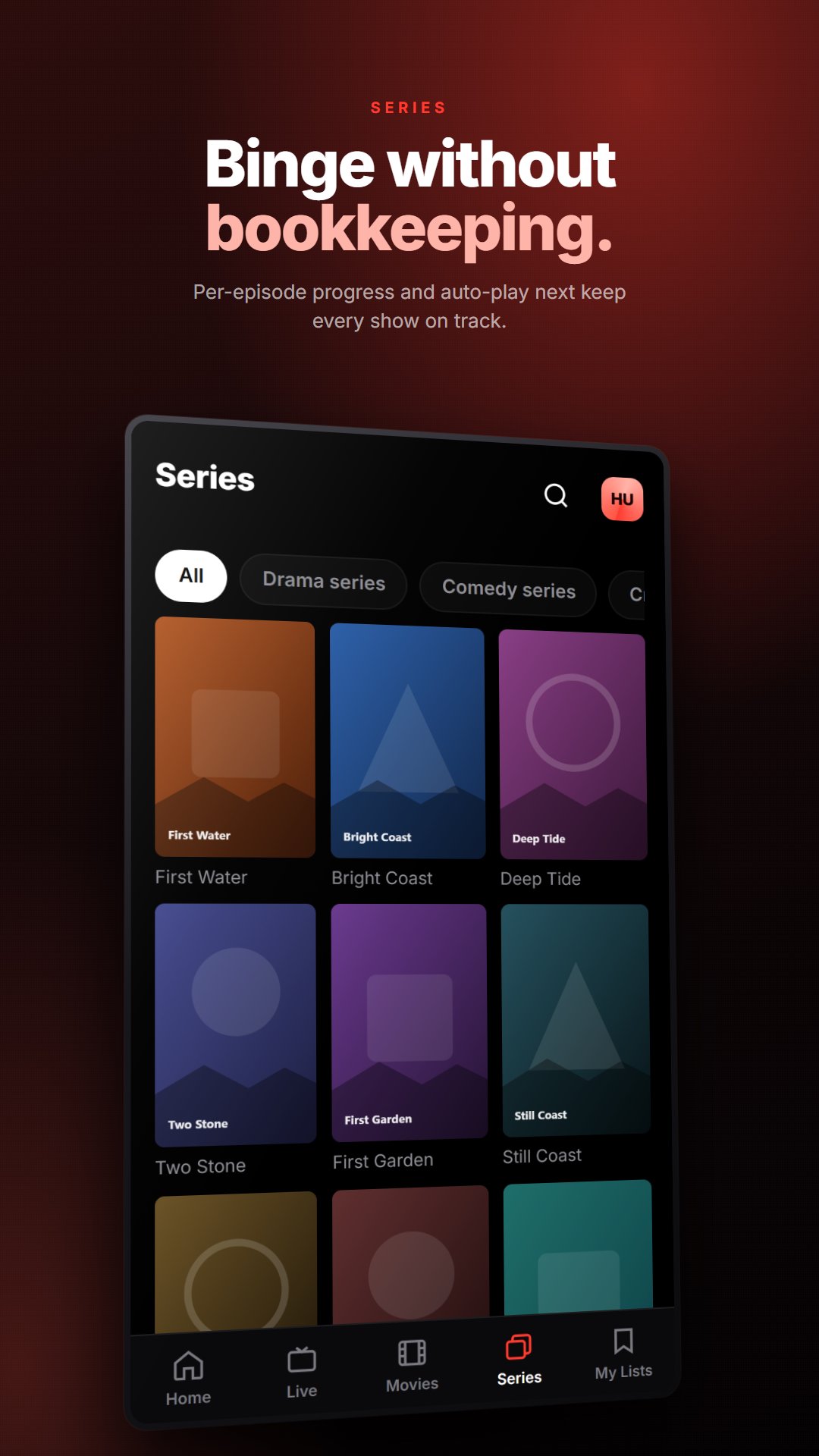
• Per-episode progress bars and automatic next-episode playback
• Favorites and a "Recently watched" row
• Search, browse by category and by provider
• Audio and subtitle track selection
• Your account lives in the cloud — favorites, history and preferences sync across all your devices
WHERE IT RUNS
• Samsung Smart TV (Tizen)
• LG Smart TV (webOS)
• Android TV
• Android phone
Sign in with the same account and continue across every device.
DESIGN
A TV-first interface optimized for remote (D-pad) navigation, plus a touch and portrait layout on phones.
PRIVACY
• No ads, no third-party trackers
• Your data is yours only, protected with row-level security (RLS)
• Delete your account and all your data permanently from inside the app
• Your password is stored hashed
IMPORTANT
Mi Player is a player, not a content source. It does not provide, host or sell any channels, movies or series. You are expected to add only your own playlists that you are legally entitled to access. You are responsible for the legality of the content in the sources you add.
Questions and support: [email protected]





One-click to install XAPK/APK files on Android!
Thanks for your rating and feedback!
You have already rated.