Package Name:dev.orca.app
Show More

Pick up your desktop terminals and AI coding agents from your phone.
Orca Mobile is the companion app for Orca, the open-source agentic coding workspace for macOS, Linux, and Windows. Pair your phone to your desktop in seconds and pick up a terminal session from the couch, the kitchen, or across the office.
WHAT IT DOES
• Live mirror of your desktop terminal, including running AI agent sessions (Claude Code, Codex, custom CLIs).
• Full keyboard input — type, tab-complete, Ctrl-C, scroll back, all from the phone.
• Multi-worktree, multi-terminal: jump between projects with a tap.
• Phone-fit zoom and a smart on-screen keyboard with quick Ctrl/Alt accessory keys and shortcuts.
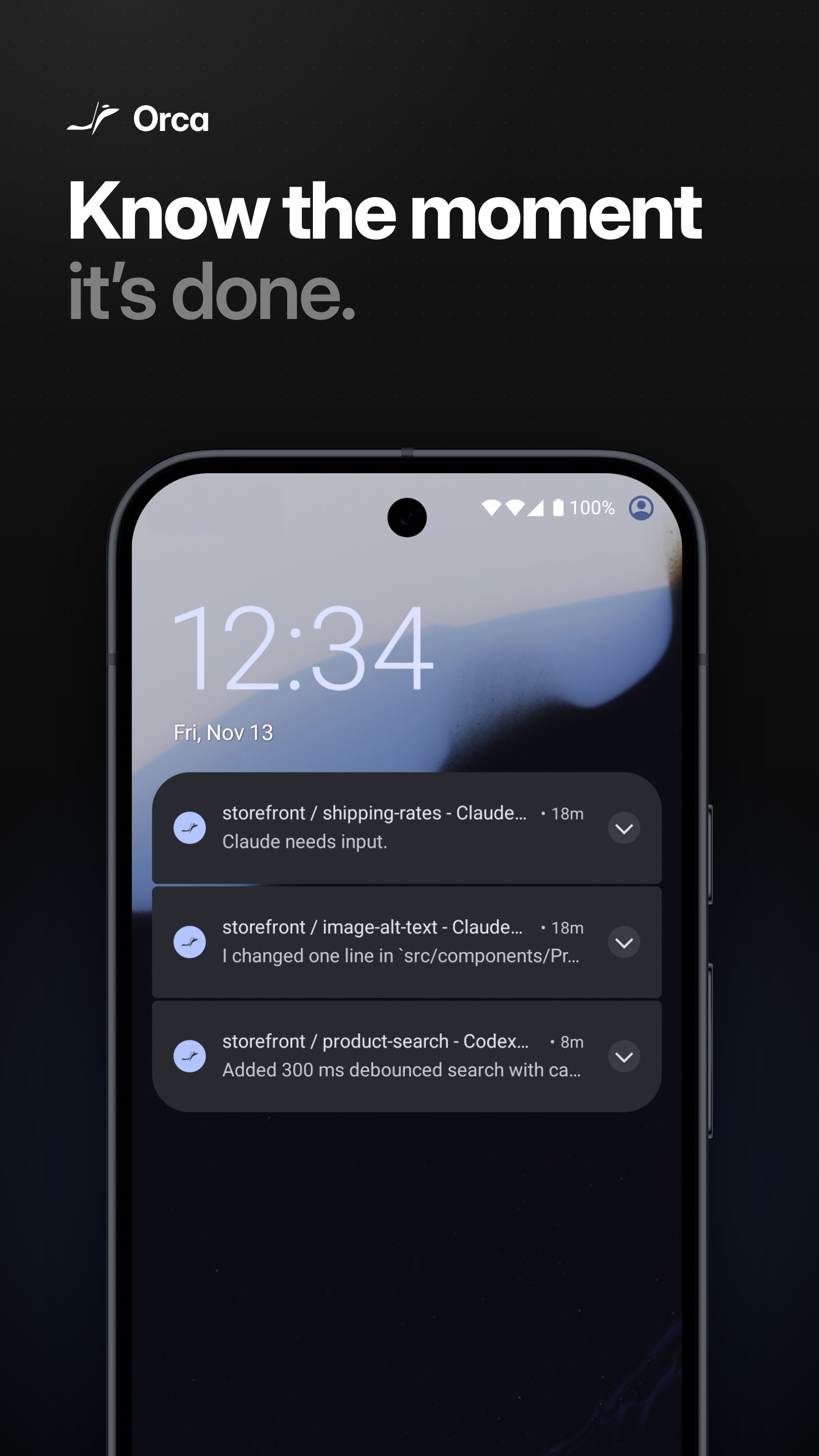
• Background long-running commands and get a notification when a TUI goes idle (e.g. when Claude finishes thinking).
HOW IT WORKS
Orca Mobile is a thin client. Nothing runs on your phone except the viewer. Your code, your shells, your AI agents — all of that stays on your desktop. The phone shows you what's happening and forwards your keystrokes back over an encrypted connection, on your local network or through Orca's relay.
Pairing is end-to-end encrypted. Your desktop generates a one-time keypair and shows a QR code; you scan it from the app. After that, all traffic between phone and desktop is sealed with that pair's keys.
PRIVACY
• No ads, no analytics SDK and no crash reporter in the app. Notifications are delivered through Firebase Cloud Messaging, and QR scanning and on-device speech recognition use Google ML Kit, which sends Google basic diagnostics.
• Pairing tokens and your preferences live in the app's own storage. Traffic between the app and your desktop is end-to-end encrypted.
• The Orca desktop app collects anonymized usage metrics per the policy at https://orca.dev/privacy. The mobile app itself does not.
• Open source: every line is auditable at https://github.com/stablyai/orca.
REQUIREMENTS
• An Android phone running Android 7.0 or later.
• The Orca desktop app, free, from https://orca.dev or https://github.com/stablyai/orca/releases.
• Your phone on the same Wi-Fi as your desktop, or sign in to Orca on your desktop to connect from anywhere.





One-click to install XAPK/APK files on Android!

Thanks for your rating and feedback!
You have already rated.