Package Name:com.needanytool.pdftoolkit
Show More

90.1 MB
File Size
Everyone
Android 7.0+
Android OS
Merge, split, compress, scan & sign PDFs on your device. Read and organize pages
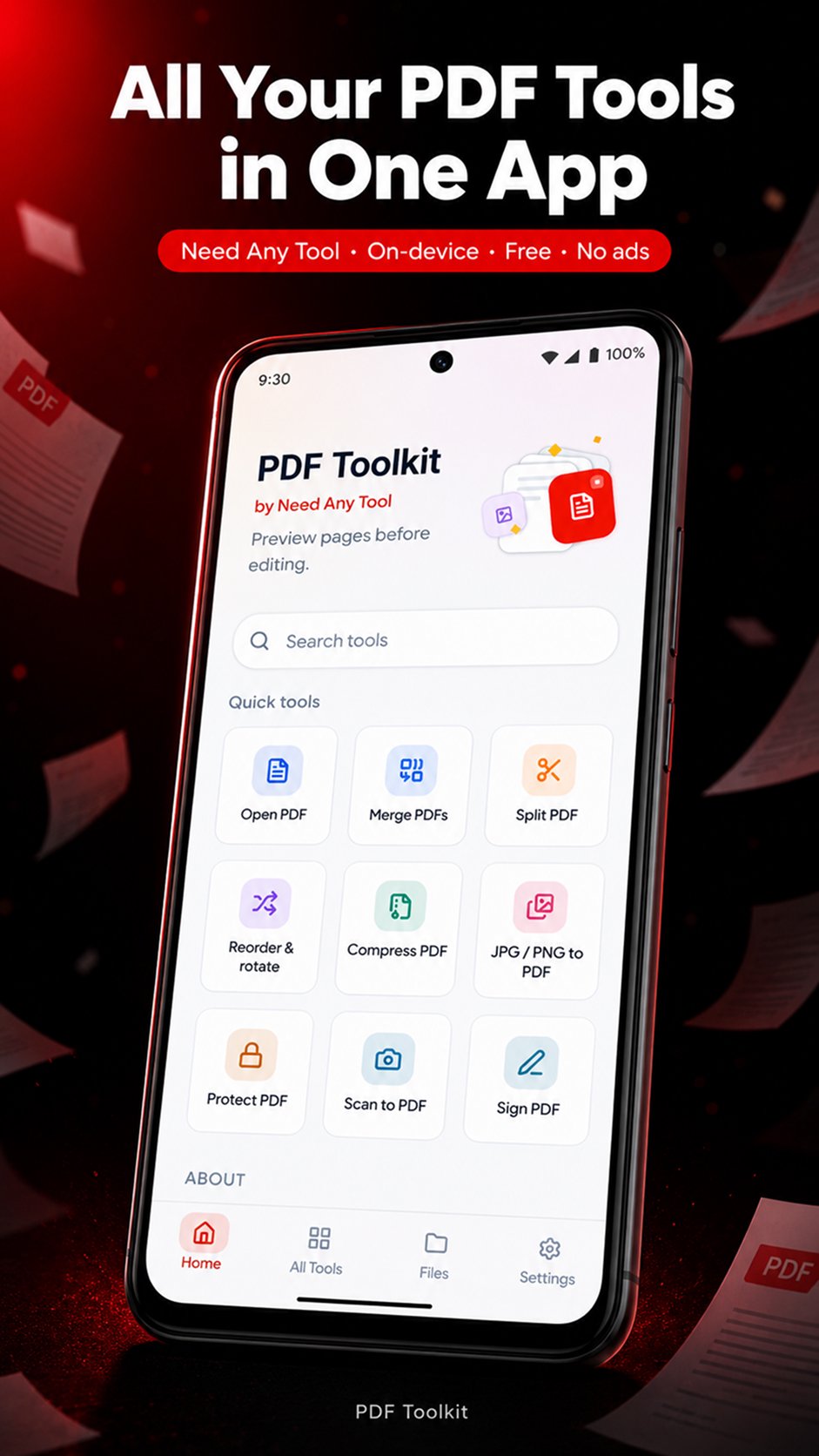
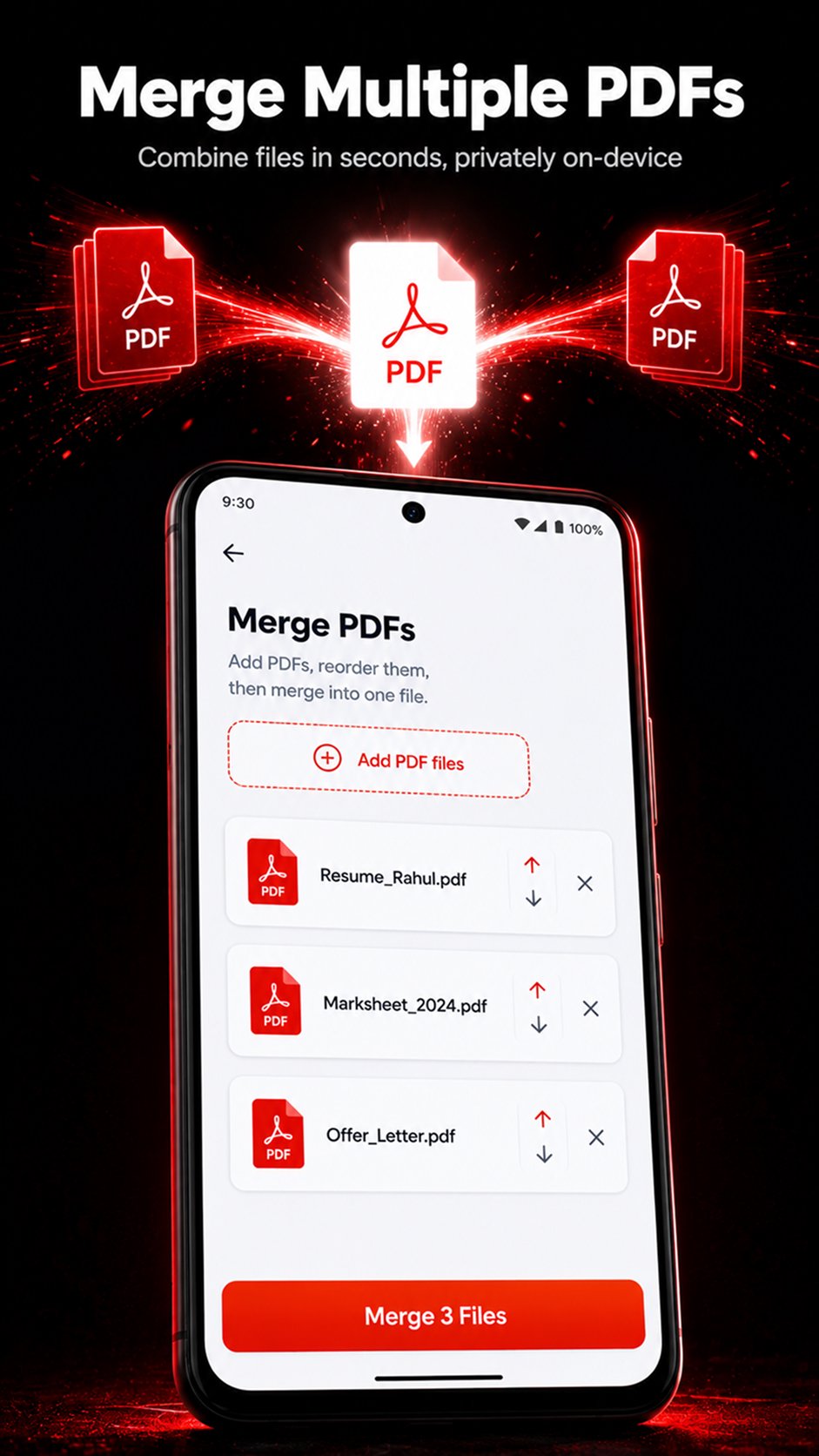
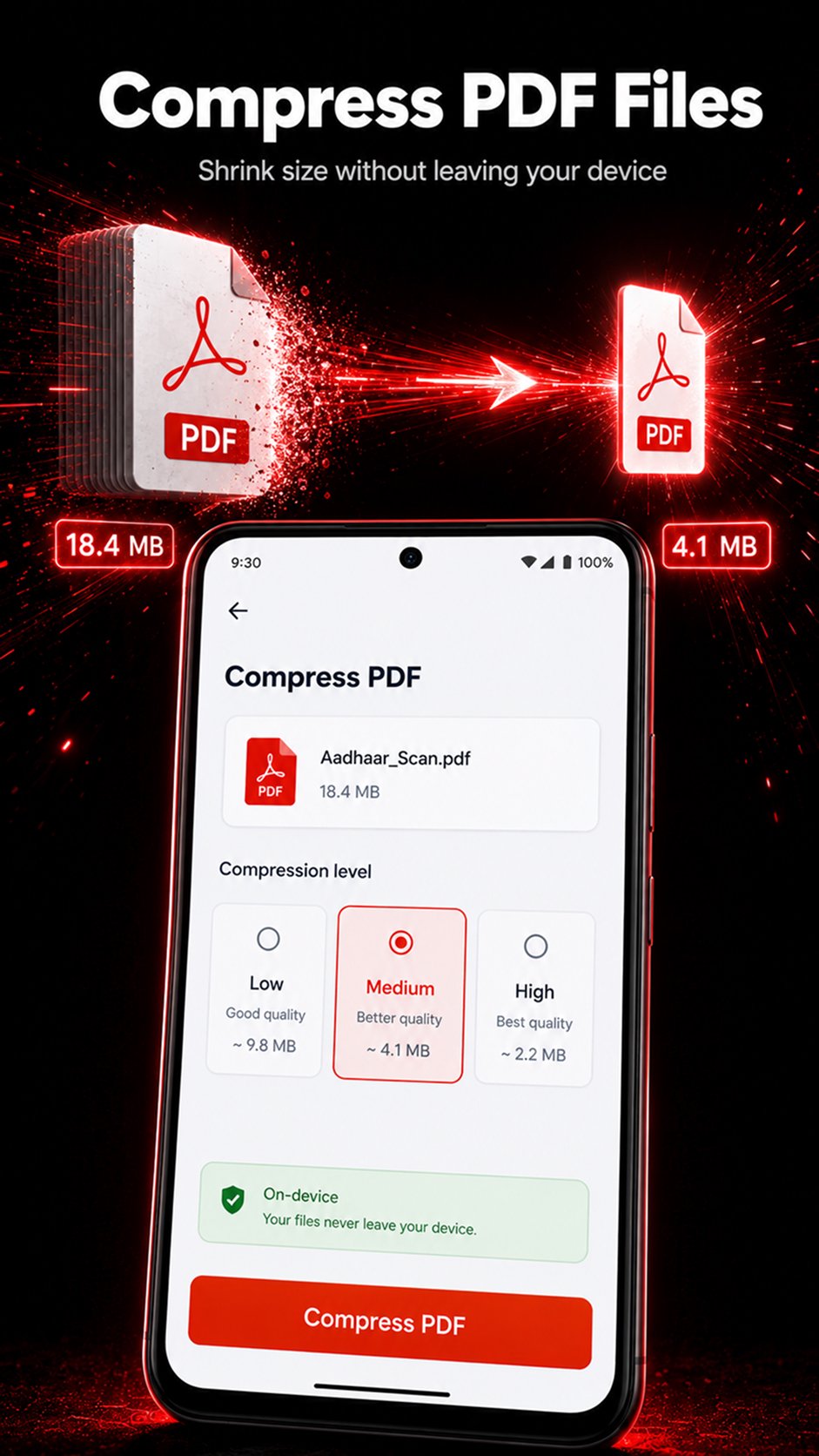
PDF Toolkit is a PDF reader and all-in-one PDF toolkit for Android. Merge PDF files, split pages, compress PDFs, scan documents to PDF, convert images to PDF, annotate pages, add visual signatures and organize your files in one place.
Supported core PDF operations run on your device, so those files are not sent to a remote PDF service for processing. Open documents in the built-in PDF reader, save finished files on your phone, and share them with other apps when you choose.
MERGE, SPLIT & ORGANIZE PDF PAGES
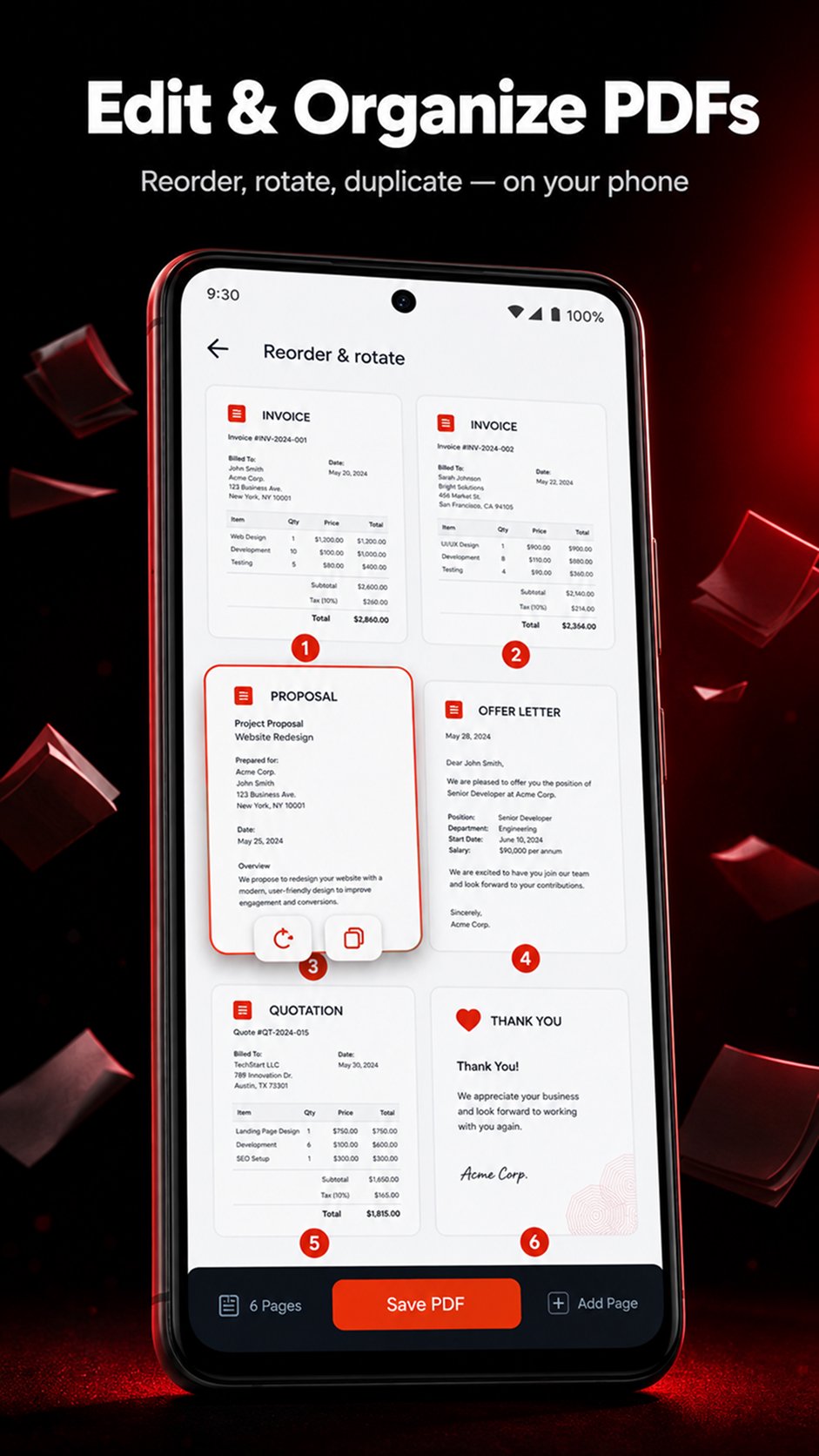
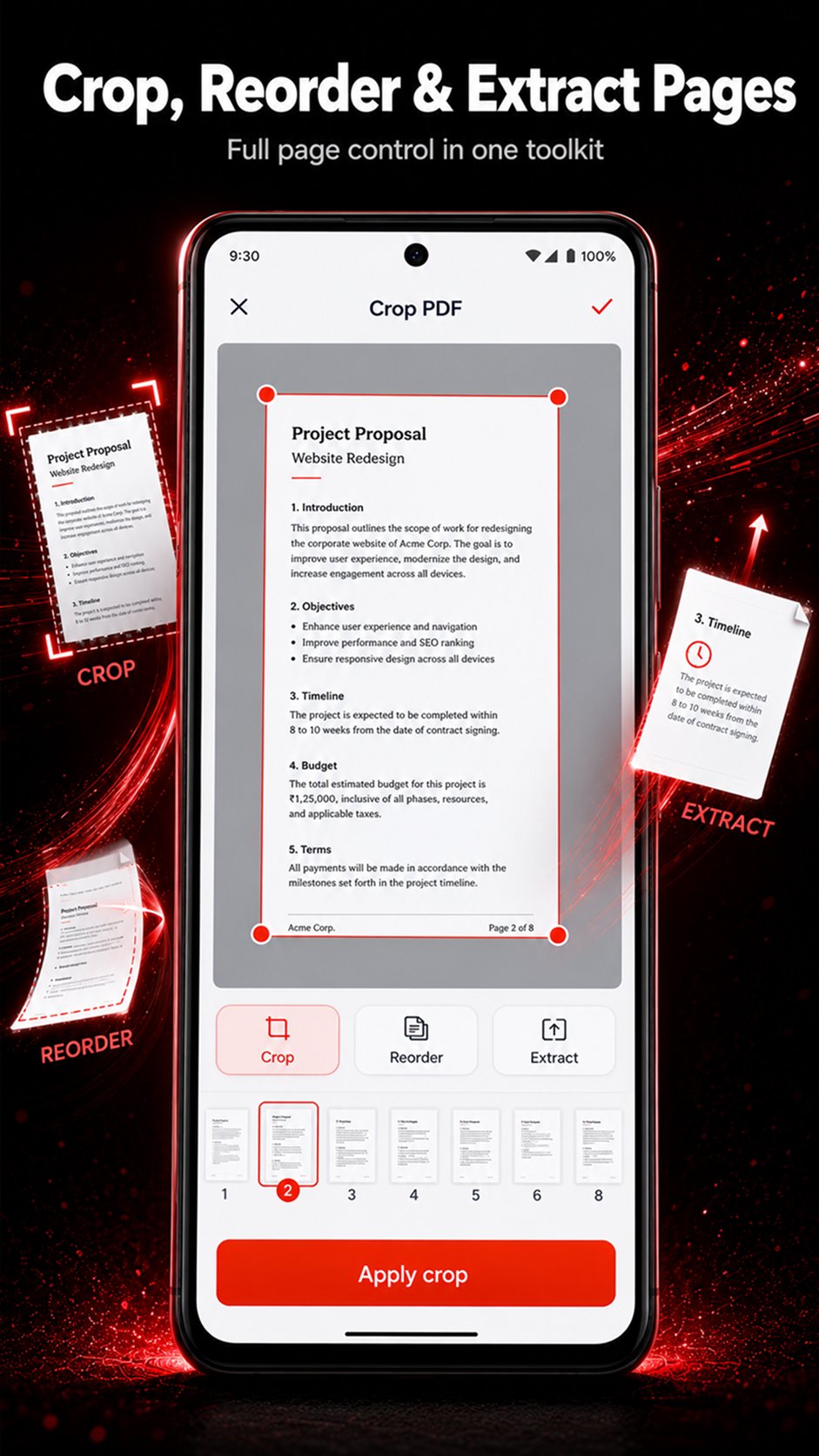
Merge multiple PDF files into one document. Split a PDF by page count or page range. Extract or delete pages, reorder and rotate them, insert or replace pages, duplicate pages, reverse page order, or add blank pages when needed.
SCAN & CONVERT DOCUMENTS
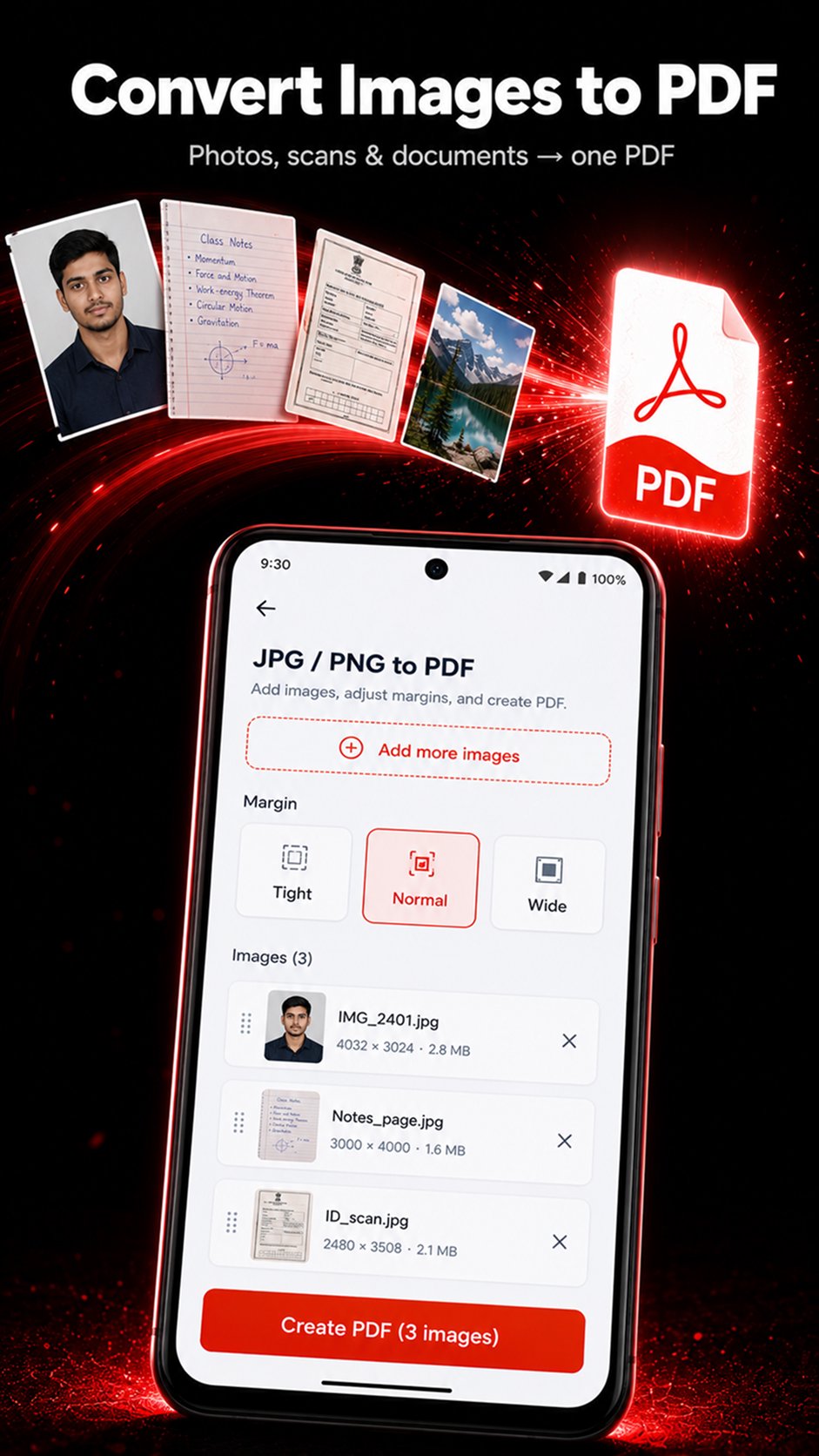
Scan paper documents to PDF using your camera. Convert JPG to PDF, PNG to PDF and other supported images to PDF. Export PDF pages as JPG or PNG images. Create PDFs from typed text or HTML using the system print engine. Convert DOCX files to PDF on your device. Document layout may differ from Microsoft Word; legacy DOC files and PDF-to-Word conversion are not supported.
ANNOTATE & EDIT PDF PAGES
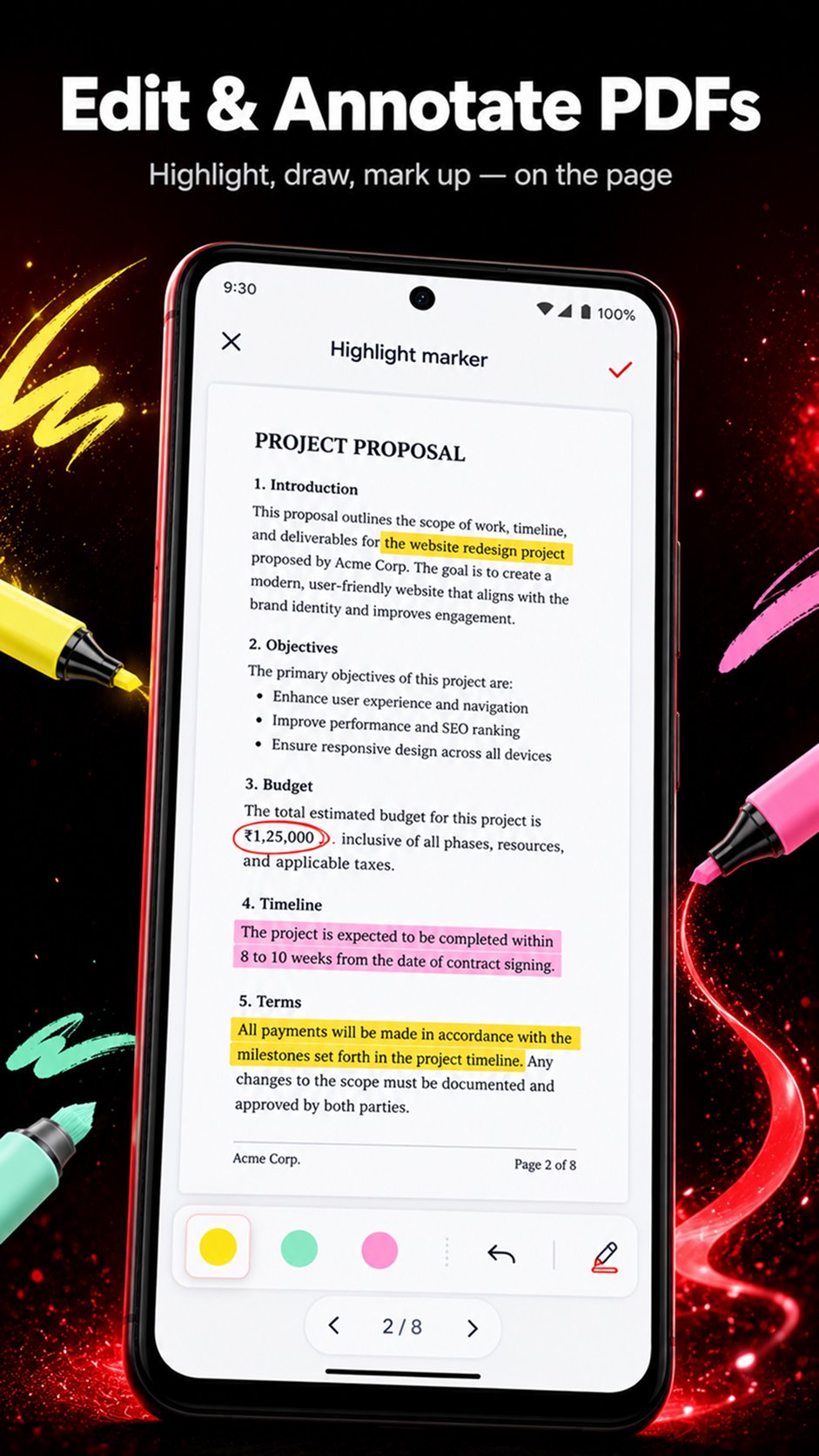
Add text or image overlays, draw freehand ink, highlight areas, add watermarks and insert page numbers. Crop margins, resize page content to A4, Letter or Legal, and rotate pages. These tools support page editing and annotation rather than direct editing of existing PDF text.
SIGN, FILL FORMS & PROTECT FILES
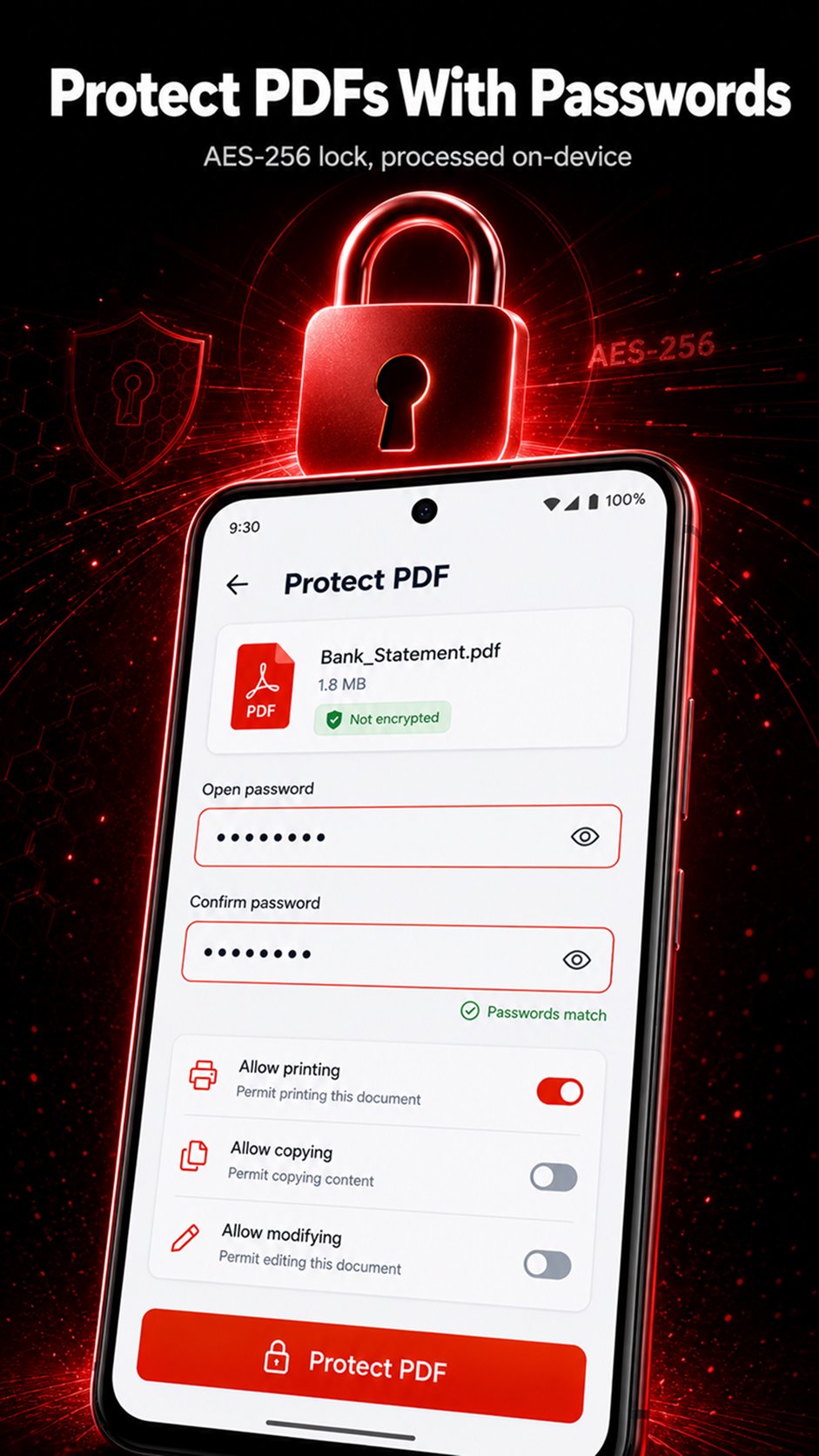
Fill supported AcroForm fields and flatten forms to lock in their values. Password-protect PDFs or unlock files when you already know the password. Add a visual signature by drawing, typing or placing an image. This is a visual signature stamp, not a digital certificate signature.
COMPRESS & CLEAN PDF FILES
Compress PDFs by recompressing images when the document allows it. View document metadata and remove common information fields such as title and author.
READ PDFs & EXTRACT TEXT
Read PDFs using the built-in viewer. Extract selectable text already embedded in a document. Use OCR to recognize text in scanned or image-based pages and save it as text. OCR does not create a searchable PDF layer or convert PDFs to Word.
YOUR PDF TOOLS IN ONE PLACE
Use PDF Toolkit to read, merge, split, compress, scan, convert, annotate, sign and organize documents on Android, with on-device processing for supported operations.
Need Any Tool

One-click to install XAPK/APK files on Android!

Thanks for your rating and feedback!
You have already rated.