


















Thanks for your rating and feedback!
You have already rated.

Co Co: Movie & Video Browser is an Android video browser for watching, listening, searching, and private browsing.
Cốc Cốc builds Co Co: Movie & Video Browser around entertainment, with its strongest appeal being flexible video and music playback. The browser combines search, ad blocking, privacy locks, and media controls in one place, so users can move between browsing and watching with fewer interruptions. For users looking to download Co Co: Movie & Video Browser, these core tools are worth checking first.
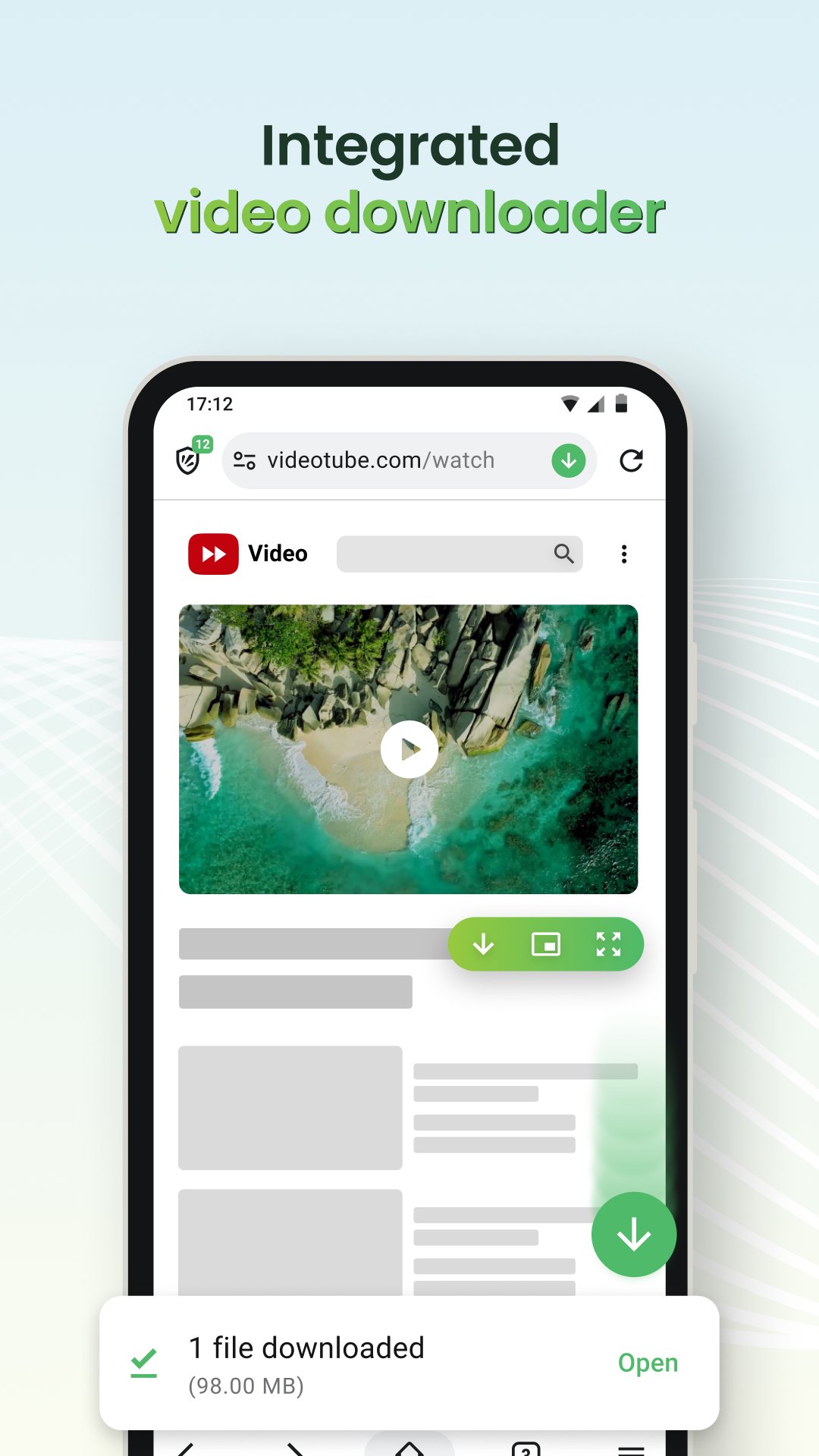
Co Co: Movie & Video Browser focuses strongly on video viewing, especially for users who often move between websites, chats, and other apps. Its Pin Video feature keeps a video in a floating window, so playback can continue while another app is open. This is useful when following a tutorial, checking messages during a match highlight, or keeping a music video on screen while browsing elsewhere.
The feature works best when the video page supports floating playback, so the experience can vary by website. When supported, the interaction feels simple: open a video page, start playback, then use Pin Video to keep the clip visible outside the main browser window. It is not a full replacement for every video app, but it gives the browser a practical edge for casual watching and quick multitasking.
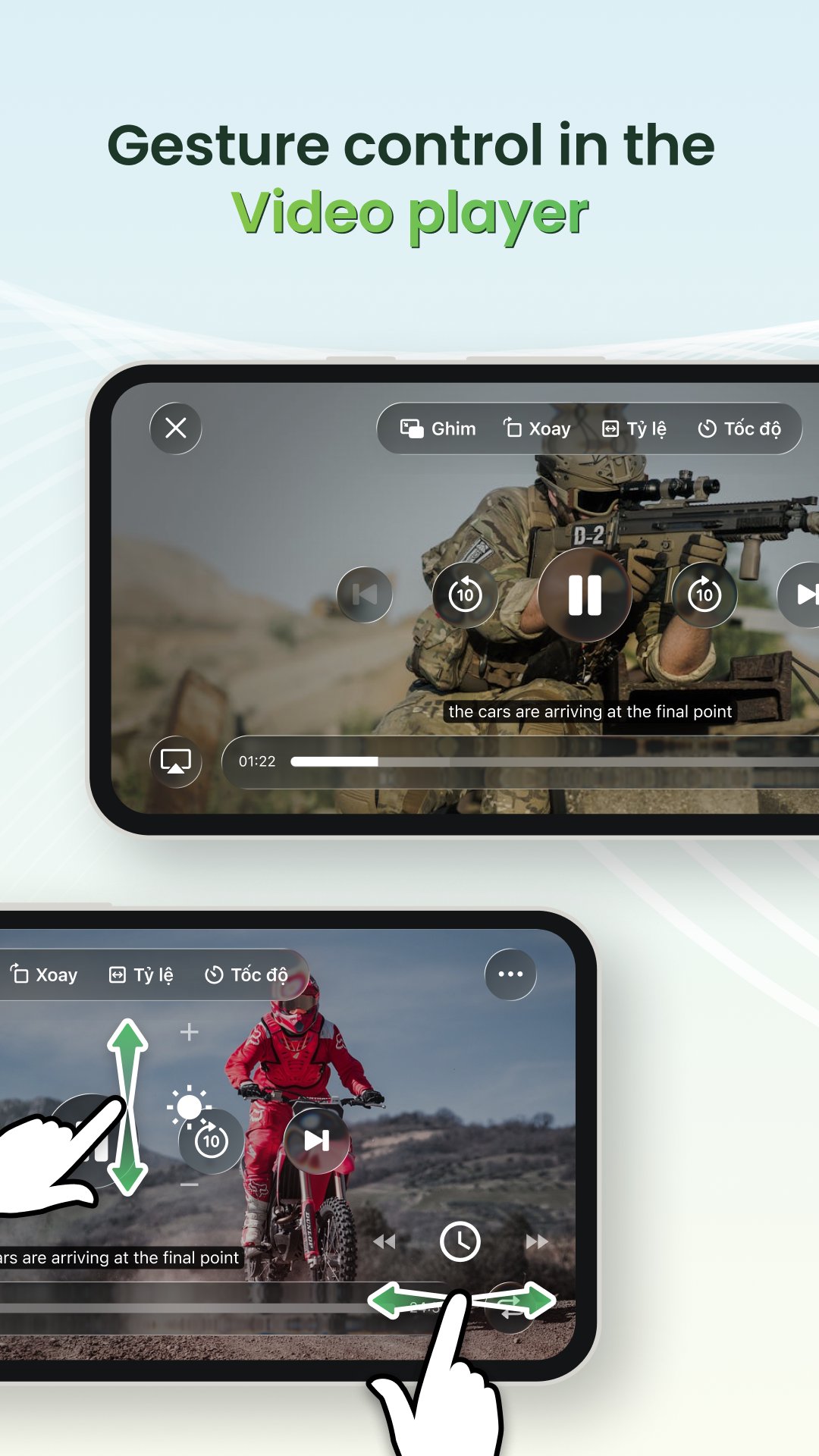
Cinema Mode gives Co Co: Movie & Video Browser a more focused viewing layout for fullscreen playback. It includes gesture controls, playback speed, subtitles, screen ratio options, and a sleep timer, which makes it useful for longer videos, movies, and music sessions before bed. The fullscreen view helps reduce distractions when a page has too many surrounding elements.
Users can open a video page and switch into Cinema Mode when they want clearer controls than a standard web player may offer. Speed control is helpful for lectures or long clips, while subtitles and screen ratio options can improve comfort depending on the source video. The sleep timer is especially practical for listening or watching at night without leaving playback running for hours.
Co Co: Movie & Video Browser supports Background Play, allowing audio to keep running when the screen is off or when another app is in use. This makes the browser suitable for music, podcasts, interviews, and long-form videos where the visuals are less important. It also helps save attention during simple listening, such as when walking, commuting, or checking other apps.
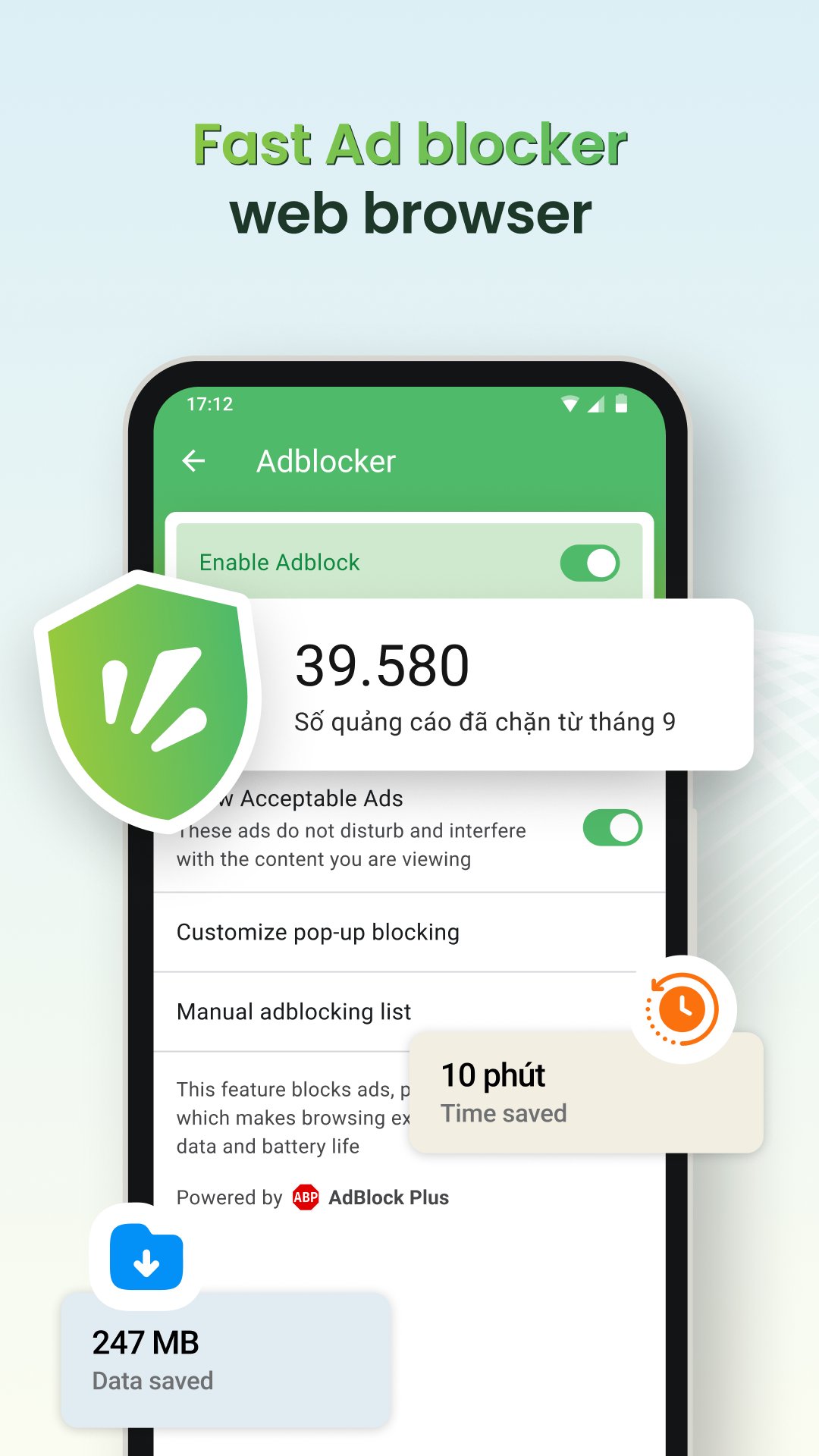
The built-in Adblock Plus technology helps reduce pop-ups, malicious ads, auto-redirect ads, and interruptions around video playback. This does not mean every ad disappears on every website, because some pages use different ad systems or change their layouts often. Still, the blocking tools can make everyday browsing cleaner, especially on sites where pop-ups and redirects often get in the way of watching or reading.
Co Co: Movie & Video Browser also works as a general browser with smart search tools. The address and search bar can be used for website visits, typed searches, voice input, and QR scanning. Vertical search and AI Search Summarizer are designed to help users reach shorter answers faster, which is useful when checking quick facts, looking up a video source, or comparing search results without opening many pages.
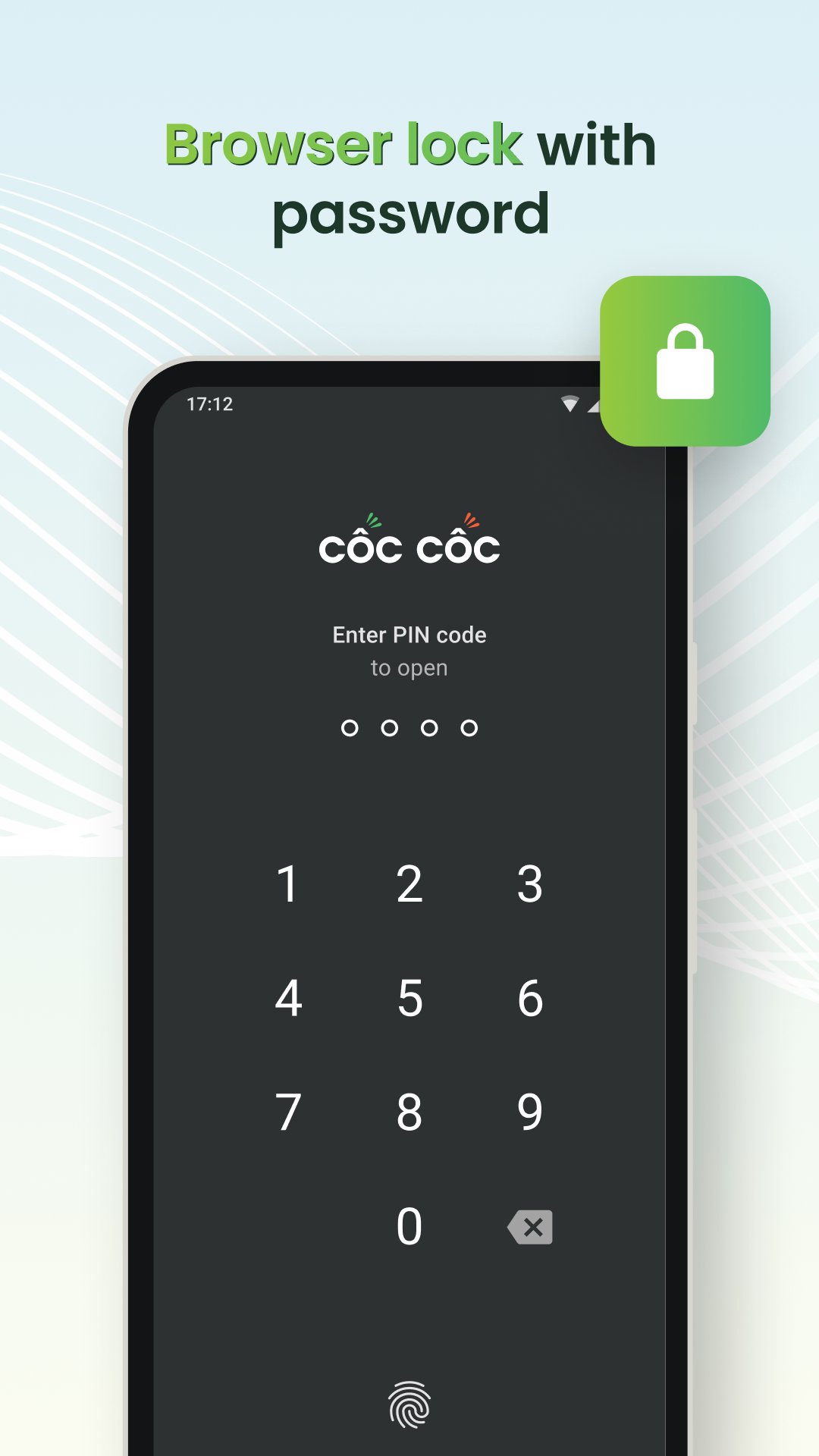
Privacy tools add another practical layer. Browser Lock and Incognito Lock protect browsing activity with a PIN or biometric security, making the app more suitable for shared phones or situations where the device may be handed to someone else. Settings also include Dark Mode, Sync, Co Co Points, and default browser prompts. Some features may require account sign-in, region support, or compatible websites, and the product’s Vietnamese focus may feel more natural for users familiar with Cốc Cốc Browser.
These pros and cons reflect how Co Co: Movie & Video Browser performs as both a video browser and a daily browsing tool, with entertainment features standing out most clearly.
ProsUsers can download the latest Co Co: Movie & Video Browser APK from APKPure and install it on a compatible Android device. The APK is around 240 MB, so the download may take a little time on slower mobile networks. A stable Wi-Fi connection is recommended if the device has limited data or if the connection often drops during larger downloads.
After downloading, Android may ask for permission to install the APK before setup continues. Once installed, users can open the browser, try the search bar, visit a video page, and test Pin Video or Background Play on supported sites. To use it as the main browser, Co Co can also be set as the default browser through in-app prompts or Android app settings.
For the smoothest start, keep some free storage available before installing the Co Co: Movie & Video Browser latest version. Users who mainly want a video browser with ad blocking, private locks, and music playback should find its feature set easy to understand after a short first session.




One-click to install XAPK/APK files on Android!
Thanks for your rating and feedback!
You have already rated.