Safe & Fast APK Downloads on APKPure
APKPure uses signature verification to ensure virus-free Contacts Backup -iCBackup APK downloads for you.


730.3 KB
File Size
Everyone
Android 2.2+
Android OS
iContacts Backup , My Contacts Backup , Contacts With Vcard File, Contacts
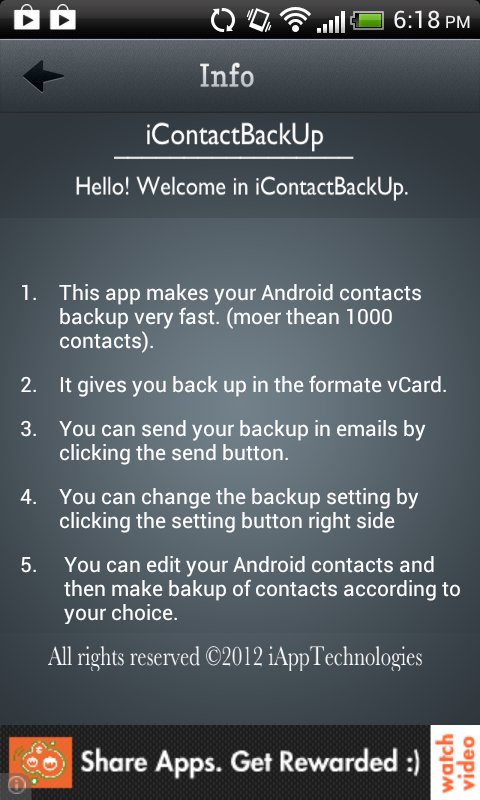
Contacts Backup is the easiest way to backup and restore your contacts all from your phone without needing a computer or synchronization. You can backup all your contacts with a single touch and send yourself as a .Vcard (vcf) attachment via email and via DropBox .
All contacts can then easily be restored any time by simply opening .Vcard (vcf) file in your mailbox.
Key Features:
- Vcard file easily upload to dropbox .
- Save your contacts at just the tap of a button.
- Backup in csv format
- Easy to use.
- Save more than thousand contacts
- Choose the fields that you want to take backup
- Easily transfer contacts between Android Devices using just email client.
- Copy backup file to your computer via USB cable feature.




One-click to install XAPK/APK files on Android!

Thanks for your rating and feedback!
You have already rated.