Safe & Fast APK Downloads on APKPure
APKPure uses signature verification to ensure virus-free Continuity SMS/Text Computer APK downloads for you.


4.8 MB
File Size
Everyone
Android 4.0.3+
Android OS
PPLCONNECT: Continuity for Android, SMS/Texting + Calling from PC, Mac & Tablet
Continuity for Android: SMS from your PC, Mac Computer, or Tablet.
PPLCONNECT lets you continue your conversations cross device. Send/receive your SMS, make calls with your phone number and receive live call notifications on your PC, Mac, tablet & smartphone. PPLCONNECT offers the equivalent of iMessage & Continuity for Android.
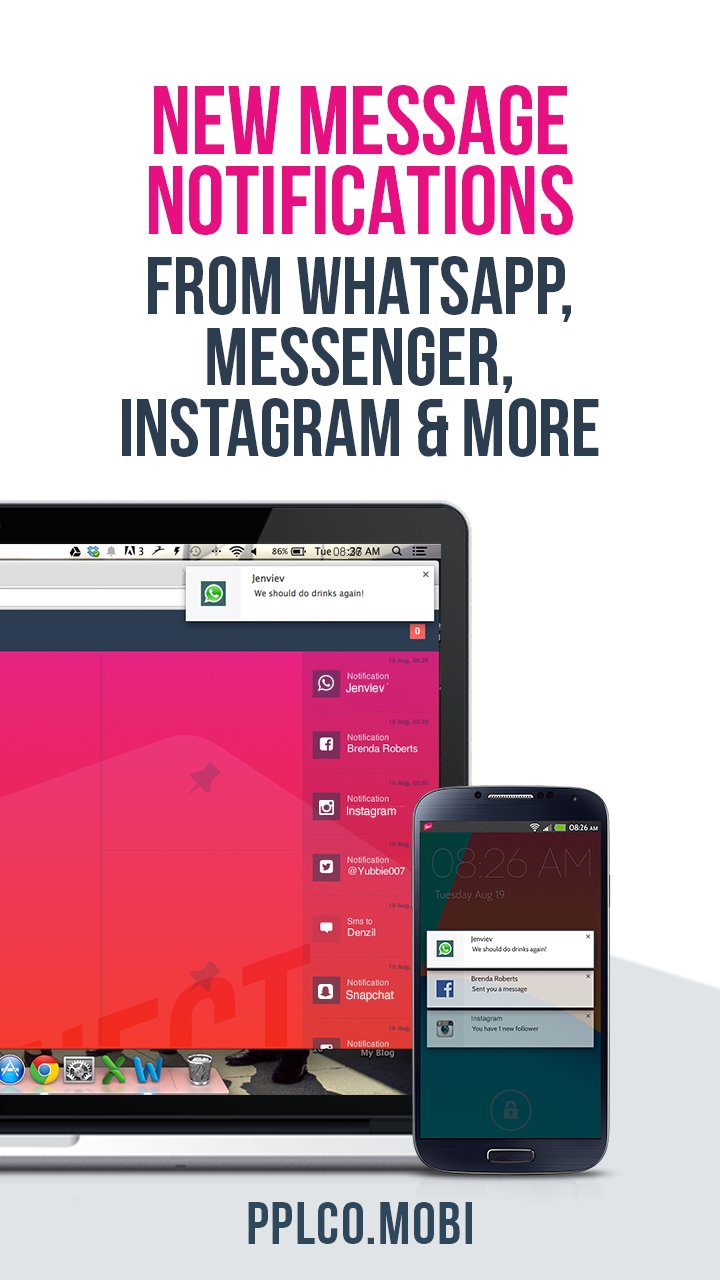
Get Live Notifications from WhatsApp, Messenger, Instagram & More
PPLCONNECT lets you receive all your other messaging app notifications, including WhatsApp, Viber, Facebook Messenger, Instagram, Twitter, Snapchat, Skype, etc. across all your devices.
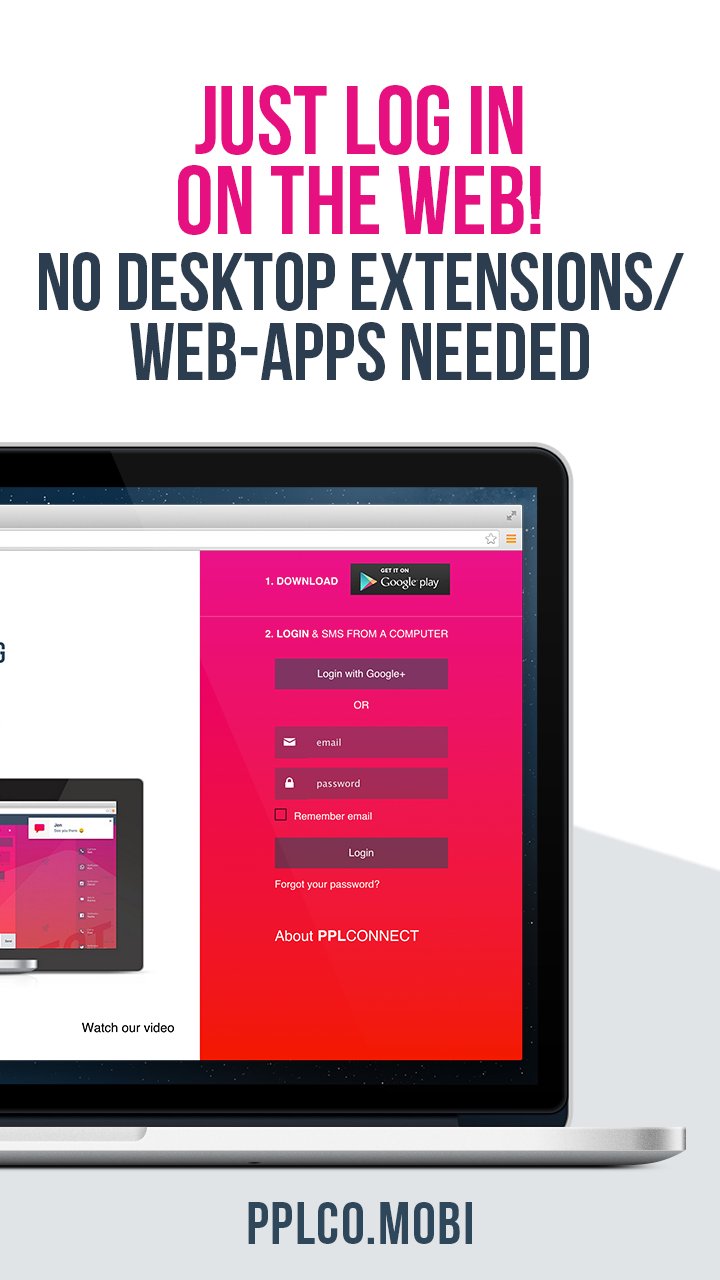
No Desktop Extensions or Web-Apps Needed. Yeah!
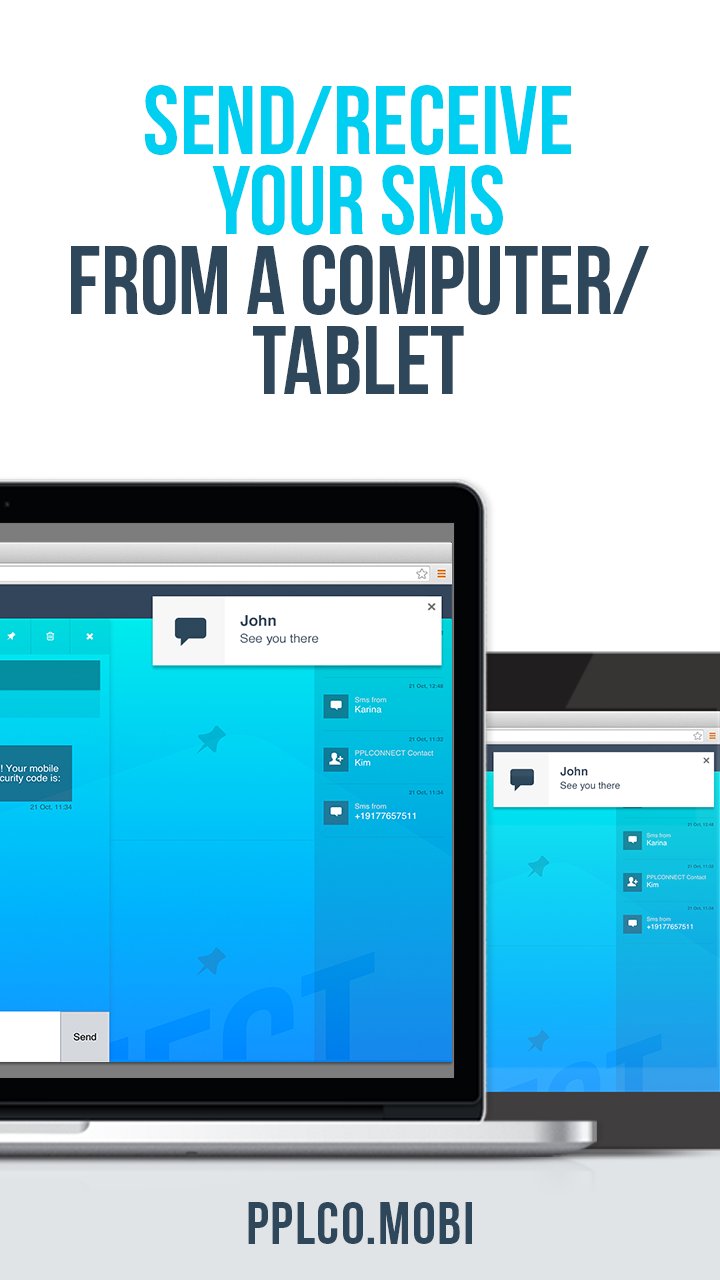
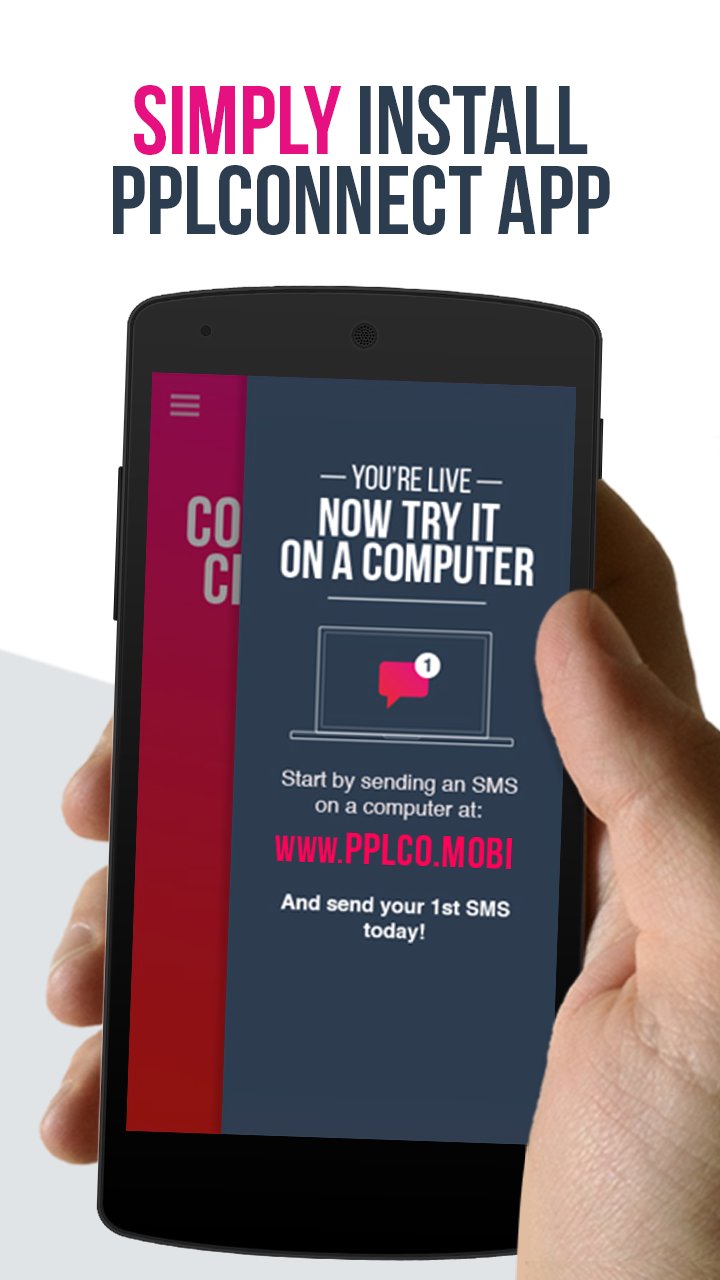
Send/Receive your SMS right in the browser. No need to install ANYTHING beyond the PPLCONNECT smartphone app on your phone. Simply:
1. Open PPLCONNECT app & create account
2. Login on your computer at: http://www.pplco.mobi”>www.pplco.mobi
And send your SMS from a computer!
Continue your Android Conversations Cross-Device
• Send/Receive your SMS from a computer, tablet, smartphone
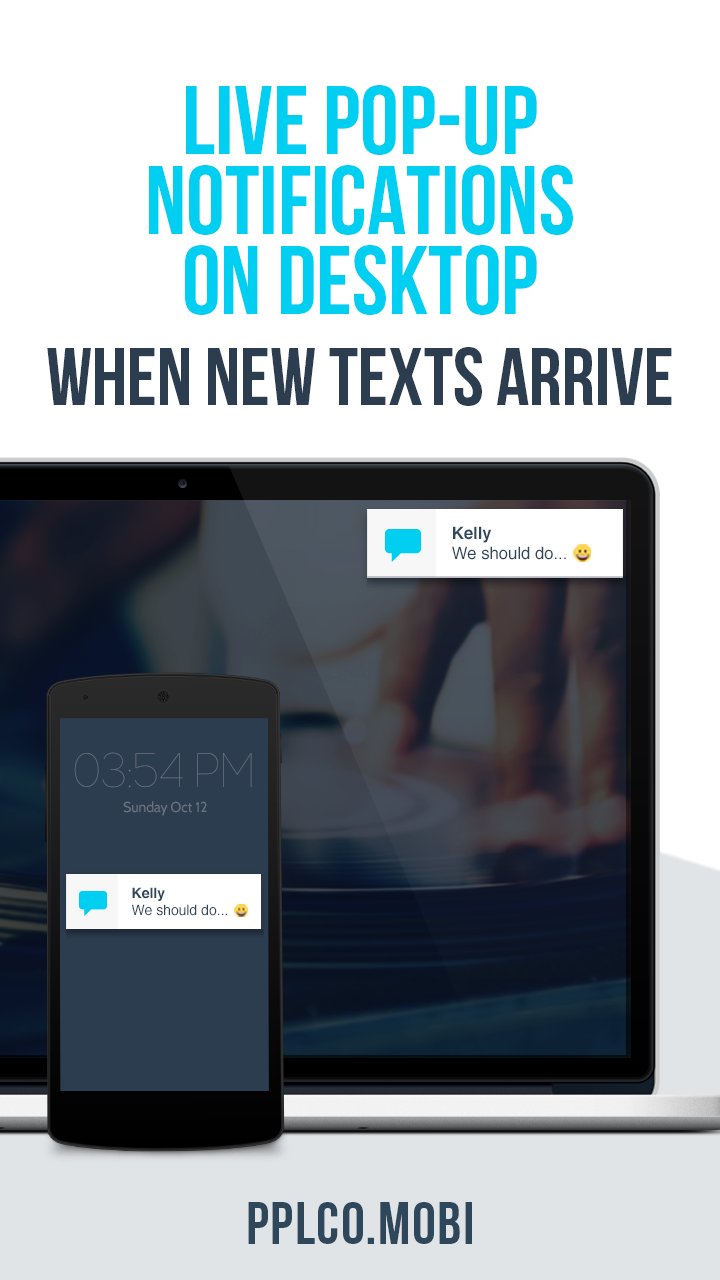
• Pop-up notifications on computer when new texts arrive
• Call with your phone number from a computer
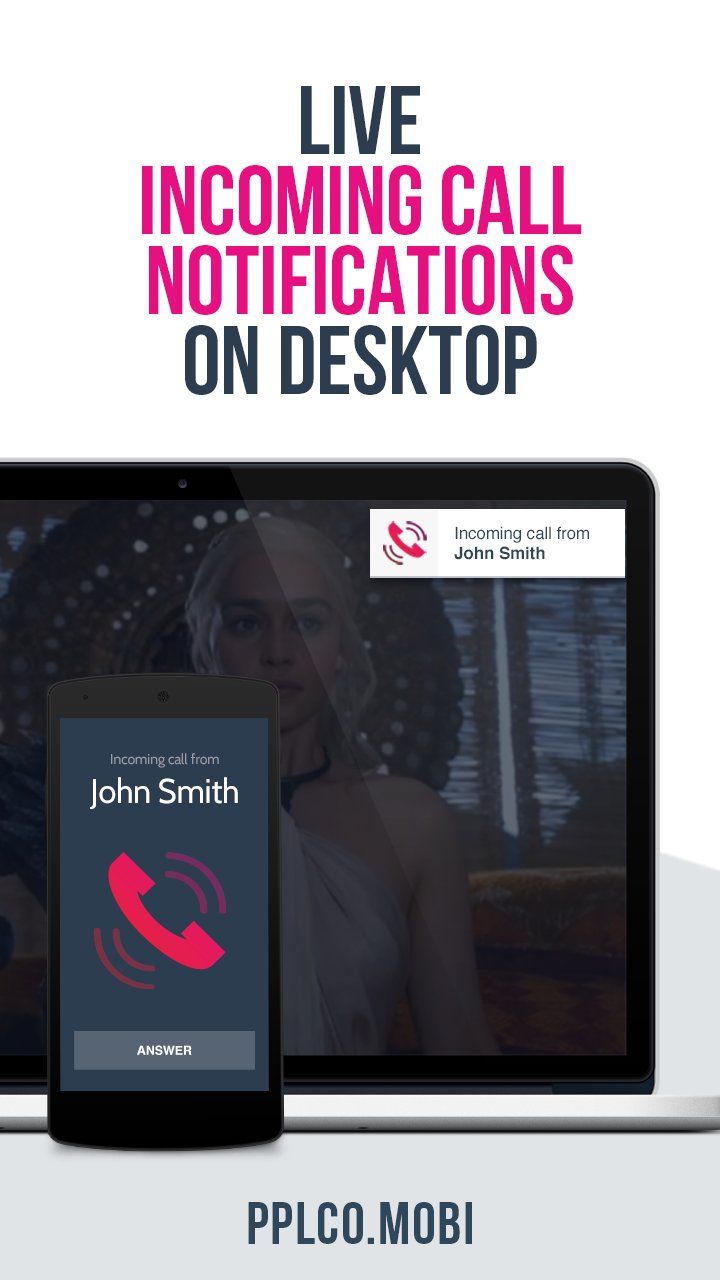
• Live Call notifications
• SMS are synced between all devices and your phone’s SMS inbox
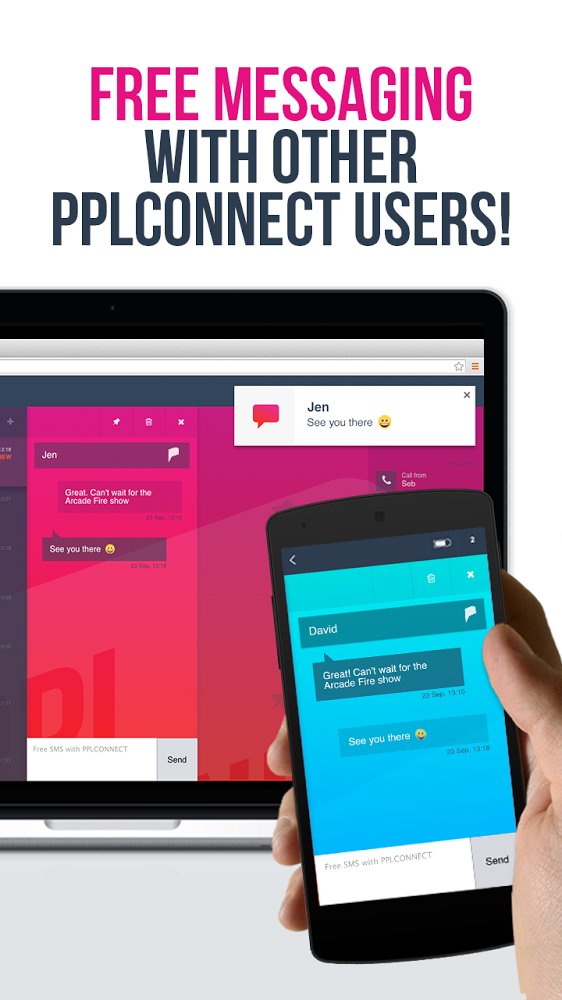
• 100% Free Messaging with other PPLCONNECT users
• Receive Messaging App Notifications for WhatsApp, Messenger, Instagram, etc.
• Multitask SMS & Calls simultaneously
The PPLCONNECT app must remain active on your phone. PPLCONNECT beta is available on Android 4.0.3 & up in certain markets worldwide. Android 4.4 is needed to receive notifications from WhatsApp, Messenger, etc.
Security Matters to Us
At PPLCONNECT we believe your information belongs to you and we are entrusted to help you better access and use that information from anywhere you desire. We do ask for permissions to access your Contacts, SMS and Call Logs in order to have the latest up-to-date information as well as the ability to action these functions from the Web on your behalf.
About PPLCONNECT
PPLCONNECT is a texting app like no other; you can text from a computer, texting from a tablet, syncs back to your phone’s SMS. Using Wifi the service can save users calling minutes and much more!
The name PPLCONNECT originates from the words PPL and CONNECT. PPL is shorthand for People, commonly used when texting. PPL CONNECT highlights the company vision to bring ppl together through communications, and connect them to all their devices.
Join our Community
http://www.facebook.com/pplconnect”>https://www.facebook.com/pplconnect
http://twitter.com/ppl_connect”>https://twitter.com/ppl_connect
http://plus.google.com/113772404063339427162”>https://plus.google.com/113772404063339427162
http://www.youtube.com/pplconnectvids”>www.youtube.com/pplconnectvids
By clicking install, you agree to the following terms of service: http://about.pplconnect.mobi/terms-and-conditions/”>http://about.pplconnect.mobi/terms-and-conditions/
PPLCONNECT helps with: sms text messaging, messages, computer sms, text from pc, text from computer, sms from browser, browser sms, text free, remote desktop, sms notifications, remote sms, mightytext, mysms, desktop sms, text from tablet, dialer on tablet, dialer on computer, call from tablet, call from computer, notifications, imessage, texting free, texting from tablet, battery saver, sms dropbox, sms popup, iphone messaging and imessage for android.
Receive messaging app notifications from WhatsApp, Facebook Messenger, Viber, Instagram, Snapchat, etc. in pplco.mobi
Availability in North America, UK, Europe, Australia, Central and South America (not including Columbia and the Caribbean)
Version 2.4 available as of April 25, 2016

One-click to install XAPK/APK files on Android!

Thanks for your rating and feedback!
You have already rated.