Package Name:com.deniscasian.dctools
Show More


7.4 MB
File Size
Everyone
Android 9.0+
Android OS
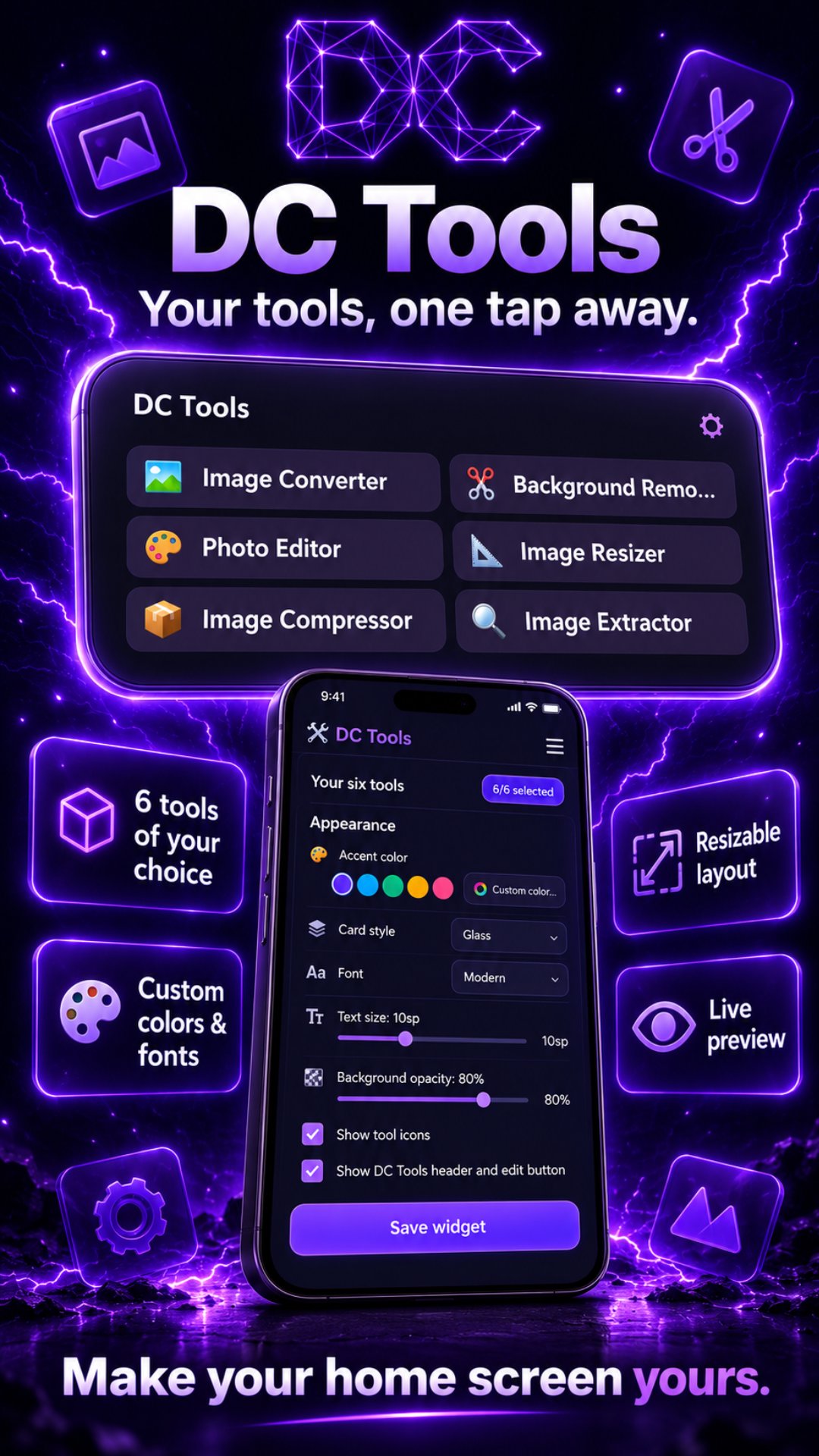
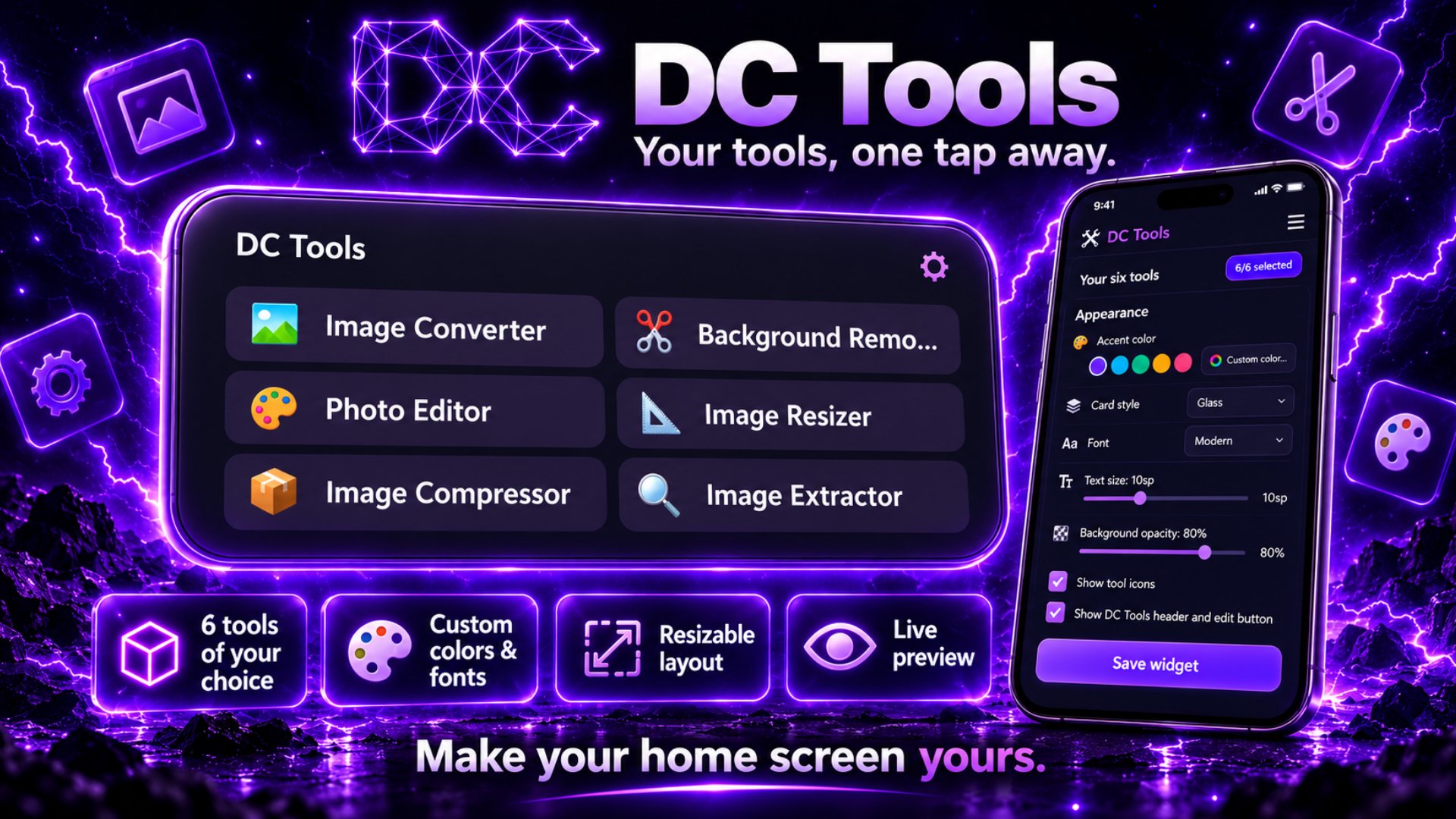
200+ tools for images, PDFs, text, code & more. Process files on your device.
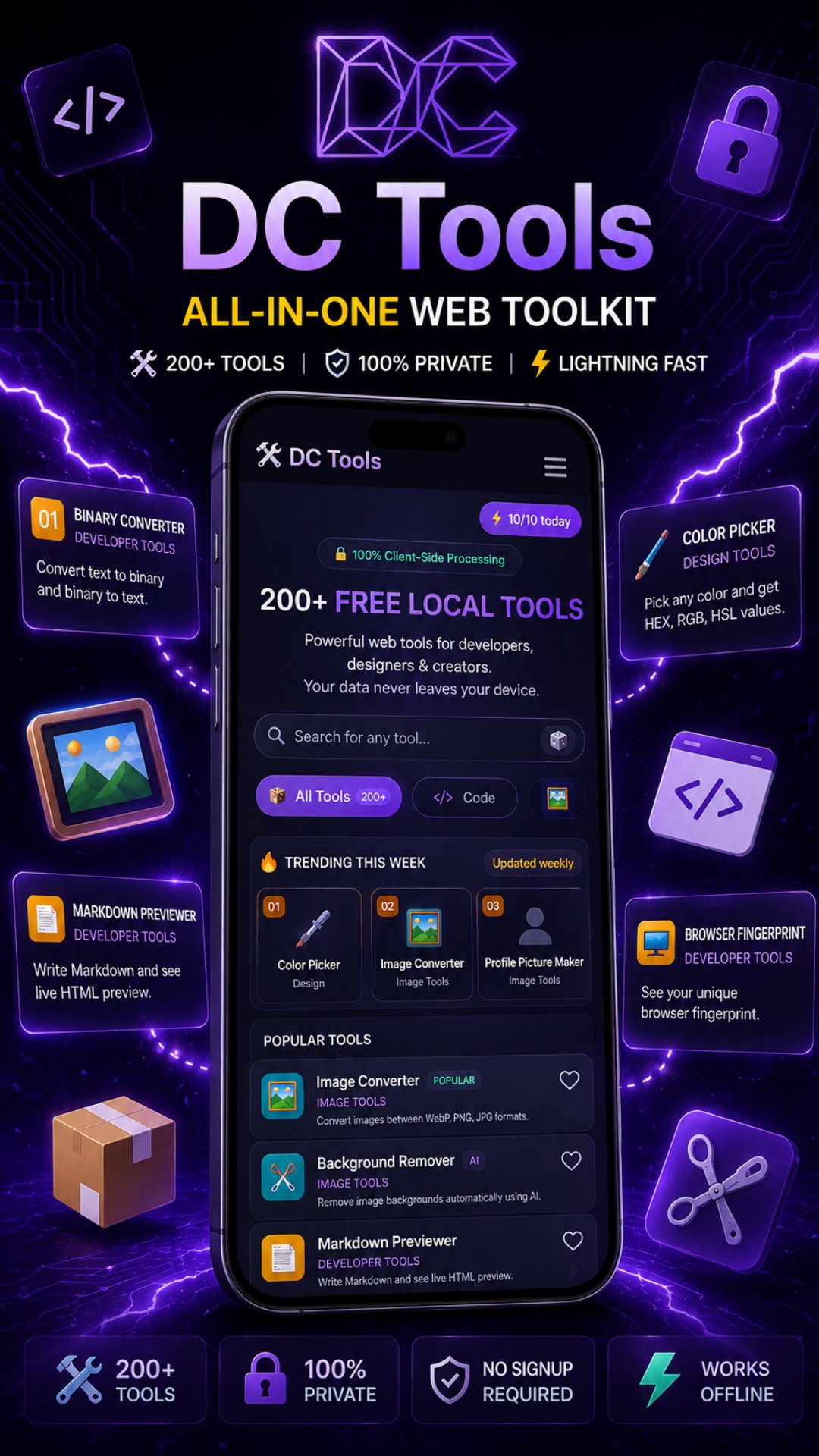
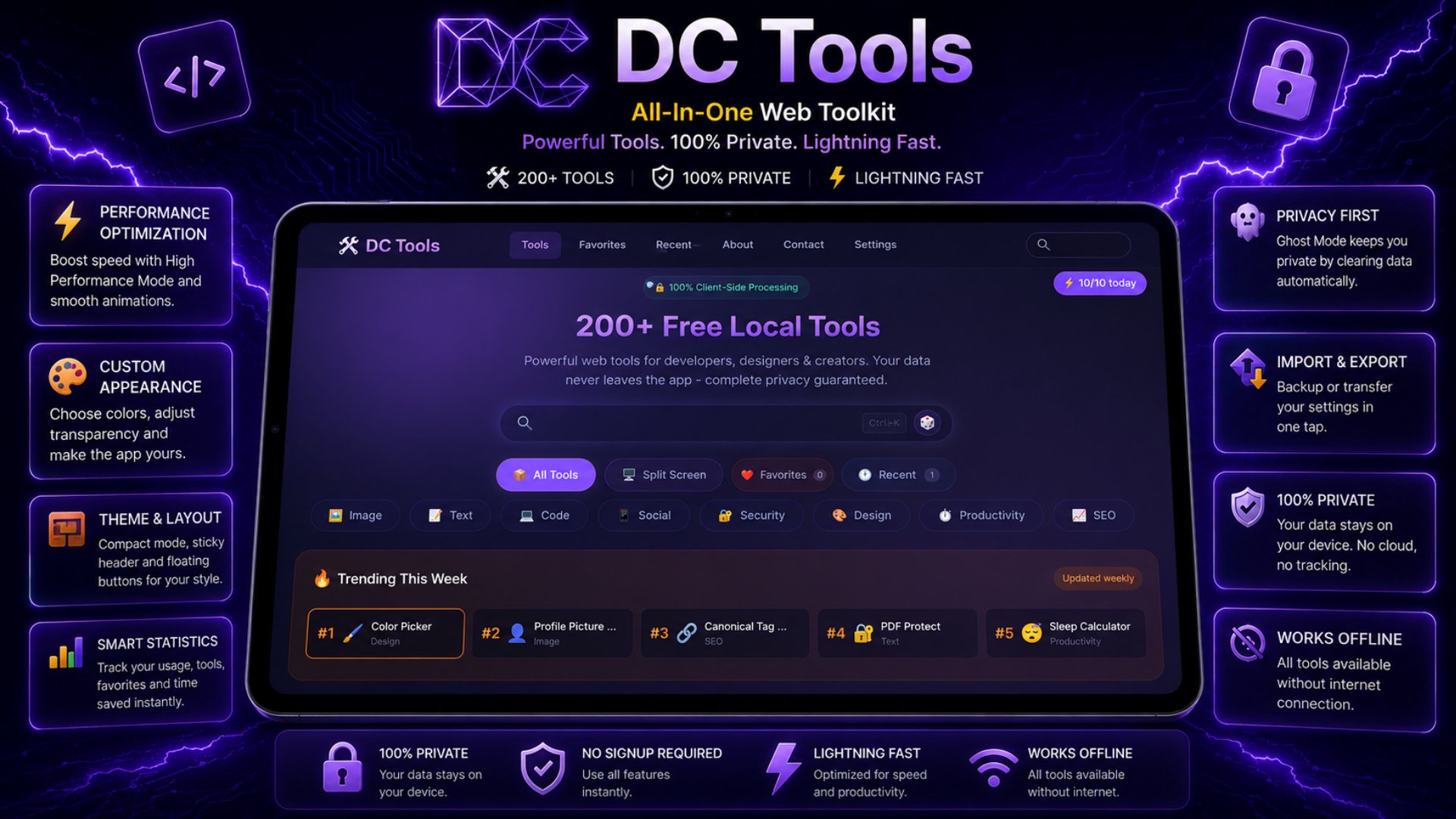
DC Tools is the ultimate free toolkit with 200+ online tools for developers, designers, marketers, students and creators. Everything runs 100% in your browser or on your device — your files, text and data never leave your phone. No uploads, no tracking, no account required.
WHY DC TOOLS?
- 100% private & secure: all processing happens locally on your device
- 200+ tools in one app: no need to install dozens of separate apps
- Works offline: once loaded, most tools work without an internet connection
- Fast & lightweight: instant results, optimized for every screen size
- Free to use: start using any tool immediately
TOOLS BY CATEGORY
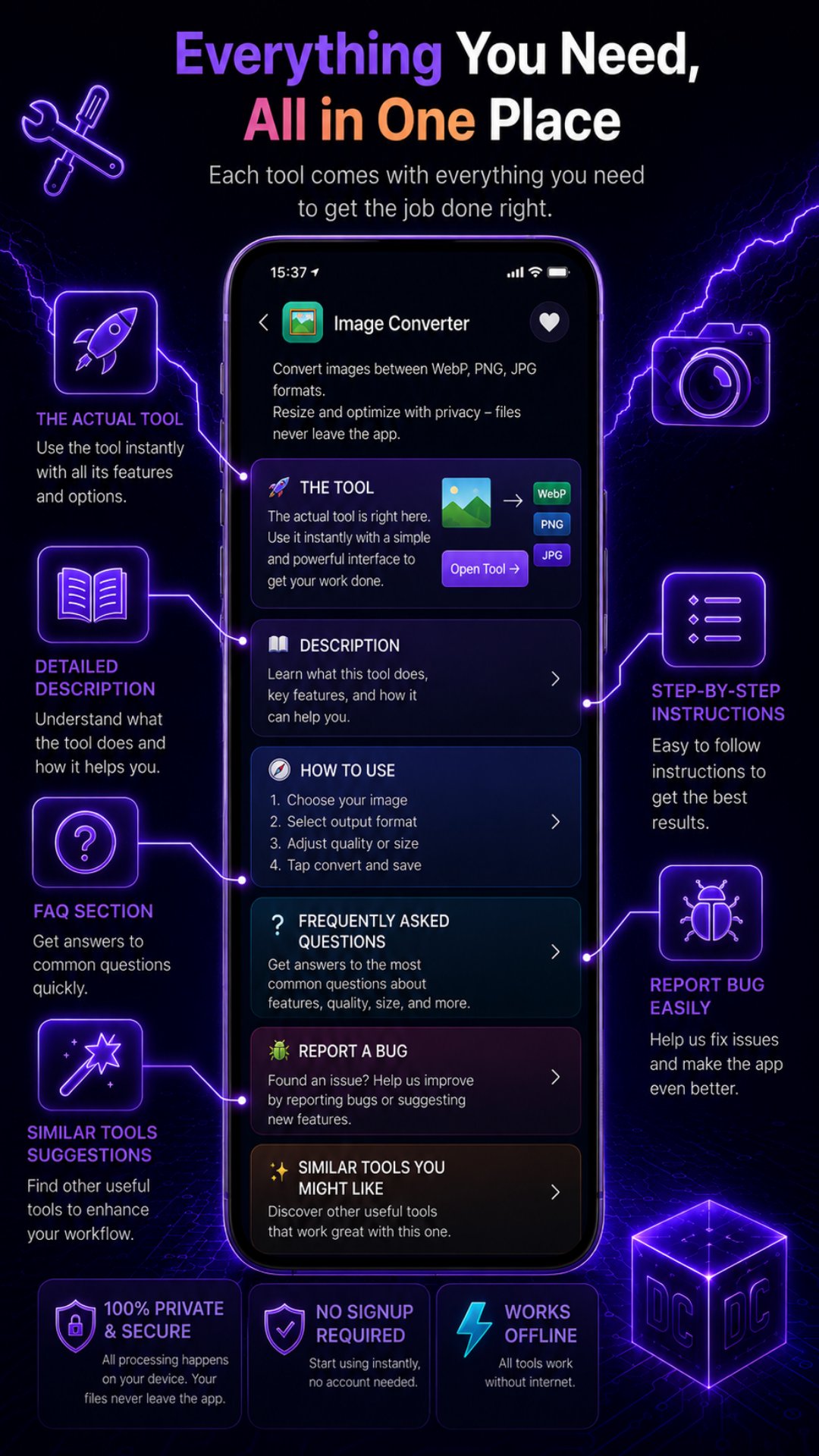
- Image Tools: image converter (WebP, PNG, JPG), background remover, image resizer, image compressor, image cropper, photo editor, favicon generator, EXIF viewer & stripper, watermark generator, color palette extractor, angle finder, OCR image to text and many more
- Text Tools: word counter, case converter, lorem ipsum generator, alphabetical text sorter, remove duplicates, text diff checker, emoji remover, character limit checker, text to speech and more
- Developer Tools: JSON formatter, JSON to CSV converter, URL encoder, HTML encoder, CSS unit converter, binary converter, markdown previewer, code beautifier, regex tools, API helpers and more
- Security Tools: password generator, password strength checker, hash generator (MD5, SHA1, SHA256), email validator, URL safety checker and more
- SEO Tools: meta tags generator, keyword density checker, sitemap generator, robots.txt generator, backlink checker, redirect checker, domain age checker, Google snippet simulator and more
- Social Media Tools: TikTok downloader, Instagram bio & caption generator, hashtag generator, YouTube thumbnail downloader, YouTube title & description generator, username checker and more
- Productivity & Calculators: age calculator, BMI calculator, percentage calculator, unit converter, currency converter, loan calculator, date calculator, timezone converter, pomodoro timer, salary calculator and more
- Design Tools: color converter, color picker, CSS glassmorphism generator, border radius sculptor, contrast checker, aspect ratio calculator, screen ruler and more
- Fun Tools: love calculator, would you rather, name generator, random fact generator, meme generator, ASCII art generator and more
NEW TOOLS ADDED REGULARLY
We continuously add new free tools based on user requests. If you need a specific tool, just ask — we build it.
DC TOOLS PREMIUM
Support the project and unlock extra features:
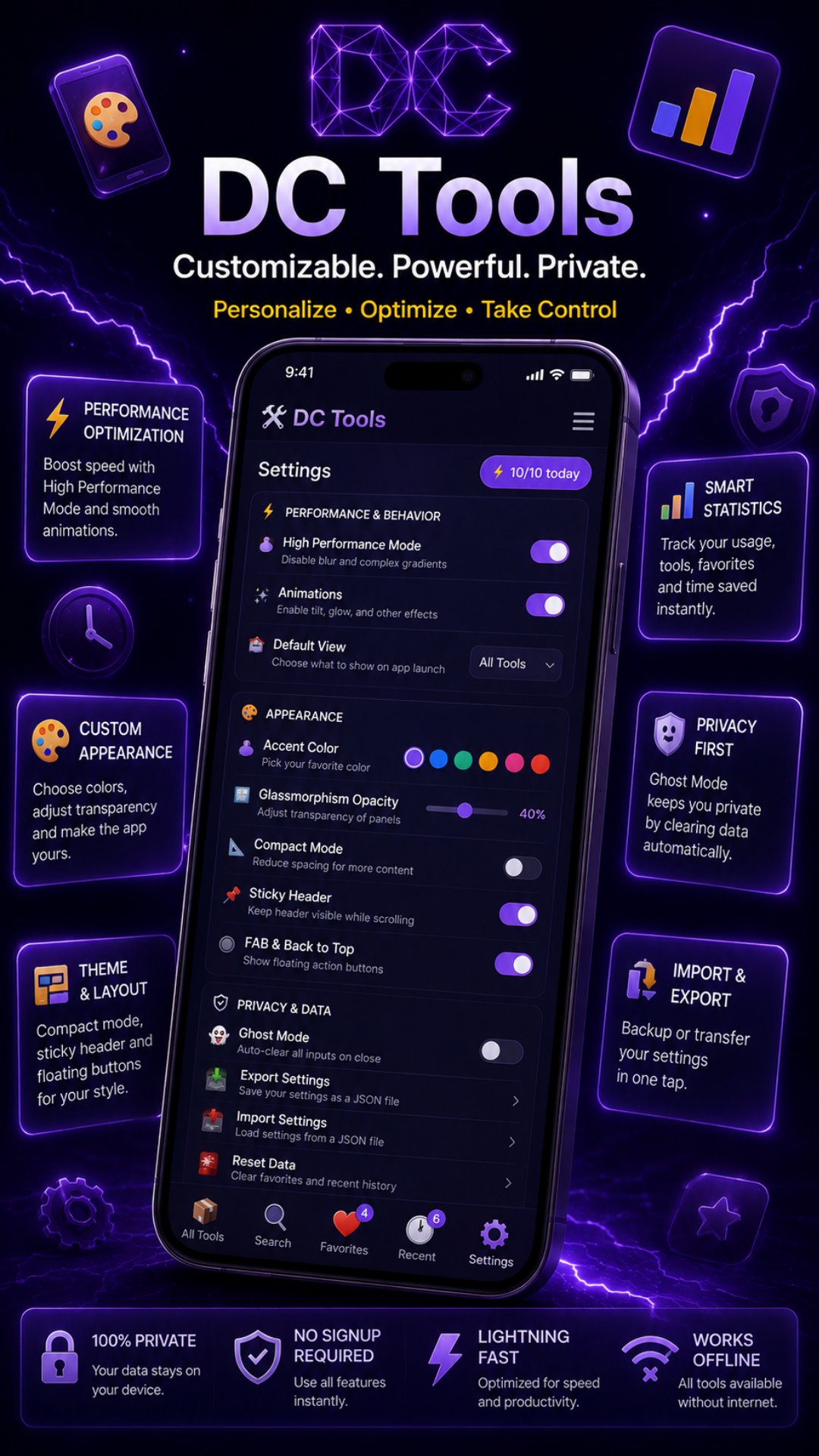
- Premium Monthly: unlock premium settings (appearance & typography customization), split screen mode for working with two tools side by side, and unlimited daily use. Includes a 7-day free trial — cancel anytime.
- Premium Lifetime: one-time payment, all premium features forever, plus all premium app icons.
- Supporter (one-time or monthly): a voluntary donation that removes donation requests and unlocks premium app icons (monthly).
All payments are processed securely through Google Play Billing. Subscriptions renew automatically until cancelled; manage or cancel them anytime from your Google Play account. Refunds follow Google Play policy — access is revoked automatically upon refund.
PRIVACY PROMISE
No account. No data collection. No servers. Everything you do stays on your device. That is the DC Tools guarantee.
Download DC Tools now and turn your phone into a free toolbox for work, school and everyday tasks.
Keywords: free online tools, image converter, background remover, password generator, PDF tools, JSON formatter, text tools, SEO tools, color picker, unit converter, utility app, productivity tools, developer tools



One-click to install XAPK/APK files on Android!

Thanks for your rating and feedback!
You have already rated.




![Game Guardian [No Root]](https://image-eo.winudf.com/v2/image/YXBwcy5nZW1lLmZyZWVjb2lybnNfaWNvbl8xNTE3NzAyNjUxXzAyNQ/icon.png?w=156&fakeurl=1)