Scan Date:Mar 6, 2026
Show More


Deezer is a personalized music and audio streaming app for Android.
It blends a global catalog with an adaptive listening experience called Flow. It learns what you like and refreshes a continuous mix with favorites and new finds. You can download Deezer to enjoy transparent discovery controls, synced lyrics, and social listening across phones, wearables, TVs, and cars. To help you decide if it fits your routine, these core highlights stand out below.
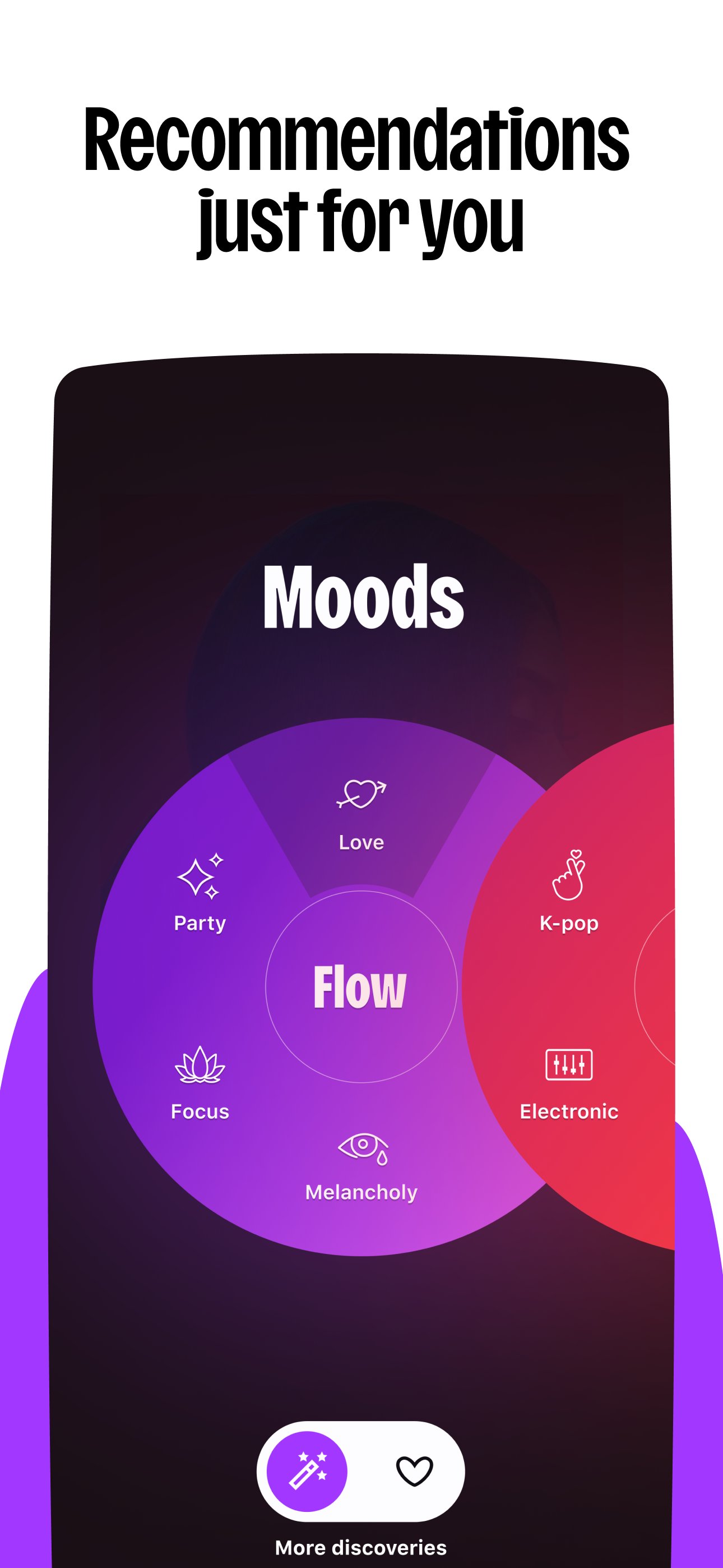
Flow creates an infinite, personalized mix with clear recommendation controls.
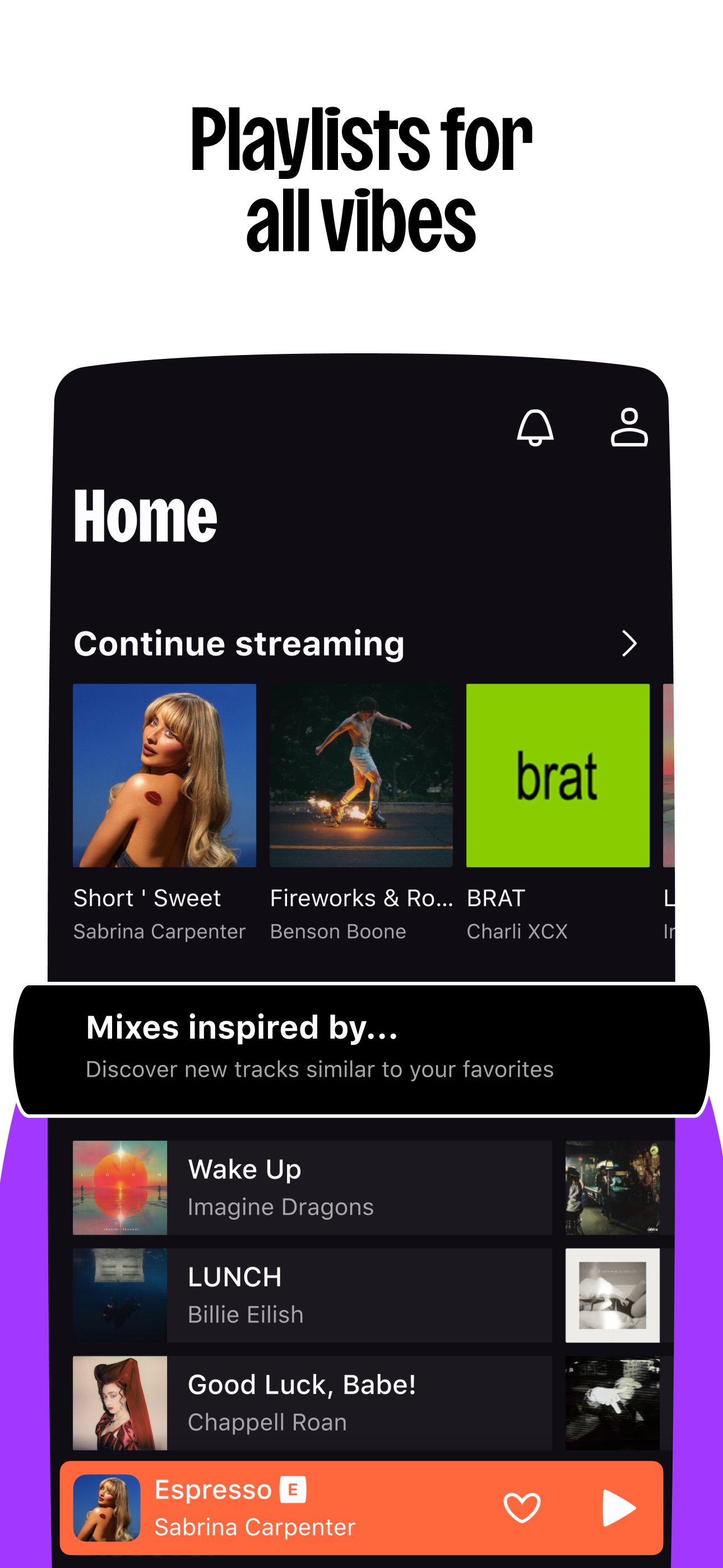
Curated playlists by mood, genre, and season for easy discovery.
Podcasts, audiobooks, and radio stations, with availability by country.
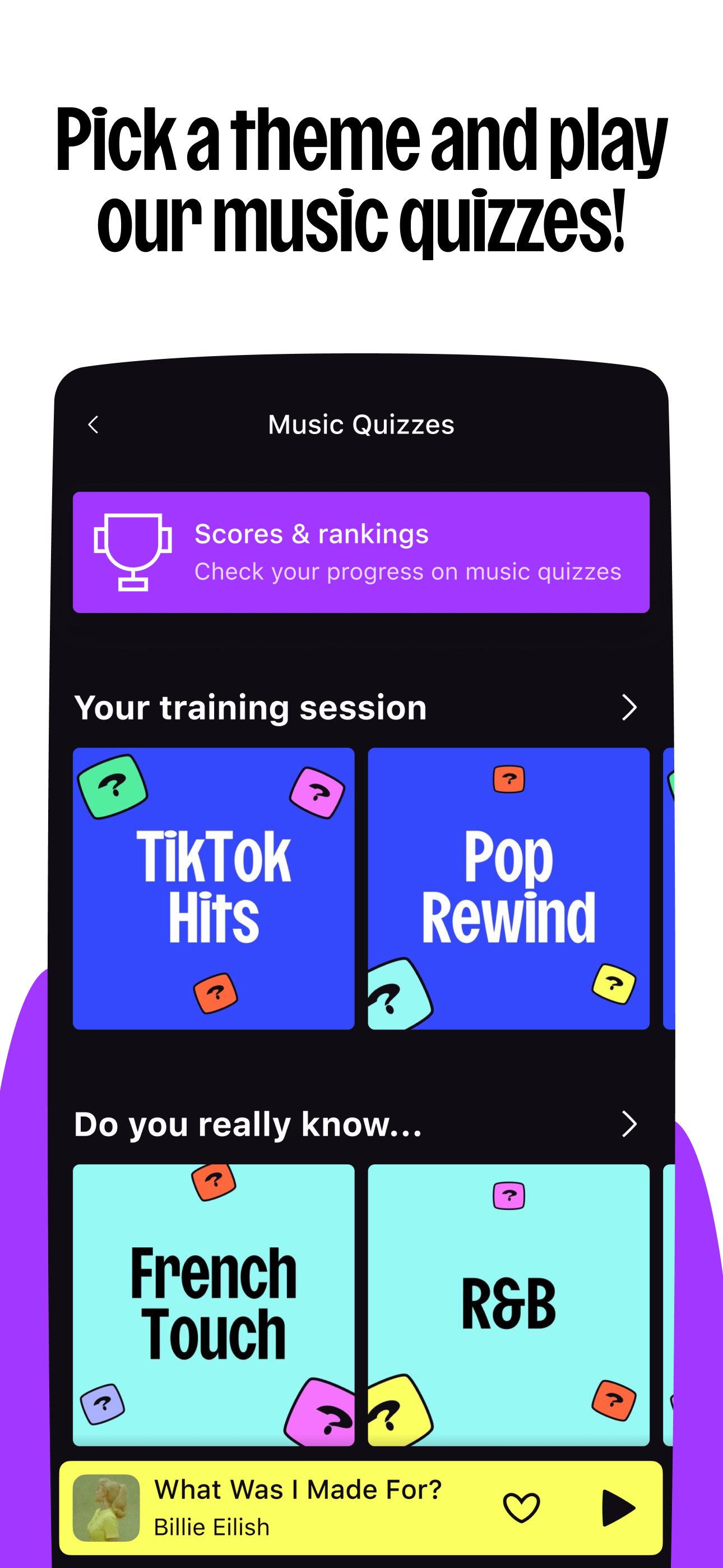
SongCatcher, Shaker, and Music Quiz add fun, social interaction.
Offline mode and HiFi sound, plus broad device compatibility.
Flow generates a never-ending stream that blends your favorites with fresh recommendations. It adapts as you like or skip tracks, so the mix gets sharper the more you listen. You can adjust how adventurous the suggestions feel using the algorithm controls, which helps when you want familiar comfort or something new. Deezer makes this feel like a set-and-go soundtrack for work, reading, or commuting.
Discovery works on two fronts: clear algorithm settings and human-made playlists. You get mood, genre, and seasonal lists that save time when you do not want to search. Weekly refreshes and themed collections make it easy to keep your library active without effort. When you want control, Deezer lets you fine-tune the mix so recommendations reflect your taste more precisely.
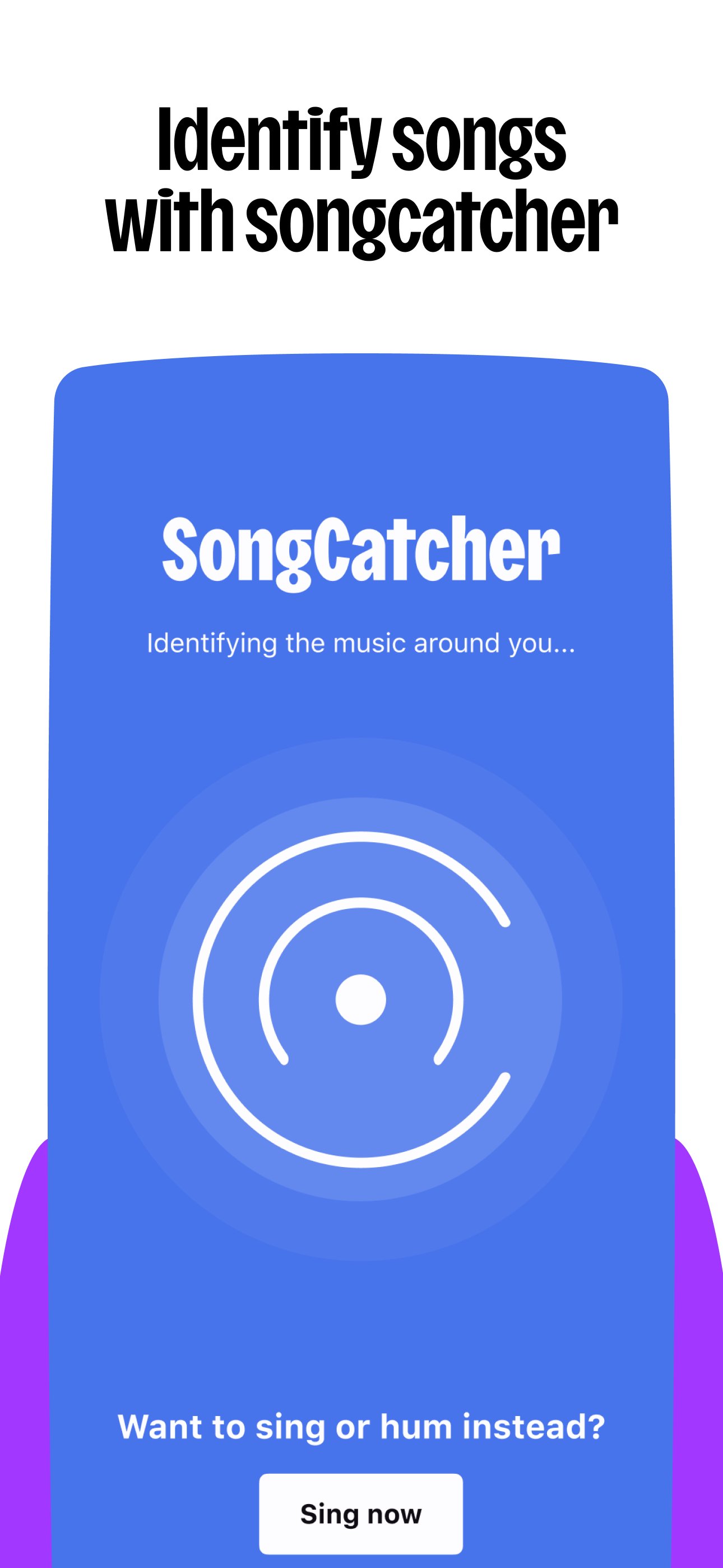
SongCatcher identifies songs playing around you, and it can even recognize a tune you hum. Shaker blends your playlist with friends and shows where tastes overlap, which is handy for car rides or parties. Music Quiz turns your library into a quick game you can play solo or together. These tools add playful ways to connect with music inside Deezer without leaving the listening experience.
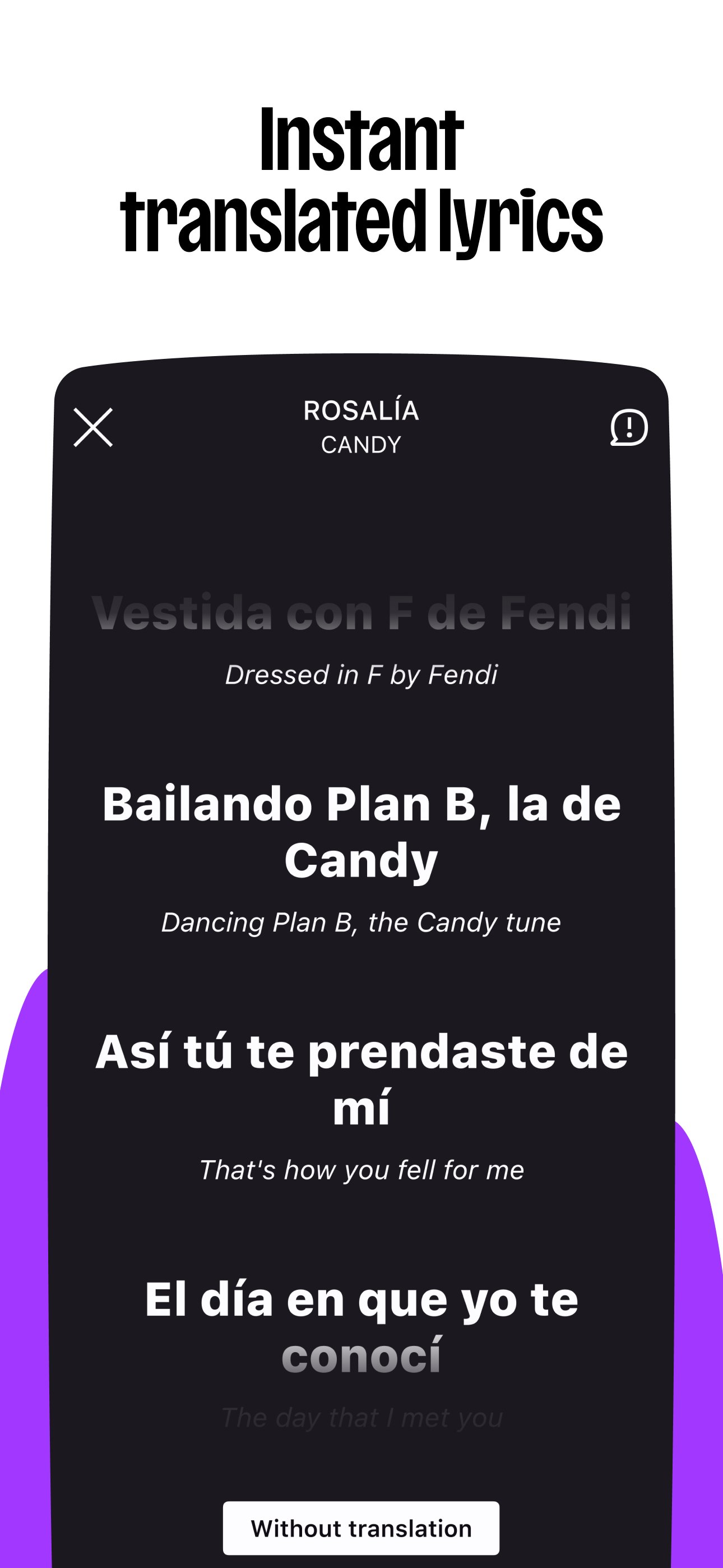
Transfer My Music helps bring playlists from other services so your setup starts familiar. You can reorder Home and Library sections, add custom covers to playlists, and share tracks quickly to chats or stories. Synced lyrics show on screen with available translations, which is helpful for sing-alongs or learning languages. With these options, Deezer feels tailored to your habits rather than the other way around.
Premium plans remove ads, enable offline downloads, and add HiFi lossless listening for supported hardware. Offline mode is useful for flights, commutes, or low-signal areas, while HiFi rewards a good pair of headphones or speakers. The app works with smart speakers, Wear OS and Fitbit watches, Android TV, and Android Auto or Automotive OS. Deezer supports voice and on-screen controls in the car, though some features and catalogs vary by country and plan.
Built around personalization and broad compatibility, Deezer balances smart discovery with playful tools and practical offline listening. These points capture where it shines and where users may notice limits.
Pros
Flow personalizes music with clear recommendation controls.
Diverse catalog plus podcasts, audiobooks, and radios.
Lyrics with translations for sing-alongs and learning.
Offline mode and HiFi options for focused listening.
Works across speakers, wearables, TV, and Android Auto.
Cons
Catalog and features vary by country and plan.
Free plan has ads and limited controls.
HiFi and offline require a paid subscription.
You can get the Deezer latest version as a safe Deezer APK on APKPure. The installer is small, typically around 10MB, so it finishes quickly on Wi‑Fi and usually within a minute on mobile data. After installation, sign in or create an account to start Flow, explore curated playlists, and try SongCatcher for quick IDs.
If space is tight, clear a little storage before installing. Some audio features, podcasts, and radios depend on your country, and HiFi or offline mode may require a paid plan. Once set up, press play on your Flow, download a few playlists for offline mode, and enjoy a steady soundtrack wherever you go.




One-click to install XAPK/APK files on Android!

Thanks for your rating and feedback!
You have already rated.