Package Name:com.molpass.zeoclock
Show More

Transforms unused smart devices into always-on desk clocks and calendars.
Desk Hub Clock
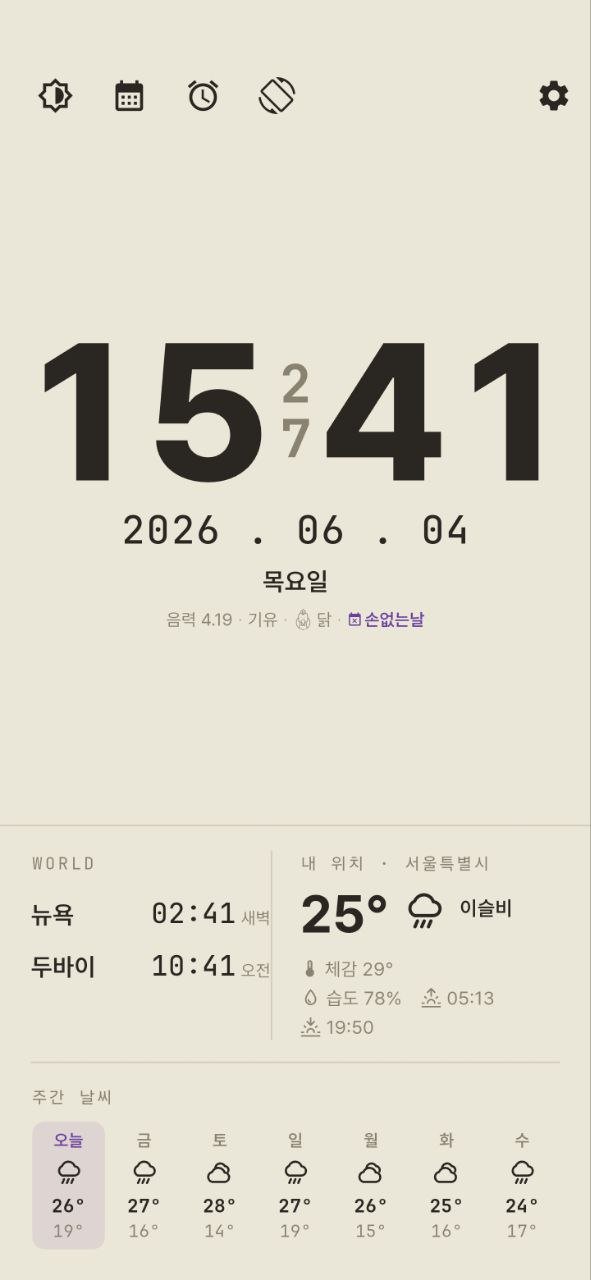
This is an offline-first clock that revives unused tablets or e-readers as an "always-on desk clock + alarm."
Pick up your old device from a drawer and use it as a stand-alone clock on your bedside table or desk. It is designed so that all core functions work even without an internet connection.
[Key Features]
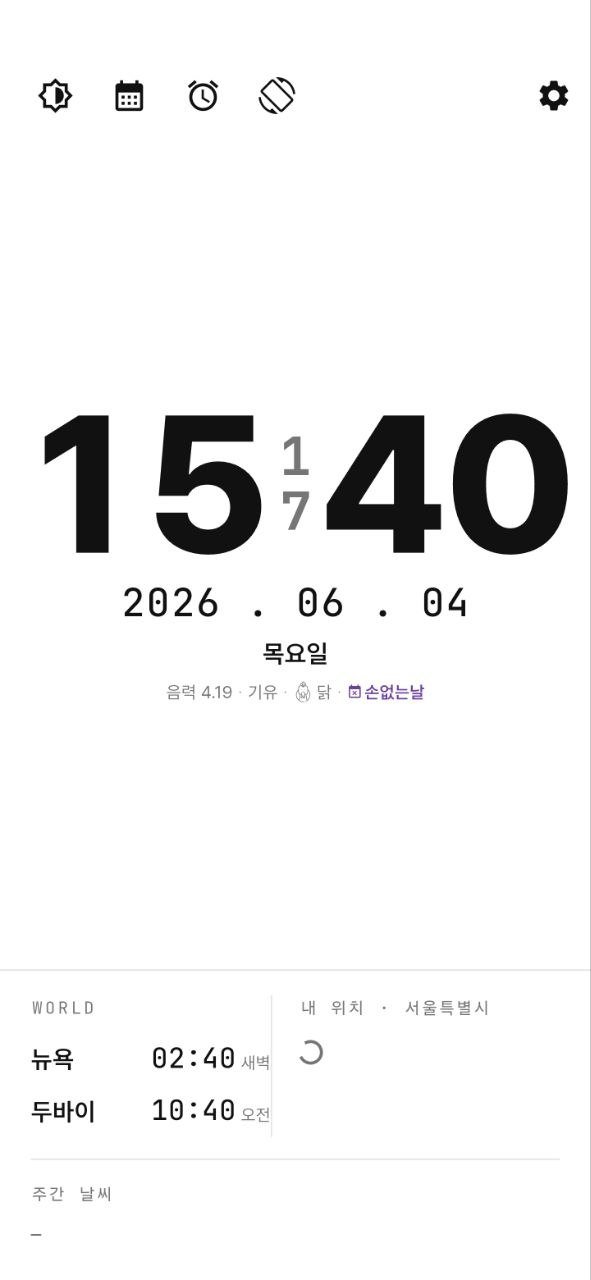
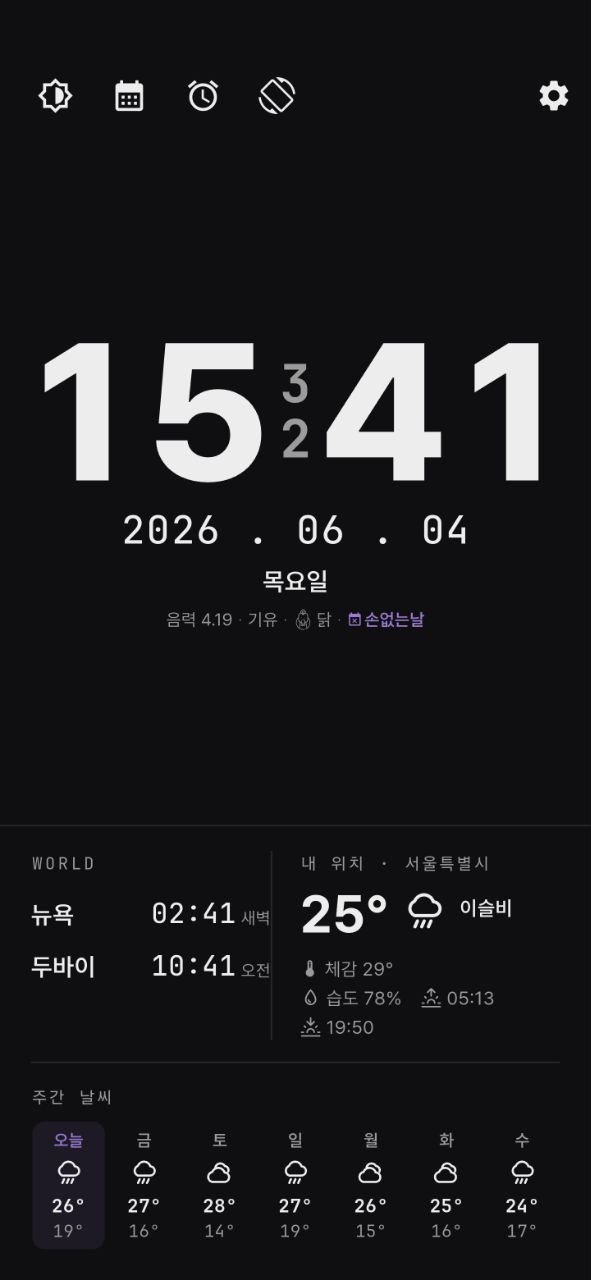
- Digital and analog clocks, large text easily visible even from a stand
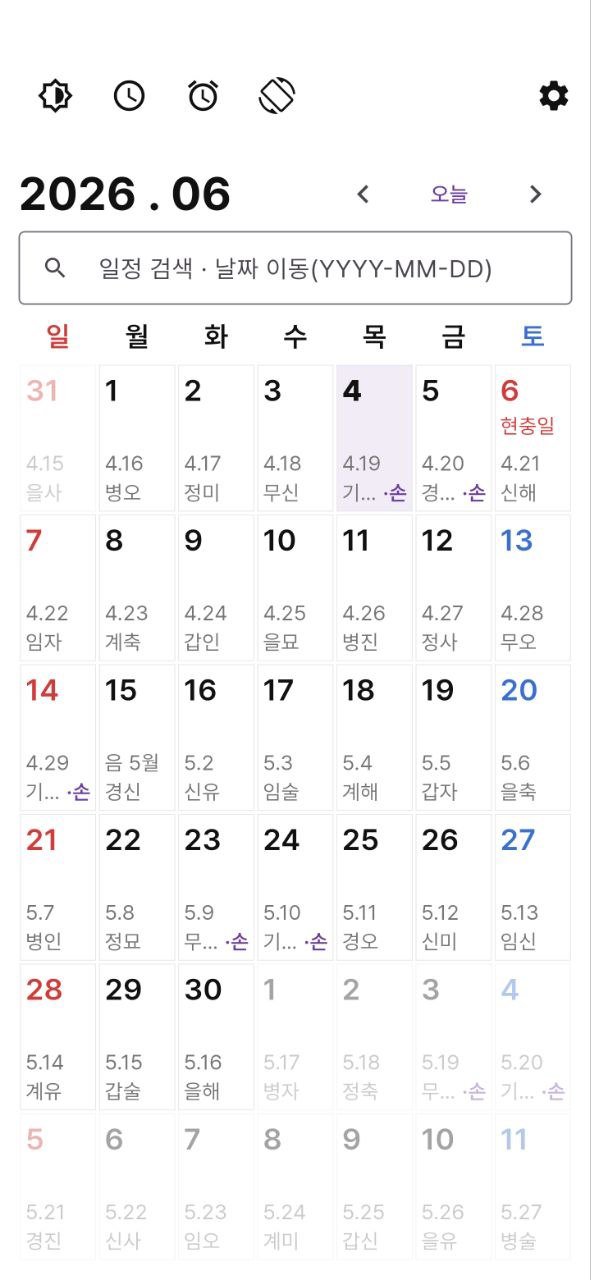
- Displays Lunar calendar, daily zodiac signs (Ganji/Zodiac), auspicious days, public holidays, and substitute holidays
- Calendar with simple date memos
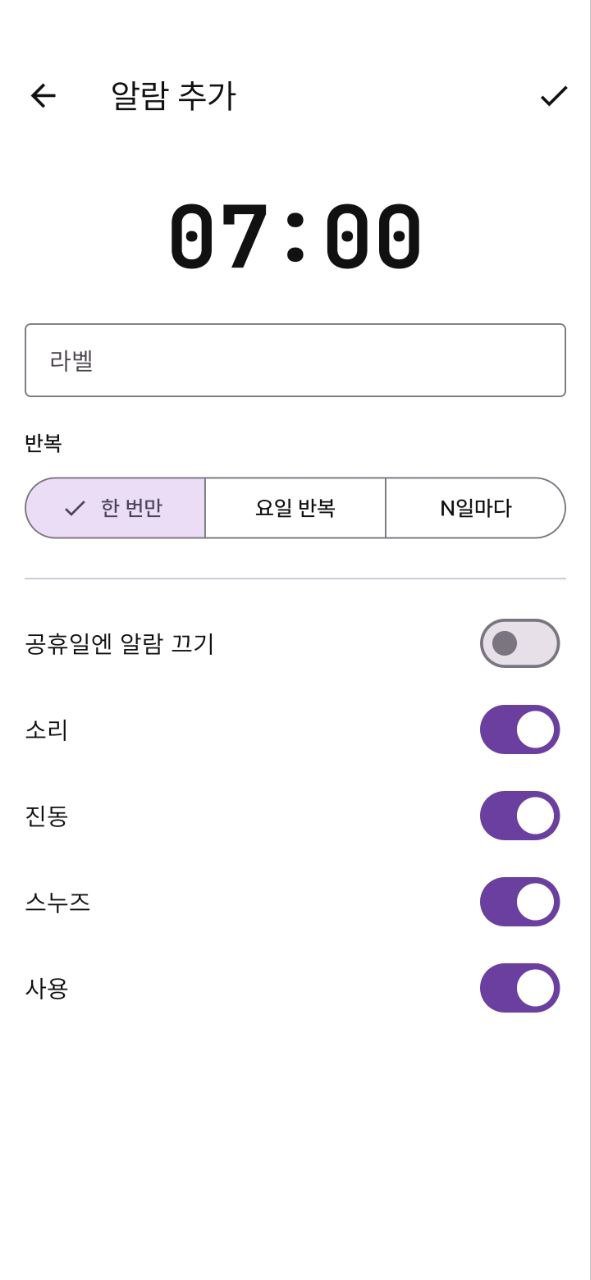
- Alarms: Once / Weekly / Repeat at N-day intervals, Skip holidays, Snooze, Sound & Vibration
- Native alarm that rings at a set time even when the screen is off
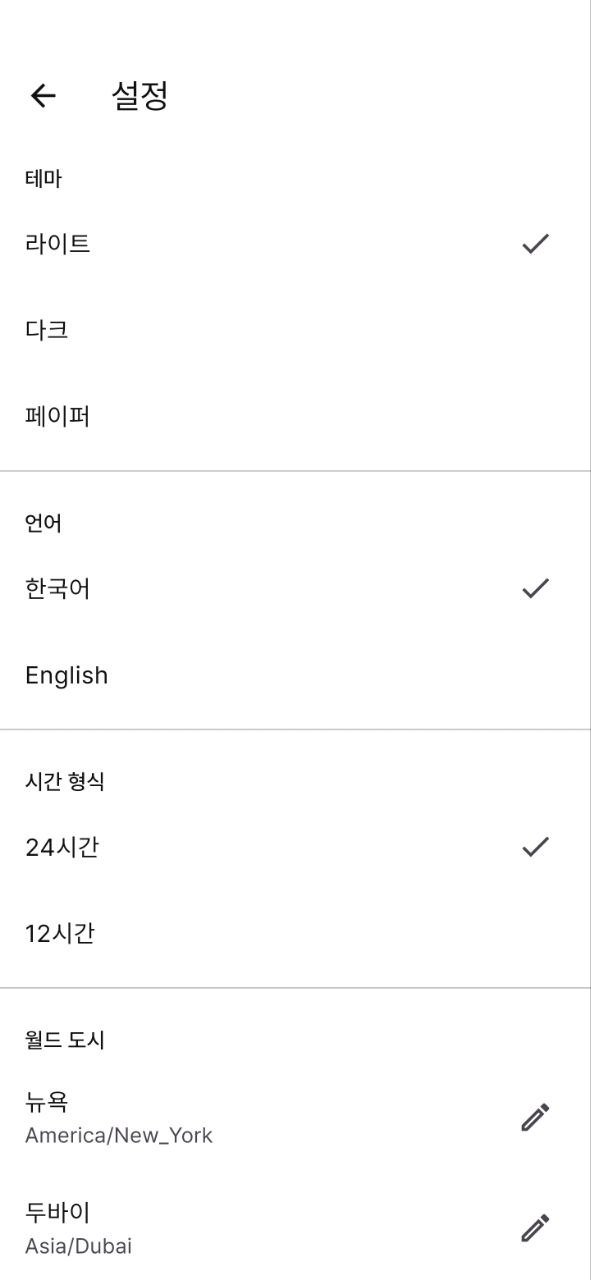
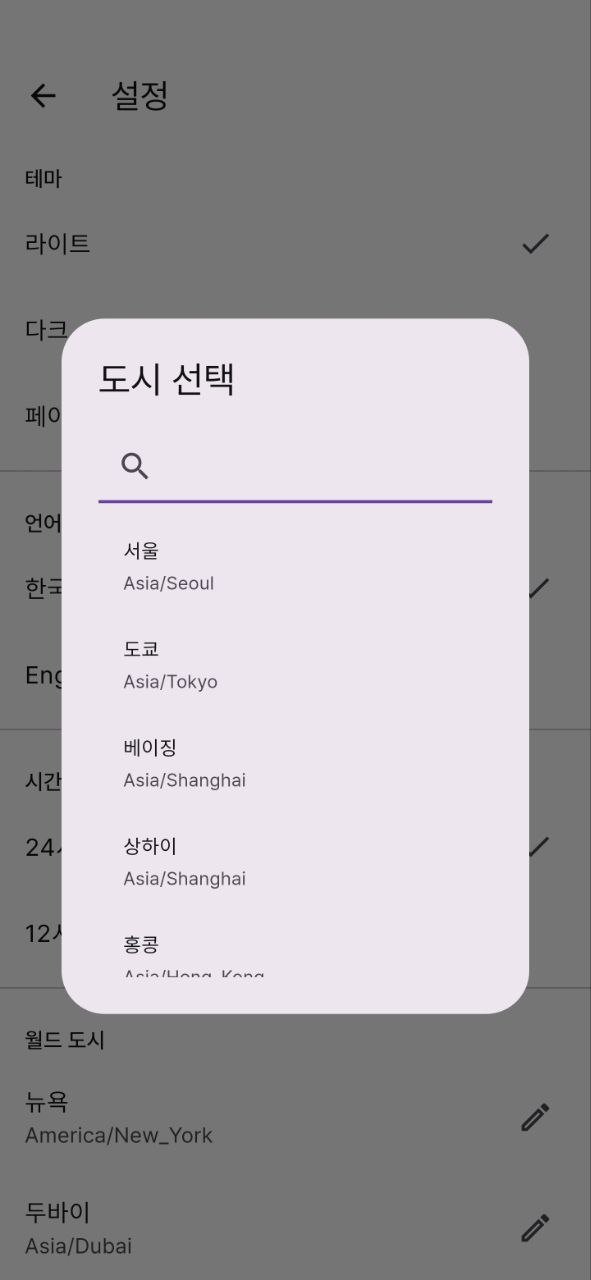
- Weather, sunrise/sunset, World Clock for 2 cities (operates without a separate key)
- Light, Paper, and Dark themes, and an E-Ink exclusive black and white mode (select refresh cycle)
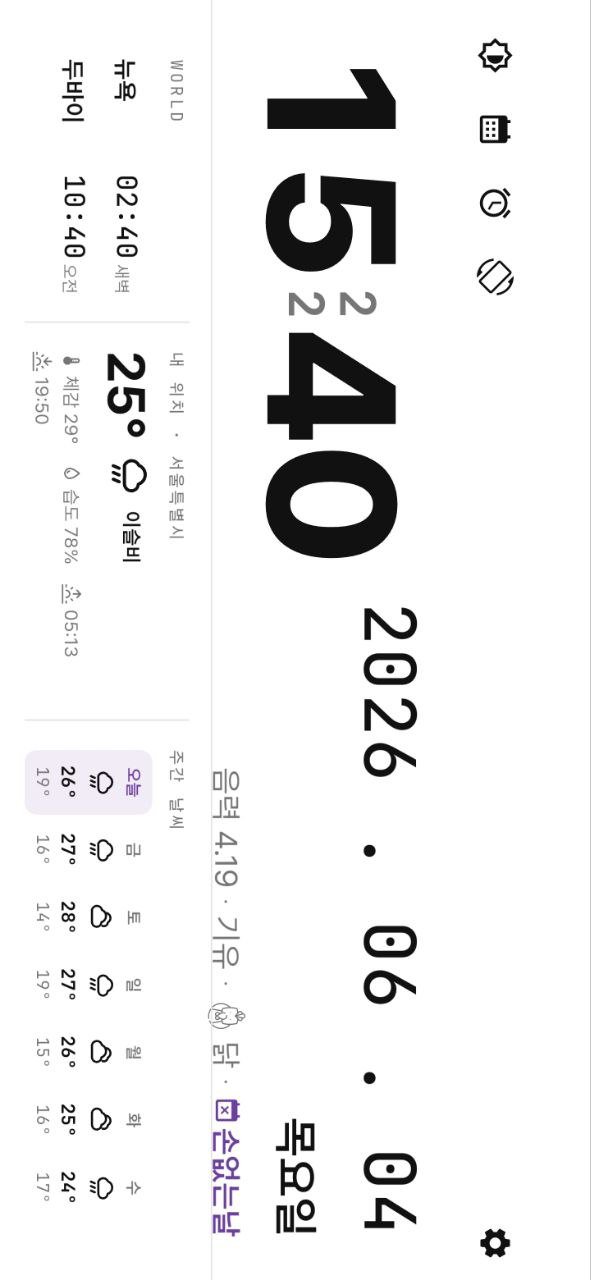
- Landscape/Portrait rotation, always-on display (screen stays on), and automatic dimming when idle
[For Those]
- Those who want to repurpose unused tablets or e-book readers into desk clocks
- Those who want to see the Lunar calendar and daily zodiac signs at a glance
- Those who want an eye-friendly black and white clock on e-Ink devices
[Privacy]
- No account, no login
- No ads, no user tracking Settings, alarms, and memos are all stored only on the device.
- Location coordinates are transmitted to Open-Meteo / OpenStreetMap only when checking weather or location names.
This app is free to use. If you like it, you can send a small donation (development encouragement fund) to the developer within the app; donations are purely for support and do not provide additional features.
※ The operation of time-dependent features, such as alarms, may vary depending on the power saving policies of the device manufacturer and operating system.
Privacy Policy: https://zeolinex.com/privacy/
Terms of Use: https://zeolinex.com/terms/
Created by: zeolinex.com

One-click to install XAPK/APK files on Android!

Thanks for your rating and feedback!
You have already rated.