Package Name:com.computer.shortkeyszz
Show More

Full desktop sites on your phone: PC keys, trackpad, ad blocker, dark pages
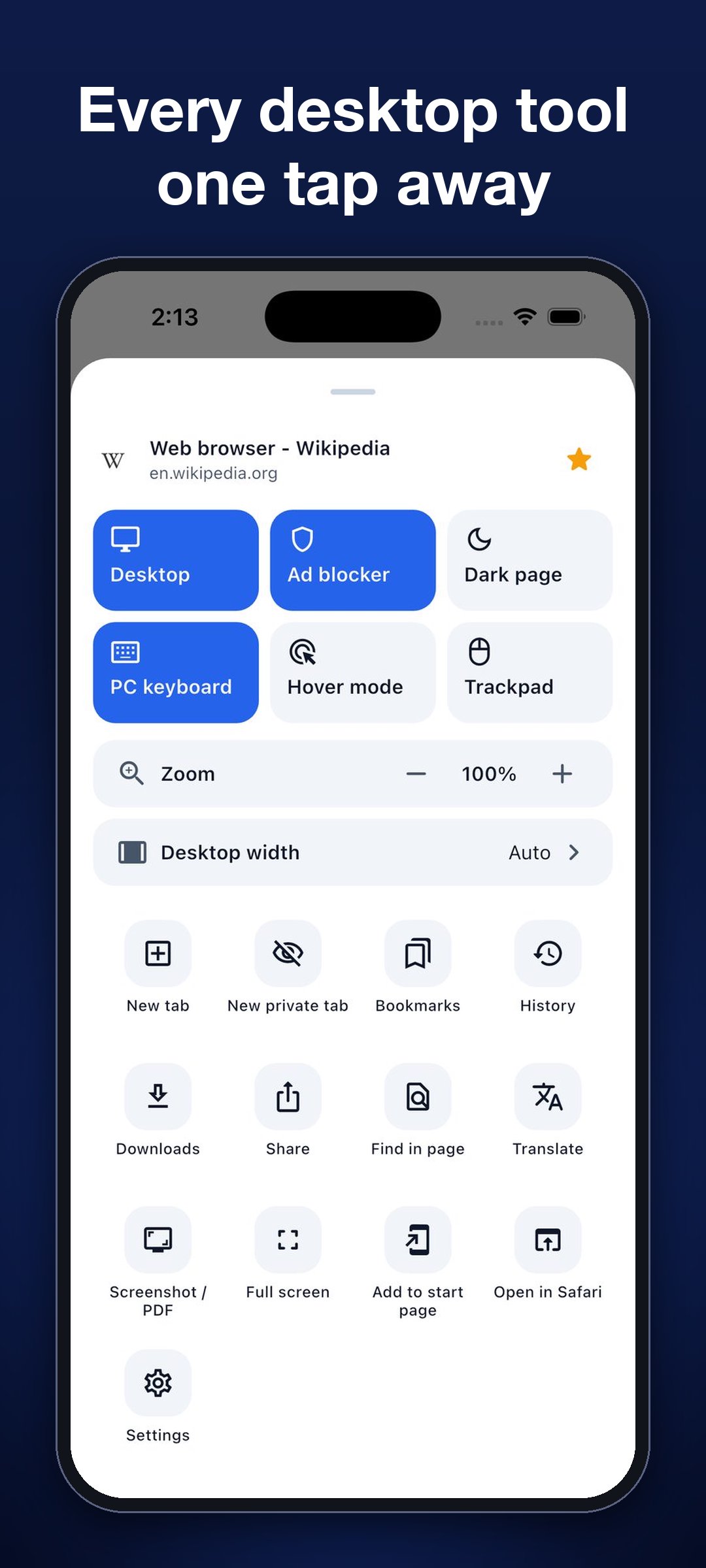
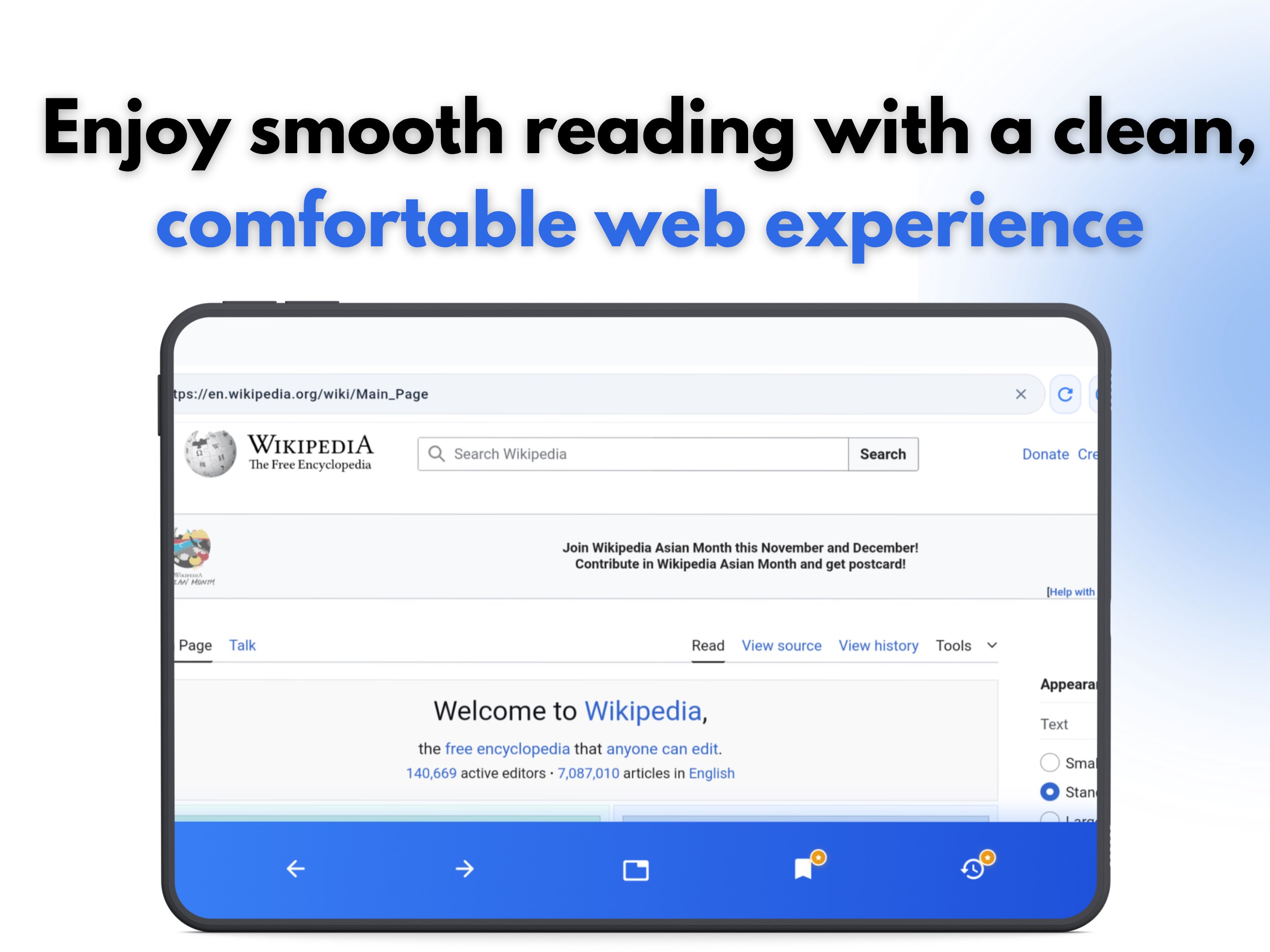
Desktop Browser opens the full desktop version of any website on your phone or tablet, so pages look and work the way they do on a computer.
BUILT FOR THE DESKTOP WEB
• Desktop mode on every page, with a width you choose from 800 to 2400 px
• PC keyboard bar with Ctrl, Tab, Esc and arrow keys
• Mouse cursor, trackpad and hover mode for menus that need a pointer
• Zoom, find in page and full screen
FAST AND TIDY
• Real tabs, each with its own page and history
• Bookmarks, history and downloads
• Favorites for the sites you open every day
• Dark mode for any website
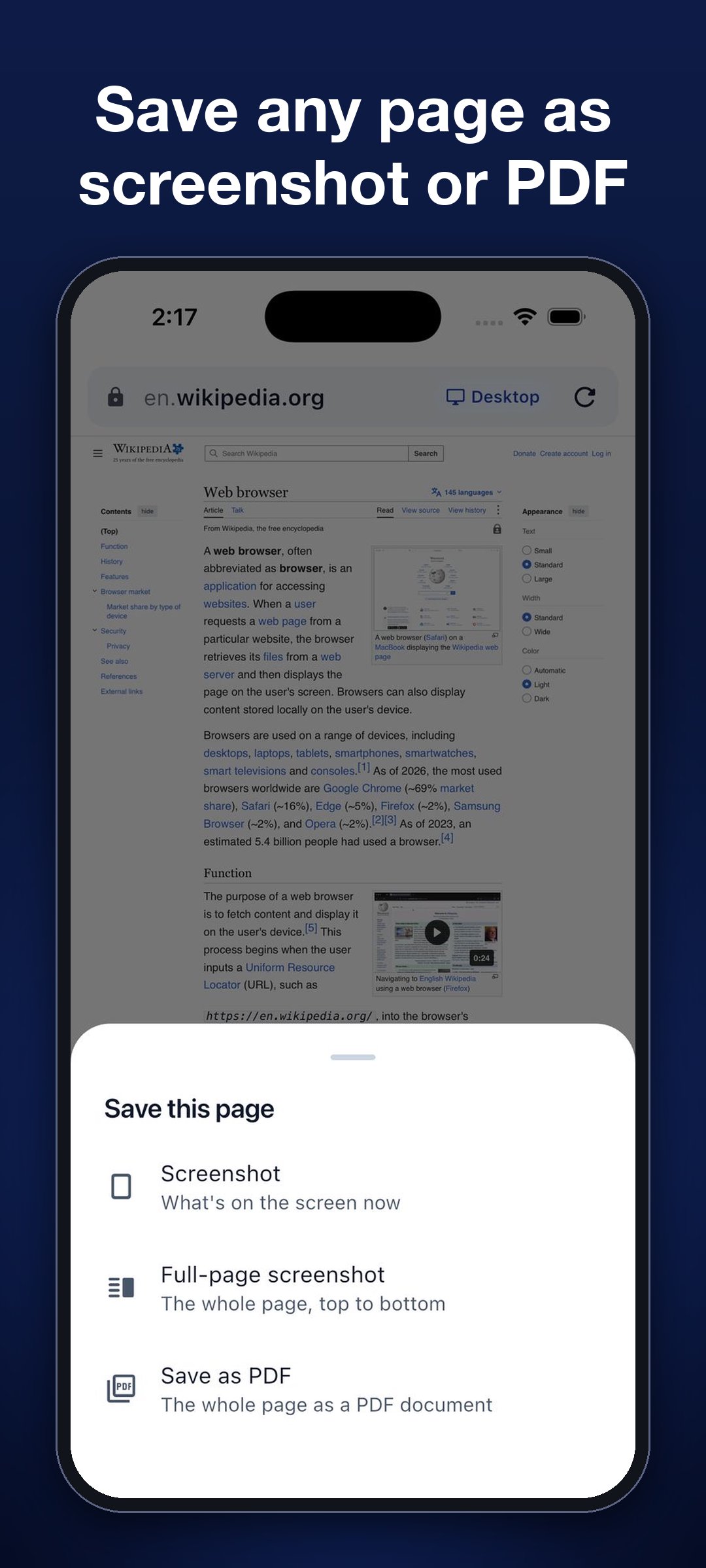
• Screenshot, full-page screenshot and PDF
PRIVATE
• Private tabs that are not saved in history
• Ad and tracker blocker
FREE AND PRO
The free version gives you desktop browsing with up to 3 tabs. Pro unlocks unlimited tabs, private tabs, the ad and tracker blocker, the PC keyboard bar, trackpad and hover mode, dark pages, screenshot and PDF, and desktop width.
Terms of Use: https://qualitechapps.com/terms-of-use
Privacy Policy: https://qualitechapps.com/privacy-policy






One-click to install XAPK/APK files on Android!

Thanks for your rating and feedback!
You have already rated.