Package Name:com.deerdash
Show More

67.8 MB
File Size
Everyone
Android 8.0+
Android OS
Dash cam with police, camera & aircraft alerts, parking mode & crash detection
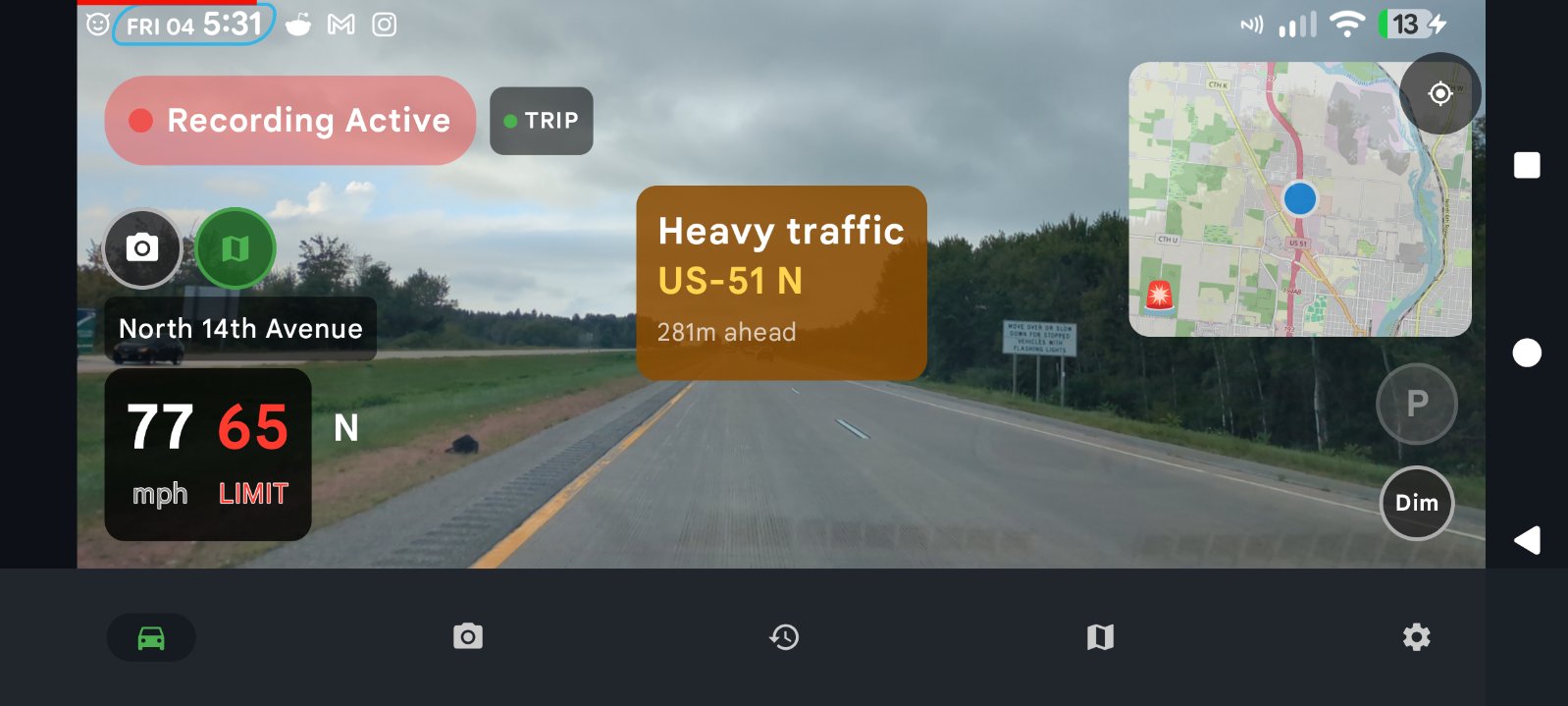
Built by one independent developer, DriveSight is a free dash cam app with AI object detection, crash detection, and live police & speed camera alerts. Loop recording, auto-start recording, parking mode, and dual-camera recording turn your phone into a complete dashcam — no hardware dash cam needed. Expand it with a compatible USB camera. Huge database map with Flock cameras, live police locations, and law enforcement aircraft on the police map.
New users get their first 2 drives with every Pro feature. The 2 drives have no time limit and need no card. After that, Pro is $4.99 a month or $29.99 a year (about $2.50 a month), and you can cancel any time in Google Play. Recording, trip logs, the speedometer and weather warnings stay free.
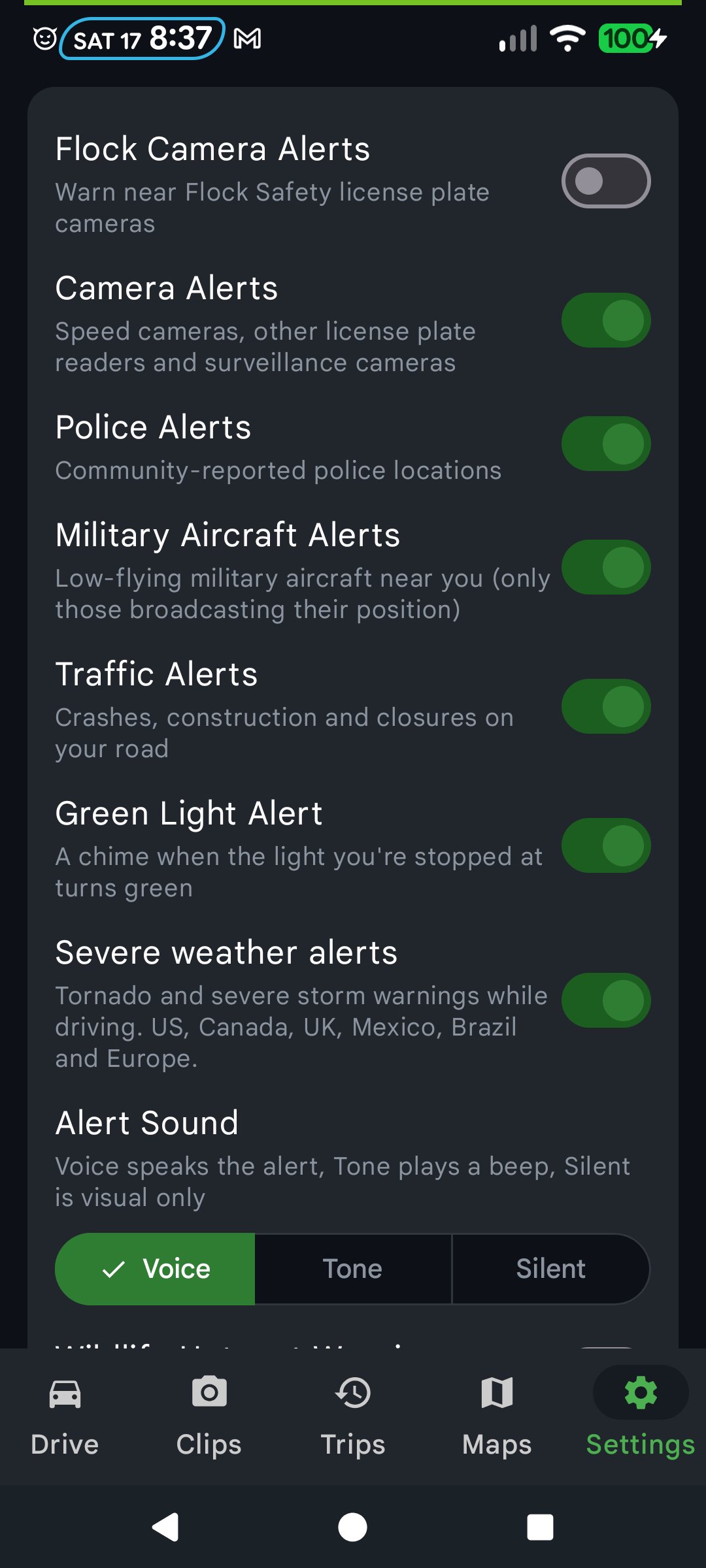
POLICE & SPEED CAMERA ALERTS (Pro)
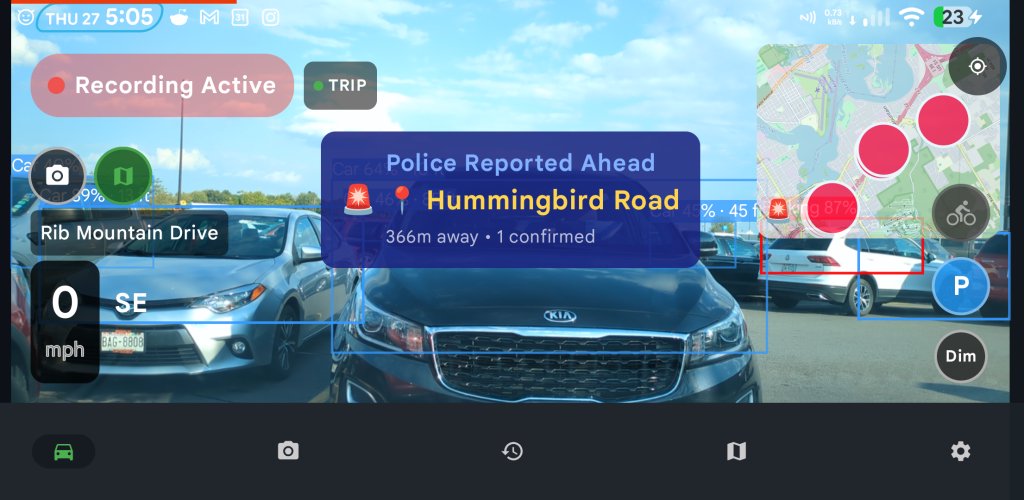
• Live police locations from community reports
• Speed camera, Flock Safety and ALPR camera alerts across the United States, plus speed cameras in the UK and France
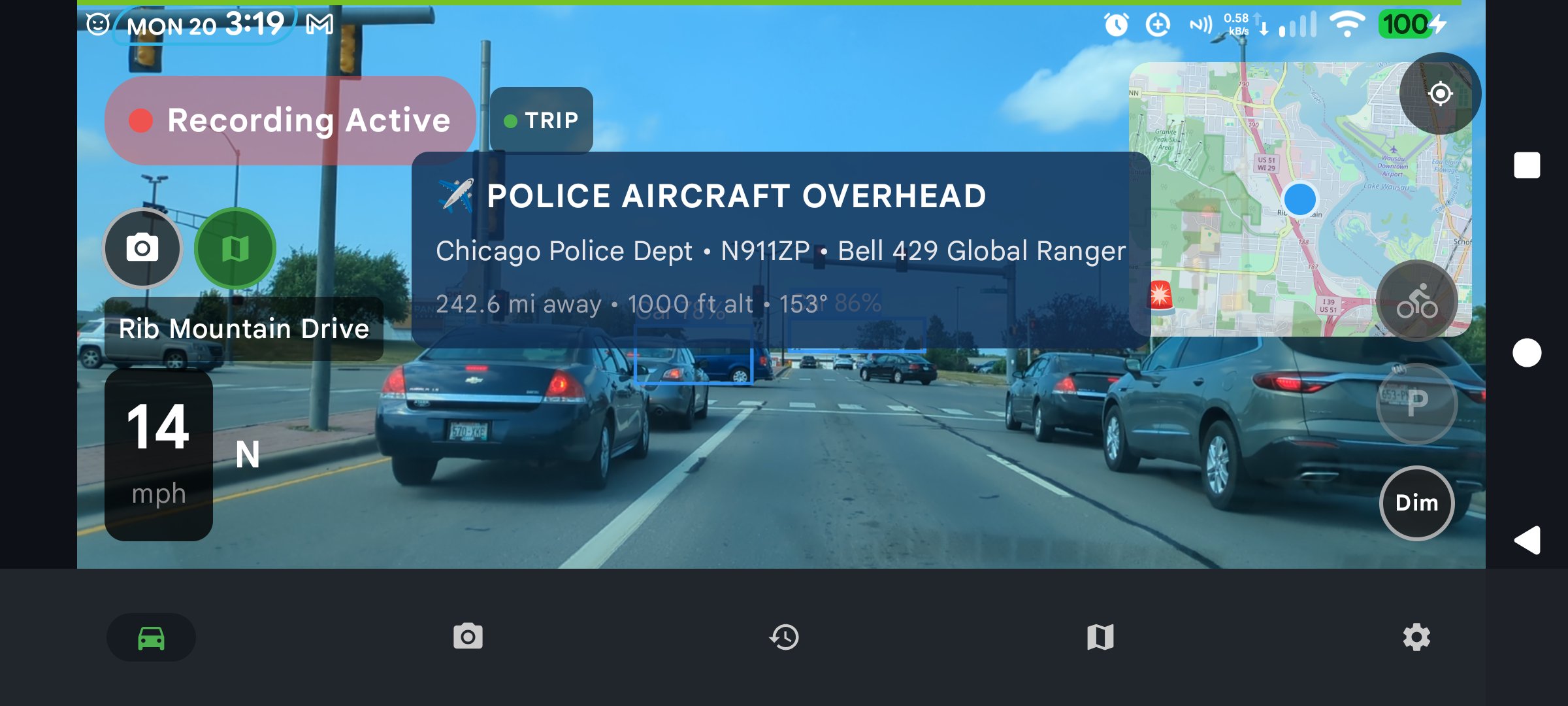
• Proximity alerts with street name and distance readout
• Alert sound and haptic vibration when approaching cameras
• Filter the camera map by type — see exactly what's ahead
• Police, government and military aircraft alerts (aircraft that broadcast their position)
• Live map overlay with nearby alerts while you drive
PARKING MODE — 24/7 CAR SECURITY (Pro)
• Motion detection guards your parked car automatically
• Flash strobe deterrent — rapid flash burst on motion detection
• Auto-upload parking clips to Google Drive (anti-theft)
• Watch your parked car live from any web browser, with two-way audio
• Ultra-low power — screen dims to near-zero on AMOLED displays
SMART DASH CAM RECORDING
• Continuous loop recording — a full dash cam replacement
• Keeps recording in the background while Google Maps or another app is on screen
• Impact and crash detection auto-saves dashcam footage instantly (Pro)
• Video quality: 480p and 720p free, 1080p with Pro
• Audio recording with microphone toggle
• Quick photo capture with GPS and timestamp stamped on image
• SD card and custom storage folder support
GOOGLE DRIVE CLOUD BACKUP (Pro)
• Back up crash clips and important dash cam footage to your own Google Drive
• Auto-upload crash footage immediately after impact
• Smart filtering — only uploads important clips, skips junk
• One-tap or batch upload from the clips screen
AI OBJECT DETECTION (Pro)
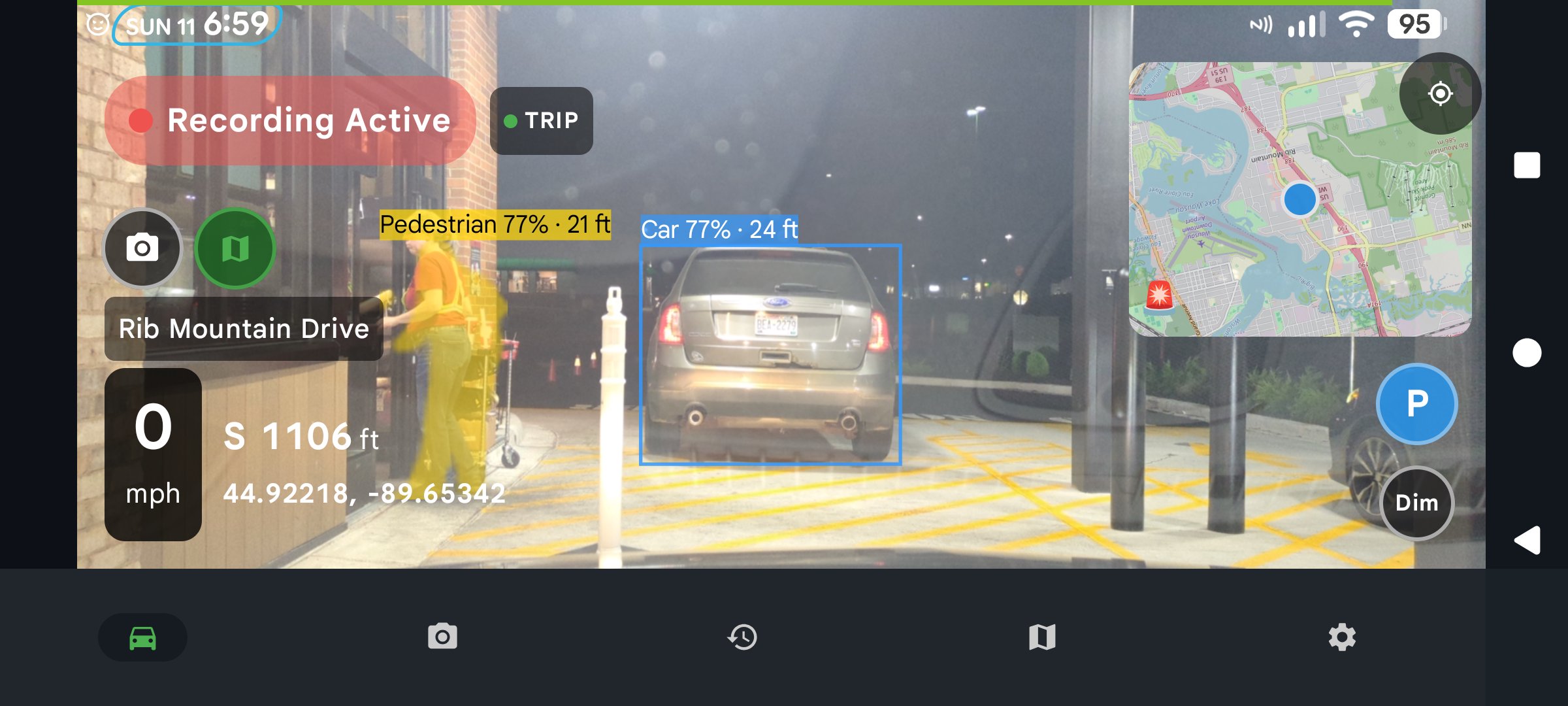
• AI dash cam identifies people, cars, trucks, motorcycles and animals
• Live bounding boxes drawn on screen in real time
• Toggle detection categories on/off
• Runs on the phone itself, day and night
FREE DASH CAM FEATURES
• Loop recording that keeps the last 1 to 2 hours
• 480p or 720p video
• Automatic trip logs with route map, distance and top speed
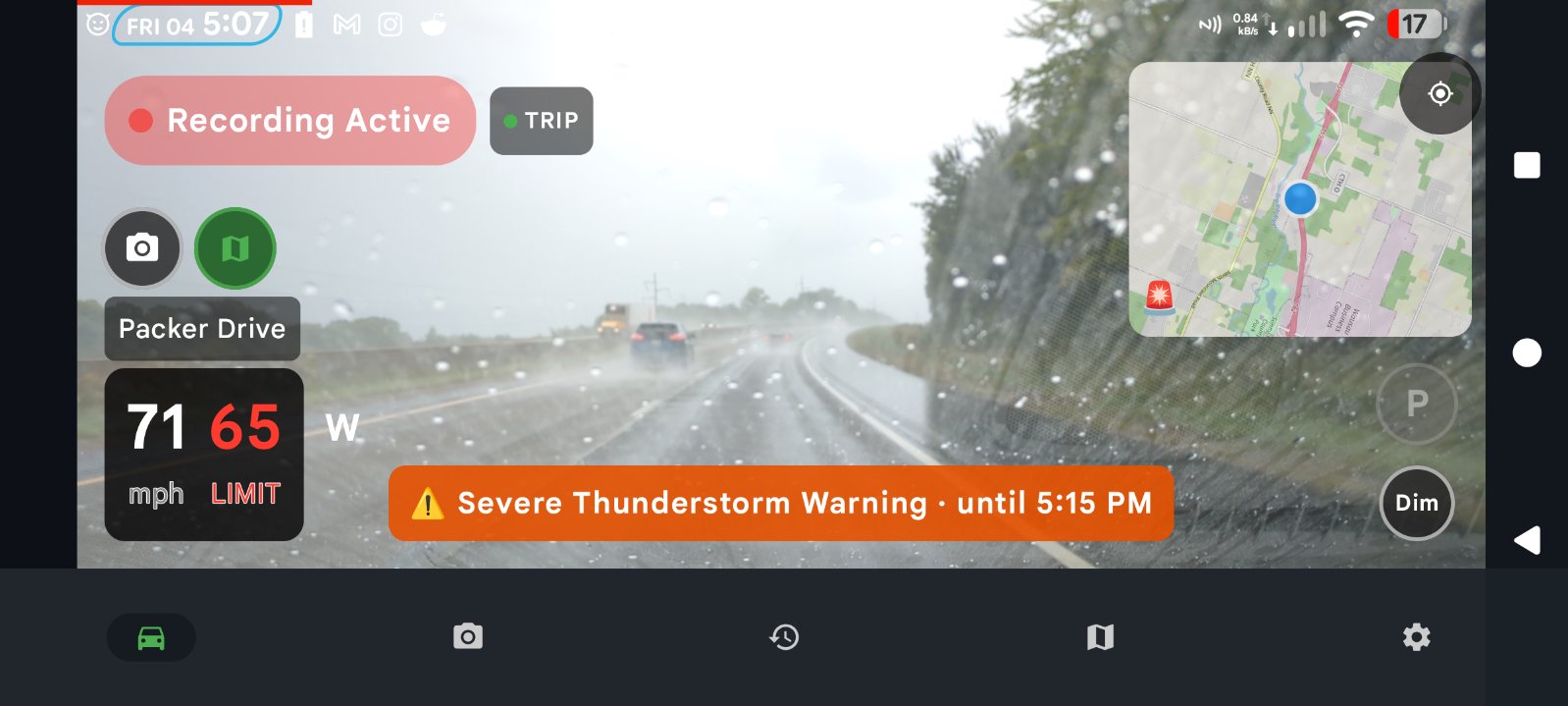
• Speedometer with the posted speed limit
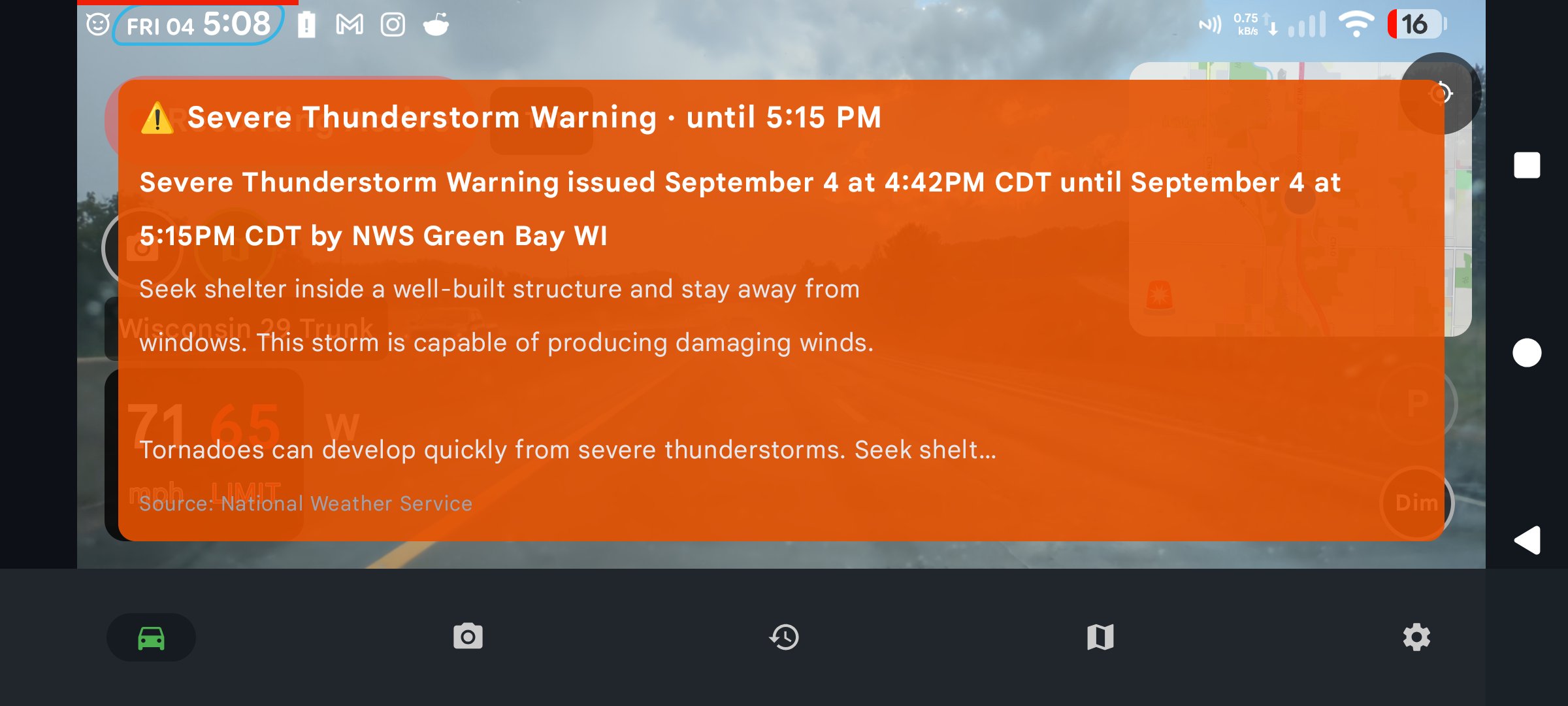
• Severe weather warnings while you drive
WHO IS THIS DASH CAM APP FOR?
• Drivers who want police and speed camera alerts while recording
• Anyone who parks on the street and wants 24/7 parking security
• Delivery drivers (Amazon Flex, UberEats, DoorDash) who need a dash cam
• Uber and Lyft rideshare drivers who need a dash cam with alerts
• Truckers who want camera alerts on every route
• Anyone who wants a free dash cam app that keeps recording in the background
WHO MAKES DRIVESIGHT?
DriveSight is built and supported by one person. I test every update on my own drives, read every review, and answer questions at [email protected]. Watch real drives on YouTube (@drivesightapp) and TikTok (@drivesight3).
The app is in 11 languages: English, Spanish, French, German, Portuguese, Russian, Serbian, Italian, Japanese, Hindi and Vietnamese.
No hardware dash cam needed — your phone camera already beats a $200 dashcam, and no hardware dashcam offers police camera alerts, cloud backup, AI detection, or live remote viewing. DriveSight does all of that on the phone you already own.
Learn more at phonedashcam.com

One-click to install XAPK/APK files on Android!

Thanks for your rating and feedback!
You have already rated.