



















Thanks for your rating and feedback!
You have already rated.

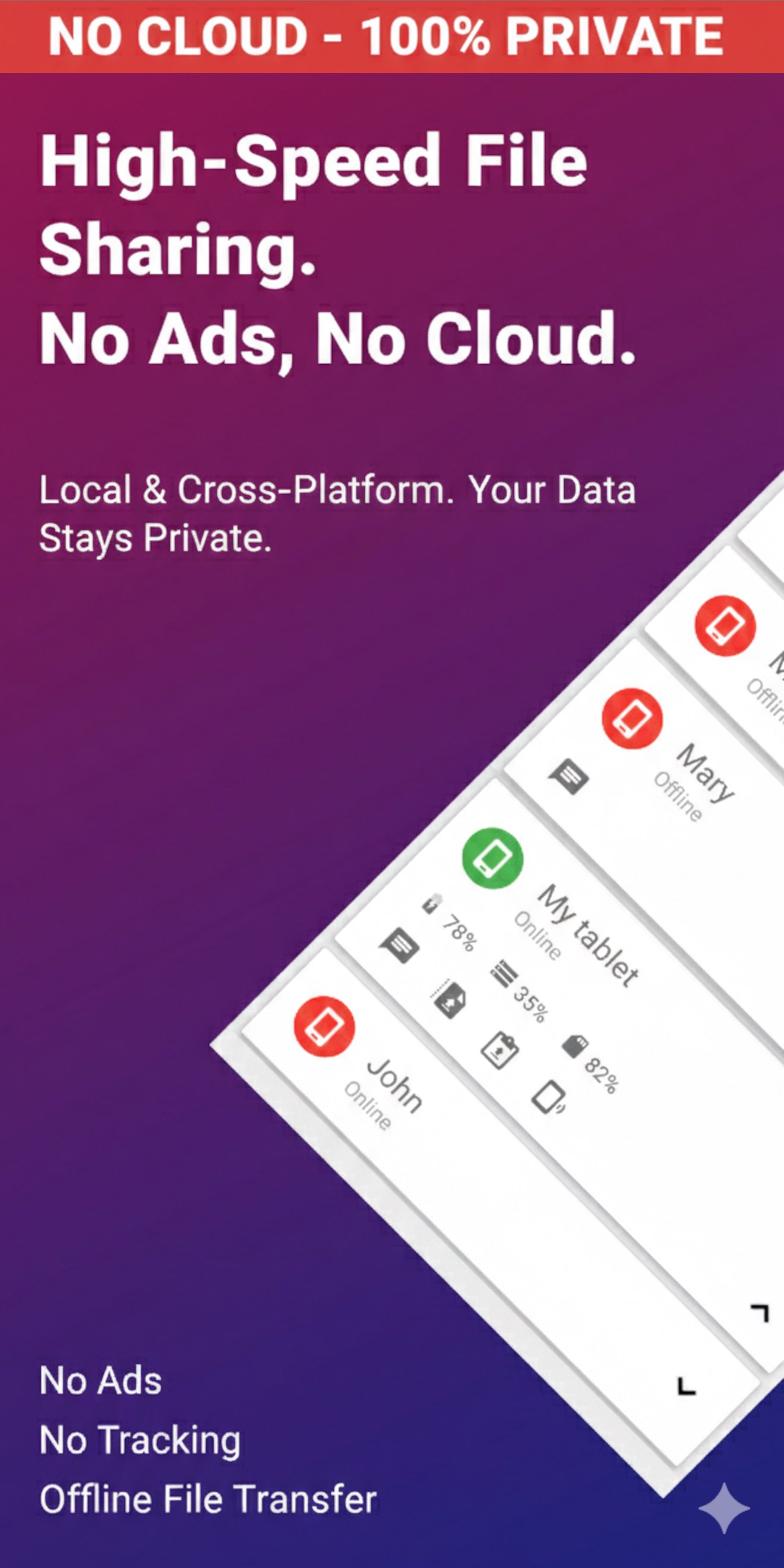
Fast file transfer, clipboard sync for PC, Mac & iOS. No cloud, or tracking.
EasyJoin: File & WiFi Share is the ultimate ad-free utility for high-speed data exchange. If you are tired of file sharing apps cluttered with intrusive ads, forced cloud logins, and slow transfers, EasyJoin is the clean, private, and professional solution you’ve been looking for.
🚀 High-Speed File Transfer & WiFi Sharing
Move large videos, photos, documents, and entire folders in seconds. By using your local WiFi network (LAN), EasyJoin bypasses the cloud entirely, offering speeds far beyond internet-based sharing. No cables, no size limits, and 100% offline capability.
💻 Ultimate Cross-Platform Connectivity
EasyJoin bridges the gap between all your tech. Use dedicated apps to sync your workflow across:
• Desktop: Fully compatible with Windows, macOS, and Linux.
• Mobile: Effortlessly send files and clipboards to iPhone and iPad (iOS).
• Television: Perfect for sending media to Android TV.
📋 Universal Clipboard & Notifications
Copy text on your Android phone and paste it instantly on your Mac or Windows PC. You can also view and dismiss phone notifications directly from your desktop, allowing you to stay productive without touching your phone.
🔒 Why Users Switch to EasyJoin:
• No Ads: A clean, bloat-free experience focused on utility.
• No Cloud: Your private data never leaves your local network.
• No Tracking: No data harvesting or hidden background processes.
• No Account: Start sharing immediately—no email or password required.
⭐ Unlock the Full Power with EasyJoin Pro
Ready to take your integration to the next level? While this version focuses on core sharing, EasyJoin Pro turns your computer into a remote command center. Upgrade to:
• Remote SMS & MMS: Read and reply to messages from your PC.
• Call Management: Answer or mute phone calls from your desktop.
• Remote File Management: Browse your phone's storage from your computer.
• Global Connectivity: Share files over the internet when you aren't on the same WiFi.
Join thousands of users who have traded ad-heavy sharing tools for a faster, safer, and more private way to stay connected.
Connecting your ecosystem is simple and requires no accounts or cloud configuration.
Step 1: Install & Connect
• Install EasyJoin on your Android, Windows, macOS, or Linux device.
• Download the iPhone or iPad app from the App Store to include your Apple devices.
• Ensure all devices are on the same WiFi, Ethernet, or Hotspot network.
Step 2: Pair & Trust
• Open the app on both devices. They will automatically discover each other in the "Temporary" list.
• Select your device and click the "Star" (Trust) icon.
• That’s it! You can now send files, sync clipboards, and manage SMS from your PC.
Pro-Tips for Power Users:
• No WiFi? No Problem: Use your phone’s Portable Hotspot to create a private network. EasyJoin will work perfectly for offline file transfers.
• Linux Users: EasyJoin supports major distributions. Follow the simple script on our website for a seamless Linux to Android link.
• Firewall Setup: If devices don't see each other, ensure your Windows/Linux firewall isn't blocking local traffic. EasyJoin uses a direct P2P connection for maximum privacy.
• VPN Note: If using a VPN, ensure "Local Network Discovery" is enabled in your VPN settings to allow the devices to communicate.
Support & Feedback
We’re here to help!
If you have questions, suggestions, or feedback, contact us anytime: [email protected]
Discover EasyJoin at https://easyjoin.net.
This application uses Accessibility services.
It uses the accessibility service in order to copy/paste text to editable text fields from private clipboard. This permission is not required if the editable text fields offer the "three dots" context menu.



One-click to install XAPK/APK files on Android!
Thanks for your rating and feedback!
You have already rated.