Package Name:id.griddeveloper.clickmate
Show More


7.4 MB
File Size
Everyone
Android 8.0+
Android OS
Simple auto clicker. Automate taps with precise targets, intervals and presets.
ClickMate is a simple, lightweight auto clicker and auto tapper for Android. Automate repeated taps with precise target positions, customizable intervals, multiple targets, and saved presets, without root.
Whether you need an auto clicker for games, repetitive tasks, app testing, or everyday tapping, ClickMate makes automatic tapping quick and easy.
Just place a target on the screen, choose how often it should tap, and press Start. ClickMate handles the repeated taps automatically while you use other apps.
WHY CLICKMATE?
• Simple auto clicker - Set up automatic taps in just a few seconds.
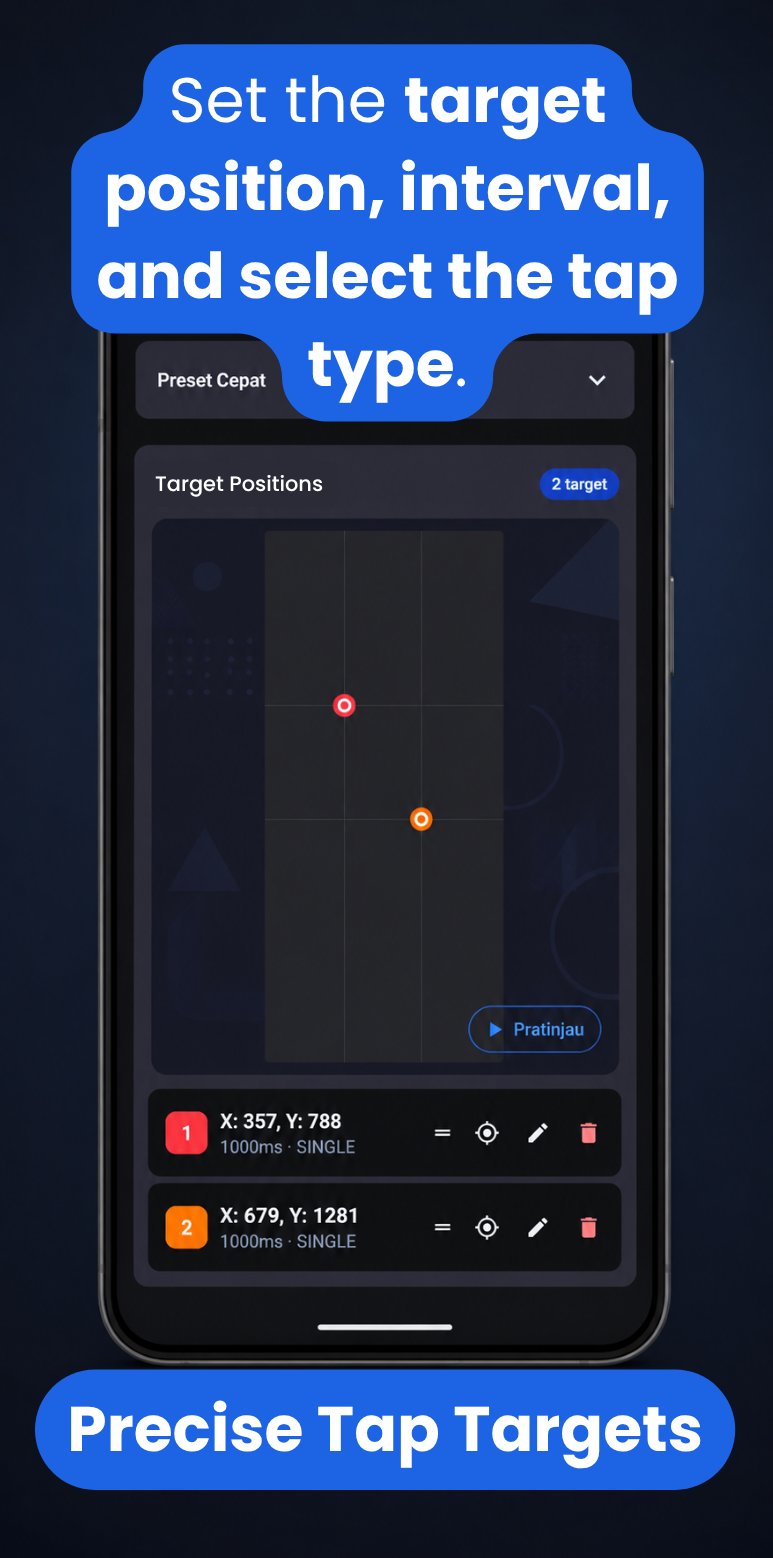
• Precise targeting - Place the tap exactly where you need it using the visual crosshair or X/Y coordinates.
• Adjustable tap interval - Choose the tapping speed from milliseconds to minutes.
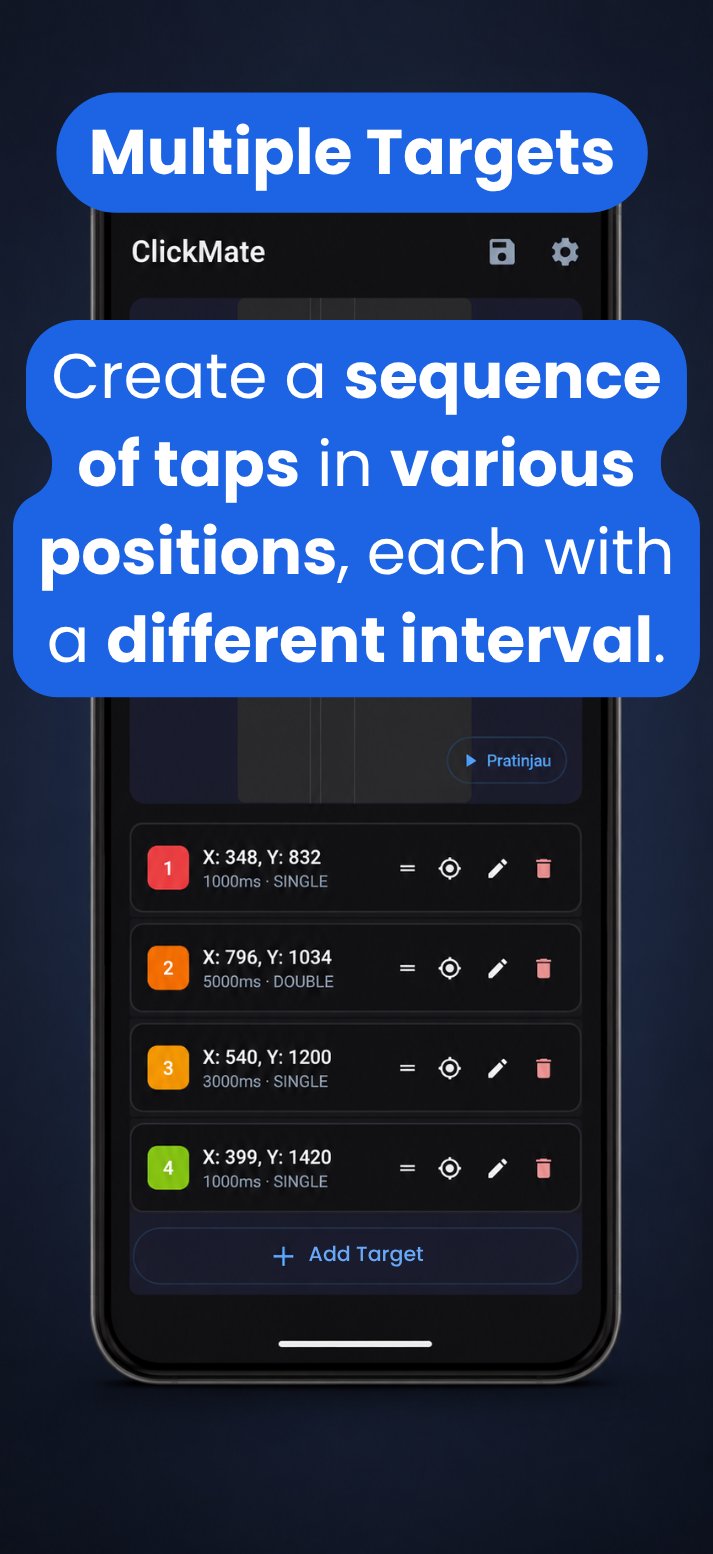
• Multi-target auto clicker - Create sequences with multiple tap positions and different timing.
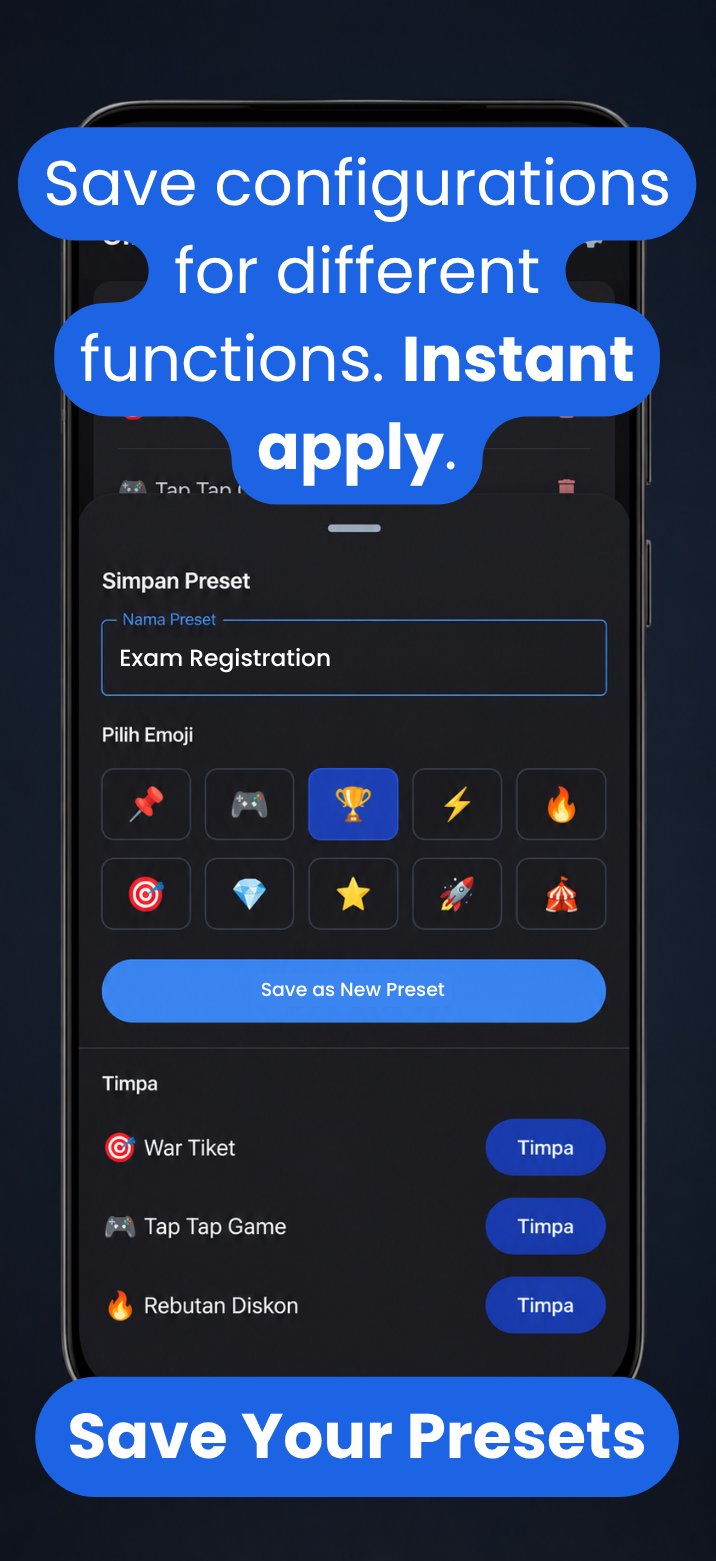
• Saved presets - Save your favorite auto clicker configurations and switch between them quickly.
• Background operation - Keep ClickMate running while using other apps.
• Multiple tap types - Choose from single tap, double tap, or long press.
• No root required - Use ClickMate without rooting your Android device.
• Works offline - No internet connection is required.
• Lightweight - Designed to use minimal battery and memory.
• Privacy focused - No account is required and ClickMate does not collect personal data.
• Free to use - Get started with ClickMate for free.
PERFECT FOR
🎮 Gaming
Automate repetitive taps in idle games, clicker games, and other games where repeated tapping is required.
🔁 Repetitive tasks
Save time when an app or task requires the same tap to be repeated again and again.
🧪 App testing
Use automatic taps to simulate repeated touch interactions while testing Android apps.
📱 Everyday automation
Create simple tap sequences for tasks that require repeated or precisely timed touches.
HOW TO USE CLICKMATE
1. Open ClickMate.
2. Enable Accessibility Service for ClickMate in Android Settings.
3. Place the visual crosshair where you want to tap.
4. Set the tap interval and tap type.
5. Add additional targets if you need a multi-target sequence.
6. Press Start.
7. ClickMate automatically performs the configured taps until you press Stop.
ACCESSIBILITY SERVICE
ClickMate uses Android's Accessibility Service to perform automatic taps on your behalf. This permission is required for the auto clicker functionality.
The Accessibility Service is used only to perform the tapping and automation features you configure. ClickMate does not use it to collect or share personal information.
IMPORTANT
• ClickMate requires Accessibility Service permission to perform automatic taps.
• Android may display a system notification or indicator while the Accessibility Service is active.
• ClickMate does not require root access.
• ClickMate does not require an internet connection for its core auto-clicking functionality.
• ClickMate does not collect personal data.
ClickMate gives you a fast, simple, and reliable way to automate repeated taps on Android.
Download ClickMate and make repetitive tapping easier.


One-click to install XAPK/APK files on Android!

Thanks for your rating and feedback!
You have already rated.