Package Name:com.lenovo.anyshare.gps
Show More


8.1
1.2k Reviews
70.8 MB
File Size
Everyone
Android 4.2+
Android OS
SHAREit: Transfer, Share Files is a fast cross-platform file transfer and content tool.
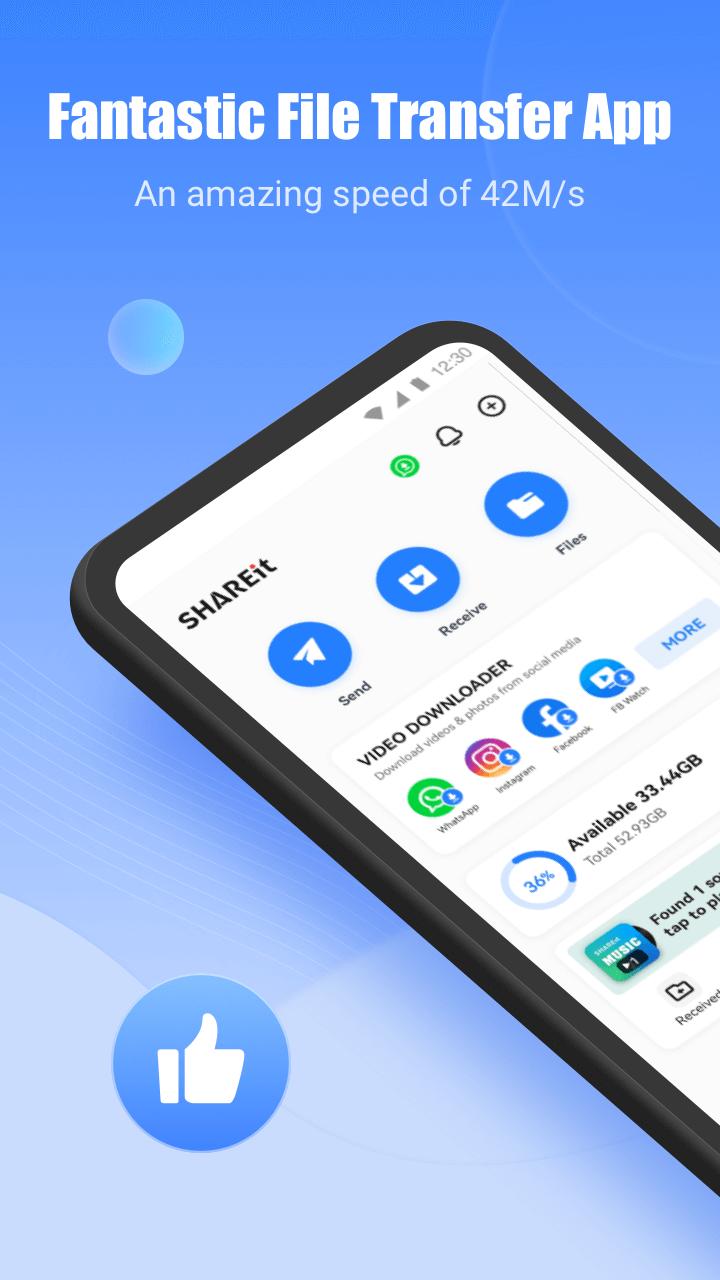
Developed by Smart Media4U Technology Pte.Ltd., it focuses on super-fast offline sharing without quality loss. Transfers can reach up to 42MB/s, and you can move apps, photos, videos, documents, and more across phones and PCs without using mobile data. When you download SHAREit: Transfer, Share Files, you also get helpful extras like a downloader, music player, and file tools. Below are the core features that matter in everyday use.
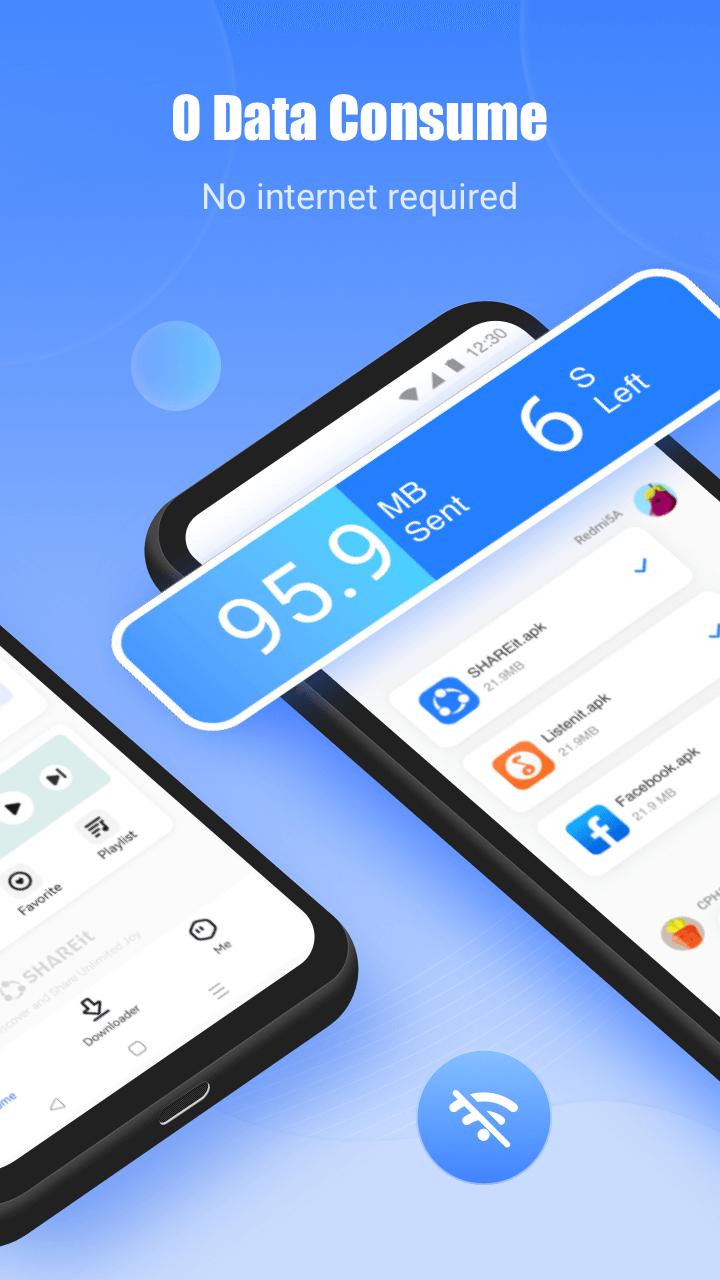
SHAREit specializes in fast, data-free sharing that feels immediate in daily use. Speeds can be up to 200 times faster than Bluetooth, and transfers do not compress or reduce quality. You pick items in categories like Apps, Photos, or Videos, then connect quickly with a nearby device using a visible avatar or a QR code for pairing. Android may prompt you to enable Bluetooth or allow “modify system settings” so the connection can use Wi-Fi Direct or a hotspot for stability. Progress indicators keep you aware of speed and remaining time, which helps when sending long 4K clips or large games. The SHAREit: Transfer, Share Files app makes these high-volume jobs practical even without a network.
Moving files between phone and computer is a common need, and this is built into SHAREit with “Connect with PC.” You can send folders, camera rolls, large video projects, and app packages from mobile to PC and back, which is far more flexible than email or cloud uploads. Discovery typically happens within the same session or hotspot, and QR pairing helps if scanning for devices takes too long. This setup works well for clearing phone storage or backing up content quickly. The SHAREit: Transfer, Share Files app supports direct mobile-to-PC transfers, making bulk moves less of a chore.
Switching phones is simpler when everything moves at once. Phone Clone brings contacts, installed apps, photos, videos, music, recordings, and documents from an old device to a new one. In practice, this means fewer post-migration surprises, because your core content and frequently used apps arrive together. The process works over a local connection, so it does not rely on mobile data. Transfer time scales with how much you move, so heavy photo libraries take longer. Keeping both devices nearby and plugged in helps prevent interruptions. The SHAREit: Transfer, Share Files app turns a time-consuming setup day into a manageable session.
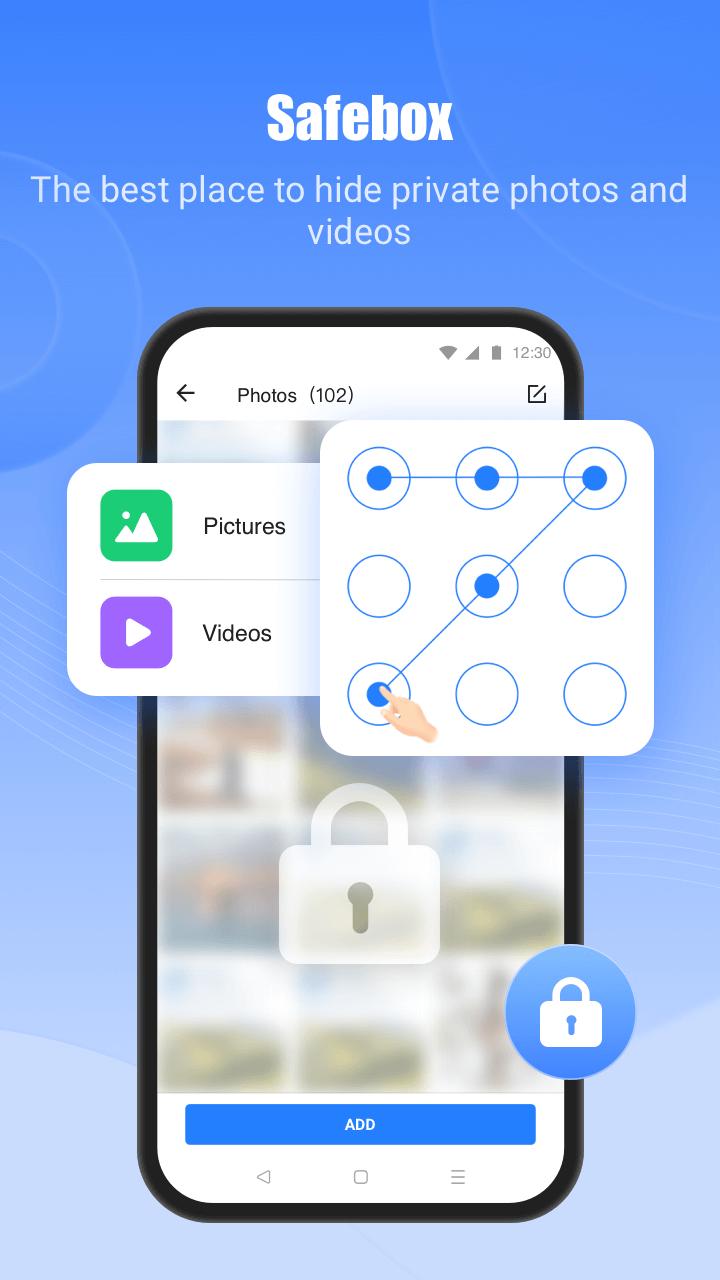
Beyond sharing, SHAREit includes a downloader that can save videos and photos from WhatsApp, Instagram, and Facebook, which is handy for keeping important clips locally. Respect each platform’s terms and copyrights when using it. The File Manager organizes folders, lets you view storage usage, and helps with quick cleanup. Safebox adds privacy by hiding or encrypting sensitive media behind a passcode, while PDF-to-image conversion lets you extract pages for easier sharing. Some websites or app updates may change how downloads work, and trying again or updating the app usually resolves issues. The SHAREit: Transfer, Share Files app centralizes these tools so you do not need separate utilities.
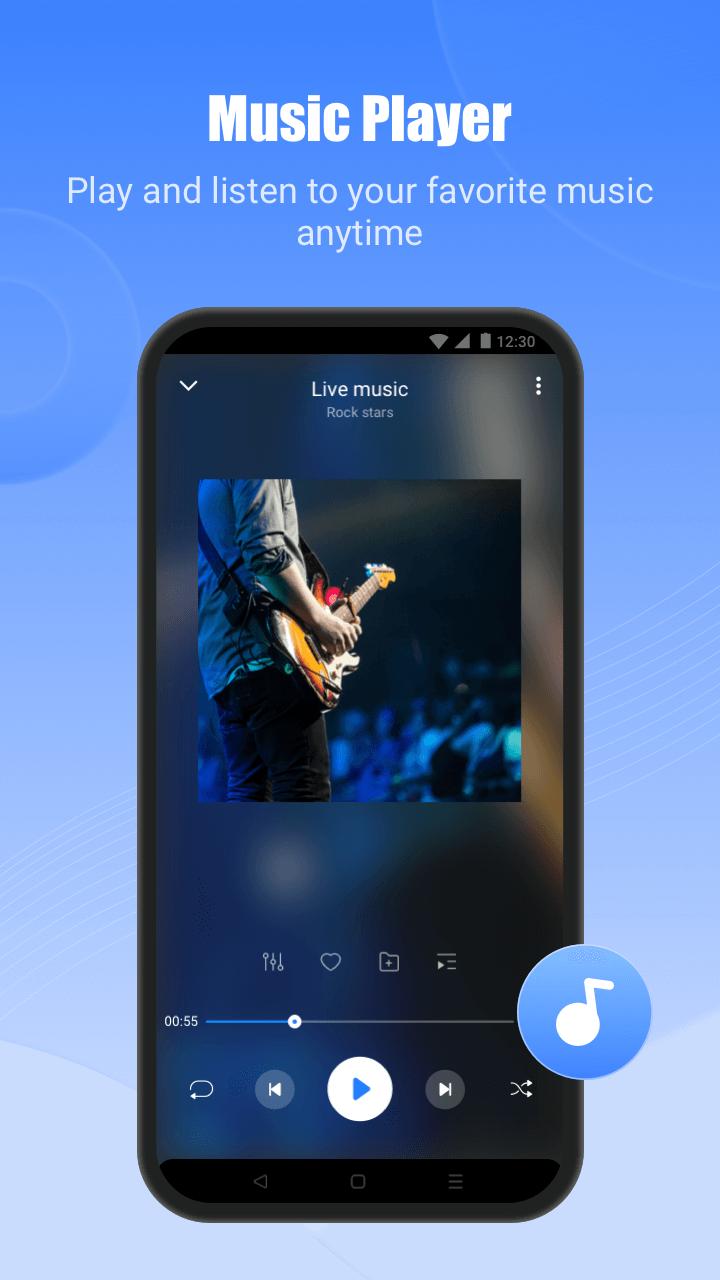
For downtime, SHAREit offers a full-featured music player and a section for browsing HD online videos. Playback is straightforward, and keeping media local avoids buffering when you are offline. Gamers benefit from quick game sharing, with examples like one-click transmission for large titles. Sending a game to a friend without mobile data is often faster than redownloading it. After installation, certain games may still fetch extra resources on first launch depending on their design. The SHAREit: Transfer, Share Files app covers both your utility needs and light entertainment in one place.
Real-world testing highlights why users rely on SHAREit for fast, offline transfers and device migration, while a few areas may require caution. The SHAREit: Transfer, Share Files app combines speed with helpful tools, but ads and privacy notes are worth considering.
ProsYou can get the SHAREit: Transfer, Share Files APK from APKPure. Download time depends on your connection speed, and APK size may vary by version, so ensure sufficient storage before starting. After the file finishes downloading, Android may prompt you to allow installation and later request permissions so features like Wi‑Fi Direct, storage access, and hotspot work correctly.
Once installed, launch the app and choose Send or Receive to begin. On first use, it may ask to enable Bluetooth or allow system settings changes to create a faster local connection. If discovery is slow, pairing with a QR code typically speeds things up. Install updates regularly to keep transfers stable and compatible. With everything set, you can start moving photos, apps, and videos in minutes using SHAREit: Transfer, Share Files.




One-click to install XAPK/APK files on Android!

Thanks for your rating and feedback!
You have already rated.