Package Name:com.clockvault.pro
Show More

5.8 MB
File Size
Everyone
Android 7.0+
Android OS
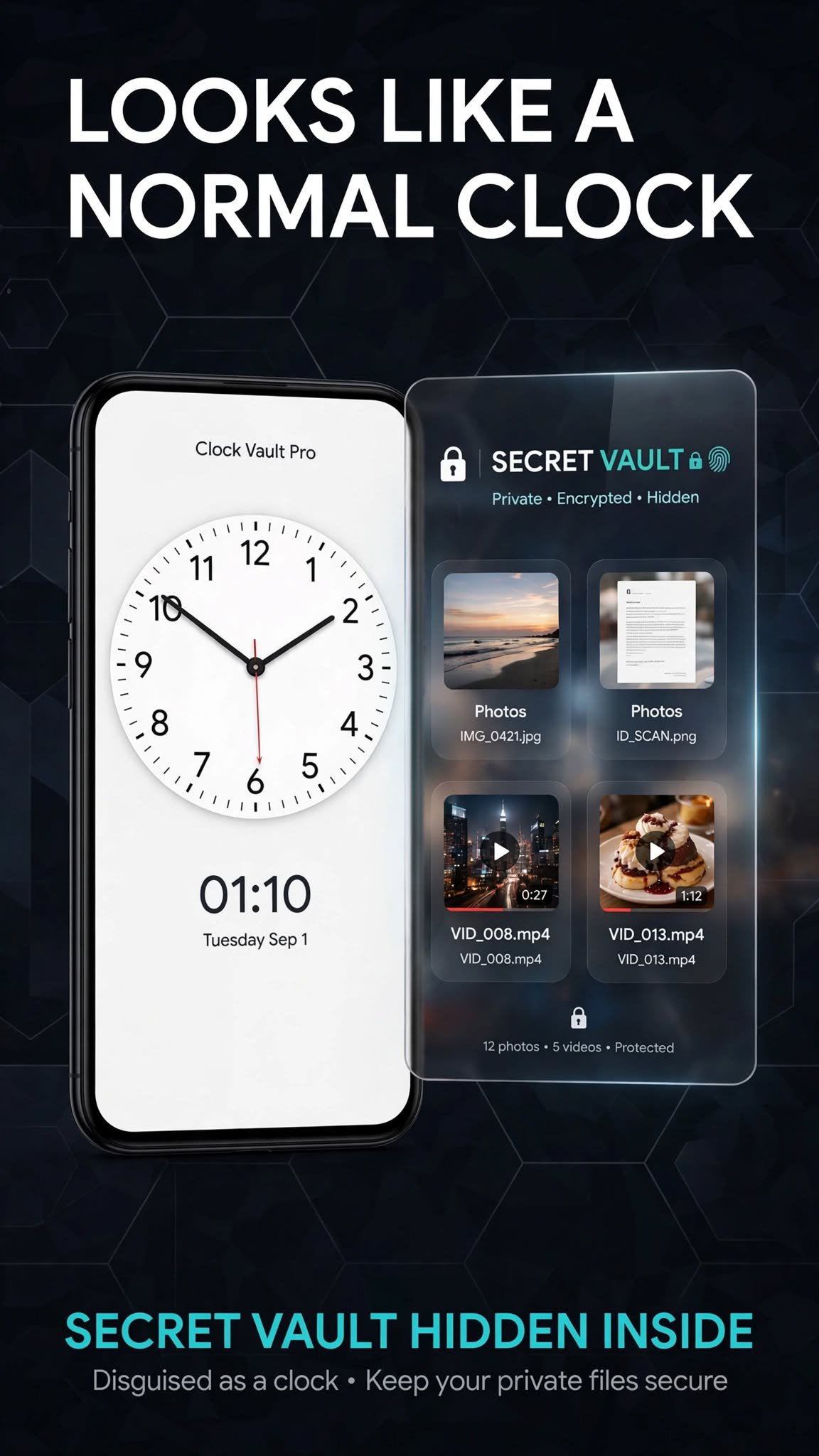
Hide photos and videos behind a real-looking clock. Private. On-device.
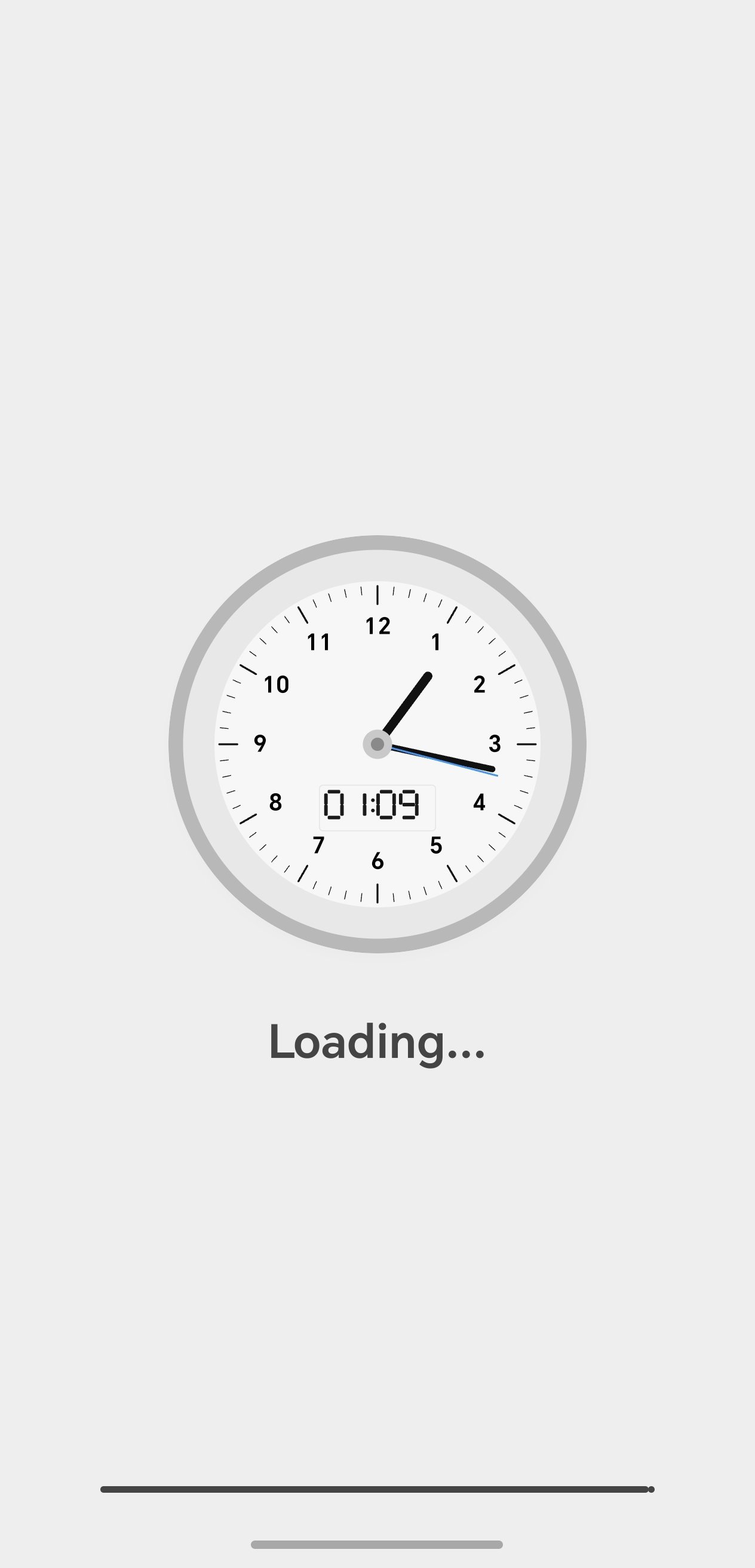
Clock Vault Pro looks like a normal analog clock. Your private photos and videos stay in a locked vault on this device.
How to unlock
• Tap the center of the clock
• Set the hands to your secret time
• Tap the center again
Optional fingerprint unlock is available after you set a clock password.
What you can do
• Import photos and videos into folders
• Open, share, or move files inside the vault
• Restore deleted files from Recycle
Privacy
Files stay on your phone. This app does not upload your vault to our servers and does not show ads.
Important
Uninstalling Clock Vault Pro permanently deletes vault files on that device. This is not a cloud backup.




One-click to install XAPK/APK files on Android!

Thanks for your rating and feedback!
You have already rated.