
Package Name:com.hark.android
Show More

Hark Pro is an AI personal assistant for everyday planning, work follow-ups, and online tasks.
Built by Hark Labs Inc., it turns a chat prompt into help with multi-step tasks across connected services. You can use it on Android, iOS, and the web, which is useful when a task starts on one device and needs checking later on another. Those planning and automation tools are easier to understand through its main features.
Chat-based help for daily errands and work requests
Handoff handles supported websites and online forms
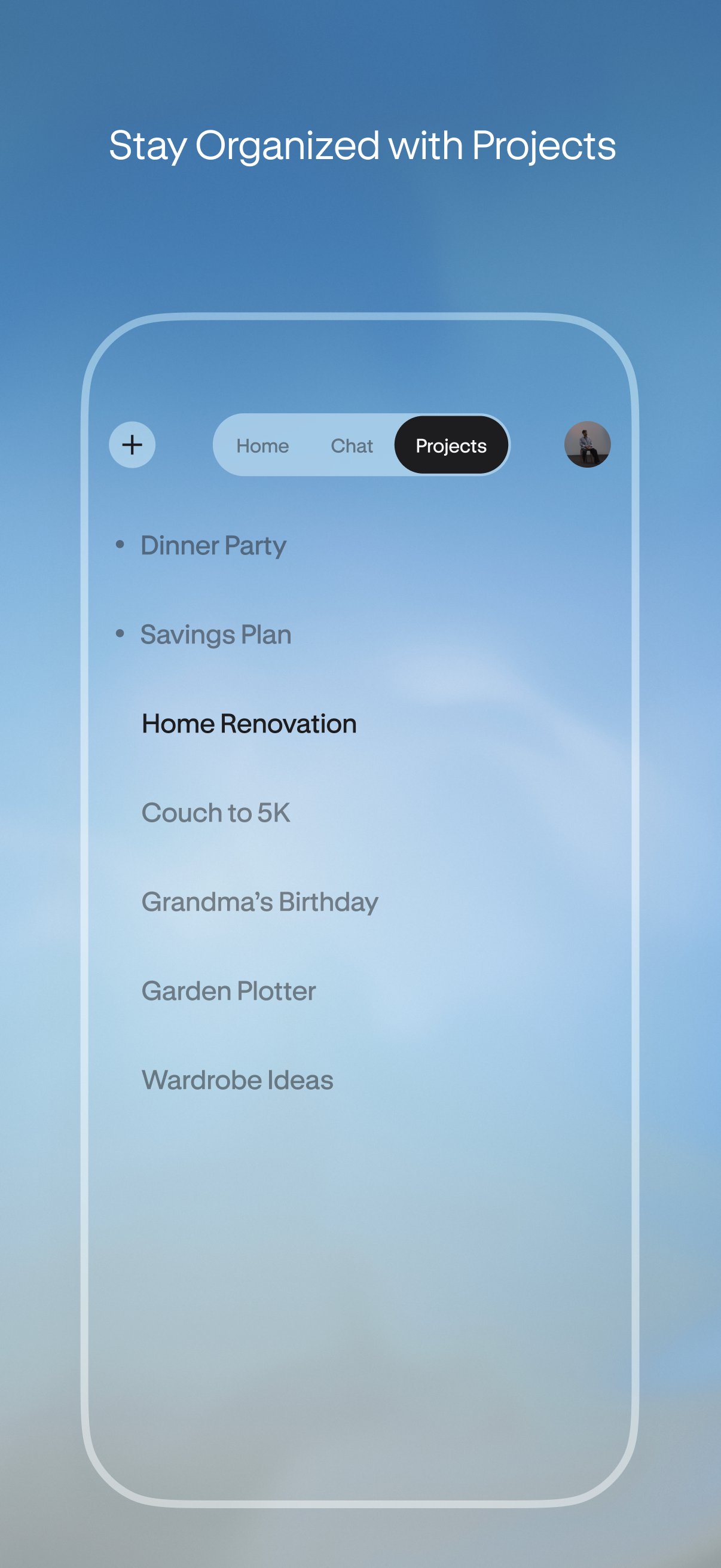
Projects keep long-running conversations and files together
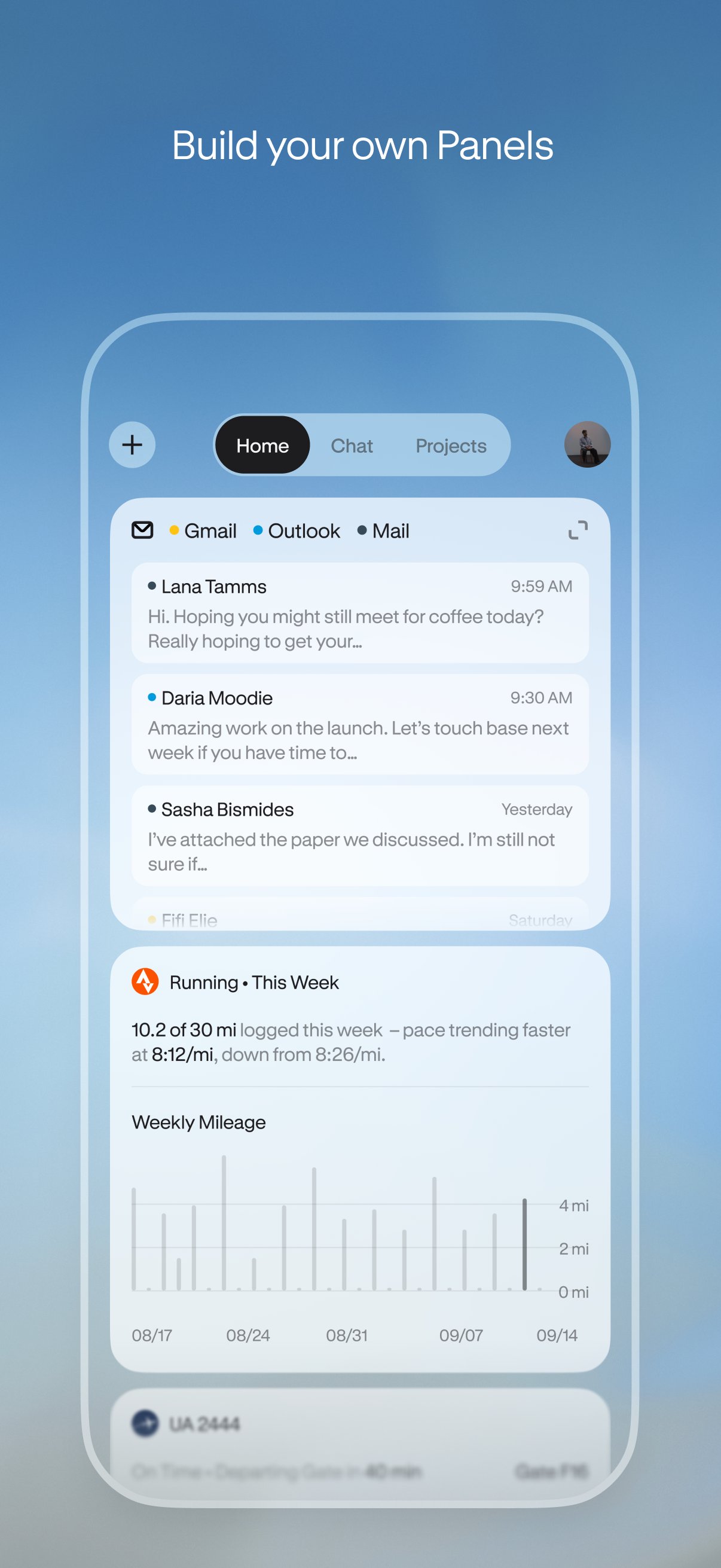
Panels create simple trackers and data widgets from prompts
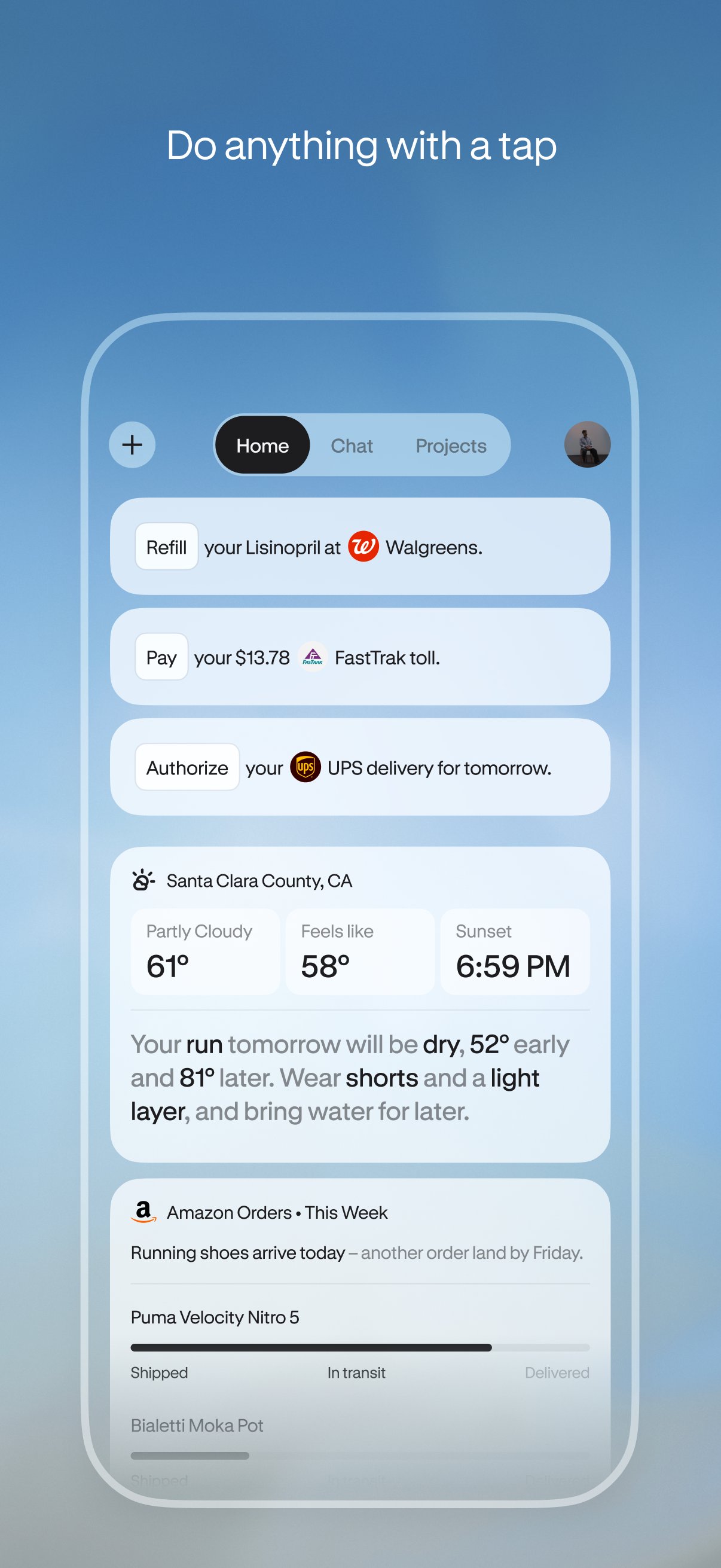
Action Buttons offer quick next steps from notifications
Hark Pro uses a full-screen chat interface where you can describe a task in ordinary language instead of moving between several apps. A request such as “deliver me pizza” can lead it to find restaurants, read menus, compare options, and continue through the ordering flow with Handoff. It is designed for errands that normally involve repeated searches, forms, and site visits, including reservations, tickets, returns, and travel planning. Orders still require user confirmation, and results can vary when a website, local service, account, or region does not support the required step.
Hark Pro can connect email, Slack, calendars, and Google Docs to bring scattered work information into one conversation. It can summarize key discussion points, help surface follow-ups, and suggest a more balanced schedule when meetings and personal plans overlap. This is especially useful after a busy day of messages, when you need a short view of what needs a reply rather than another long inbox review. The quality of its summaries depends on the services you choose to connect, so users who prefer tighter privacy controls may want to link only the accounts needed for a specific task.
Hark Pro separates longer tasks into Projects, giving each topic its own space for chats and related files. A job search, event plan, household move, or team assignment can stay in one thread instead of being mixed into everyday requests. Creating a Project provides context that can make later questions easier to follow, such as checking an earlier decision or asking what still needs attention. It is most helpful for work that develops over days or weeks, rather than a one-time request like paying a bill.
Hark Pro also offers two quicker ways to act without starting every task from scratch. Panels are prompt-made widgets that can work as a fitness tracker, media player, or data view, and you can ask follow-up questions about information from connected services. Notifications use one-line summaries with Action Buttons such as Pay, RSVP, or Review, so a pending invitation or bill has a clear next step. These shortcuts suit routine decisions, although they depend on the available connected account and may still ask for confirmation before anything important is completed.
Hark Pro combines chat, connected services, and task-focused shortcuts in a way that can reduce repetitive planning work. Its broader automation is useful, but it also requires account access and may not complete every task equally well across different websites.
Pros
Combines planning, messaging, and web tasks in one place
Cross-platform access across Android, iOS, and web
Projects keep conversations and files organized
Panels and Action Buttons support fast follow-ups
No ads and stated encrypted data transfers
Cons
Useful automation requires connecting personal accounts
Website compatibility and regional availability can limit tasks
Higher usage may require a paid subscription
You can download Hark Pro from APKPure and install the Hark Pro APK to access the current Android release. The download is around 30 MB, so it should finish quickly on a stable connection, although installation time can vary by device. Check that enough storage is available and allow the installation permission if Android requests it.
After opening the Hark Pro latest version, begin with a simple chat request before connecting email, calendars, or other services. Review account permissions carefully, especially if you plan to use Handoff for orders, forms, or other actions involving personal information.



One-click to install XAPK/APK files on Android!

Thanks for your rating and feedback!
You have already rated.