
Package Name:biz.cloudex.android.pedometer
Show More

Counts steps automatically with distance, calories, badges and world journeys
Pedometer Pro counts your steps automatically while you carry your phone. See distance, calories and walking time at a glance, and stay motivated with charts, streaks, badges, virtual journeys and a Step Garden where steps grow flowers. No account, no location access.
KEY FEATURES
■ Automatic step counting
Steps count in your pocket or bag with the app closed. The low-power step sensor barely uses battery and resumes after a restart. Steps go to the time you walked, so a late walk never slips into the next day.
■ Distance, calories and time
Stride length from your height or your own value. Total or net calories, km or miles.
■ Daily goal
Aim for 1,000 to 50,000 steps. A ring shows progress, "steps to go" sits on top, and you're notified when you make it.
■ Today tab
Steps, distance, calories, an hourly chart, this week and your streak, pause and vehicle mode a tap away.
■ History
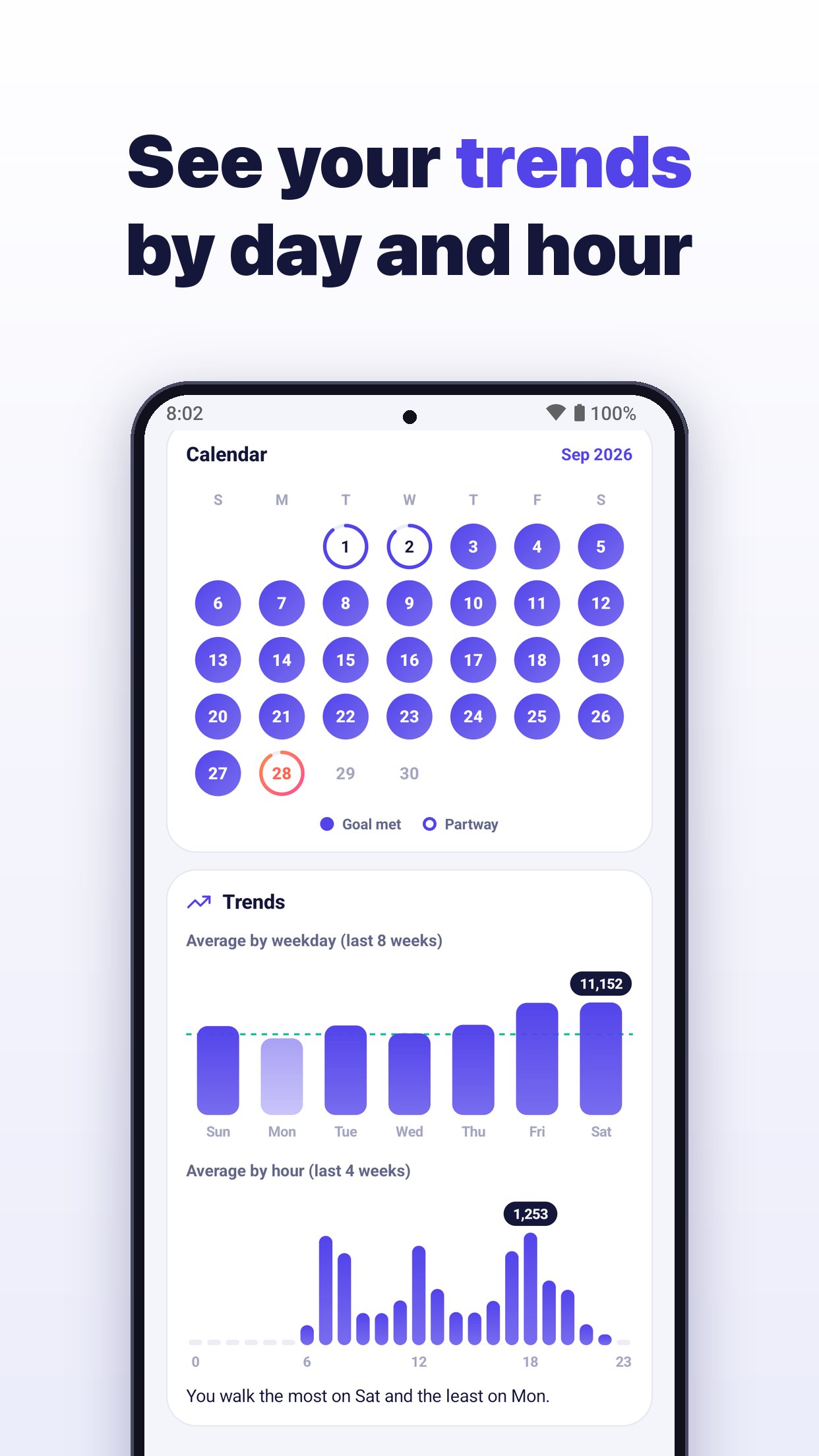
Day, week and month charts and a calendar show your goal days, with totals, averages and your best day. Full history, no limit.
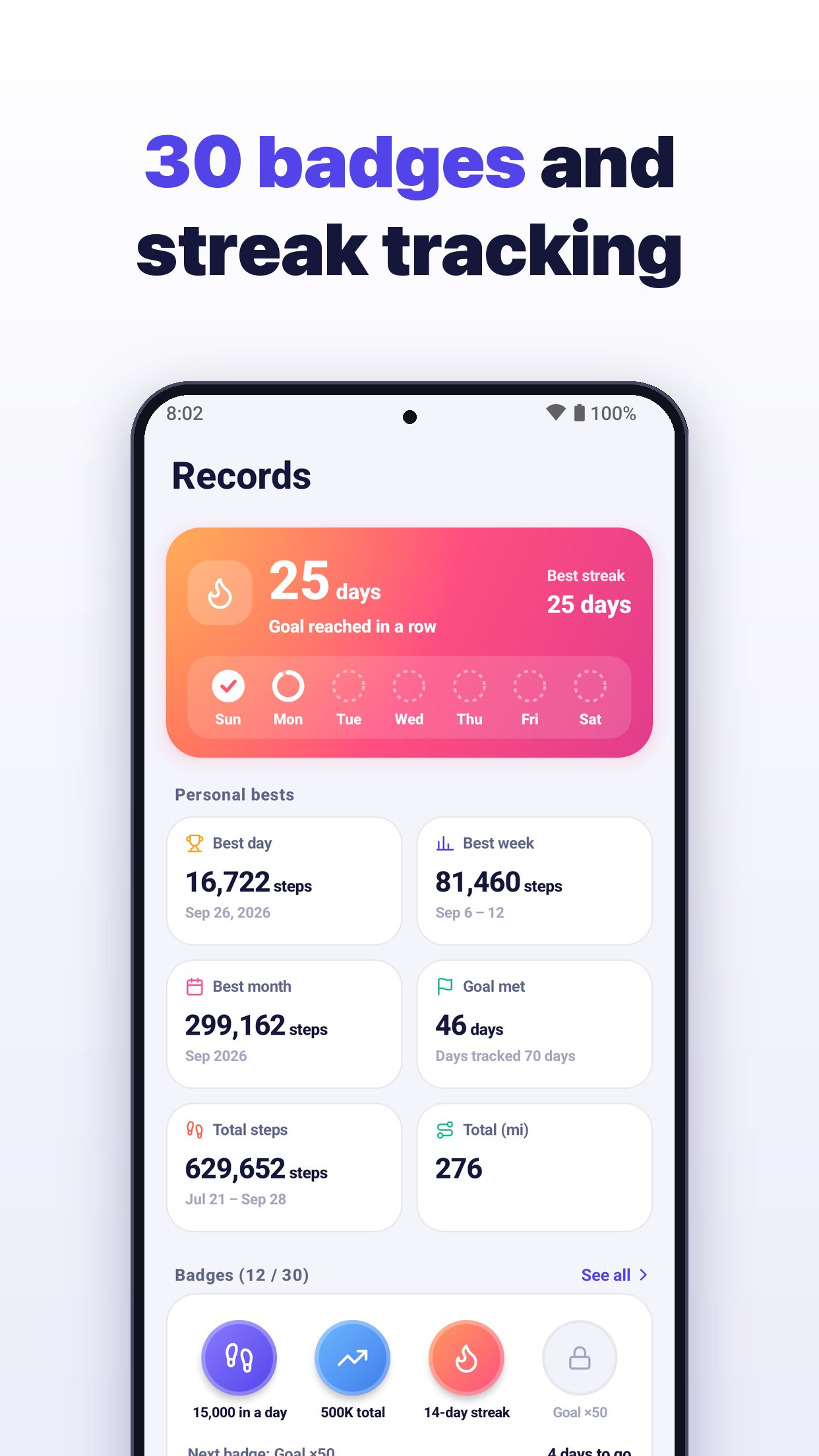
■ Streaks, personal bests and badges
Track your streak, best day, week and month, and total steps and distance. Collect 30 badges, from a marathon to the length of Japan.
■ Virtual journeys
Your distance moves you along 46 famous routes: Route 66, the Camino de Santiago and more. A map and "X km (about Y steps) to the next stop" keep you walking. Routes near your country come first (by SIM or language, not location), and the nearest one is free.
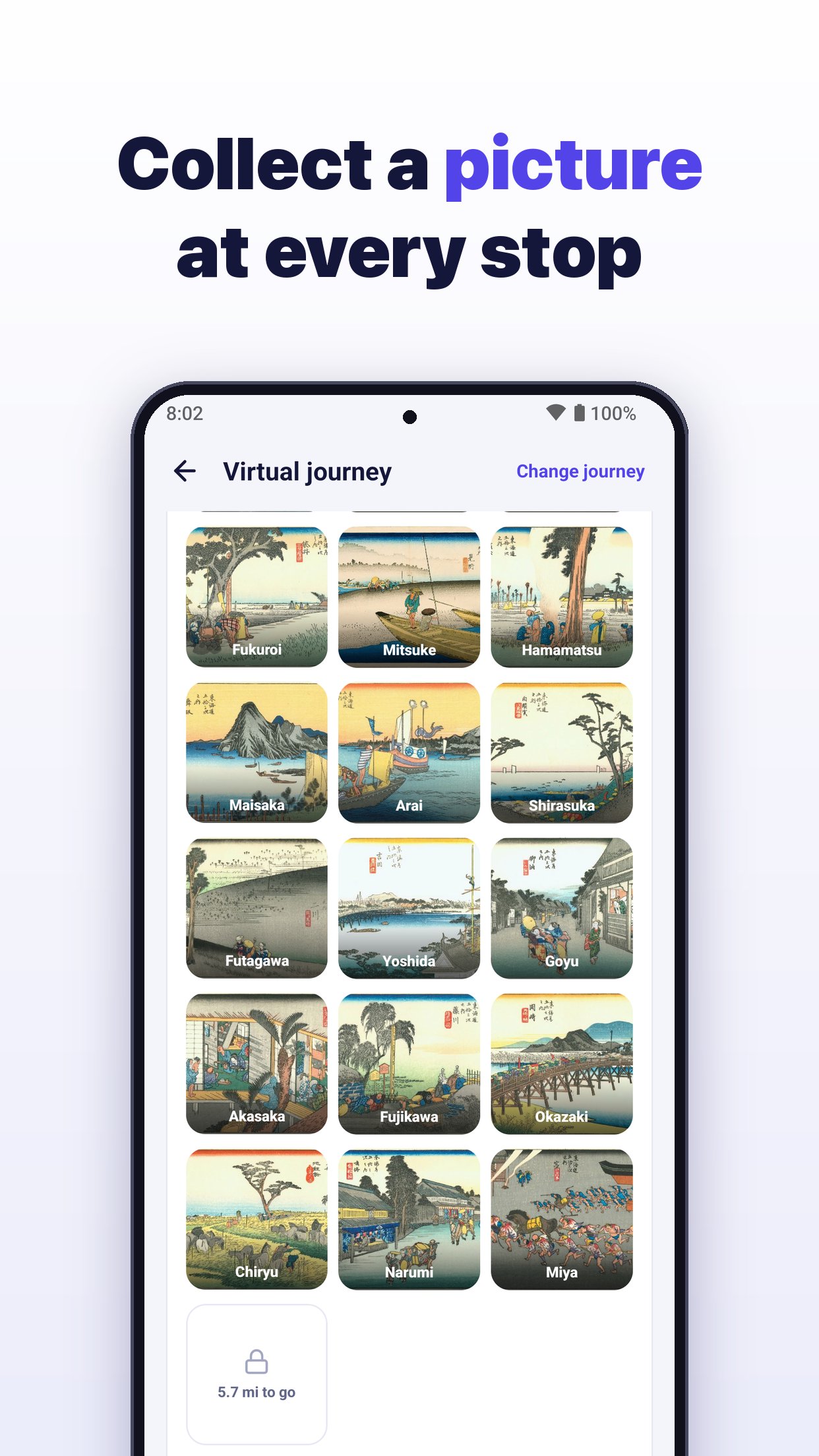
■ Journey album
Reach a stop and its photo lands in your album; on the Tokaido you collect Hiroshige's ukiyo-e prints. The next stop waits as a locked photo with the distance left. Photos: Wikipedia (Wikimedia Commons), credited.
■ Step Garden
Steps make a potted seed sprout, bud and bloom. Each flower joins your garden and a new seed starts. The first blooms at 2,000 steps; from the fifth, one every 30,000. The Today tab shows "steps until it blooms", a goal always in reach. Daisy, Tulip and Sunflower are free; switch flowers anytime.
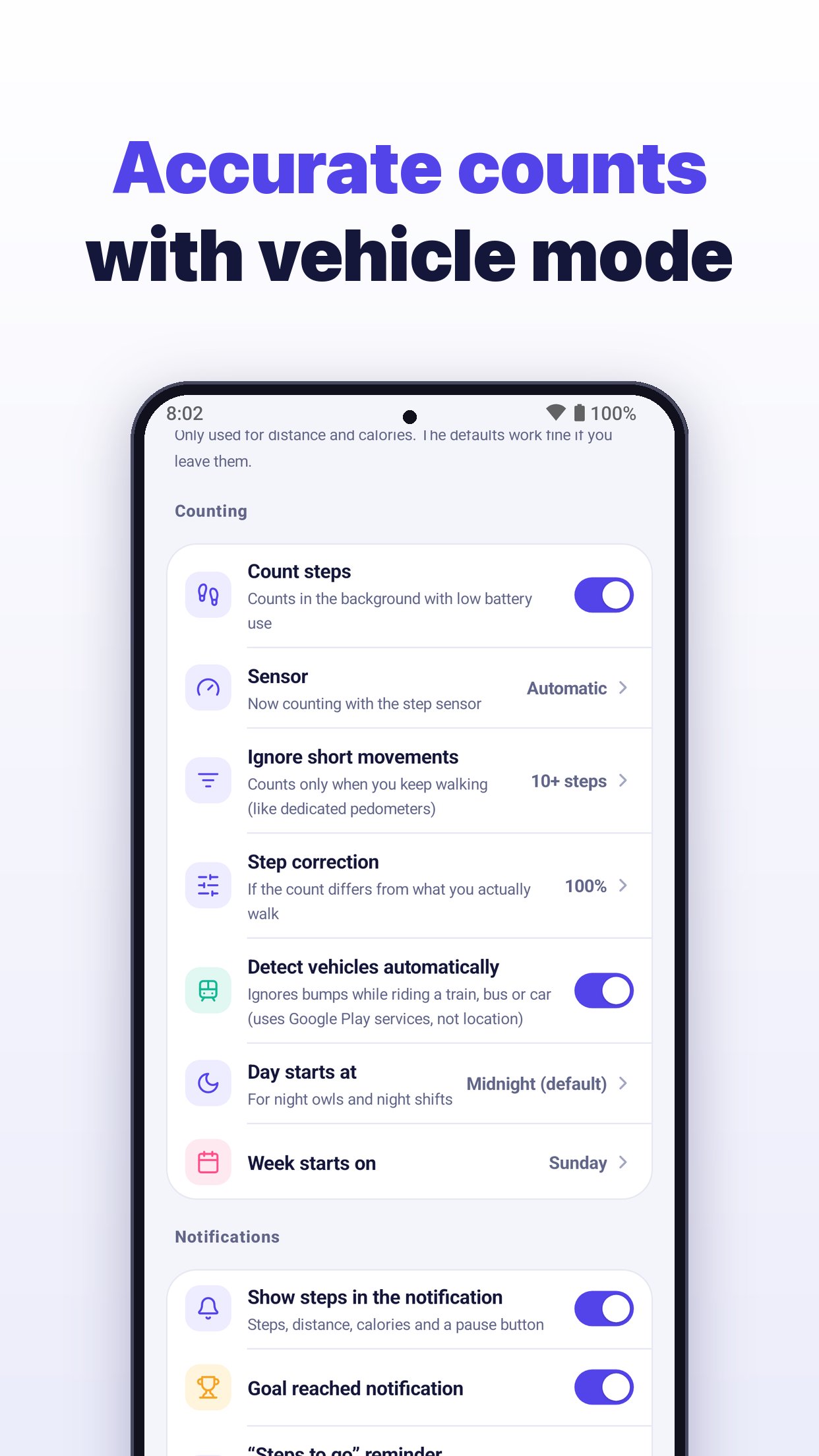
■ Accuracy tools
Calibrate by walking 100 steps or entering 70–130%. Count only after 5, 10 or 20 steps in a row. Vehicle mode ignores train and bus bumps, by hand up to 3 hours or automatically (no location).
■ Edit steps and record walks
Walked without your phone? Fix that day's steps. "Record a walk" saves its steps, distance, time and calories.
■ Notification and widget
A quiet notification shows today's steps; a small widget shows goal progress.
■ Keep your data
Records ride Android's automatic backup to a new phone. Export or restore a JSON backup, and write hourly steps to Health Connect (never read).
■ Built to keep counting
"Status check" finds what may stop counting, and a guide shows battery settings for Samsung, Xiaomi, Pixel and more.
HOW TO START
Set a daily goal (height and weight optional), allow "Physical activity", then just carry your phone.
PREMIUM (ONE PURCHASE)
One purchase unlocks every Premium feature. No subscription.
• All 46 virtual journeys
• All 12 Step Garden flowers (Rose, Lavender, Hydrangea, Cherry blossom…)
• Yearly chart and weekday / hour trends
• Weight and BMI log with target weight
• "Steps to go" reminder
• Sitting too long alert (30 min to 2 hours)
• Weekly summary
• Smart goal: 110% of your 7-day average
• CSV export
• Day start time (midnight to 6 AM)
• Weekly chart widget and Quick Settings tile
• 5 color themes
Automatic counting, distance and calories, goals, charts, full history, badges, Step Garden (3 flowers), correction and vehicle mode, step editing, walk recording, backups and Health Connect stay free.
PERMISSIONS
• Physical activity: to read the step sensor (required since Android 10) and detect vehicles.
• Notifications: for today's steps and goal alerts.
• Health Connect (write steps): only if you turn it on.
Location is never requested. Records stay on your phone, except in your own backups.
Light and dark themes, 40 languages.




One-click to install XAPK/APK files on Android!

Thanks for your rating and feedback!
You have already rated.