
Safe & Fast APK Downloads on APKPure
APKPure uses signature verification to ensure virus-free File Sharing APK downloads for you.

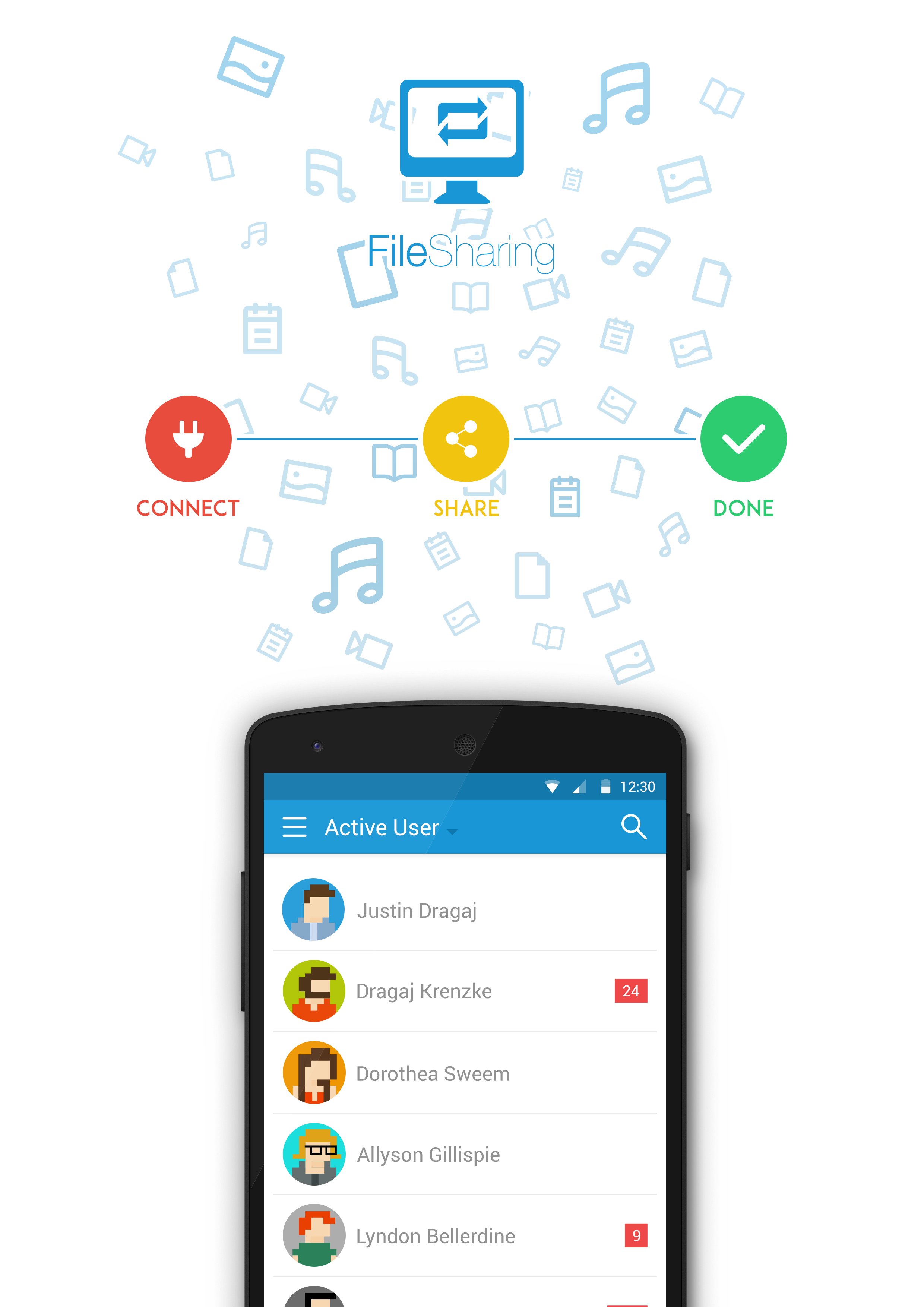
File Sharing is the easiest and fastest way to share any file using WiFi direct.
File Sharing is the easiest and fastest way to share any file from your devices using WiFi. Just connect to the network, and you can start share any file, even start chatting with your friend on the same network. Now you can transfer a lot of BIG files, no longer thinking about sharing even a HD movie!
FEATURES
• Fast transfer speeds using WiFi.
• Works completely offline, no need internet connection.
• Share single or multiple files of any type.
• FREE & Unlimited.
• Keep history of all transfer operations.
• Chatting with your friends.
• See your friend's share folder.
Before using this mobile app, please Download the Desktop app here: bit.ly/filesharingdesktop
Default Admin account:
Username = Admin
Password = admin
*If you want more admin account, don't hesitate to contact us at [email protected]



One-click to install XAPK/APK files on Android!

Thanks for your rating and feedback!
You have already rated.