
Safe & Fast APK Downloads on APKPure
APKPure uses signature verification to ensure virus-free FlexControl Automations APK downloads for you.

Create Android automations from keys, gestures, events, notifications and JS.
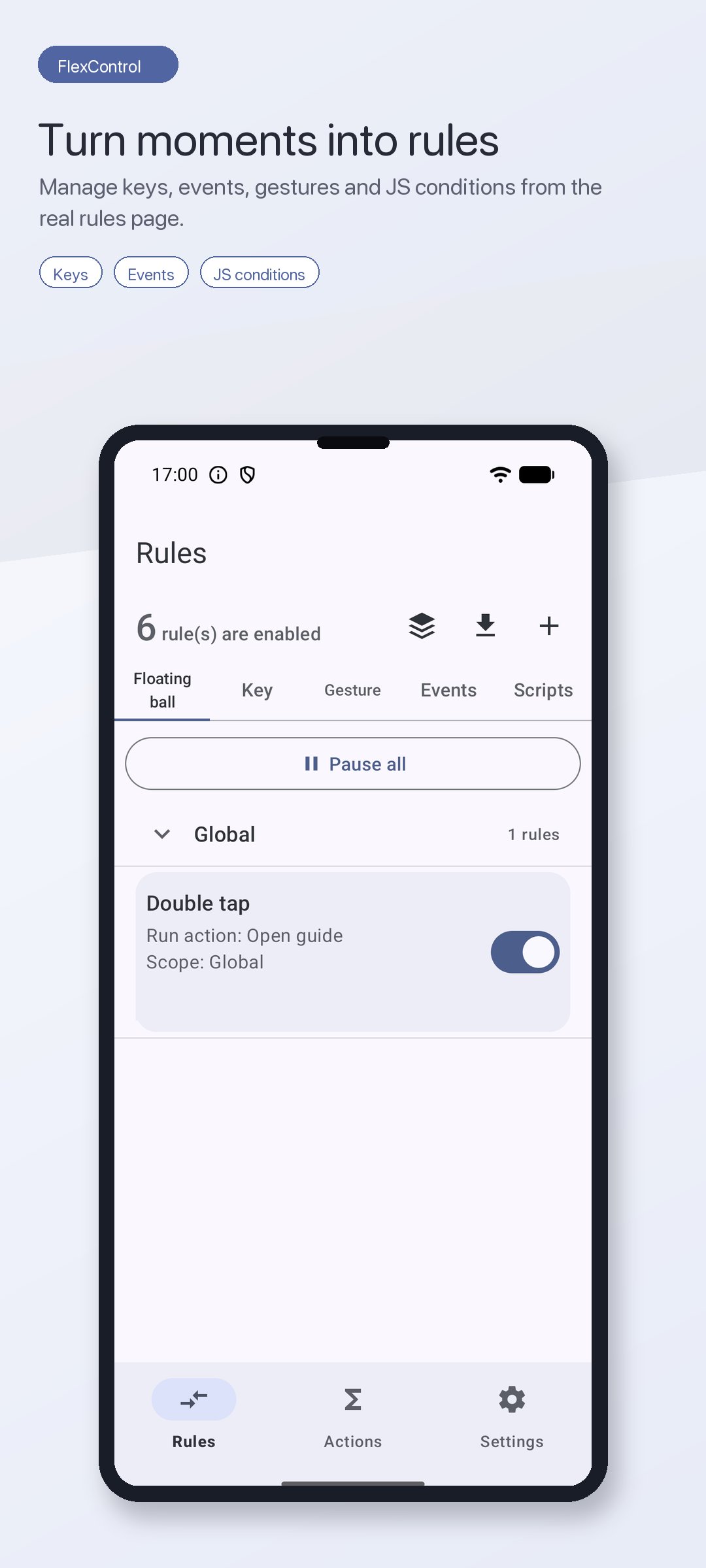
FlexControl is a local Android automation tool built around simple rules: when a trigger happens, run the action you choose, only in the apps or situations you allow. Start with volume-key shortcuts, then build richer flows from gestures, floating-ball actions, system events, notifications, UI events, and QuickJS conditions.
✨ AUTOMATE REAL-LIFE SCENES
• When home Wi-Fi connects, run your home shortcut
• When a headset or Bluetooth device connects, start a commute flow
• When battery drops below your chosen level, run a low-power action
• When a matching notification arrives, tap its button or run a script
• When a hardware key, gesture, or floating-ball event happens, launch the action you need
🧭 TRIGGERS + ACTIONS + SCOPE
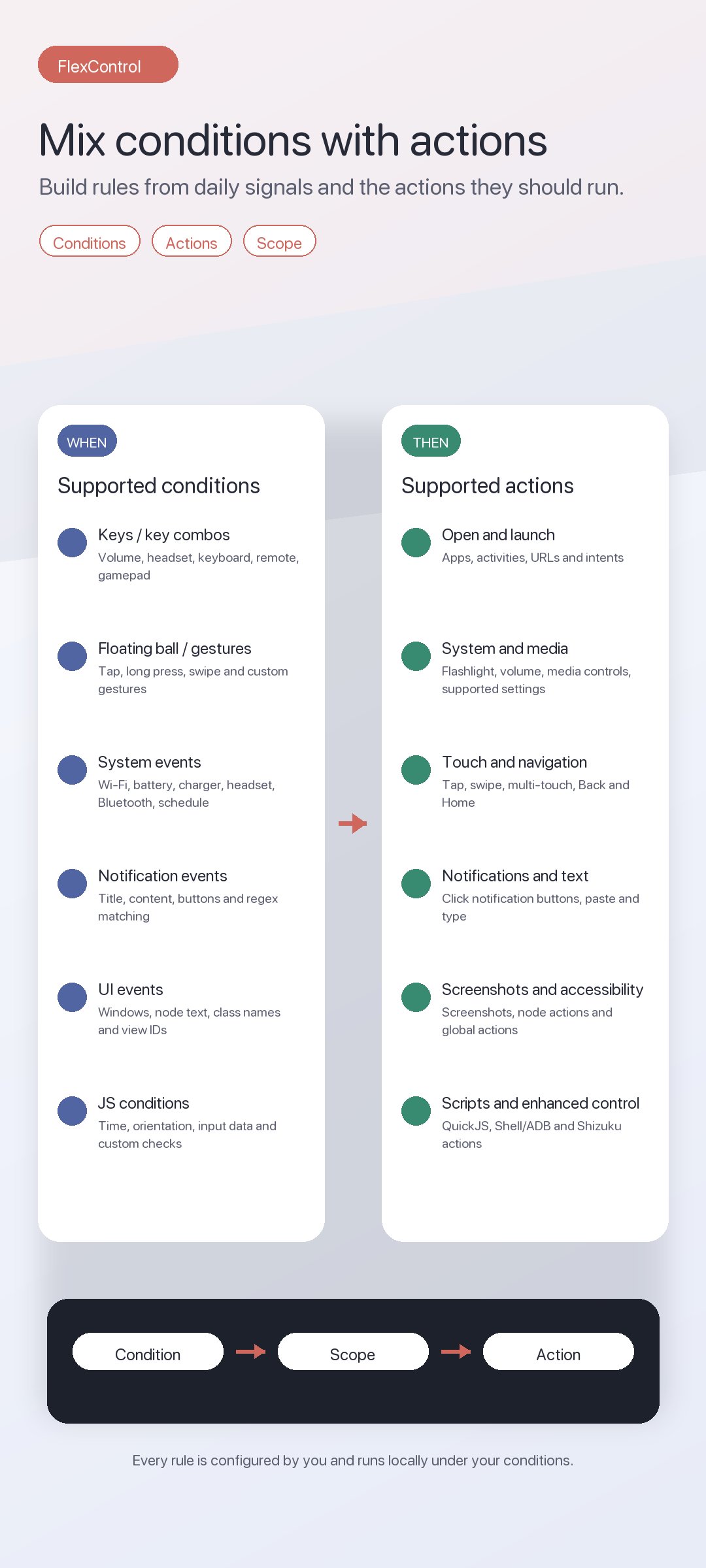
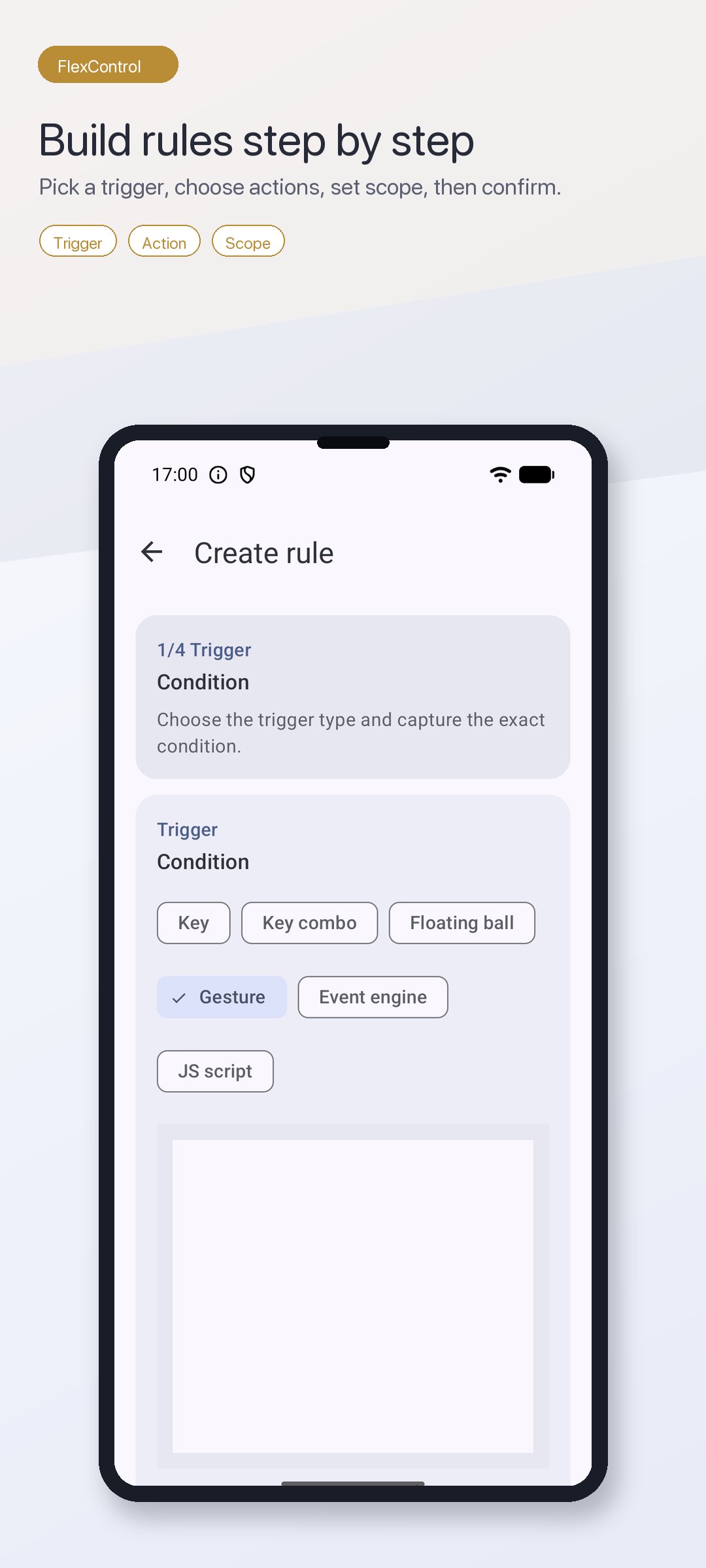
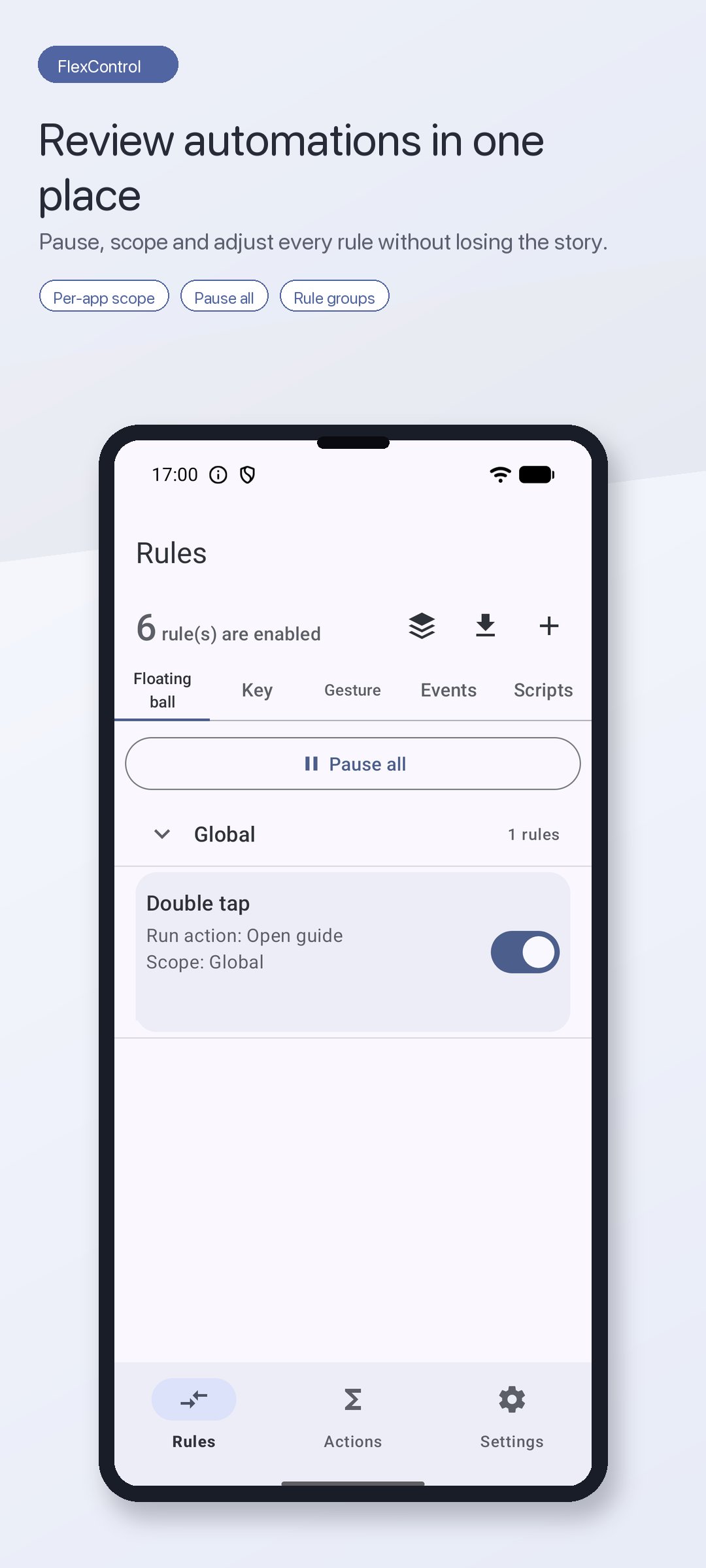
Create rules in a guided 4-step flow: choose the trigger, pick or create the action, set the scope, then review before saving. FlexControl supports key rules, key-combo rules, floating-ball events, gesture recognition, system events, accessibility events, notification events, and JavaScript condition rules.
🎯 CONDITIONS THAT FIT YOUR DAY
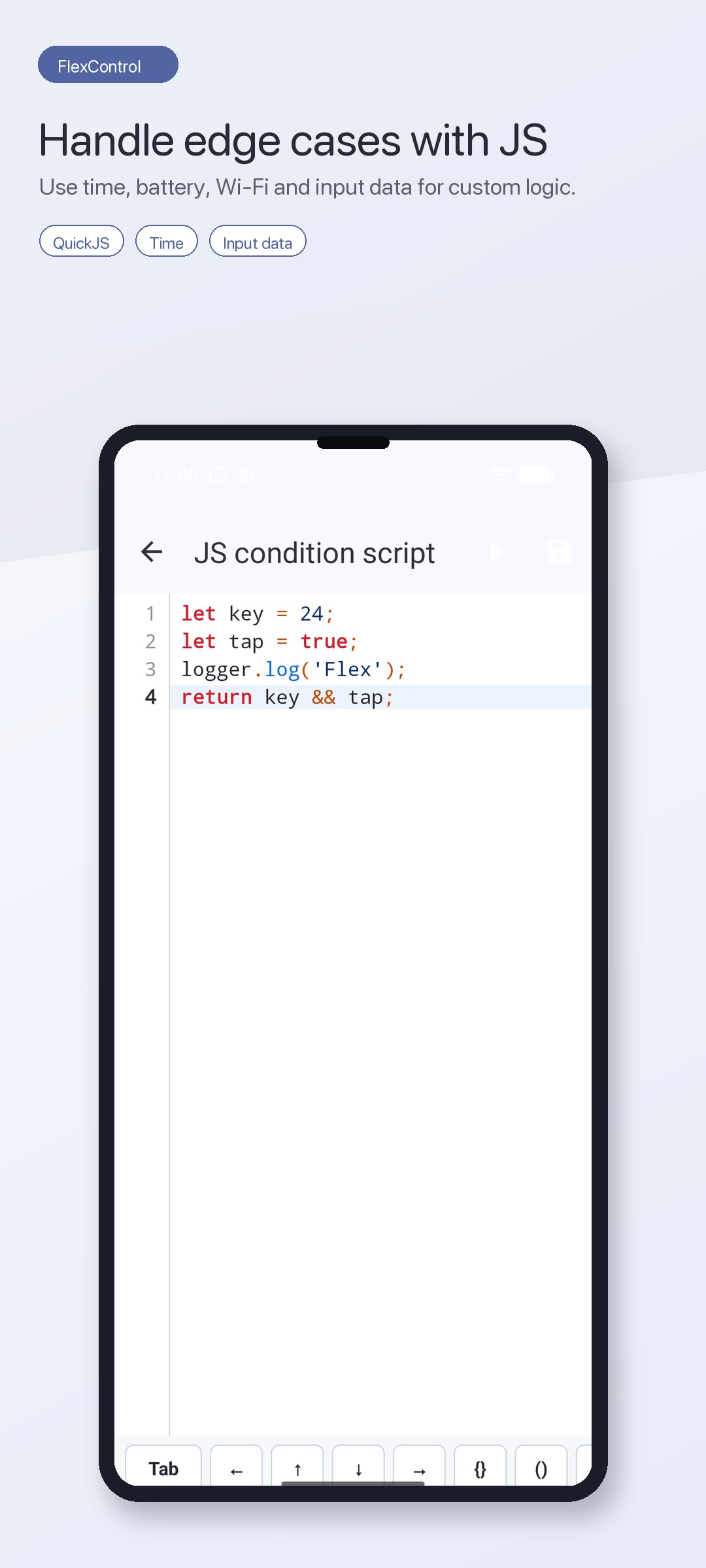
Use physical keys, app/UI events, notification title/content, Wi-Fi, battery level, charger type, headset state, Bluetooth device, daily/weekly/interval schedules, or QuickJS logic that can read time, battery, charging, Bluetooth, headset, Wi-Fi, orientation, and input events.
⚙️ ACTIONS FOR REAL WORKFLOWS
Launch apps or activities, open URLs, send intents, toggle supported system settings, control media, take screenshots, run taps and swipes, click notification buttons, trigger accessibility actions, execute scripts, and use Shizuku for enhanced key, touch, screenshot, and force-stop actions.
📚 READY-MADE RULES AND ACTIONS
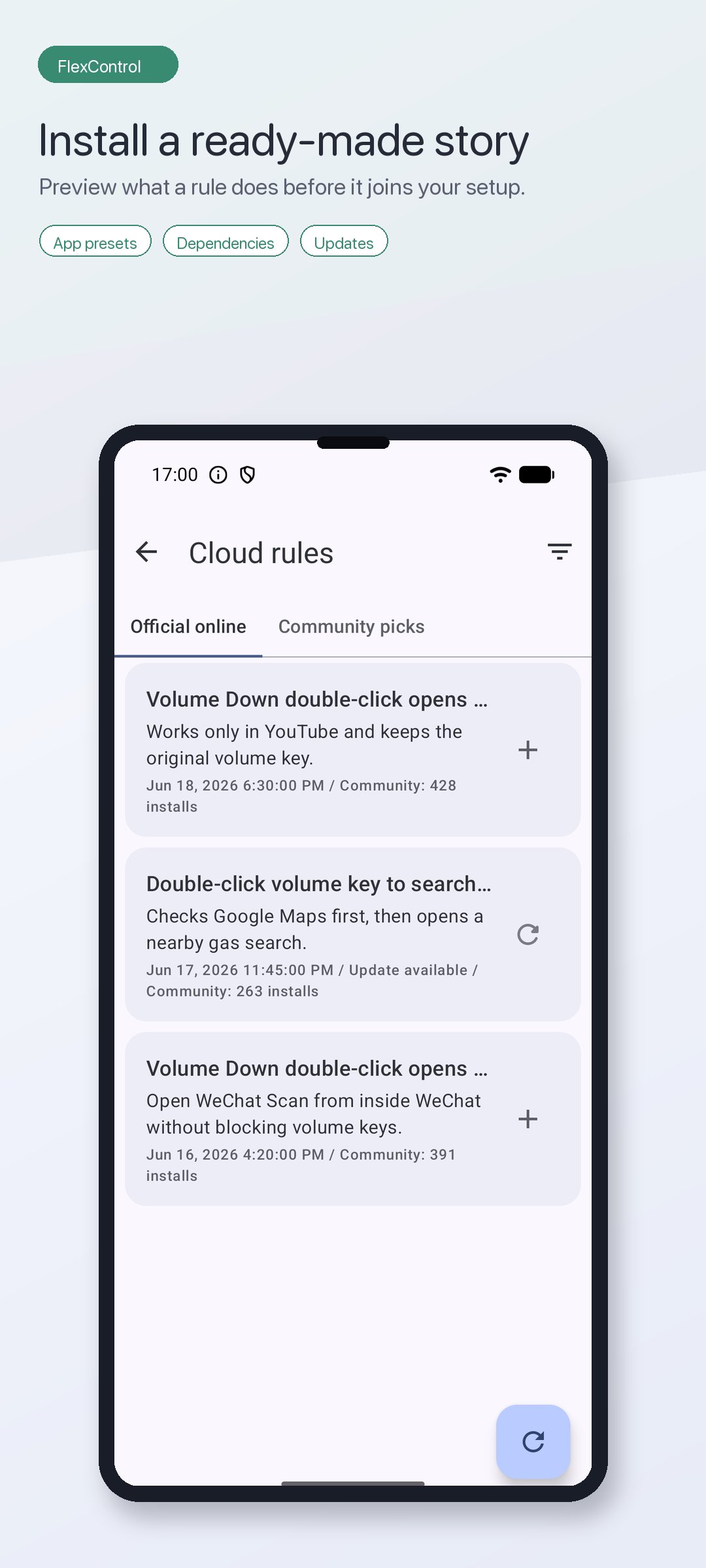
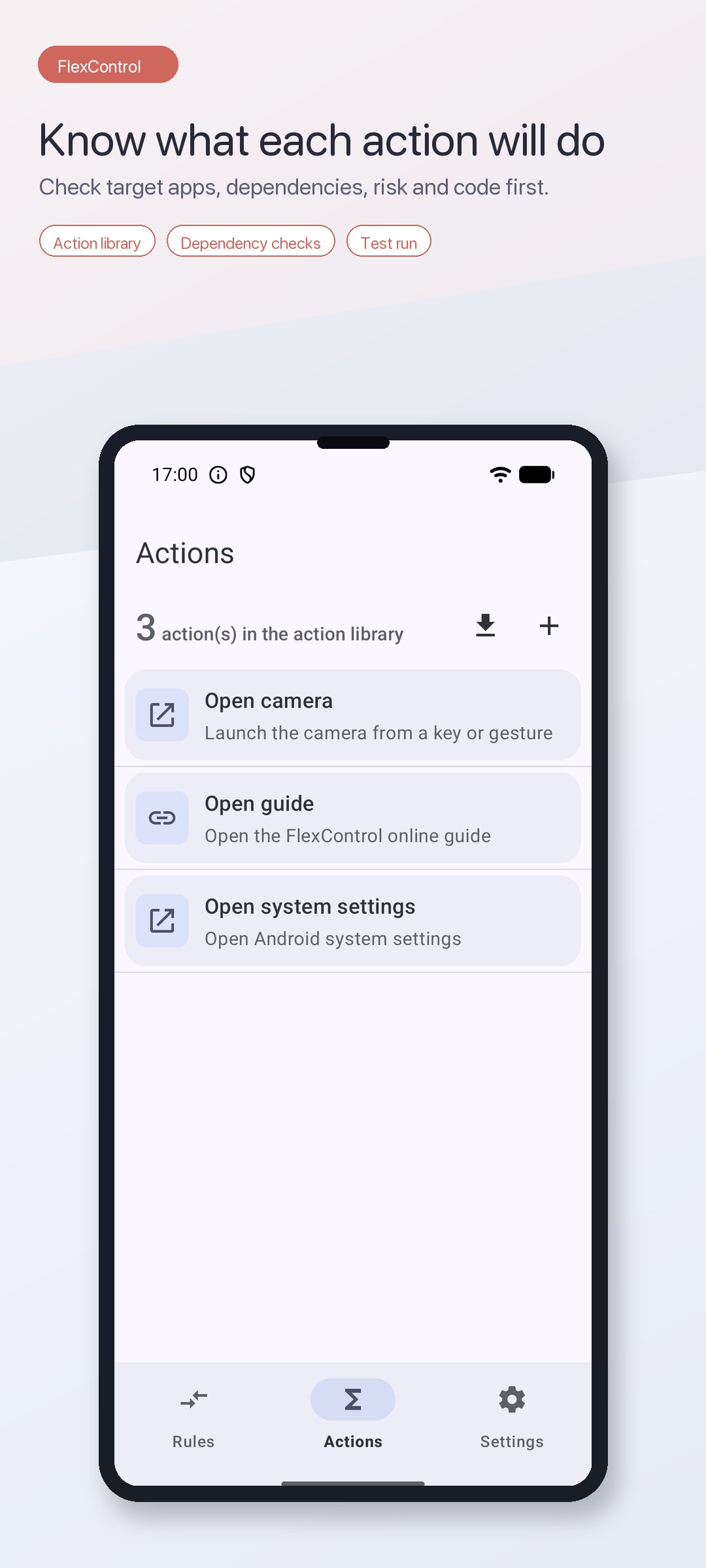
Browse official online rules for popular apps, filter by language or installed app, preview dependencies and conflicts, then install or update when a newer version is available. The action library shows target apps, dependency status, risk notes, and source code before you use shared actions.
📝 QUICKJS FOR EDGE CASES
FlexControl embeds QuickJS with APIs for accessibility, gestures, notifications, input simulation, app launching, and system actions. Write custom actions, build condition scripts, or edit trusted action libraries inside the built-in code editor with keyword highlighting and error reporting.
🛠 DIAGNOSTICS YOU CAN TRUST
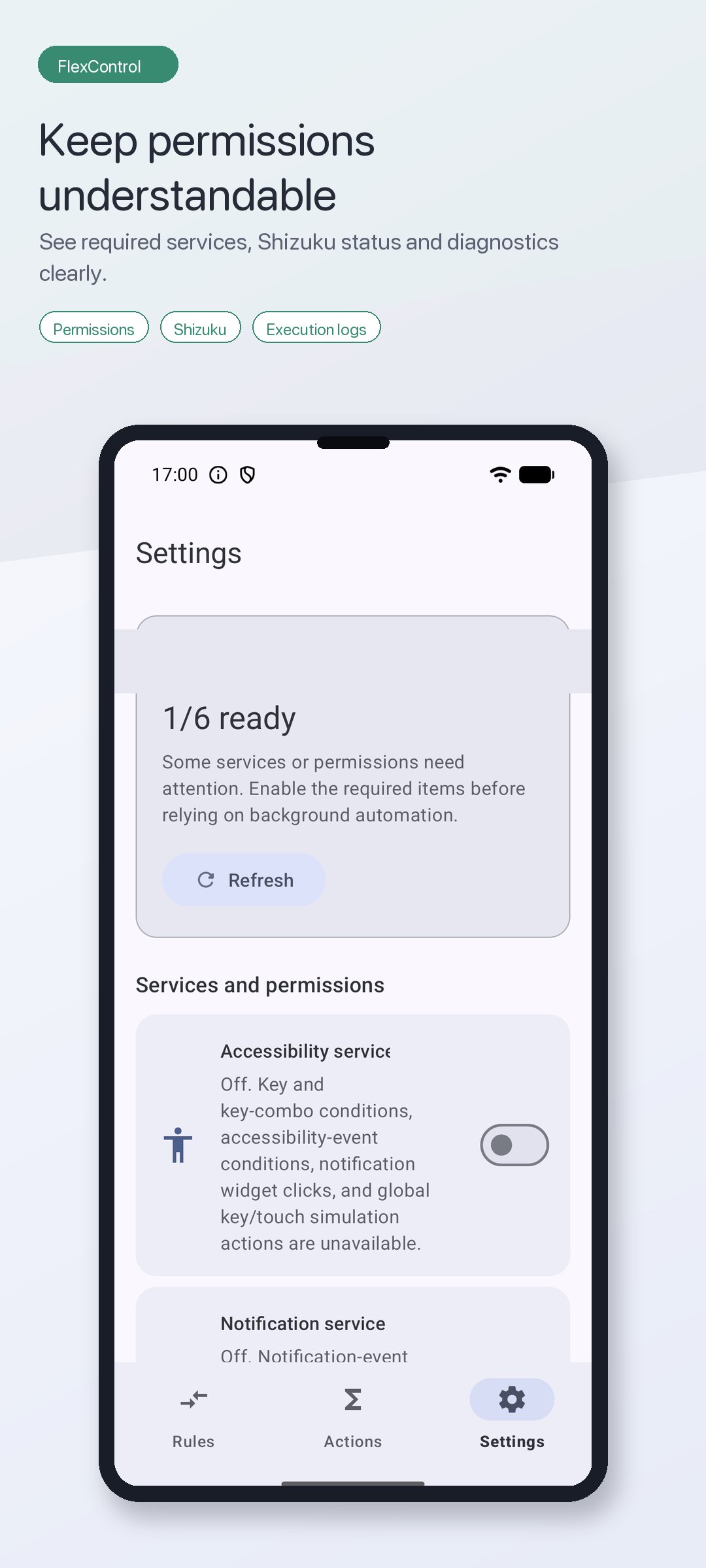
Dedicated pages show system permissions, Shizuku status, enhanced capabilities, execution logs, and service health. The app explains missing dependencies before you install or rely on advanced automation.
🧩 PRO WHEN YOU NEED MORE
The standard edition is designed for lightweight setups. Pro unlocks higher limits for key rules, gesture rules, floating-ball actions, app-scoped rules, system-event rules, event-engine rules, and JavaScript condition rules.
🔒 PRIVACY FIRST
Rules, actions, scripts, key events, notification content, and accessibility event data are processed on device for the automation you configure. FlexControl does not require an app account and does not upload local rules, scripts, or event content by default. Network access is used for online libraries, Play Billing verification, documentation, and diagnostics allowed by your settings and platform policies.
WHY "ACCESSIBILITY"?
Android only allows an AccessibilityService to receive global hardware keys while other apps are in the foreground, observe UI/window events for rules, detect the current app/window for scoped automation, and run actions such as Back, Home, gestures, notification buttons, and screenshots. FlexControl uses this access only for rules and scripts you configure.

One-click to install XAPK/APK files on Android!

Thanks for your rating and feedback!
You have already rated.